• $82.99
  • Free 30-day Returns
  • Ships from China.
    Price alert
    Shop it at NeweggBusiness.

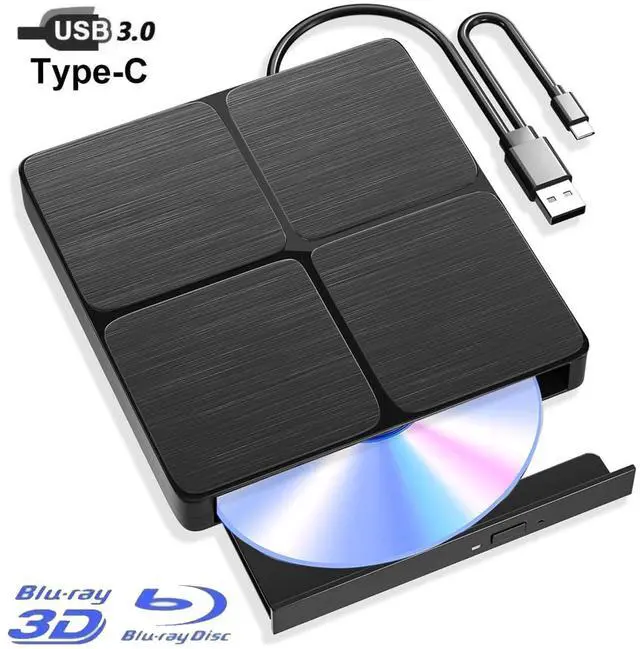
    AUTYUE Dual Interface USB 3.0 Type-C External Blu-Ray Optical Writer for Windows Mac Linux | Plug & Play; Stable Burning; External CD DVD Blu ray Drive Supports BD/DVD/CD; ideal for Data backup etc..

    Limited time offer, ends 08/08 By Shenzhen Qiuyiyue Store

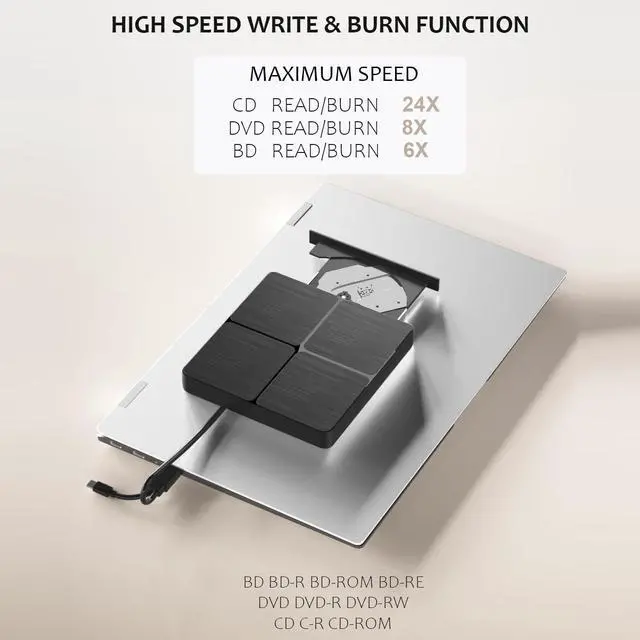
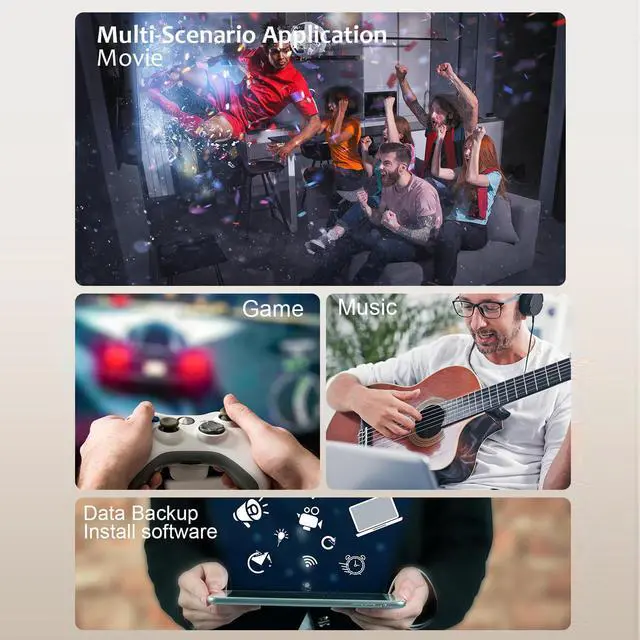
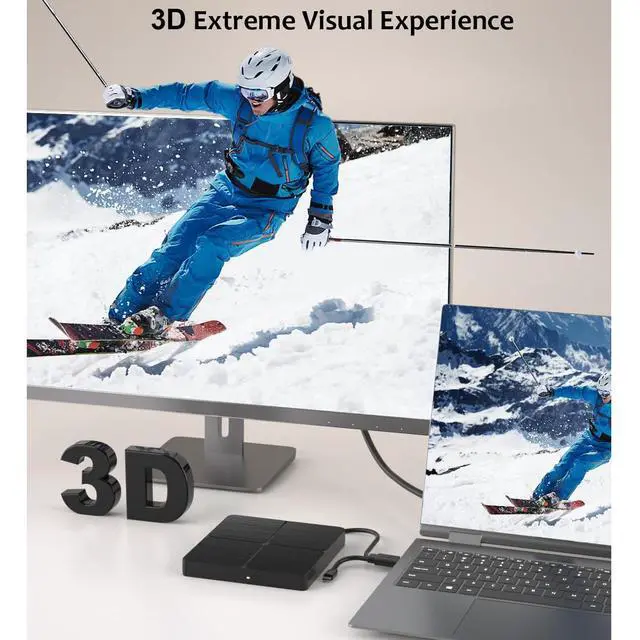
    • High-Performance Blu-Ray Reading & Burning: Enjoy 6x Blu-ray reading, 8x DVD, and 24x CD speeds. Effortlessly play and burn BD/DVD/CD with low noise and energy-efficient operation--ideal for home entertainment and office use.
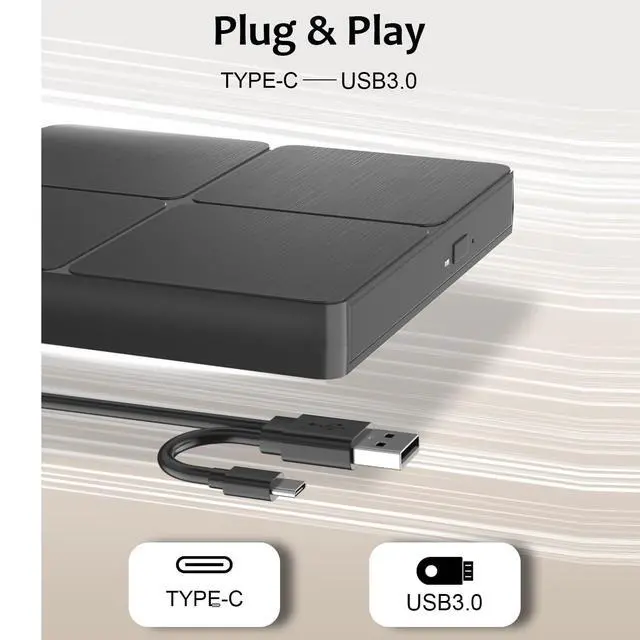
    • USB 3.0 & Type-C High-Speed Connectivity: Features both USB 3.0 and Type-C interfaces, delivering data transfer speeds up to 5Gbps-six times faster than USB 2.0. Supports quick burning and reading of 8.5GB, 4.7GB DVDs, and 700MB CDs. Plug and play, no external power supply required.
    • No Driver Needed for PC: No additional drivers or software required for DVD/CD playback on PC. For Blu-ray discs, professional playback software such as PowerDVD, VLC, or Macgo is recommended for the best experience. (Mac users need to install Blu-ray player software separately.)
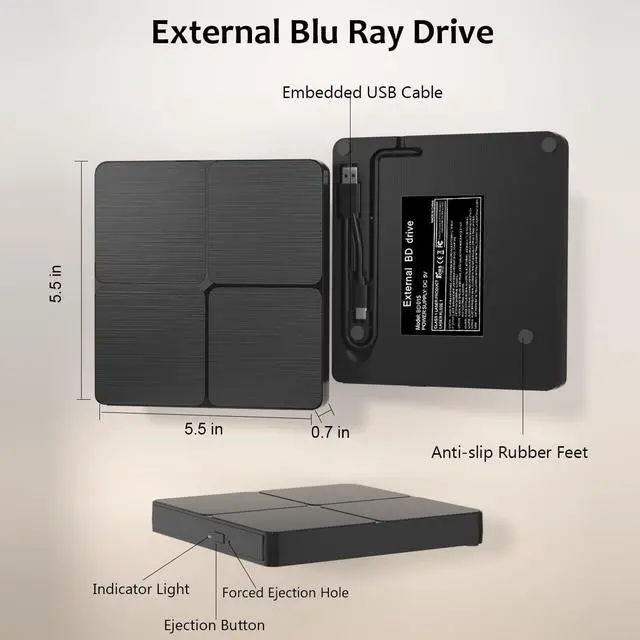
    • Lightweight & Portable Design: Slim and lightweight body, comes with both USB and Type-C cables for broad compatibility. Easy to carry, making it perfect for travel, business trips, or everyday mobile use.
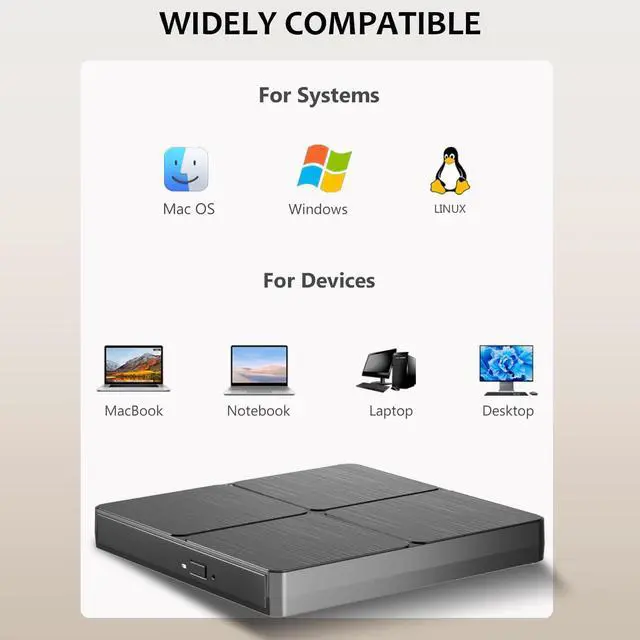
    • Broad Compatibility & Reliable Support: Compatible with Windows XP/7/8/10/11, Linux, and Mac OS. Please note: this drive does not work with TVs, tablets, or other non-PC devices.
    • WARM TIPS: Blu-ray burner does not include playback software. Before reading Blu-ray discs, you need to download professional playback software yourself. We recommend PowerDVD, Leawo, Macgo, or VLC. For burning software, we recommend Nero.
    +
    +
    Overview
    Specs
    Reviews
    avatar

    Any questions? Our AI mode will help you find out quickly.

    Dual Interface USB 3.0 Type-C External Blu-Ray Optical Writer for Windows Mac Linux | Plug & Play; S
    Dual Interface USB 3.0 Type-C External Blu-Ray Optical Writer for Windows Mac Linux | Plug & Play; S
    Dual Interface USB 3.0 Type-C External Blu-Ray Optical Writer for Windows Mac Linux | Plug & Play; S
    Dual Interface USB 3.0 Type-C External Blu-Ray Optical Writer for Windows Mac Linux | Plug & Play; S
    Dual Interface USB 3.0 Type-C External Blu-Ray Optical Writer for Windows Mac Linux | Plug & Play; S
    Dual Interface USB 3.0 Type-C External Blu-Ray Optical Writer for Windows Mac Linux | Plug & Play; S
    Dual Interface USB 3.0 Type-C External Blu-Ray Optical Writer for Windows Mac Linux | Plug & Play; S
    Dual Interface USB 3.0 Type-C External Blu-Ray Optical Writer for Windows Mac Linux | Plug & Play; S
    Dual Interface USB 3.0 Type-C External Blu-Ray Optical Writer for Windows Mac Linux | Plug & Play; S
    Dual Interface USB 3.0 Type-C External Blu-Ray Optical Writer for Windows Mac Linux | Plug & Play; S
    Features
    1. High-Performance Blu-Ray Reading & BurningEnjoy 6x Blu-ray reading, 8x DVD, and 24x CD speeds. Effortlessly play and burn BD/DVD/CD with low noise and energy-efficient operationideal for home entertainment and office use.
    2. USB 3.0 & Type-C High-Speed ConnectivityFeatures both USB 3.0 and Type-C interfaces, delivering data transfer speeds up to 5Gbps- six times faster than USB 2.0. Supports quick burning and reading of 8.5GB, 4.7GB DVDs, and 700MB CDs. Plug and play, no external power supply required.
    3. No Driver Needed for PCNo additional drivers or software required for DVD/CD playback on PC. For Blu-ray discs, professional playback software such as PowerDVD, VLC, or Macgo is recommended for the best experience. (Mac users need to install Blu-ray player software separately.)
    4. Lightweight & Portable DesignSlim and lightweight body, comes with both USB and Type-C cables for broad compatibility. Easy to carry, making it perfect for travel, business trips, or everyday mobile use.
    5. WARM TIPS Blu-ray burner does not include playback software. Before reading Blu-ray discs, you need to download professional playback software yourself. We recommend PowerDVD, Leawo, Macgo, or VLC. For burning software, we recommend Nero.
    6. Broad Compatibility & Reliable SupportCompatible with Windows XP/7/8/10/11, Linux, and Mac OS. Please note: this drive does not work with TVs, tablets, or other non-PC devices. If you encounter any issues, contact us through your order list for prompt troubleshooting, personalized solutions, or a hassle-free replacement.


    Warranty & Returns

    Warranty, Returns, And Additional Information

    Warranty

    • Please contact the Seller directly for warranty information. Warranty information may also be found on the Manufacturer's website.
    • CONTACT

    Return Policies

    Manufacturer Contact Info

    LOADING...