• $85.99
  • Free 30-day Returns
  • Ships from China.
    Price alert
    Shop it at NeweggBusiness.

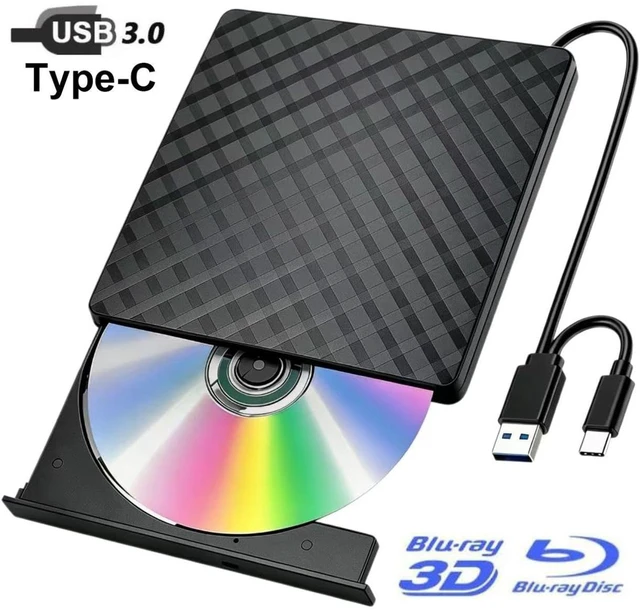
    AUTYUE USB 3.0 & Type-C Blu Ray Burner, Portable USB External Blu-ray DVD Drive, External Blueray/ CD DVD Drive for PC Supports Read/Burn, Versatile Blu Ray Writer Compatible with Windows/Linux/MacOS

    Limited time offer, ends 10/17 By Shenzhen Qiuyiyue Store

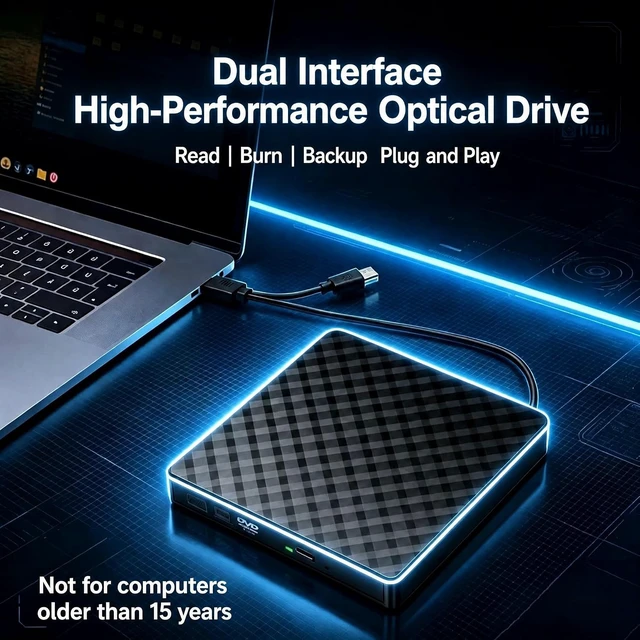
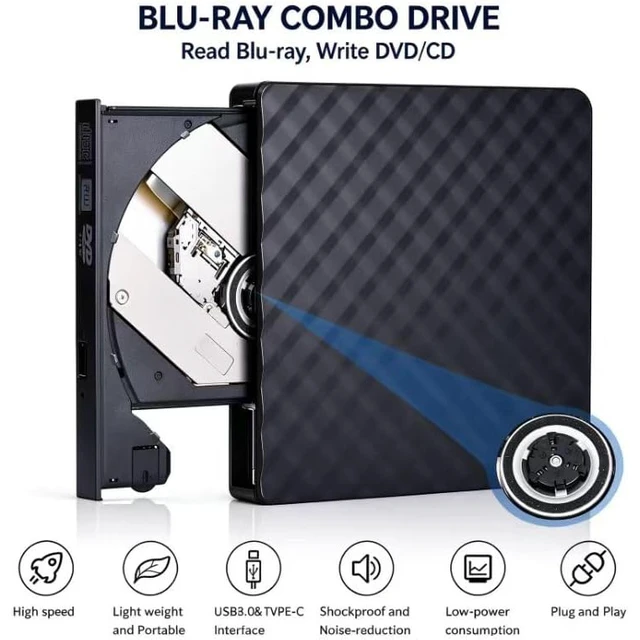
    • Plug & Play No additional drivers or software installation required; simply connect and use.
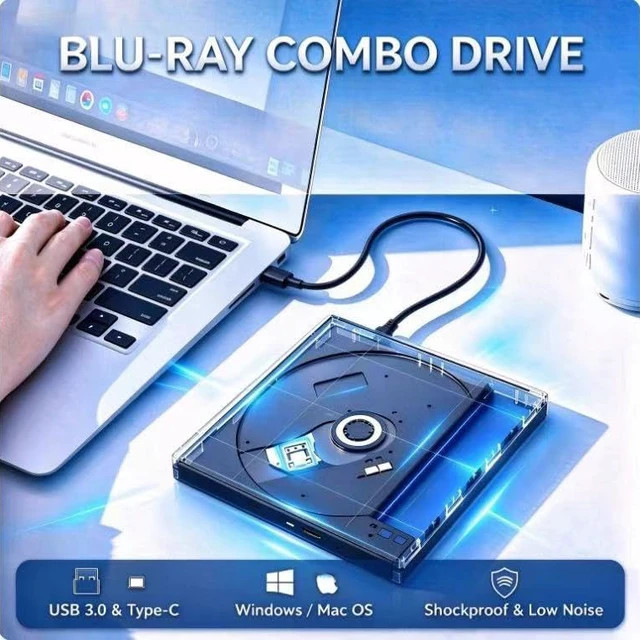
    • Wide Compatibility Supports Windows 11/10/8/7, Mac OS, and Linux systems.
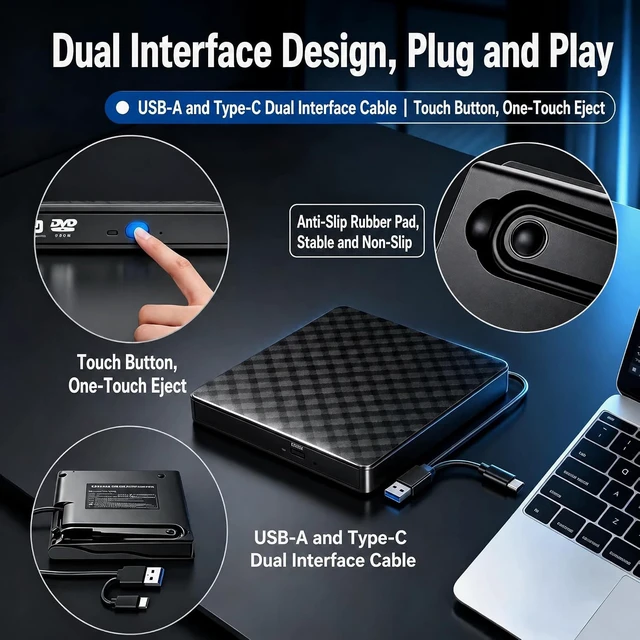
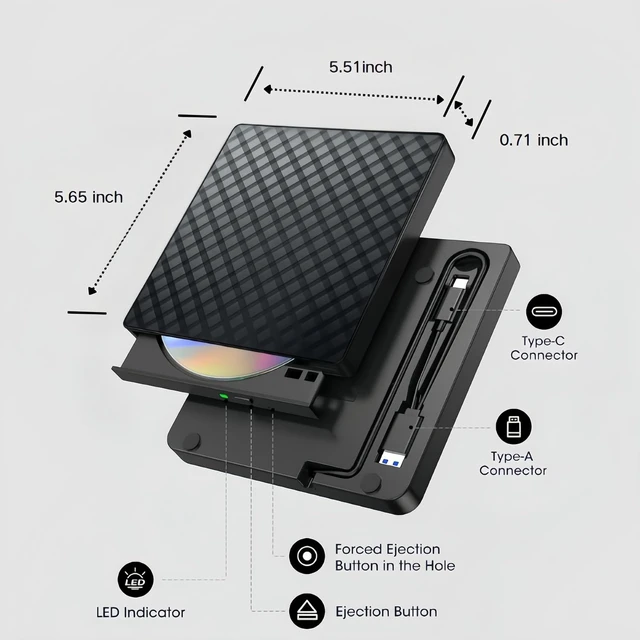
    • Dual Interface Equipped with both USB 3.0 and USB-C ports for maximum connectivity with various devices.
    • Ultra-Slim & Portable Lightweight and compact design, easy to carry and store, perfect for travel and on-the-go use.
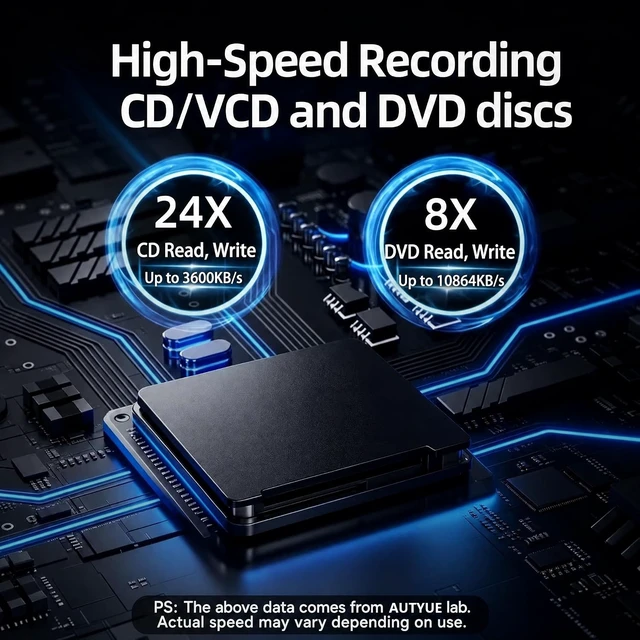
    • Versatile Disc Support Compatible with a wide range of disc formats including CD, DVD, and BD (Blu-ray Disc), meeting all your data storage, backup, and media playback needs.
    +
    +
    Overview
    Specs
    Reviews
    avatar

    Any questions? Our AI mode will help you find out quickly.

    USB 3.0 & Type-C Blu Ray Burner, Portable USB External Blu-ray DVD Drive, External Blueray/ CD DVD D
    Critical Note About Encrypted Retail Blu-ray Playback:


    All commercial retail Blu-ray films adopt AACS copyright protection.


    This drive only supports disc reading hardware, without built-in decryption license.


    To play encrypted retail Blu-ray discs, use one of the following:

    1. Authorized playback software, such as CyberLink PowerDVD.

    2. MakeMKV + VLC, for private personal playback of encrypted discs.

    Note: Blank or self-recorded DVDs and CDs work normally with common media players.

    Critical Note About Encrypted Retail Blu-ray Playback:
    About Setting the Correct Region Code


    DVDs and Blu-ray discs will play only on drives that match their respective region codes.

    For example, if you live in the U.S. or Canada, you are in Region 1. You need to set the drive region code to 1 to play Region 1 DVDs. (CDs do not have region codes.)


    Limited changes: Most DVD drives allow only 4-5 region changes. After the final change, the setting is locked permanently. (Blu-ray region settings are usually controlled by the playback software.)

    DVD discs:

    Region 1 -- Canada, United States

    Region 2 --Japan, Europe, South Africa, Middle East

    Region 3 --Southeast Asia, East Asia (including Hong Kong)

    Region 4 --Australia, New Zealand, Pacific Islands, Central America, Mexico, South America

    Region 5 --Eastern Europe, Russia, Indian Subcontinent, Africa, North Korea, Mongolia

    Region 6 --China

    Blu-ray discs use a different region system (A, B, C):

    A --North America, Central/South America, Japan, Taiwan, Korea, Hong Kong, Southeast Asia

    B --Europe, Greenland, French territories, Middle East, Africa, Australia, New Zealand

    C --India, Bangladesh, Nepal, Mainland China, Pakistan, Russia, Central and South Asia

    External Blu ray DVD Drive
    External Blu ray DVD Drive
    External Blu ray DVD Drive
    External Blu ray DVD Drive
    External Blu ray DVD Drive
    Features
    1. Plug & Play No additional drivers or software installation required; simply connect and use.
    2. Wide Compatibility Supports Windows 11/10/8/7, Mac OS, and Linux systems.
    3. Dual Interface Equipped with both USB 3.0 and USB-C ports for maximum connectivity with various devices.
    4. Ultra-Slim & Portable Lightweight and compact design, easy to carry and store, perfect for travel and on-the-go use.
    5. Versatile Disc Support Compatible with a wide range of disc formats including CD, DVD, and BD (Blu-ray Disc), meeting all your data storage, backup, and media playback needs.


    Warranty & Returns

    Warranty, Returns, And Additional Information

    Warranty

    • Please contact the Seller directly for warranty information. Warranty information may also be found on the Manufacturer's website.
    • CONTACT

    Return Policies

    Manufacturer Contact Info

    LOADING...