• $26.99
  • Free 30-day Returns
  • Ships from China.
    Price alert
    Shop it at NeweggBusiness.

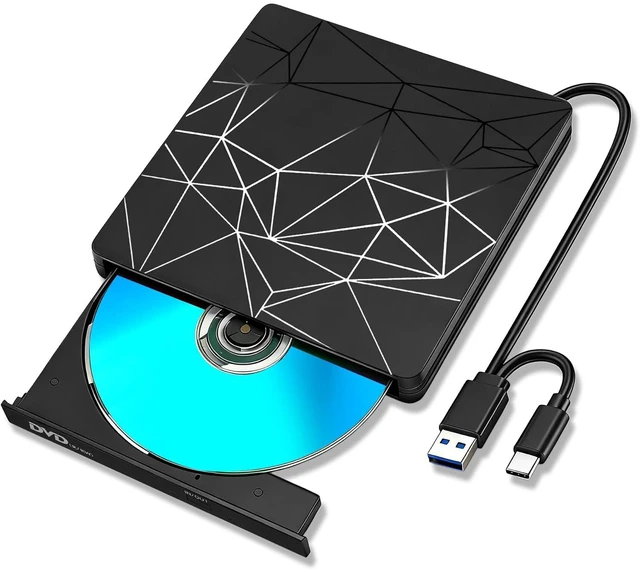
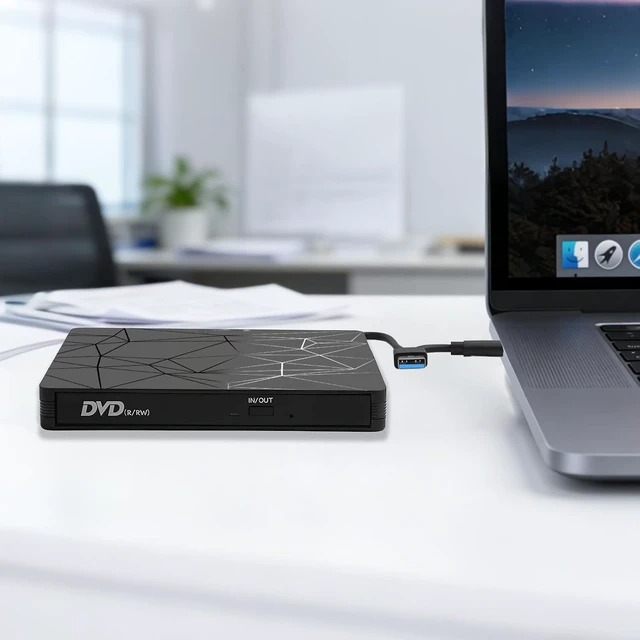
    AUTYUE External DVD Drive for Laptop, USB 3.0 USB-C CD Burner CD/DVD Player, Portable CD DVD Disc Optical Drive for Laptops and PC Plug & play Compatible with Windows 7/8/10/11, Linux, and Mac OS

    Limited time offer, ends 12/05 By Shenzhen Qiuyiyue Store

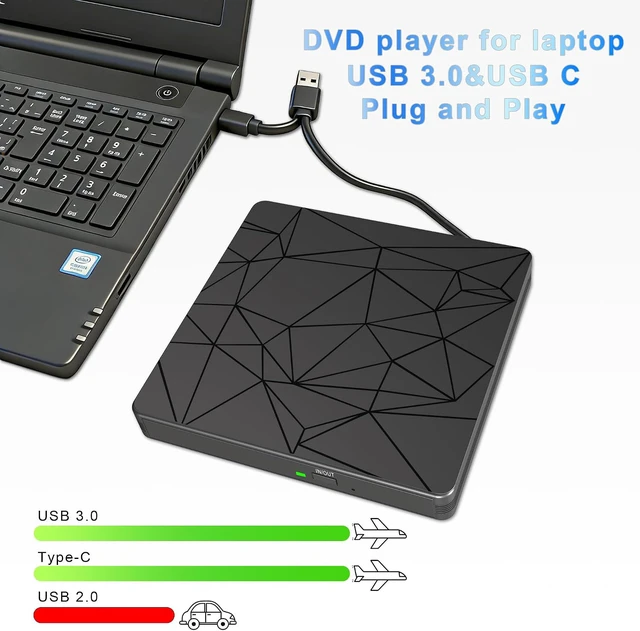
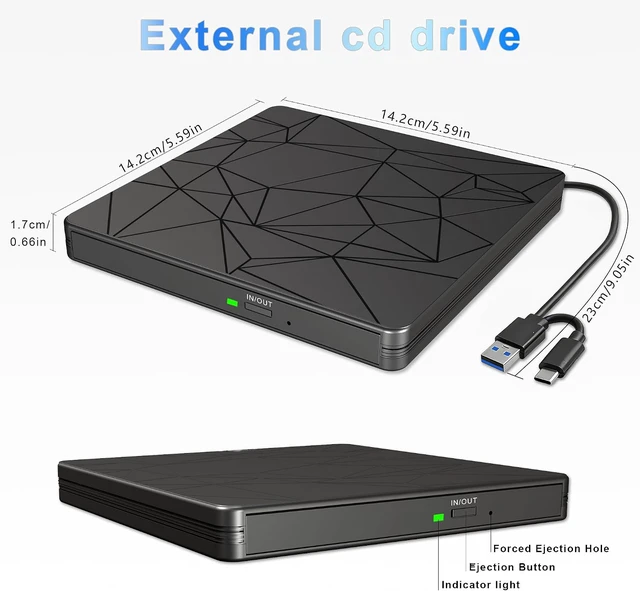
    • External CD/DVD Drive: The body and packaging of CD burner are made of durable materials. The core component is an external CD/DVD drive that is directly powered through a USB 3.0 & Type-C port, or via a power adapter.
    • Plug and Play - Easy Operation: Connect the external DVD drive to the USB or Type-C interface of the computer, and the CD burner will automatically recognize it. It is easy to operate without a driver, and can be quickly and smoothly operated by beginners and professionals. Note: The device icon will only be displayed after the Mac system successfully inserts and reads the disc.
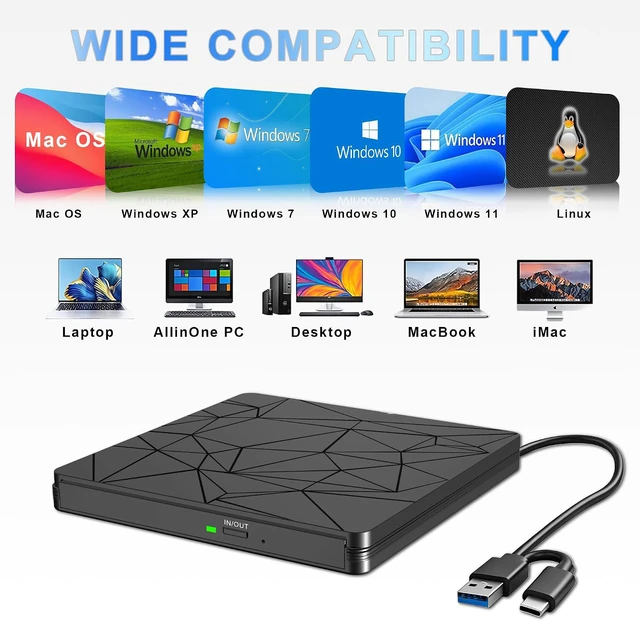
    • Universal compatible systems and devices: Compatible with Windows 7/8.1/10/11/XP/Vista, 2000, ME, Linux, and all versions of macOS systems. It is only suitable for laptops, desktop computers, all-in-one computers, and mini computers. It is recommended that desktop computer users connect the optical drive to the USB interface on the chassis backplane for optimal reading performance. Note: Not supported for car, TV, tablet, phone, iPad, PS4/5, Xbox, Switch, projector, Chromebook.
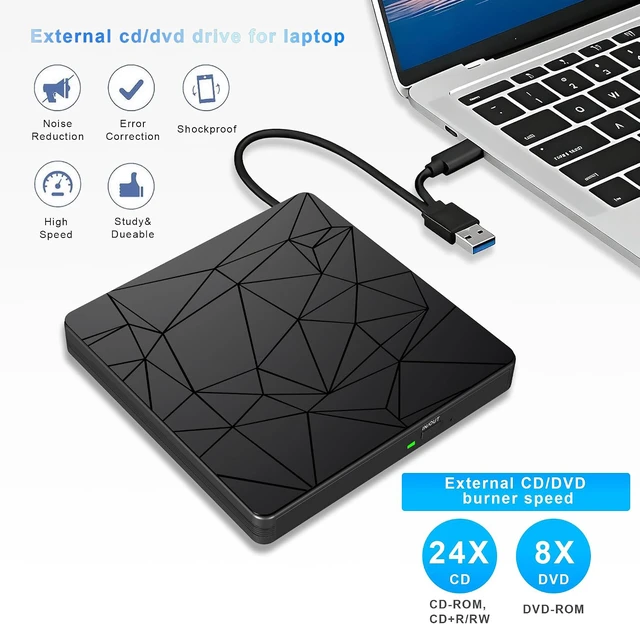
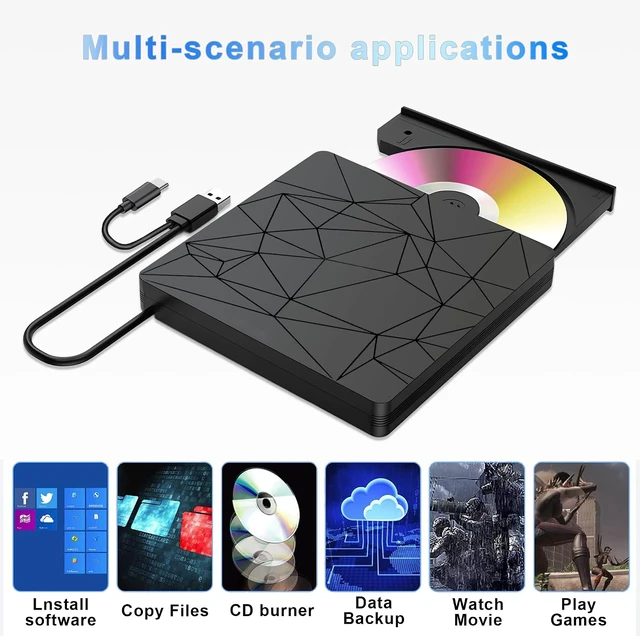
    • High speed transmission - supports CD read-write format: Supports up to 8x speed DVD read/write and 24x speed CD read/write, with a transfer rate of up to 5 Gbps. Supports CD±R/RW, CD-ROM, DVD±R/RW, DVD-RAM, DVD+R DL, DVD-R DL, VCD, SVCD. Can be used for playing audio and video, data backup, file burning, software/system/game installation. Note: Blu-ray disc reading is not supported.
    +
    +
    Overview
    Specs
    Reviews

    Any questions? Ask CelesteSM will help you find out quickly.

    External DVD Drive for Laptop, USB 3.0 USB-C CD Burner CD/DVD Player
    External DVD Drive for Laptop, USB 3.0 USB-C CD Burner CD/DVD Player
    External DVD Drive for Laptop, USB 3.0 USB-C CD Burner CD/DVD Player
    External DVD Drive for Laptop, USB 3.0 USB-C CD Burner CD/DVD Player
    External DVD Drive for Laptop, USB 3.0 USB-C CD Burner CD/DVD Player
    External DVD Drive for Laptop, USB 3.0 USB-C CD Burner CD/DVD Player
    External DVD Drive for Laptop, USB 3.0 USB-C CD Burner CD/DVD Player

    External cd/ dvd drive for laptop User Guide 


    I. Core Functions Playback Function: Relive cherished moments preserved on VCD/CD/DVD -- wedding day warmth, birthday party joy, Christmas Eve gatherings, and other special celebrations. Supports diverse content including home videos, classic films, music albums, educational materials, game discs, and important documents. Burning Function: Burn digital content like music, photos, and videos onto discs for long-term preservation, playback across multiple devices, and digital organization/archiving. 

    II. Software Preparation Player Software (Required): Since most operating systems do not pre-install DVD playback components, a third-party player must be installed beforehand. 

    Recommended Options: VLC Media Player: Free and open-source with comprehensive format support and optimal compatibility KMPlayer: Feature-rich with excellent decoding capabilities Burning Software (Optional): Prepare dedicated software if disc burning is required. 

    Recommended Options: BurnAware Free Edition: Lightweight design for basic burning needs Nero: Professional-grade tool offering advanced burning and editing features 

    III. Critical Considerations Genuine/Protected DVDs: First-time playback requires setting the "Region Code." Select the option that exactly matches the disc's labeled region. Important Note: Region code changes are limited (typically <= 5 times). Choose carefully. Standard Discs:Includes self-burned VCD/CD/DVD data discs, music CDs, game discs, etc. Typically plug-and-play after installing playback software. 

    IV. Operation Flow 1. Install required playback/burning software 2. Connect external optical drive via USB port 4. Use corresponding software to play or burn

    Features
    1. External CD/DVD DriveThe body and packaging of our CD burner products are made of durable materials. The core component is an external CD/DVD drive that is directly powered through a USB 3.0 & Type-C port, or via a power adapter. From the beginning of the design, we are committed to being your convenient partner for digital life.
    2. Plug and Play - No Driver - Easy OperationConnect the external DVD drive to the USB or Type-C interface of the computer, and the CD burner will automatically recognize it. It is easy to operate without a driver, and can be quickly and smoothly operated by beginners and professionals. It is suitable for laptops, desktop all-in-one computers, and mini computers that are not equipped with built-in optical drives. It is recommended that desktop computer users connect the optical drive to the USB interface on the back panel of the chassis for optimal reading performance. Note: The device icon will only be displayed after the Mac system successfully inserts and reads the disc.
    3. Universal compatible systems and devicesCompatible with Windows 7/8.1/10/11/XP/Vista, 2000, ME, Linux, and all versions of macOS systems. Can work with Ap-pl-e, D-e-ll, S-o-ny, Tos-h-iba, N-EC, I-B-M, H-P, Le-novo, As-us, Sa-m-sung, Ac-er, and other mainstream computer brands. It is only suitable for laptops, desktop computers, all-in-one computers, and mini computers. It is recommended that desktop computer users connect the optical drive to the USB interface on the chassis backplane for optimal reading performance. Note: Not supported for car, TV, tablet, phone, iPad, PS4/5, Xbox, Switch, projector, Chromebook.
    4. High speed transmission - supports CD read-write formatAnd it is backward compatible with USB 2.0/1.1. Supports up to 8x speed DVD read/write and 24x speed CD read/write, with a transfer rate of up to 5 Gbps. Supports CD±R/RW, CD-ROM, DVD±R/RW, DVD-RAM, DVD+R DL, DVD-R DL, VCD, SVCD. Can be used for playing audio and video, data backup, file burning, software/system/game installation. Note: Blu-ray disc reading is not supported.
    5. After sales guarantee for CD burnersWe provide a 180-day warranty and technical support. The package includes: external CD/DVD drive x 1, user manual x 1.


    Warranty & Returns

    Warranty, Returns, And Additional Information

    Warranty

    • Please contact the Seller directly for warranty information. Warranty information may also be found on the Manufacturer's website.
    • CONTACT

    Return Policies

    Manufacturer Contact Info

    LOADING...