




 here!
here!
I’m your shopping assistant for PC builds, upgrades, and everything tech.
Got questions? Ask away!
Start a conversation
here!
I’m your shopping assistant for PC builds, upgrades, and everything tech.
Got questions? Ask away!
Start a conversation




Any questions? Ask CelesteSM will help you find out quickly.
Faster delivery: It usually takes about 3-7 days to deliver from United States/Canada/China warehouse
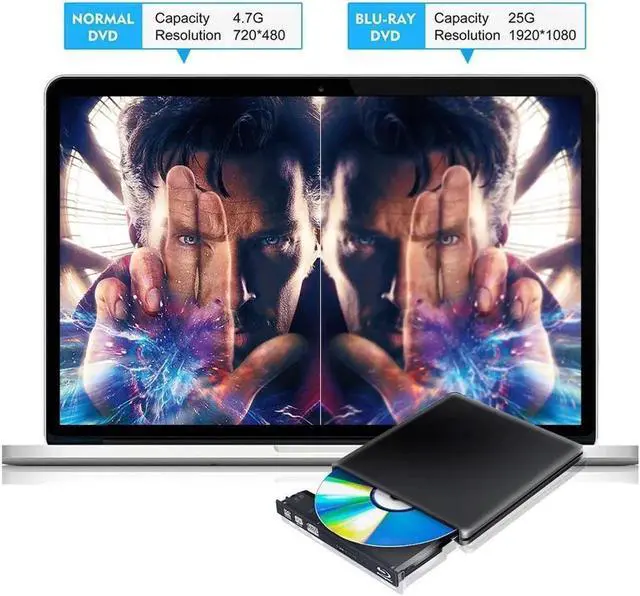
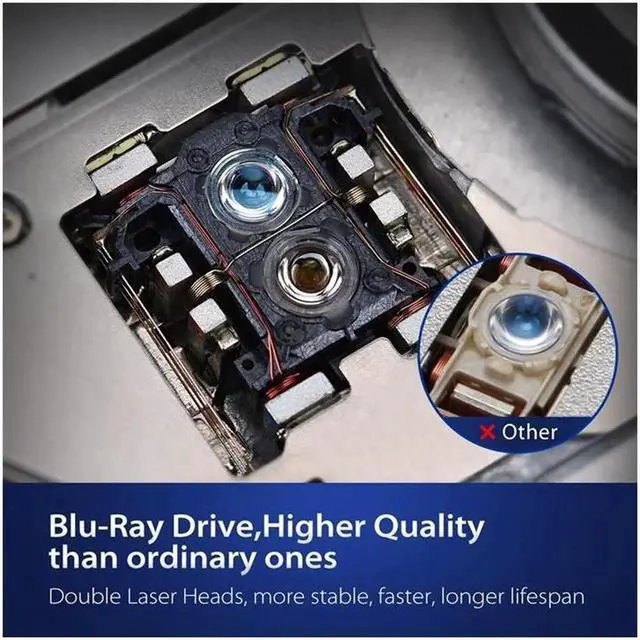
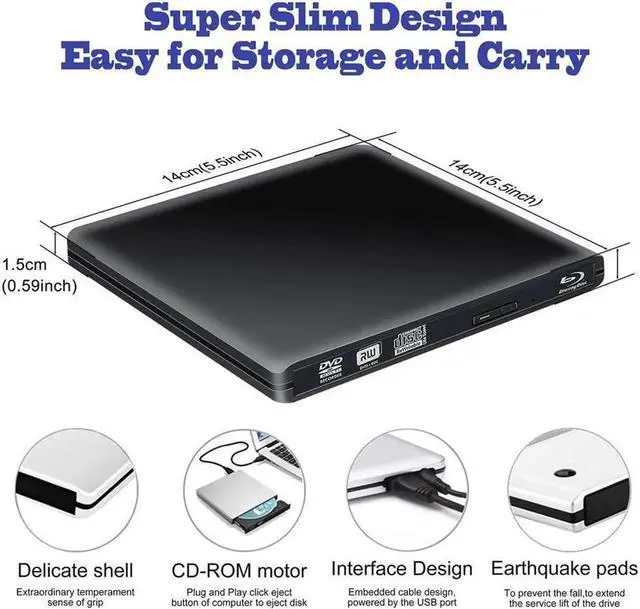
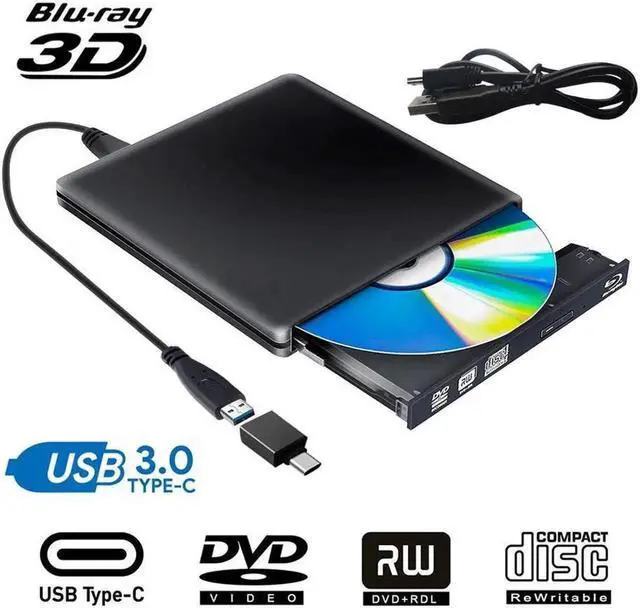
USB 3.0 /USB-C Blu-ray Disc Drive 6X Blu-ray Player/Blu-ray Combo Drive
Readable Format
CD: VCD, CD-ROM, CD-R, CD-RW
DVD: DVD-ROM, DVD-R, DVD-R DL, DVD-RAM,
DVD-RW, DVD+R, DVD+R DL, DVD+RW
BD: BD-ROM, BD-R, BD-RE
Read Speed
DVD-ROM MAX 8X CAV
CD-ROM MAX 24X CAV
BD-ROM MAX 2X CAV (for Video) /Max 6X CAV (for Data)
Write Speed
CD-R: Max. 24X CAV
CD-RW: 4X CLV
High Speed CD-RW: 10XCLV
Ultra Speed CD-RW: Max. 16X Zone CLV
DVD-R: Max. 8X CAV
DVD-R DL: Max. 6X Zone CLV
DVD-RW: Max. 6X Zone CLV
DVD+R: Max. 8X CAV
DVD+R DL: Max. 6X Zone CLV
DVD+RW: Max. 8X Zone CLV
DVD-RAM: 3X-5X PCAV ( 4.7GB )
System Support
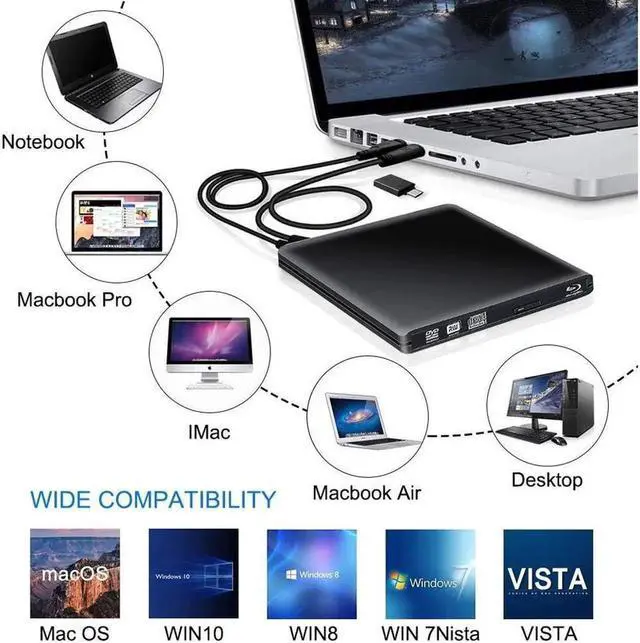
Support Windows 98 SE, ME, 2000, XP, Vista, Win 7, Win 8, Win 10
Support Mac OS 8.6 or higher
Plug and play, just press the eject button, put a disc on tray, simply connect the external blu ray burner to your computer, it will recognize and play.
Player software on your computer must support Blu-ray format


