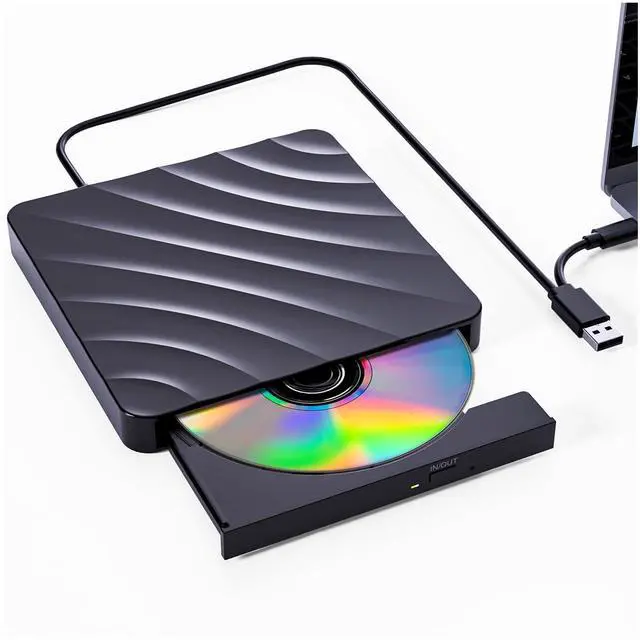
External CD DVD Drive for PC - USB 3.0 CD Burner DVD Player for Laptop, External Optical Drives for PC/MacBook, Disc Reader for Windows 11/10/8/7/XP/Vista, Linux, Mac
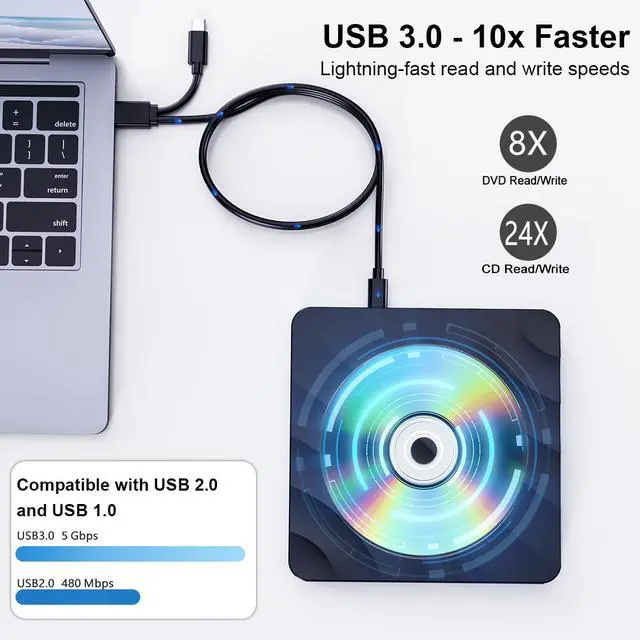
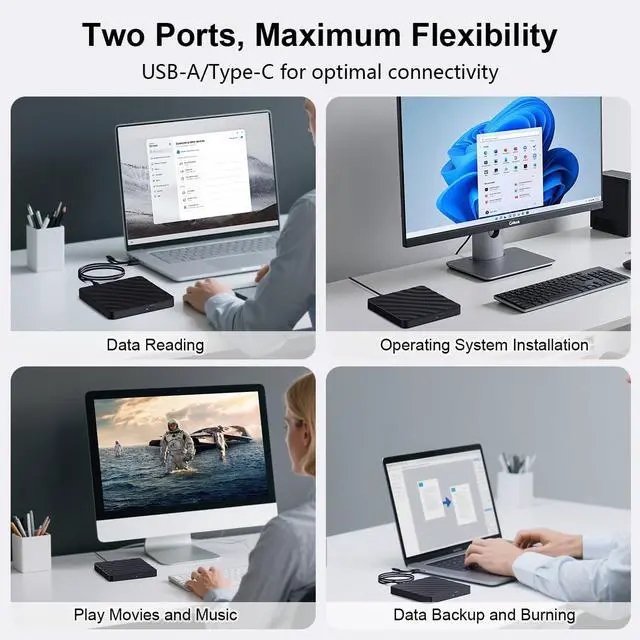
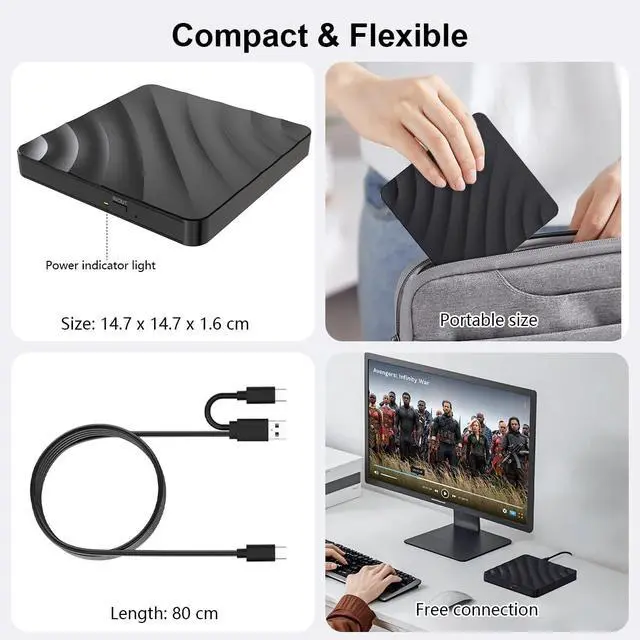
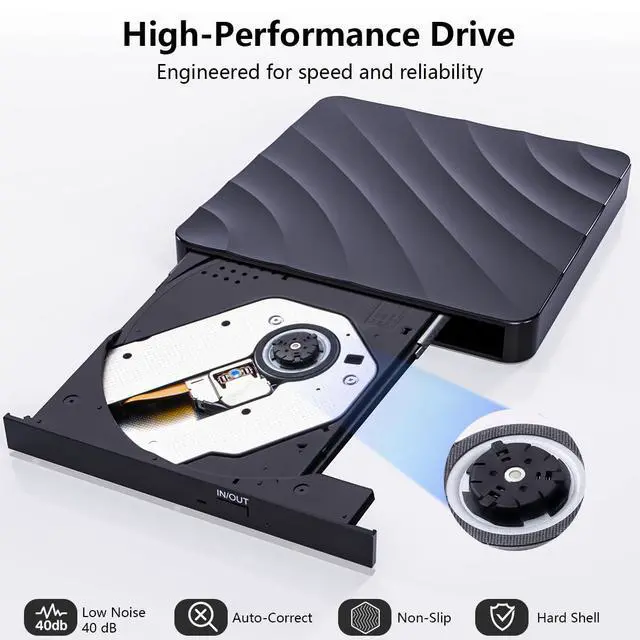
USB 3.0 High-Speed External CD DVD Drive QDSYLQ USB DVD drive external features USB 3.0 technology with data transfer speeds up to 5Gbps for faster reading and writing. Includes a 2-in-1 USB-A & USB-C cable for stable power supply and data transfer, allowing direct connection to most modern laptops and desktop computers without adapters.
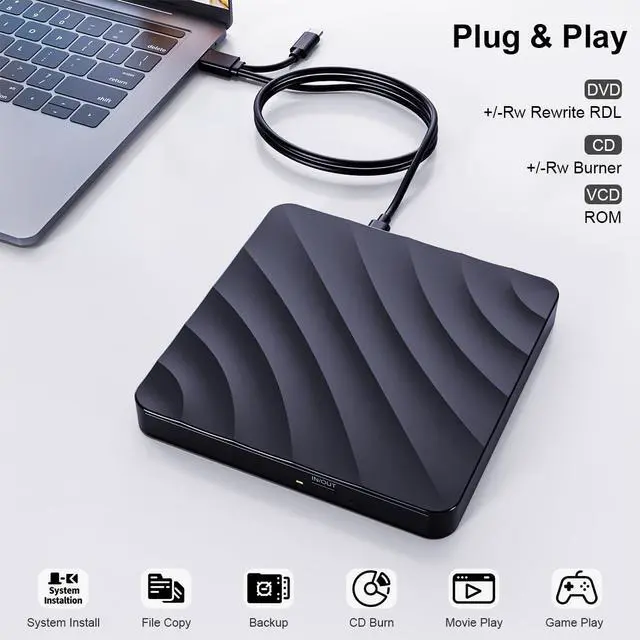
Easy Plug & Play, No Driver Required Simply plug the CD burner into your computers USB port and its ready to use, with no driver or external power supply required. Easily burn CDs/DVDs, install system files, and back up data. For DVD/CD playback, third-party media software may be required if your system does not include a built-in media playerideal for laptops without internal optical drives.
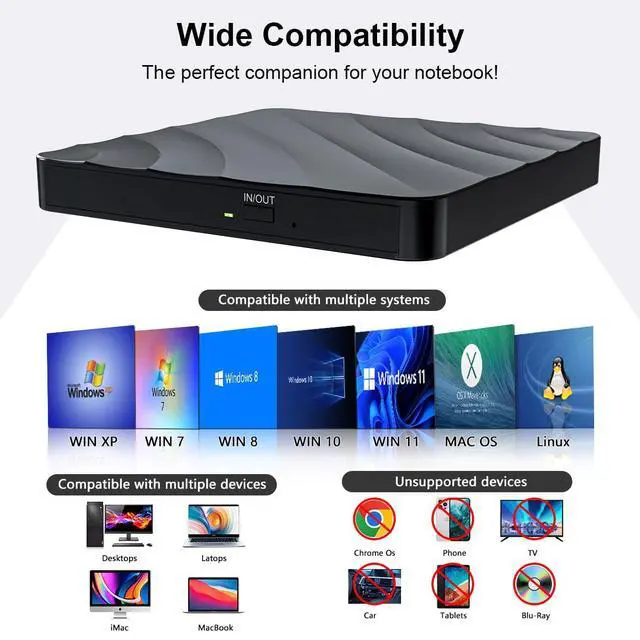
Compatible with Windows & macOS Systems This external optical drive works with Windows 11/10/8/7/XP, macOS, Linux, and Vista, and is compatible with MacBook Air/Pro, laptops, notebooks, PCs, and desktop computers. **Not supported**: Blu-ray discs, TVs, tablets, iPads, Chromebooks, Xbox, projectors, Surface Pro, or car players.
Slim, Shockproof & Detachable Cable Design Designed with a stylish wave-shaped housing, this DVD player for laptop is lightweight, compact, and shock-resistant for everyday use and travel. The detachable data cable helps prevent damage from frequent bendingif the cable wears out, simply replace it without replacing the whole drive.
+
+
Overview
Specs
Reviews
Any questions? Our AI beta will help you find out quickly.
External CD DVD Drive for PC - USB 3.0 CD Burner DVD Player for Laptop, External Optical Drives for PC/MacBook, Disc Reader for Windows 11/10/8/7/XP/Vista, Linux, Mac
Learn more about the Detailed Specifications
Model
Brand
QDSYLQ
Details
Panel Color
Glossyblack
Additional Information
First Listed on Newegg
March 05, 2026
There are no reviews yet.
Do you own this product?
Warranty & Returns
Warranty, Returns, And Additional Information
Warranty
Please contact the Seller directly for warranty information. Warranty information may also be found on the Manufacturer's website.