




Something you need to know
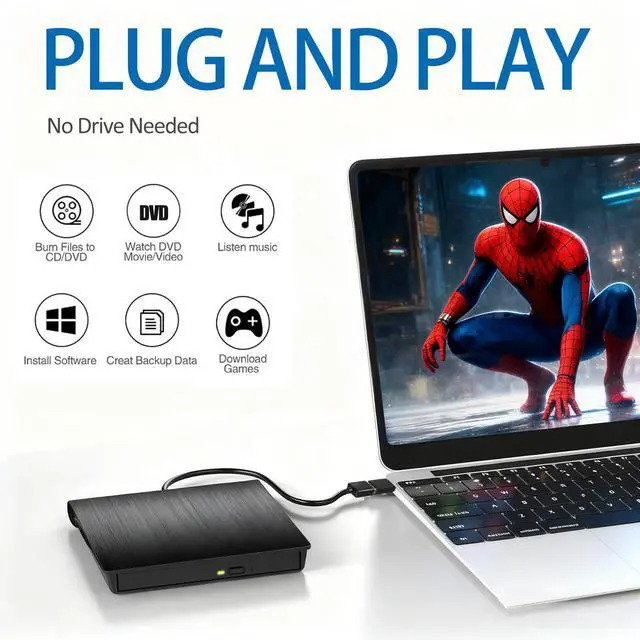
- Before playing your discs, please check to see that the necessary software applications are installed on your computer correctly. Driver or media player. Media player: like VLC media player, Kmplayer. Burning software: like BurnAware Free, Nero.
- Please make sure your external drive is set in the right region code. And you can only change it 5 times.
The steps of changing the region codes:
1)Right-click My Computer and click Properties.
2)Click Hardware.
3)Click Device Manager.
4)Expand DVD/CD-ROM drives and select the optical drive.
5)Click Action and select Properties.
6)Select the DVD Region tab.
7)Choose the desired region.
8)Click OK
When ripping a DVD with an external drive, if the DVD disc itself is copyrighted, the ripping cannot be successful. This restriction comes from the disk itself, not the external drive. In this case, you can use the handbrake to tear the copy-protected DVD.

External Drive Compatible with Most Systems and Equipment
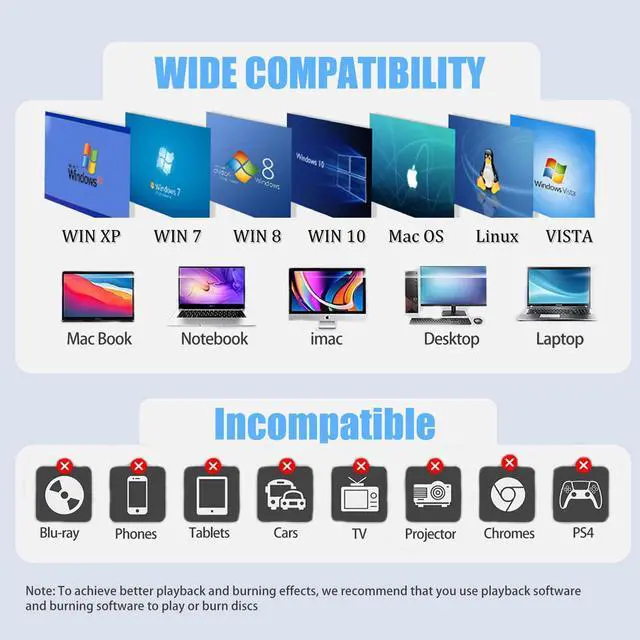
- Compatible with Windows 11/10/8.1/8/7/Vista/XP, Linux, Mac OS systems.
- Do not support: TV, Car, Blu ray, Projector, Tablet, Smartphone, Chrome, PS4.

Portable and Trendy Design
Take It Anywhere
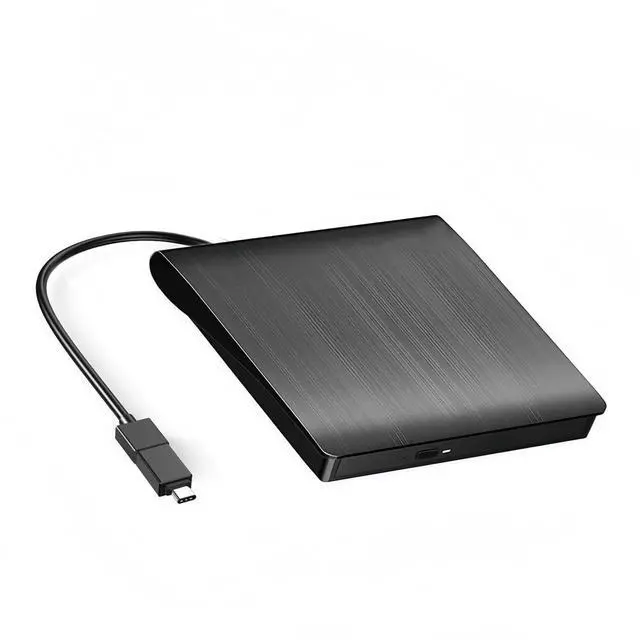
- The appearance design of the Cooway external CD DVD Drive is more fashionable, stylish and portable.
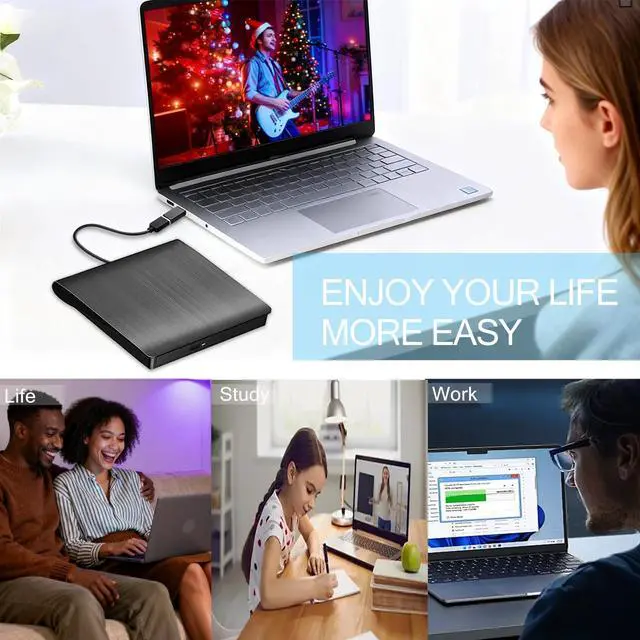
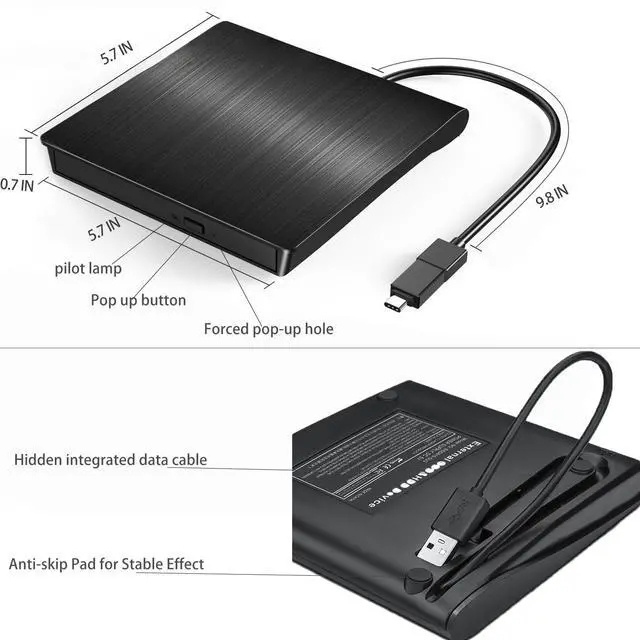
- Ultra-thin and lightweight, with sensitive ejection buttons and an inbuilt USB cable design, you can carry and use this ultra-thin external optical player anytime and anywhere, whether in the office, at school, at home or on the go.
- Compact enough to take anywhere, whether for travel or work, without adding bulk.
Specifications:
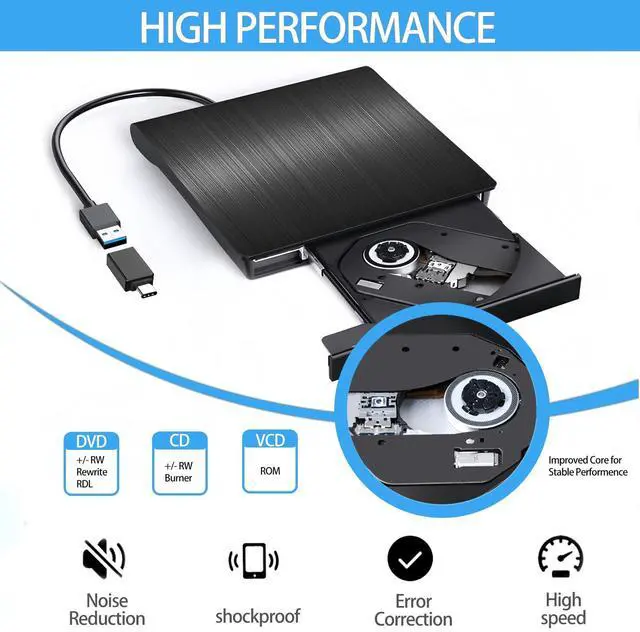
- Supported Formats: DVD-ROM,DVD-video,CD-R/RW, CD-ROM/XA.CD-ROM,CD-EXTRA.CD-TEXT
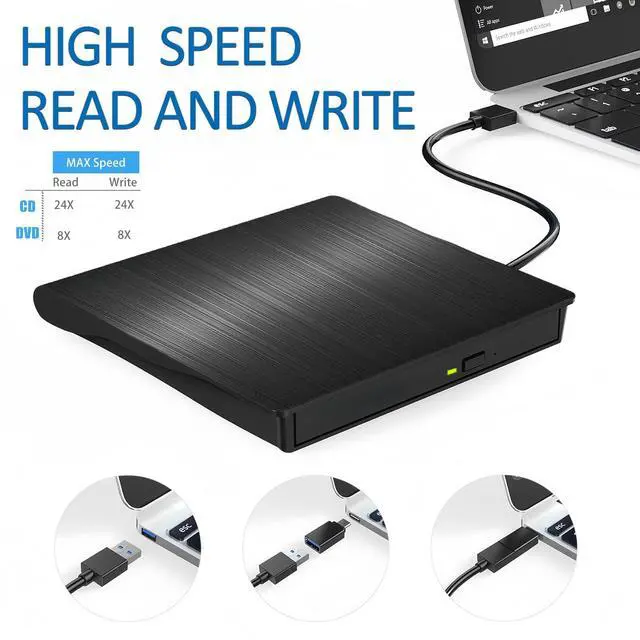
- Read Speed:CD-ROM: 24x Max; DVD-ROM: 8x Max;DVD-ROM(DL): 6x Max
- Writing Speed:CD-R:24x(Max);CD-RW: 8x(Max):DVD±R: 8X(Max); DVD±R DL: 4X(Max); DVD-R±9: 2.4x(Max)
- ReWriting Speed:DVD+RW:4X(Max):DVD-RW:4x(Max); CD-RW: 10X(Max);DVD-RAM: 3x(Max)
Kindly Notes
- Not for Blue-ray cd/dvd, Chromebook, Car, TV, Truck, Smartphone,Tablet, iPad, iPod.
- Keep laptop plugged in when using this drive to avoid read errors from low battery
- Use Mac's eject command; DVD icons appear only after drive reads disc successfully.
- For desktop, you need to connect drive to the usb port at the back panel of the computer.
- Please Install media software before use. Download at official site


Something you need to know
- Before playing your discs, please check to see that the necessary software applications are installed on your computer correctly. Driver or media player. Media player: like VLC media player, Kmplayer. Burning software: like BurnAware Free, Nero.
- Please make sure your external drive is set in the right region code. And you can only change it 5 times.
The steps of changing the region codes:
1)Right-click My Computer and click Properties.
2)Click Hardware.
3)Click Device Manager.
4)Expand DVD/CD-ROM drives and select the optical drive.
5)Click Action and select Properties.
6)Select the DVD Region tab.
7)Choose the desired region.
8)Click OK
When ripping a DVD with an external drive, if the DVD disc itself is copyrighted, the ripping cannot be successful. This restriction comes from the disk itself, not the external drive. In this case, you can use the handbrake to tear the copy-protected DVD.
External Drive Compatible with Most Systems and Equipment
- Compatible with Windows 11/10/8.1/8/7/Vista/XP, Linux, Mac OS systems.
- Do not support: TV, Car, Blu ray, Projector, Tablet, Smartphone, Chrome, PS4.
Portable and Trendy Design
Take It Anywhere
- The appearance design of the Cooway external CD DVD Drive is more fashionable, stylish and portable.
- Ultra-thin and lightweight, with sensitive ejection buttons and an inbuilt USB cable design, you can carry and use this ultra-thin external optical player anytime and anywhere, whether in the office, at school, at home or on the go.
- Compact enough to take anywhere, whether for travel or work, without adding bulk.
Specifications:
- Supported Formats: DVD-ROM,DVD-video,CD-R/RW, CD-ROM/XA.CD-ROM,CD-EXTRA.CD-TEXT
- Read Speed:CD-ROM: 24x Max; DVD-ROM: 8x Max;DVD-ROM(DL): 6x Max
- Writing Speed:CD-R:24x(Max);CD-RW: 8x(Max):DVD±R: 8X(Max); DVD±R DL: 4X(Max); DVD-R±9: 2.4x(Max)
- ReWriting Speed:DVD+RW:4X(Max):DVD-RW:4x(Max); CD-RW: 10X(Max);DVD-RAM: 3x(Max)
Kindly Notes
- Not for Blue-ray cd/dvd, Chromebook, Car, TV, Truck, Smartphone,Tablet, iPad, iPod.
- Keep laptop plugged in when using this drive to avoid read errors from low battery
- Use Mac's eject command; DVD icons appear only after drive reads disc successfully.
- For desktop, you need to connect drive to the usb port at the back panel of the computer.
- Please Install media software before use. Download at official site