

Your Browsing History


Meet Your Seller

Sponsored Products
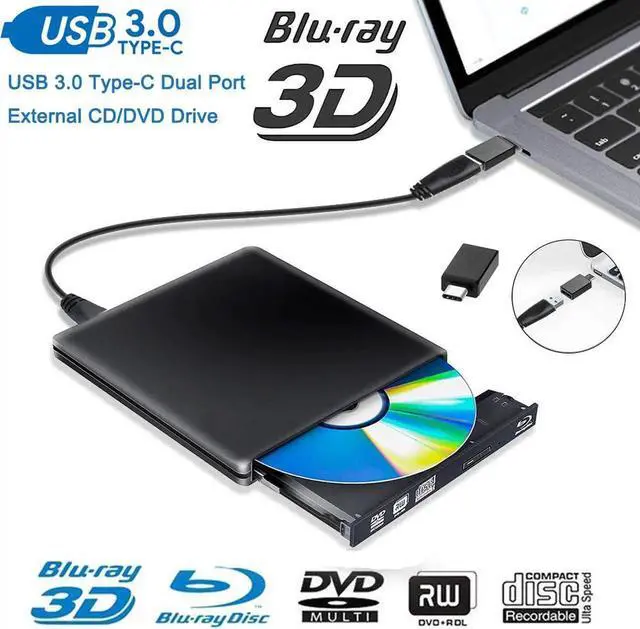
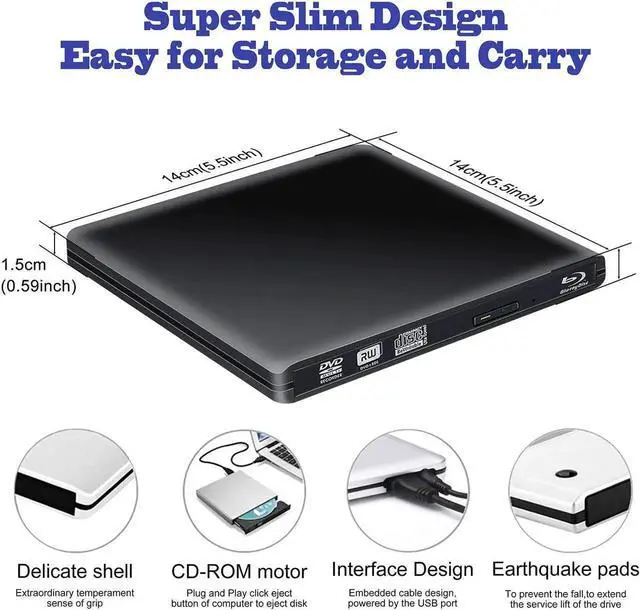
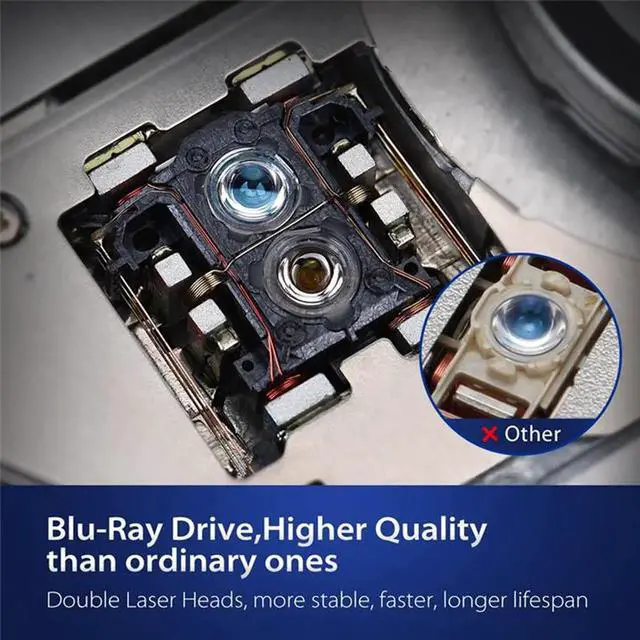
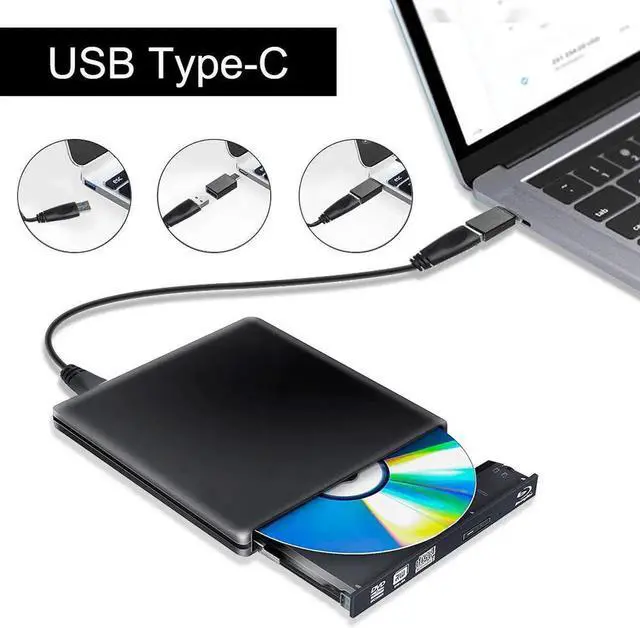


JAENFONG USB3.0/USB-C Blu Ray Drive USB 3.0 External CD/DVD Burner/Writer, 3D 6X Blu-Ray Disc Playback, Portable BD/CD/DVD Burner Drive with Polished Metal Chrome for Mac, Laptop, PC, Black
- USB3.0/USB-C Blu-ray Disc Drive 6X Blu-ray Player/Blu-ray Combo Drive
- Readable Format
- CD: VCD,CD-ROM,CD-R,CD-RW
- DVD: DVD-ROM,DVD-R,DVD-R DL,DVD-RAM,
- DVD-RW,DVD+R, DVD+R DL,DVD+RW
- BD: BD-ROM,BD-R,BD-RE
- Read Speed
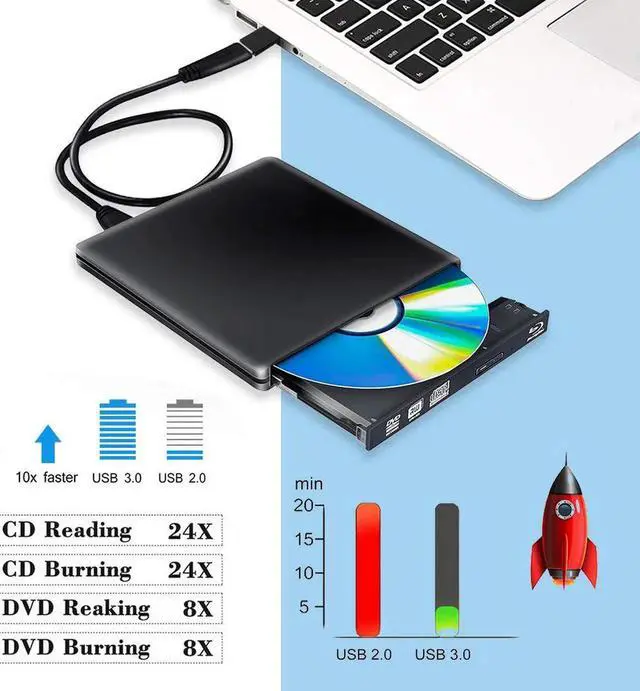
- DVD-ROM MAX 8X CAV
- CD-ROM MAX 24X CAV
- BD-ROM MAX 2X CAV (for Video)/Max 6X CAV(for Data)
- Write Speed
- CD-R :Max.24X CAV
- CD-RW :4X CLV
- High Speed CD-RW :10XCLV
- Ultra Speed CD-RW : Max.16X Zone CLV
- DVD-R :Max.8X CAV
- DVD-R DL :Max.6X Zone CLV
- DVD-RW :Max.6X Zone CLV
- DVD+R :Max.8X CAV
- DVD+R DL :Max.6X Zone CLV
- DVD+RW :Max.8X Zone CLV
- DVD-RAM :3X-5X PCAV ( 4.7GB)
- System Support
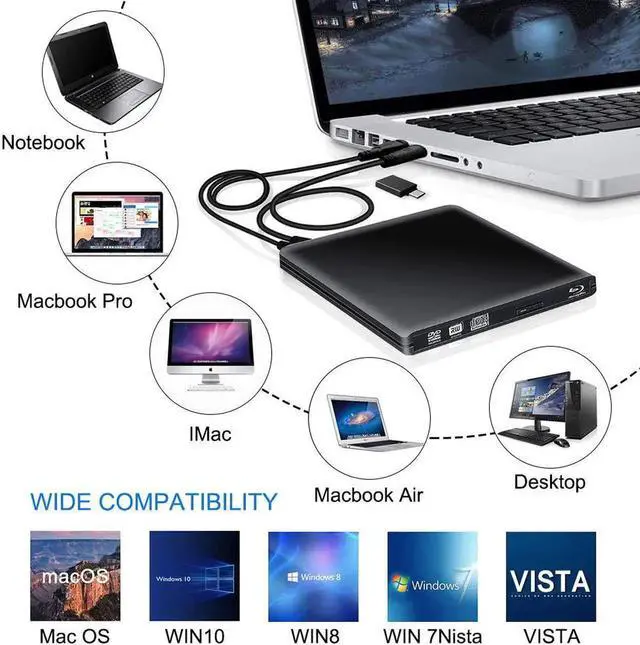
- Support Windows 98 SE, ME, 2000, XP, Vista, Win 7, Win 8, Win 10
- Support Mac OS 8.6 or higher
- Plug and play,just press the eject button,put a disc on tray,simply connect the external blu ray burner to your computer,it will recognize and play.
- Player software on your computer must support Blu-ray format
+
+
Overview
Specs
Reviews

Any questions? Our AI mode will help you find out quickly.
Try me now
FAQ
1 Q The disc can not be ejected
A: (1)The drive must be inserted into the computer rather than the HUB. But sometimes use USB HUB(powered by adapter) is recommend for example you need connect the drive to your laptop, but your laptop can not offer enough power to the drive
(2)The USB interface in front of the desktop chassis is insufficiently powered
2. Q: After connecting to my computer, why can not my computer show this blu ray drive?
A: Please make sure that your computer is in enough power, for desktop, please plug usb cable directly to the USB interface of the motherboard behind. For laptop, please make sure laptop is in enough power. If you still can not see the blu-ray drive, please re-start your computer.
3. Q Why can not it show my blu ray disc after put it into driver?
A: Ensure the disc is successfully placed in the drive. Don not reverse the disc. Check if it has Virtual drive on your computer, disable virtual drive.
Faster delivery: It usually takes about 3-7 days to deliver from United States/Canada warehouse.
Description:
The Blu Ray dvd drive can read blu ray discs. It read CD discs at up to 24x, DVD disc at up to 8x, and Blu-Ray disc at up to 6x. The external Blu-ray Reader supports 8.5G 4.7G 700M normal CD DVD burning capabilities.
Your computer or notebook need satisfy following requirements: Download Testing SoftwareCyberlink BD&3D Advisor,install it on your computer, start to perform testing,it will tell you a result if your computer support playing blu ray or 3D
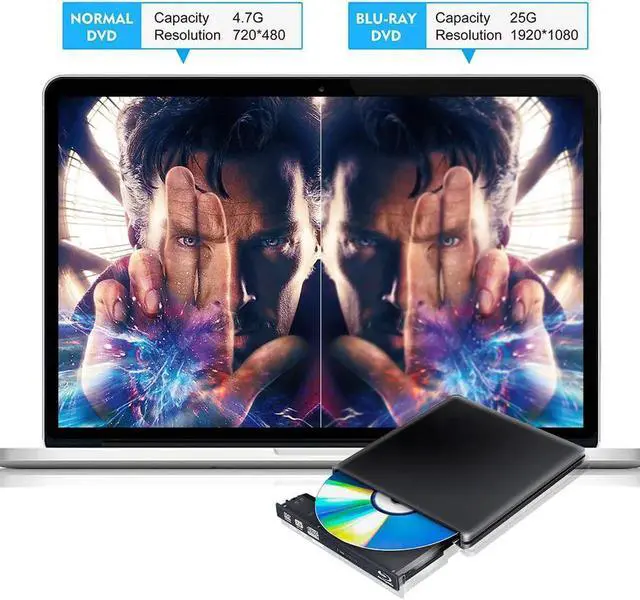
Supports 3D Blu-ray Disc ,enjoy clarity to Nearly 4K quality.(Note: The Bluray DVD Drive does not play 4K Ultra HD Discs).. Support WIN XP,VISATA,WIN7,WIN8,WIN10, MAC OS.Blu-ray Player software recommendation: Wiondows(PowerDVD/AnyDVD),MAC OS(MAC Blu-ray Player)[Player software is NOT included.]
Backward compatible with USB2.0/USB1.0, stable data transmission speed, up to a maximum of 5Gbps.Stronger error-correcting ability.Please plug charging cable by 5V 1A or 2.1A plug when play blu ray discs,plug USB 3.0 cable directly into notebook usb port or Motherboard USB interface of PC.
Enjoy HD movie, enjoy life
*Blu ray dvd drive support HD dvd resolution:1920*1080
*The Blu Ray dvd drive read CD discs at up to 24x, DVD disc at up to 8x, and Blu-Ray disc at up to 6x. The external Blu-ray Reader supports 8.5G 4.7G 700M Normal CD DVD burning capabilities
*Suggest to play HD blu ray movies no more than 50G
Pay Attention:
*Hardware testing:Your computer or notebook need satisfy following requirements: Download Testing SoftwareCyberlink BD&3D Advisor,install it on your computer, start to perform testing,it will tell you a result if your computer support playing blu ray or 3D
Blu-ray Player software recommendation: * Wiondows(PowerDVD),MAC OS(MAC Blu-ray Player)[Player software is NOT included.] or you can use other blu ray player to try
Super Compatibility:
*The blu ray dvd drive is compatible with Windows 10 / 8 / 7 / 98 / SE / ME / 2000 / XP / Vista , all Version MAC OS systems.
Support Laptop, Notebook, PC, Desktop Computer.
* It can't use for TV, Tablets, only for notebook, pc, laptop
Blu Ray dvd drive 3D.
* This Blu Ray DVD Drive can play Blu Ray DVD,but not support burn.If you want a Blu Ray Burner Drive,please serach for 9SIAD8FDUJ5175
Package:
1 * Blu Ray DVD Drive
1 * User Manual
1 * Power Cord
1 * Standard USB 3.0 cable
1 * USB3.0 to Type-C adapter
Warranty & Returns
Warranty, Returns, And Additional Information
Warranty
- Please contact the Seller directly for warranty information. Warranty information may also be found on the Manufacturer's website.
- CONTACT
Return Policies
- Return for refund within: 45 days
- Return for replacement within: 30 days
- This item is covered by LumiNova Tech Return Policy
Manufacturer Contact Info
- For a directory of all our manufacturers, please click below.
- Manufacturers Directory
LOADING...