here!
here!
I’m your shopping assistant for PC builds, upgrades, and everything tech.
Got questions? Ask away!
Start a conversation
here!
I’m your shopping assistant for PC builds, upgrades, and everything tech.
Got questions? Ask away!
Start a conversation
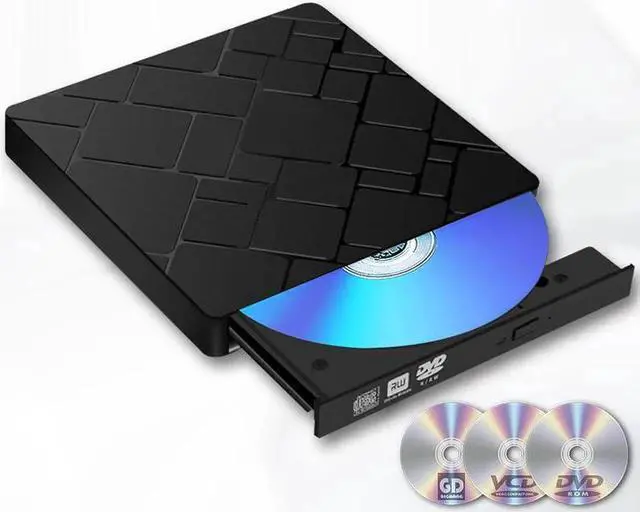
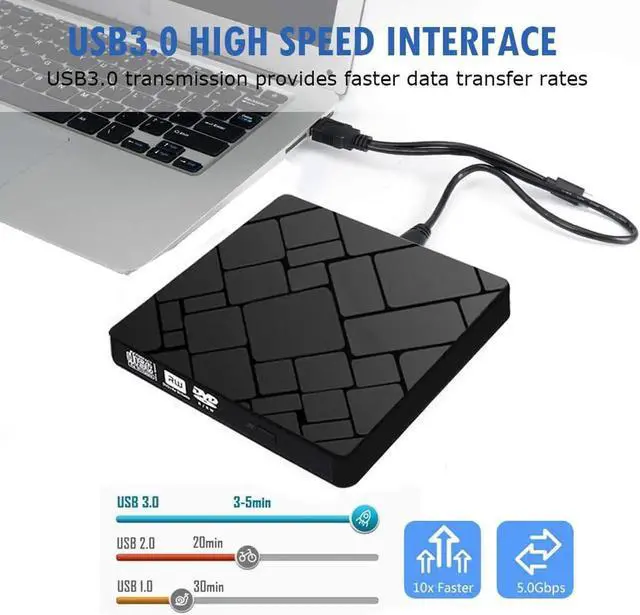
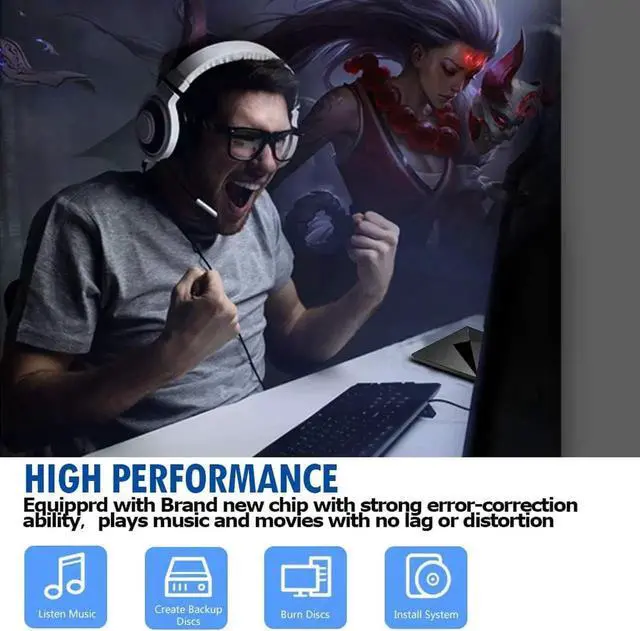
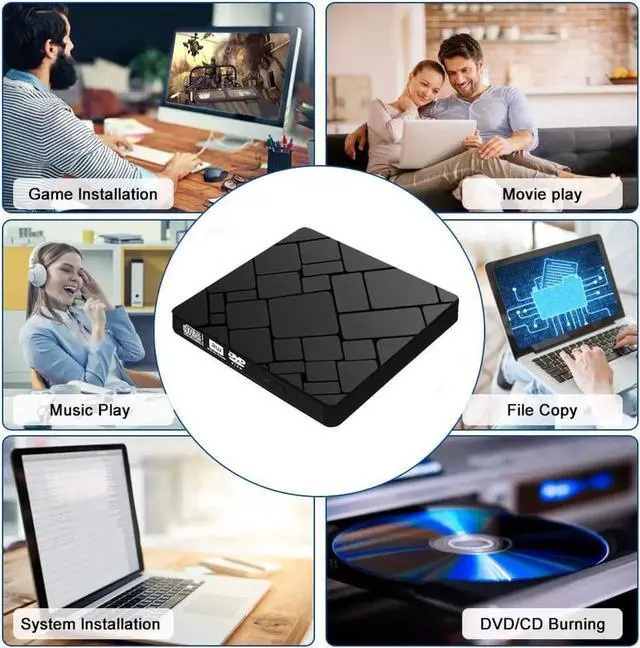
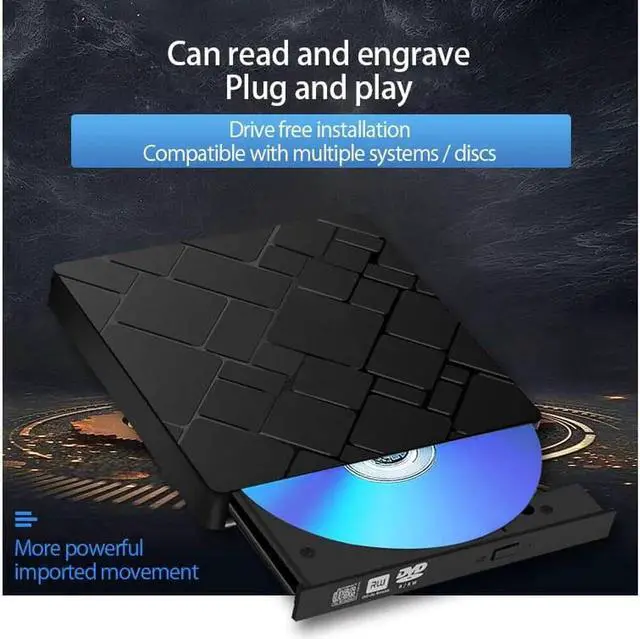
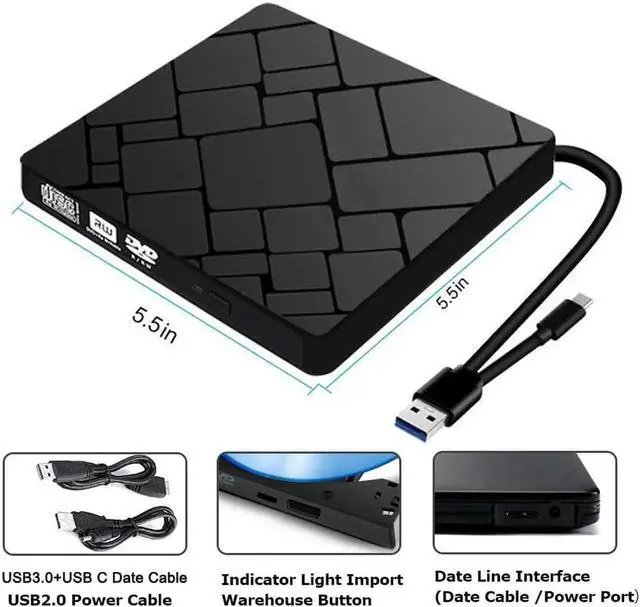
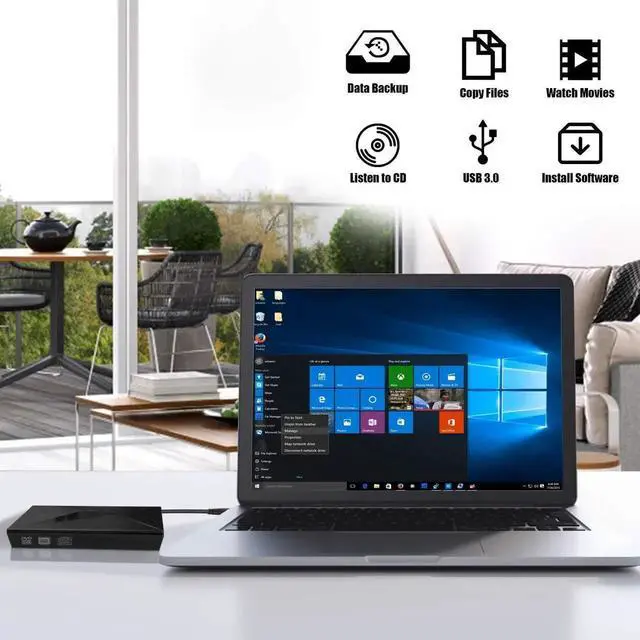



Any questions? Ask CelesteSM will help you find out quickly.
[Features]
*USB-3.0 and Type-C connectors, giving it great versatility, compatible for more device. And extended usb c port is more convenient than usb c adapter, you don't need to worry about lossing the adapter.
*No software and external power supply needed, support plug and play, convenient to use.
*SATA interface, brand new chip, strong ability of error correcting, anti-shock and noise reduction, low power consumption.
*Built in anti-burnout control.
*Full support for DOS start-up and system recovery issues.
*The material of outer casing has ABS diamond, more sturdy and durable, protect the inner part perfectly.
[Specifications]
Compatible System and Device: MAC OS, Macbook,Laptops,Desktop ect.(Not wupport TV,car player, tablet, PC tablet (such as Surface Pro), Chromebook, Ubuntu system.)
Compatible System : WIN98/XP/ WIN7/ WIN8/WIN10/ XP/ VISTA / Mac OS 8.6 or above
Reading Speed : DVD-ROM 8x, CD-ROM 24x
Writing Speed : DVD 8x, CD 24x
Supportive Disk Size : 8cm, 12cm
Supportive Disk Format :DVD-ROM,DVD-R,DVD+R,DVD-RW,DVD-RDL,CDA,CD-ROM,CD-R,VCD,SVCD,CD-RW
Size : 14x14x1.6cm / 5.51x5.51x0.63inch
[Please Pay Attention]
1.Not support TV, tablet, car player, Chromebook, Surface Pro, Ubuntu.
2.The external drive cannot play Blu-ray disc or game disc that over 8.5GB .
3.The dvd/cd drive doesn't support TV, tablet, PC talet and car player.
4.This external DVD Burner needs to install the dvd player/Burner software itself before it able read and burn dvd disc. Recommend software as follows: VLC Media and AnyDVD software, Leawo is free one for all system.
5.If you use the dvd/cd drive on PC, its better to plug the drive into the back end interface for more strong power supply.
6.For Apple laptop and MacBook, you need to click the mouse to open the external drive.
7.Don't place the external dvd/cd player close to any magnetic object.
[Life-Time Technical Support]
*Please use the external DVD/CD drive on other ports or use several discs to test it if the item doesnt work.
*For Macbook, if the external drive doesn't pop up on your computer, please put a disc into the drive and it will pop up.
*Please make sure your computer has a media playe. If not, you can download a VLC Media Player.
*How to check whether the computer recognize the external drive
1. For IOS, go to System Preferences, check whether shows a CDs & DVDs icon.
2. For Windows, go to My Computer, go to mobile storage device, check if there is a external drive icon.