here!
here!
I’m your shopping assistant for PC builds, upgrades, and everything tech.
Got questions? Ask away!
Start a conversation
here!
I’m your shopping assistant for PC builds, upgrades, and everything tech.
Got questions? Ask away!
Start a conversation



Any questions? Ask CelesteSM will help you find out quickly.
Features
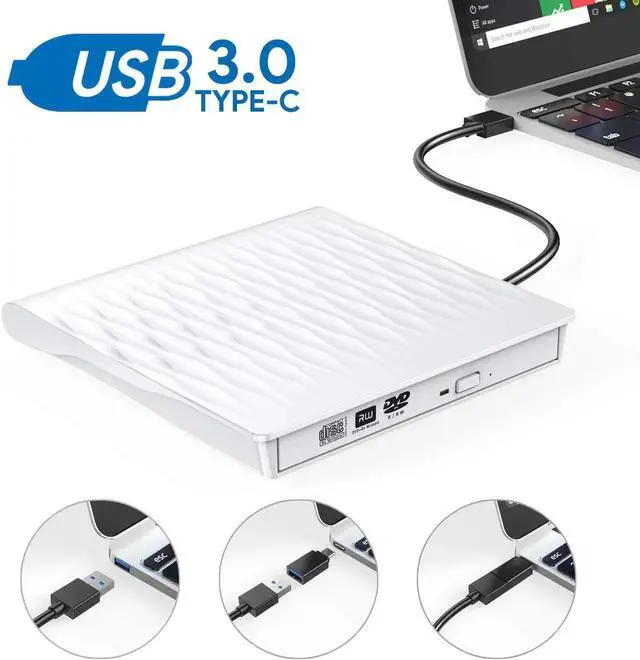
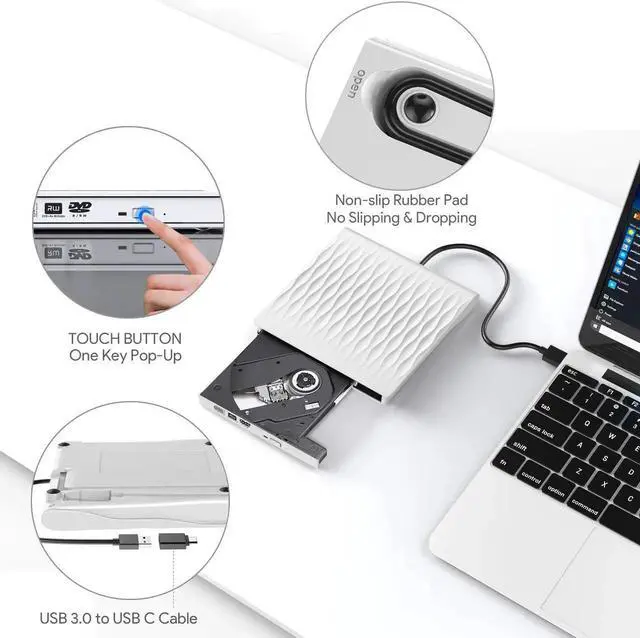
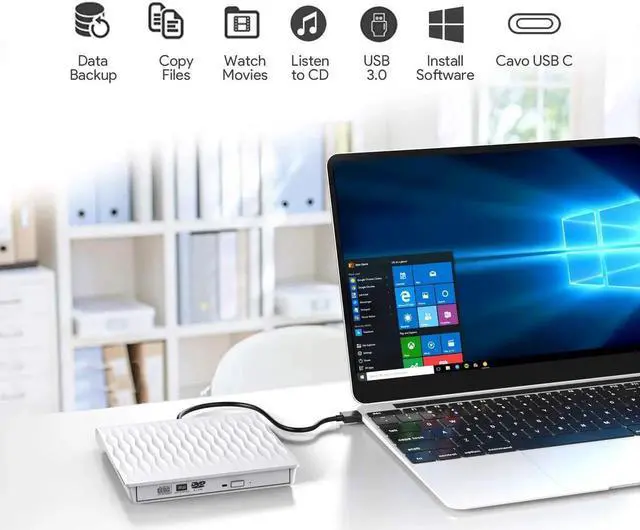
With Fast Essential USB 3.0 /USB C CD/DVD drive burner, you can watch DVD movies, burn files, movies to a CD/DVD, install software and create backup discs etc.
100% Brand New and High Quality Fully
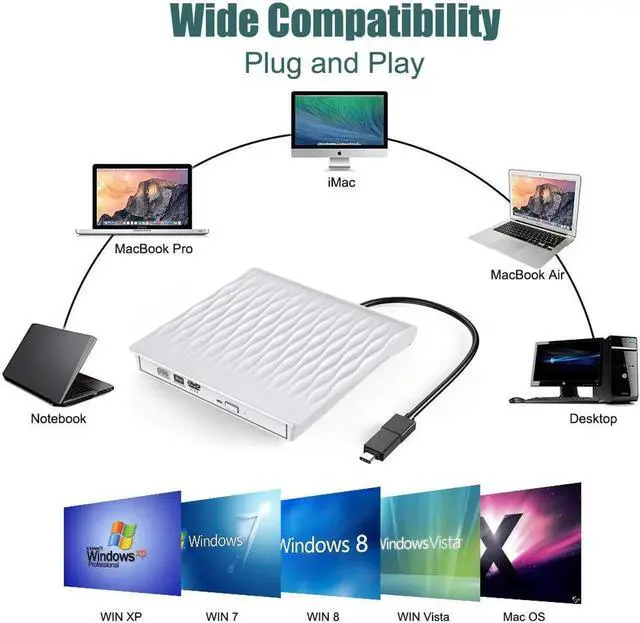
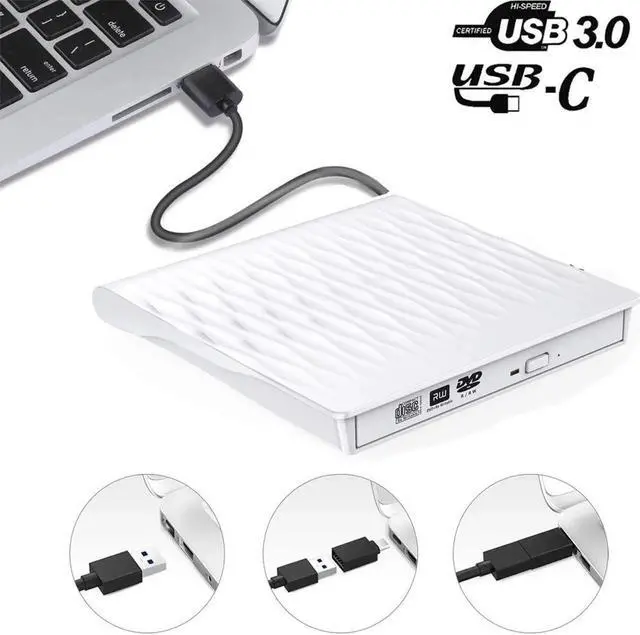
Plug & Play, easy to install and use USB 3.0 /Type C CD/DVD drive provide faster data transfer speed, up to 5Gbps. Backward compatible with USB 2.0 and USB 1.0
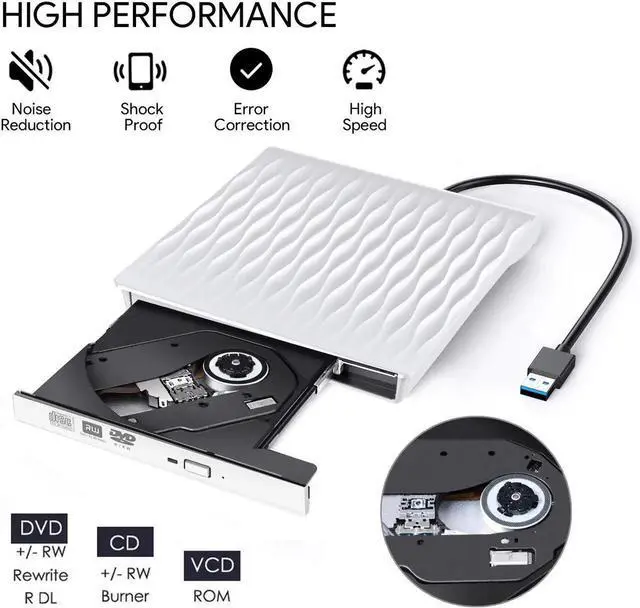
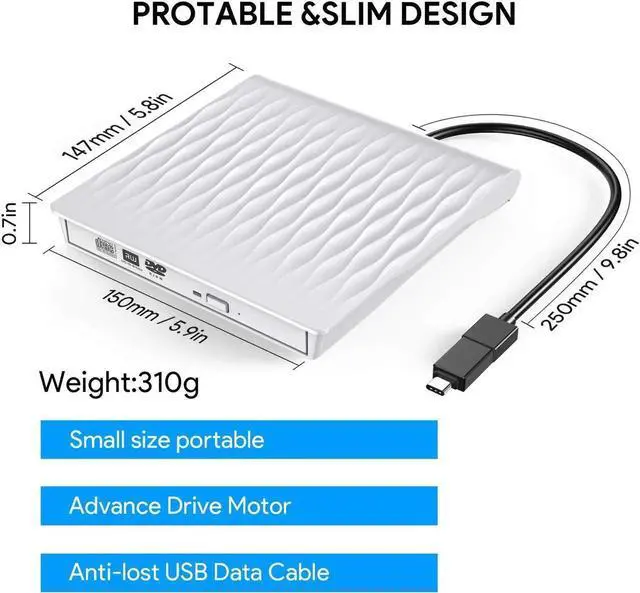
Ultra Slim and Light Weight, Classic Appearance Embedded Design Designed. Brand New Import Chip, Power Ability to Correct Errors, Shockproof, Low Level Noise.
Package included
1*USB CD/DVD Drive (Optical Disk is not included)
1*Standard USB 3.0 Cable
1*Type C adapter
1*User Manual
Warm Tips :
1. This external DVD Burner needs to install the dvd player/Burner software itself before it able read and burn dvd disc. Recommend software as follows: VLC Media and AnyDVD software, Leawo is free one for all system.
2. Please hook up the device to the direct USB port on your computer. for drive work properly on desktop PC, please make sure connect the device to the motherboard USB port. If you connect it to a USB hub or extension cable, you may not be able to recognize the drive or read the BD, CD/DVD.
3. Due to the low voltage of some tablets, this Blu-ray recorder cannot be used on tablets, such as the Surface series.Because of the limitations of the Chrome OS, this external optical drive can not work with C