• $35.97
  • Ships from China.
    Sold by Astral Tech

    Shipped by Astral Tech

    Price alert
    Shop it at NeweggBusiness.

    Meet Your Seller

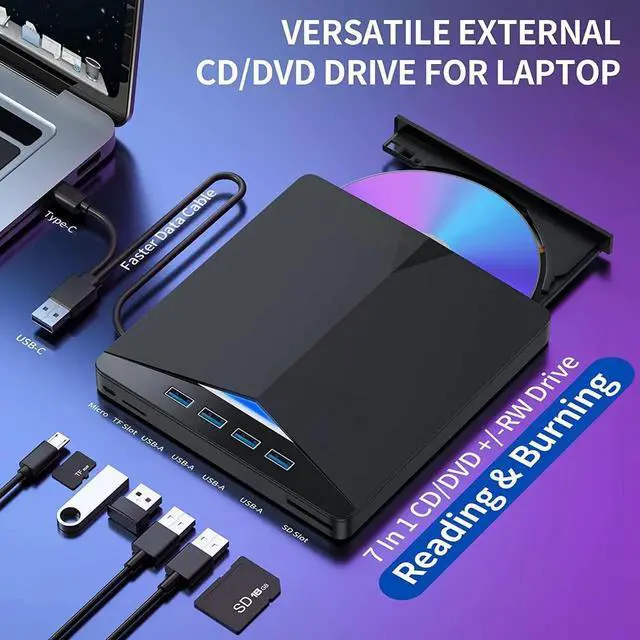
    USB 3.0 & Type C External CD/DVD Drive, 7 in 1 USB 3.0 USB C DVD Player Portable CD/DVD Burner, CD ROM External DVD Drive Compatible with Laptop Desktop PC Windows 11/10/8/7 Linux Mac OS (Jet Balck)

    • [Plug and Play] The external DVD drive is directly powered by a USB 3.0 port, no additional drivers are needed, and it can be used directly by plugging it into the Laptop or Desktop PC
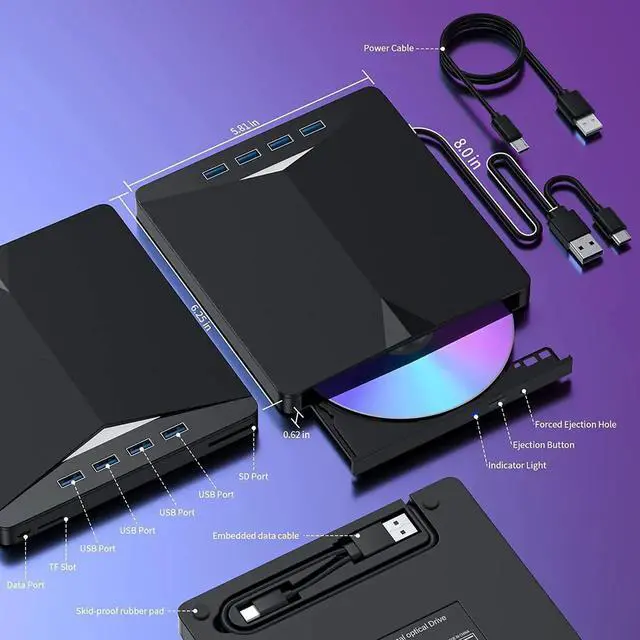
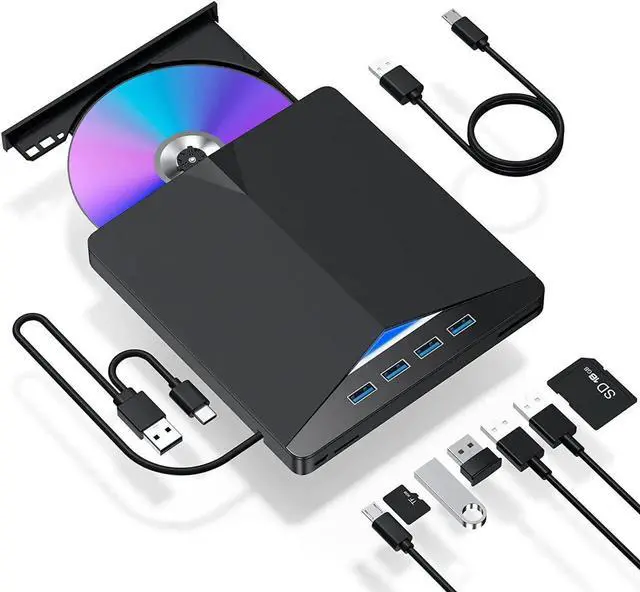
    • [7 IN 1 Optical Drive] Our portable DVD player is not only a CD/DVD reader, but also a CD/DVD burner/burner, 4 port USB 3.0 hub, SD card reader, TF card reader (SD card and TF card are not used at the same time)
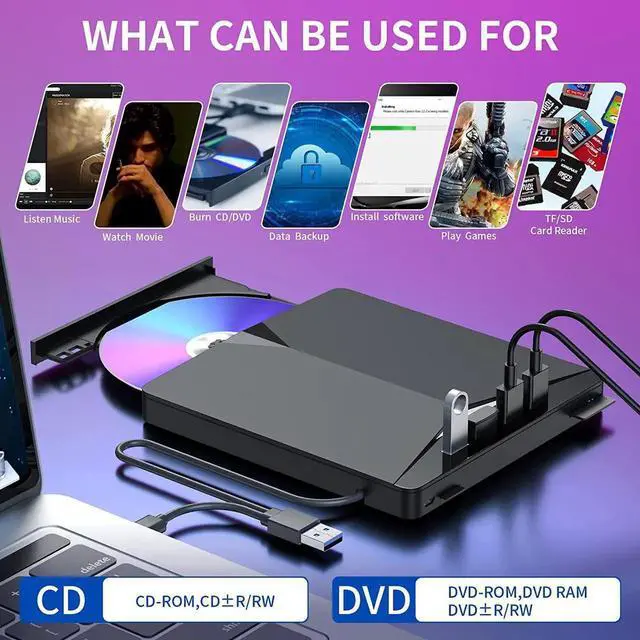
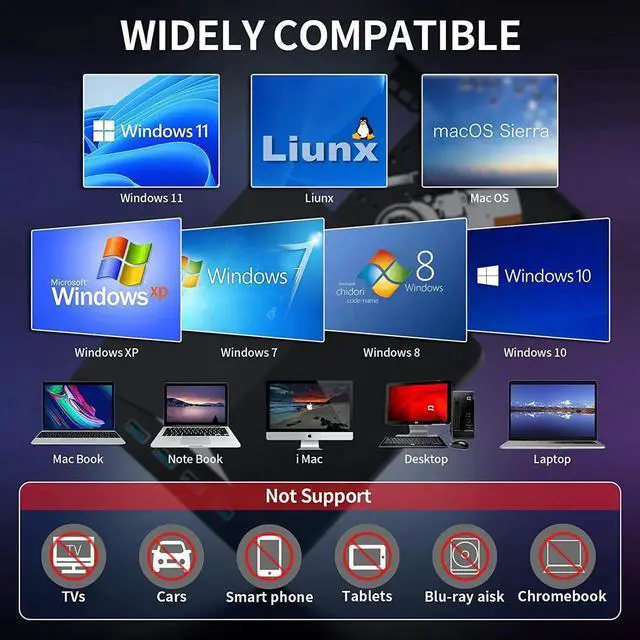
    • [Wide Compatibility] Our USB DVD drive is compatible with Windows 11/10/8/7, Linux, Mac OS and other systems. You can use this External DVD Drive for laptop to listen to music, watch movies, play games, burn data and install Software etc.
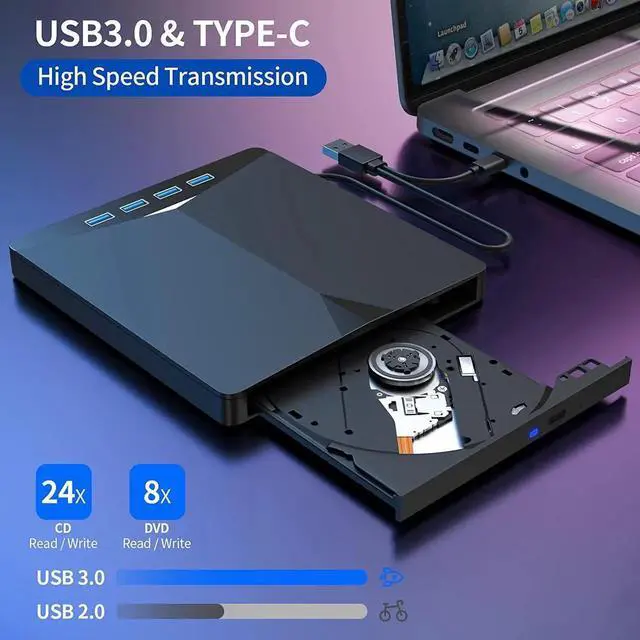
    • [High-speed Data Transmission] USB 3.0 Max 8x DVD Read/Write Speed and Max 24x CD Read/Write Speed, provide high writing and reading speed
    • [DVD Player Portable] The slim and lightweight design allows us to be portable and use it at home, office or traveling.
    +
    +
    Overview
    Specs
    Reviews
    avatar

    Any questions? Our AI beta will help you find out quickly.

    Specifications

    :

    -Interface: USB 3.0

    -Net Weight: 400g/ 0.88 lb

    -Support CD specifications: 4.7 / 3.1 inch

    -Product dimensions: 5.7 x 5.6 x 0.6 inch

    -Support Systems: Windows SE/ME/2000/XP/Vista/Win 7/Win 8/Win 10/Mac OS System

    -Supported formats: DVD-ROM, DVD-video, CD-R/RW, CD-ROM/XA, CD-ROM, CD-EXTRA, CD-TEXT

    -Supported types: CD-RW/DVD-RW Burner/Writer/Drive

    -Read Speed: CD-R24X/CD-RW24X/DVD-R8X/DVD+R8X/DVD+RW8X

    -Write speed: CD-R24X/CD-RW16X/DVD-R8X/DVD-RW8X/DVD+R8X/DVD+RW8X D9-RAM 4X


    Package Includes:

    1 × External DVD Drive

    1 × User Manual


    Warm tips:


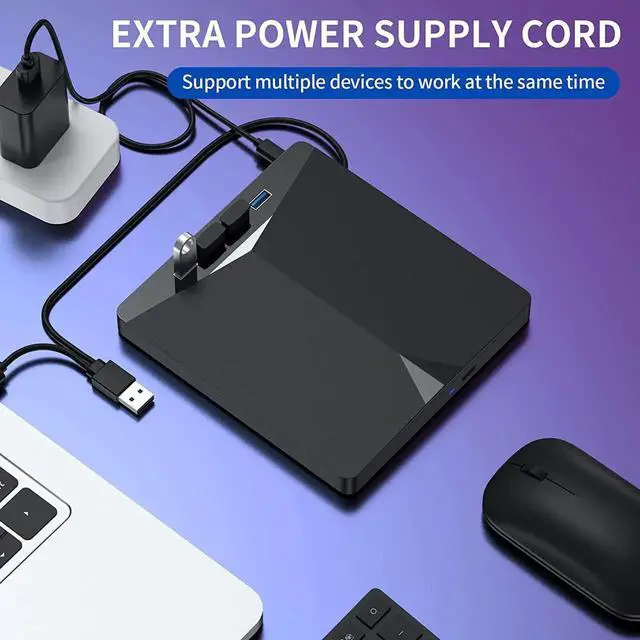
    1. Please hook up the device to the direct USB port on your computer. If you connect it to a 2. Before using the CD-ROM drive, be sure your computer has a "VLC media player". If you don't have, please contact seller to have the download link.

    3. Please charge your computer when connecting with this CD/DVD external drive. In case of failing to read the CD/DVD due to low power.

    Warranty & Returns

    Warranty, Returns, And Additional Information

    Warranty

    • Please contact the Seller directly for warranty information. Warranty information may also be found on the Manufacturer's website.
    • CONTACT

    Return Policies

    Manufacturer Contact Info

    LOADING...