
Your Browsing History




Any questions? Our AI beta will help you find out quickly.
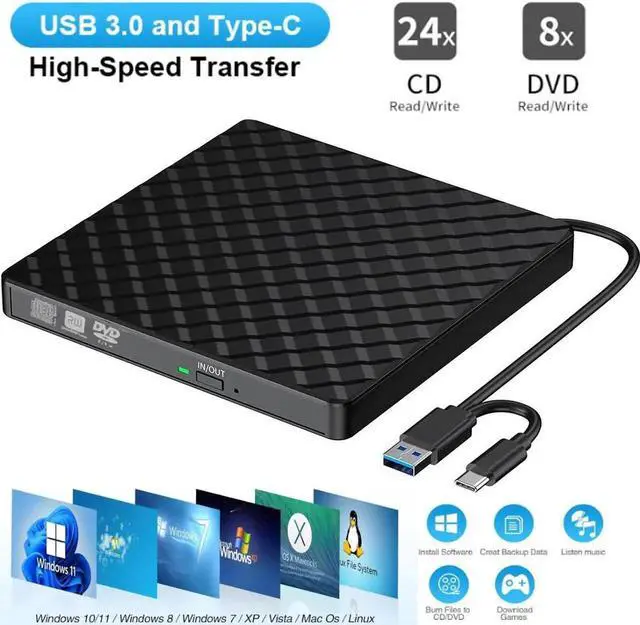
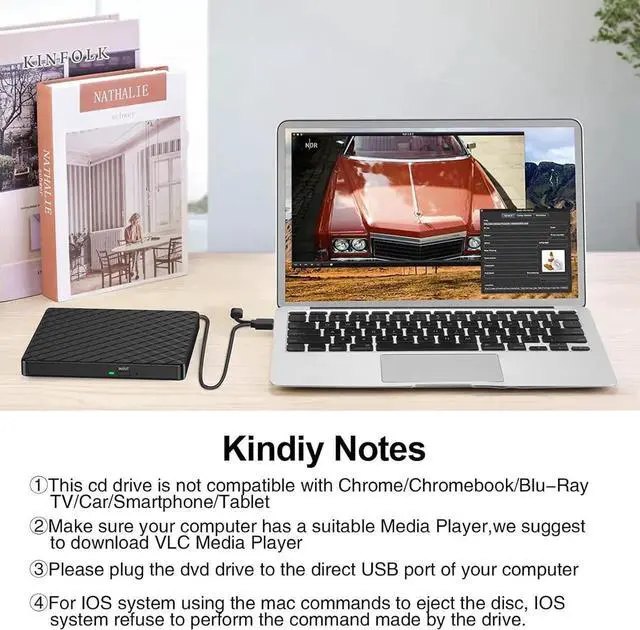
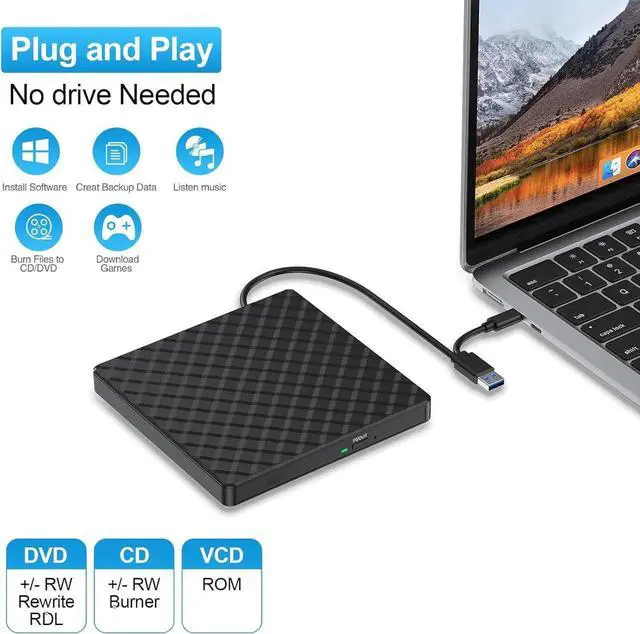
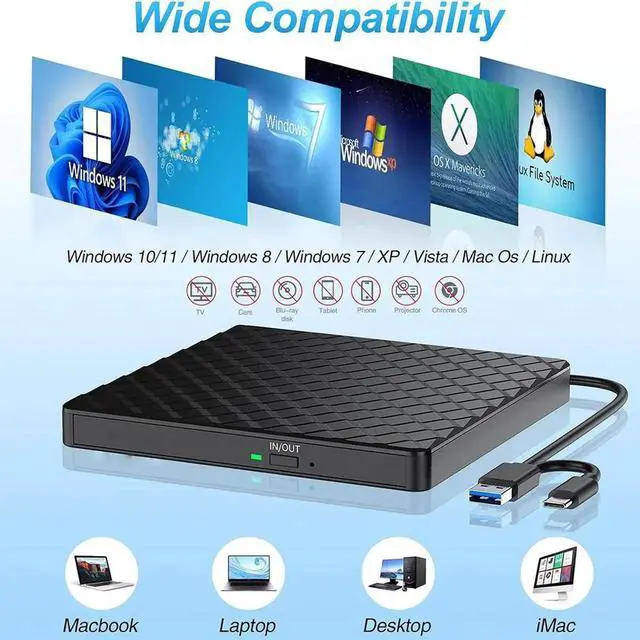
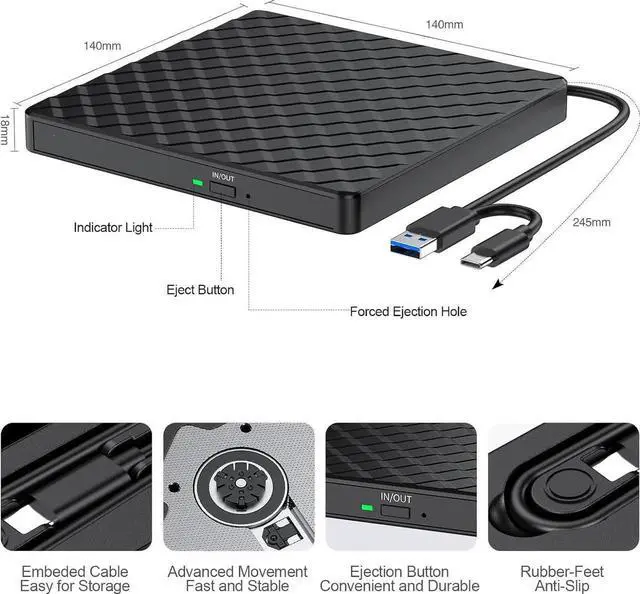
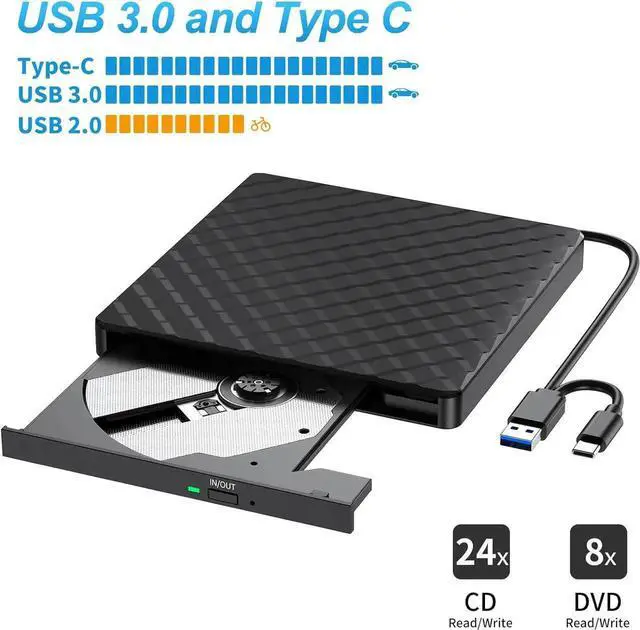
1. Once you plug this external dvd player into your computer, it will bring up your downloaded Media Player, select it, and from that point forward whatever disc you put in will automatically open through it.
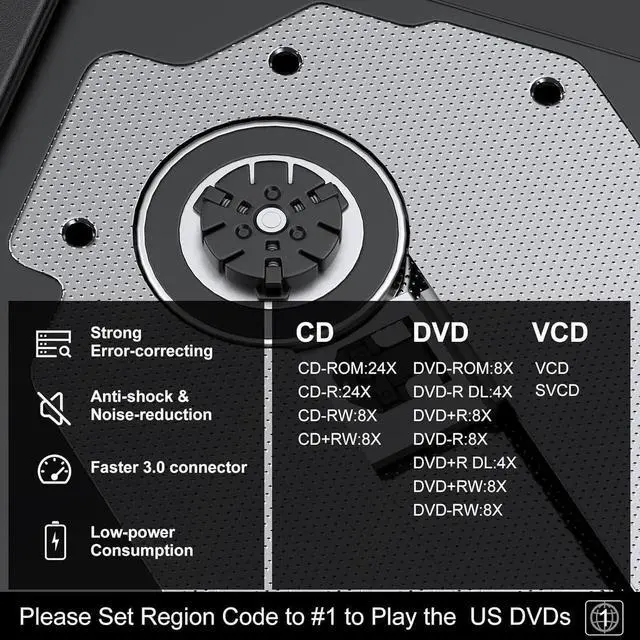
2. Remember to set the DVD Region to United States on the player - Windows :This PC-dvd drive- Properties - Hardware Tab -Properties button -Choose Region (US is 1) -Apply. Mac: Menu-System Preference-Language & Region - Region - Select Country -Apply Remember you can only reset the country 5 times.
3. Please directly connect it to the USB port of the computer. Connection through a USB hub or USB extension cord may affect the device's functioning. For desktops, please connect it to the back USB port of the motherboard.
4. Mac OS computers do not display the device icon before placing a disc into disc tray & drive reads successfully the disc. For Mac OS, use the mac command to eject disc.