




 here!
here!
I’m your shopping assistant for PC builds, upgrades, and everything tech.
Got questions? Ask away!
Start a conversation
here!
I’m your shopping assistant for PC builds, upgrades, and everything tech.
Got questions? Ask away!
Start a conversation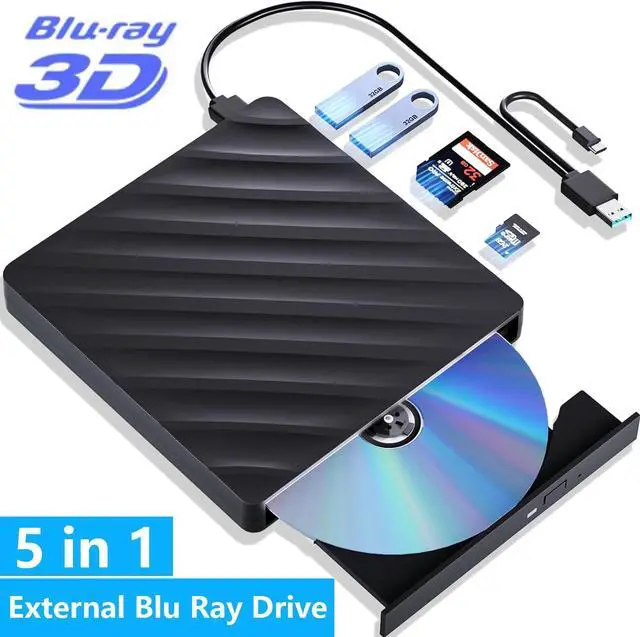



Any questions? Ask CelesteSM will help you find out quickly.
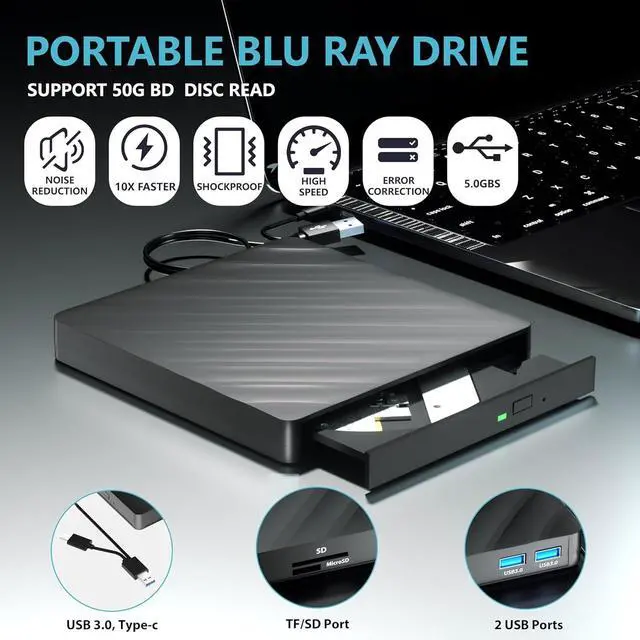
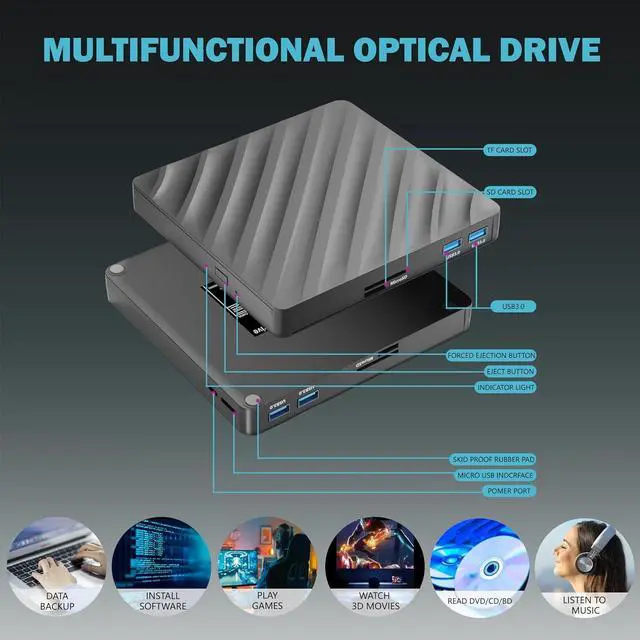
This 5 in 1 blu ray player external offers versatile features, plug and play. It can read BD/DVD/CD discs and has 1 SD card slot, 1 TF card slot, and 2 USB 3.0 ports for data transfer or charging purposes. You can easily transfer music, blu ray uhd movies, and data files from SD cards, TF cards, or through the USB/Type-C ports to your computer. Additionally, you can transfer files from a external blu-ray drive to an SD card, USB hard drive, or USB flash drive.
Please note that you can only use either the SD card or the TF card at a time. However, both can function simultaneously with the 2 USB 3.0 ports.
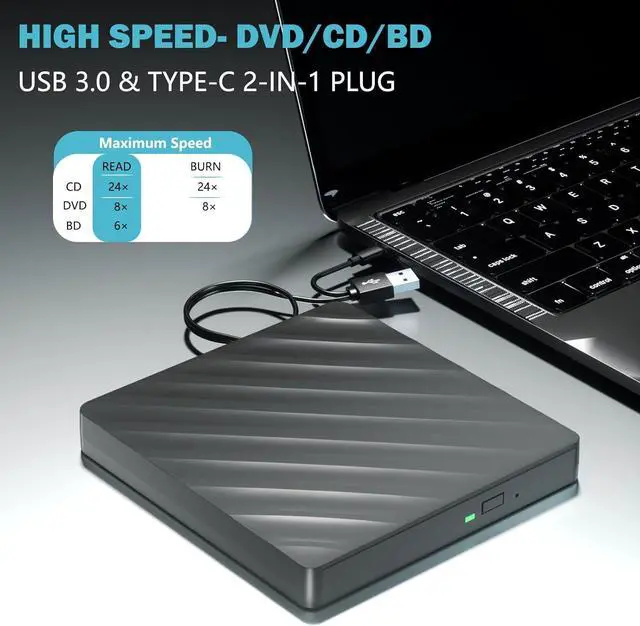
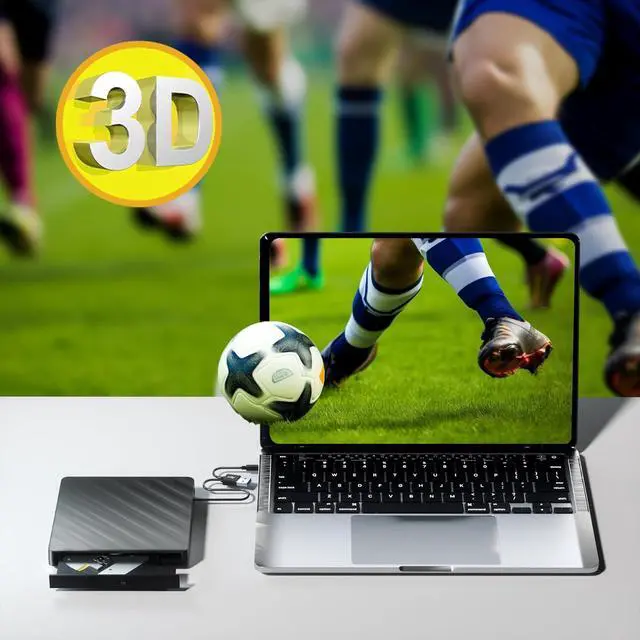
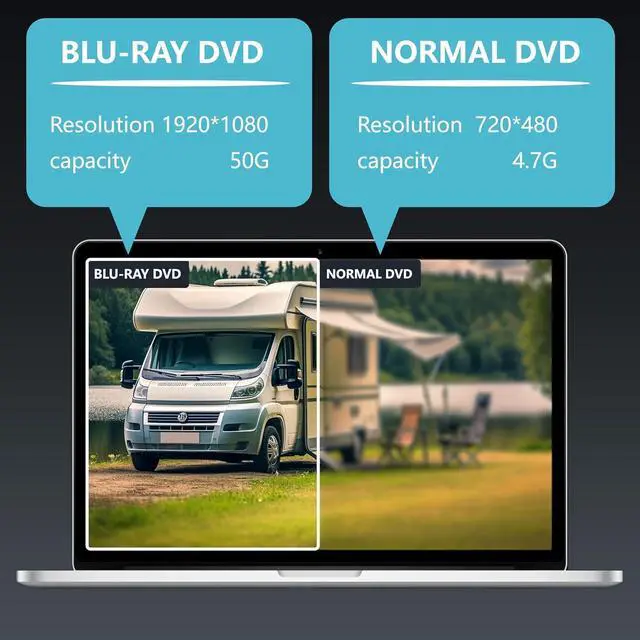
The Blu-ray DVD drive has impressive high-performance capabilities. Its cutting-edge high-speed 3.0 interface and Type-C interface exhibit exceptional error correction capabilities, impact resistance, low noise, and low power consumption. It can read CDs at speeds of up to 24x, DVDs at up to 8x, and BDs at up to 6x. Additionally, the usb bluray drive external supports burning normal CDs and DVDs in sizes of 8.5GB, 4.7GB, and 700MB, as well as 3D discs.
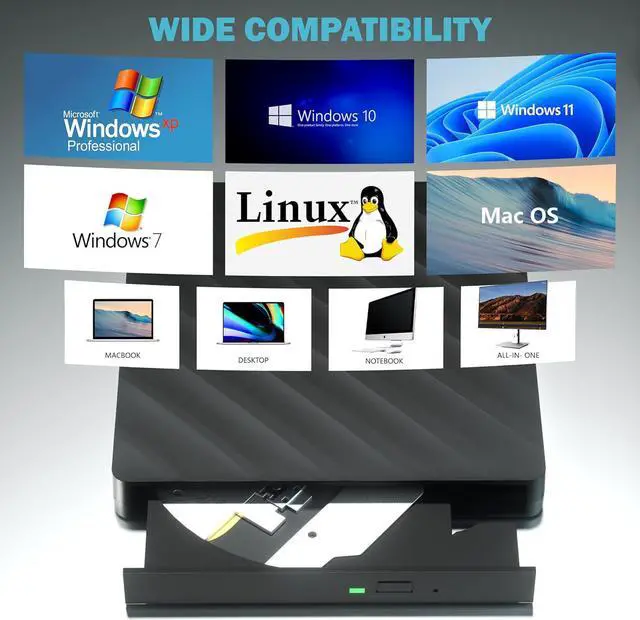
The blu ray dvd drive external is fully compatible with a wide range of operating systems, including Windows 7, 8, 10, Vista, ME, SE, XP, and 2000, as well as Linux and all versions of MAC OS 10 or below. However, that it is not compatible with BD recorders, tablet iPads, Surface tablets, TVs, projectors, smartphones, or cars.
Note: (1) Check whether your computer is compatible with the blu ray rw drive external to play by downloading the software 'Cyberlink BD & 3D Advisor. (2) Make sure you have the appropriate software installed before playing a CD/DVD on your laptop with this BD player. When playing BDs, it is recommended to use the professional BD player 'PowerDVD10-19' (For Mac OS, Macgo Blu-ray Player is recommended). (3) Note that including the initial setting, the region code can only be changed 5 times.



