




 here!
here!
I’m your shopping assistant for PC builds, upgrades, and everything tech.
Got questions? Ask away!
Start a conversation
here!
I’m your shopping assistant for PC builds, upgrades, and everything tech.
Got questions? Ask away!
Start a conversation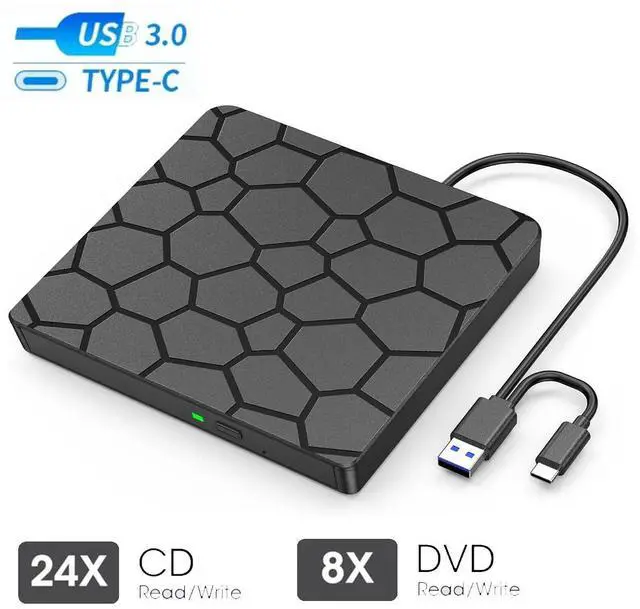



Any questions? Ask CelesteSM will help you find out quickly.
Description:
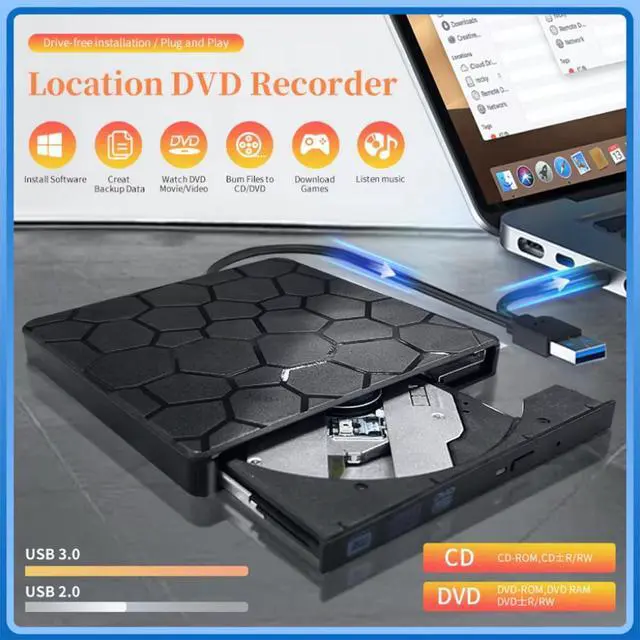
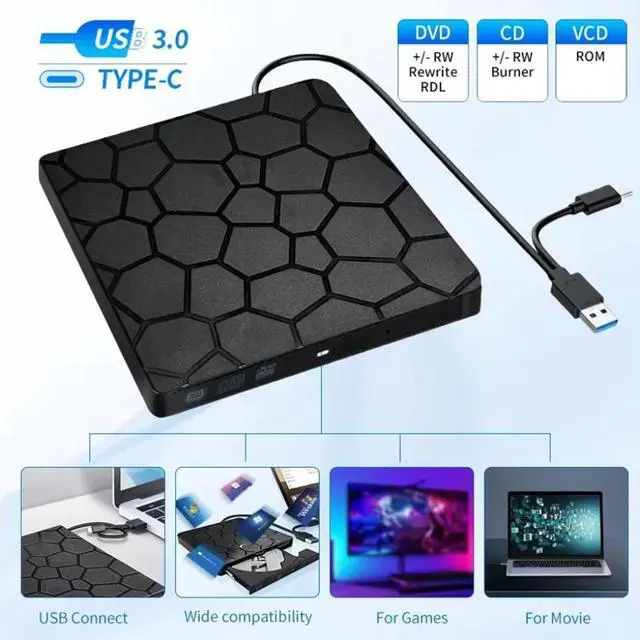
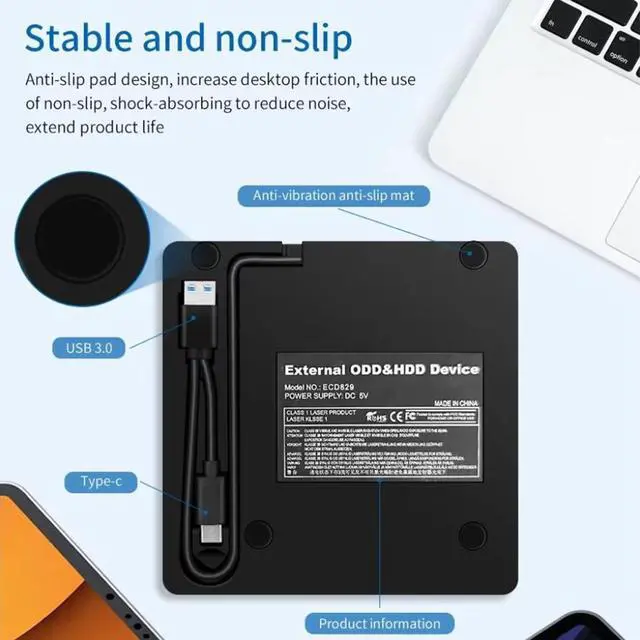
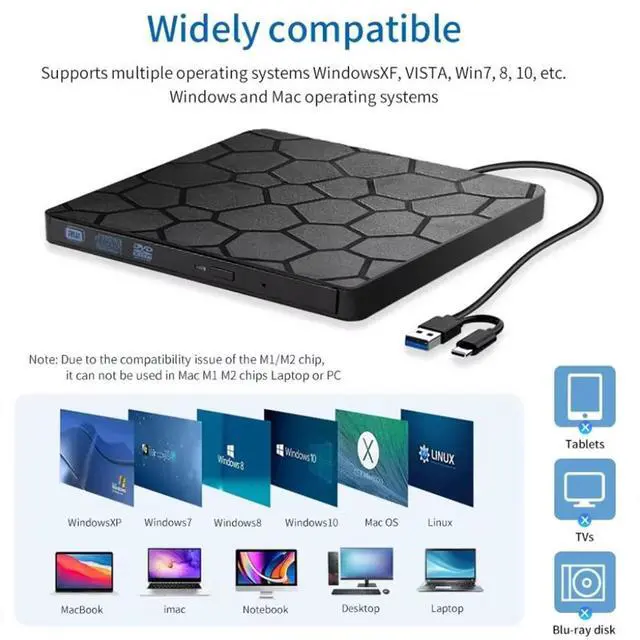
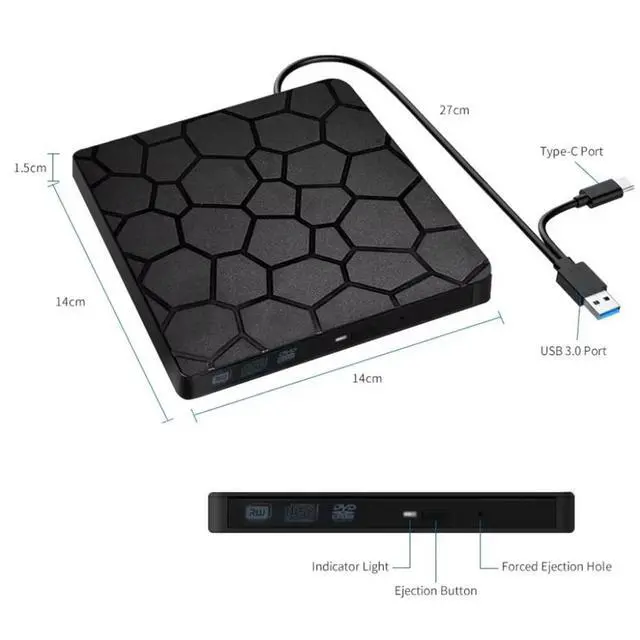
The external mobile optical drive box is suitable for desktop and laptop computers with USB2.0 or 3.0 interface protocol. It realizes the function of reading information between the external optical drive and the computer through the USB interface.
*Compatible with WindowsXP/Wind8/Wind7/Wind10, Linux, Mac IOS systems.
*The internal laser light source may be harmful to your face and eyes, please do not look directly at it.
*No need to install driver, supports plug and play.
*Compatible with USB3.0 port and below ports USB2.0, USB1.1, the work efficiency is more stable. Applicable more widely.
External CD/DVD Drive User Guide & Notes
CONNECTION: Powered directly via USB 3.0/USB-C, no extra cable needed. For best results, use built-in USB ports (rear ports on desktops recommended). Avoid hubs or long extension cables.
PLAY DISCS: Windows Media Player (audio CDs), VLC (video DVDs). On Mac, CDs open in Music; use VLC for DVDs. Linux: VLC works for both.
BURN & RIP/COPY DISCS: (You can create data, music, or video discs, copy discs, rip music to digital files, and back up photos or videos.)
* Choose trusted software (Windows: ImgBurn, BurnAware, CDBurnerXP; Mac: Burn, Express Burn, HandBrake, MakeMKV; Linux: K3b).
* Always check that your BLANK disc has ENOUGH space for the files. Write speed matters: use SLOWER speeds (CD 10X, DVD 8X) to reduce errors. Before burning, convert video files to DVD-compatible formats (e.g., MPEG-2) or audio files to CD-compatible formats (e.g., WAV or MP3).
TROUBLESHOOTING:
* Drive not recognized: connect directly, try another port, restart, or reinstall drivers.
* DVD wont play: install VLC and check Region Code (To play video/movie DVDs, please check the region code setting: On Windows:: Go to This PC > right-click DVD drive > Properties > Hardware > Properties > DVD Region, then set the correct region (USA = Region 1). On Mac: Region setting will appear automatically the first time you insert a DVD. Note: The region code can only be changed 4~5 times. After that, it will stay fixed.).
Learn more about the Detailed Specifications
First Listed on Newegg August 21, 2026




