




 here!
here!
I’m your shopping assistant for PC builds, upgrades, and everything tech.
Got questions? Ask away!
Start a conversation
here!
I’m your shopping assistant for PC builds, upgrades, and everything tech.
Got questions? Ask away!
Start a conversation




Any questions? Ask CelesteSM will help you find out quickly.
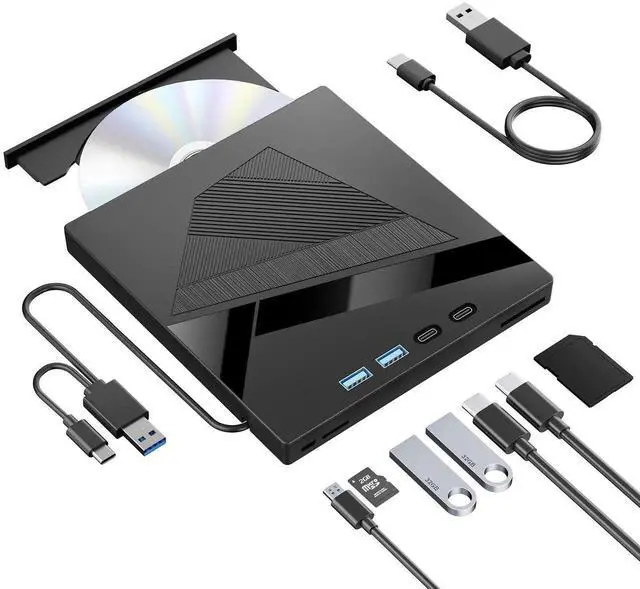
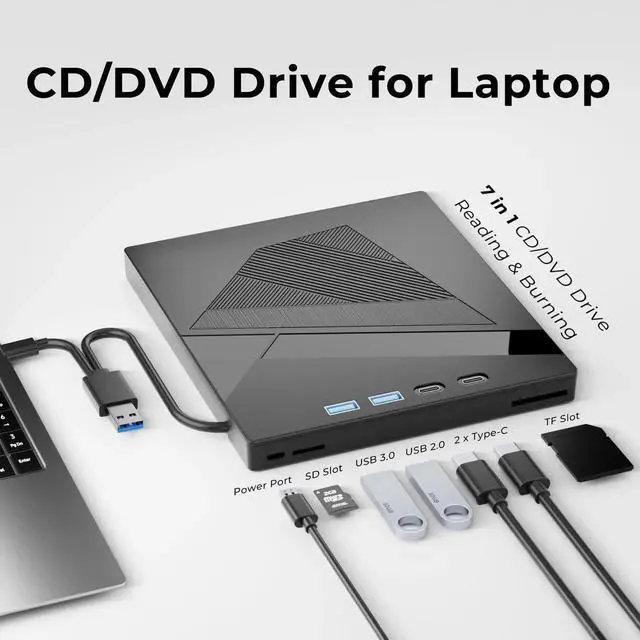
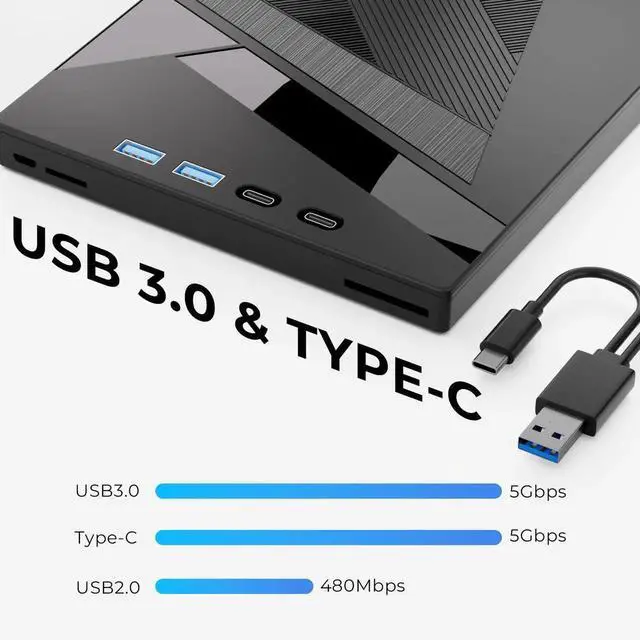
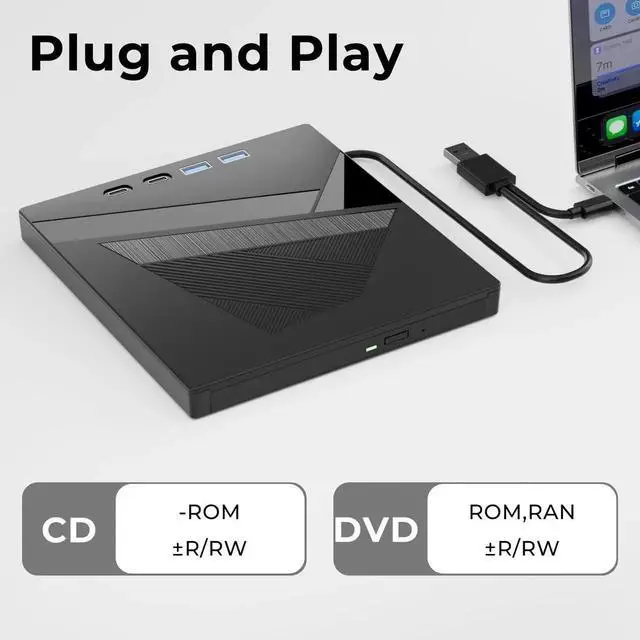
This 7-in-1 multifunctional external CD DVD optical drive is an all-in-one portable storage accessory for computers without built-in optical drives. Equipped with USB 3.0 and Type-C dual connectors plus SD and TF card slots, it satisfies file transfer and memory card reading demands at the same time.
It supports complete reading and burning of CD and DVD discs. You can watch offline video discs, burn discs to back up photos, videos and office files, and directly read files from memory cards without separate card readers. The 5Gbps high-speed chip ensures stable and efficient data transmission.
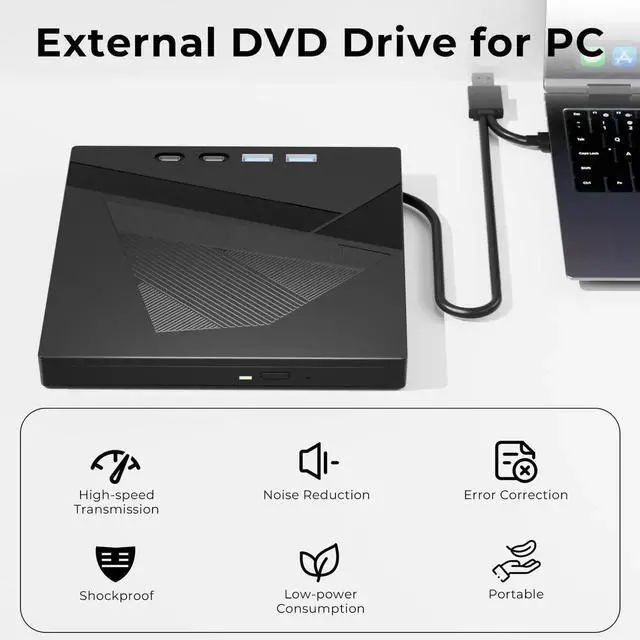
Ultra-slim lightweight shell is easy to put into laptop bags for travel, office and home use. Upgraded silent motor and anti-slip pads lower vibration during disc operation to realize smooth quiet performance.
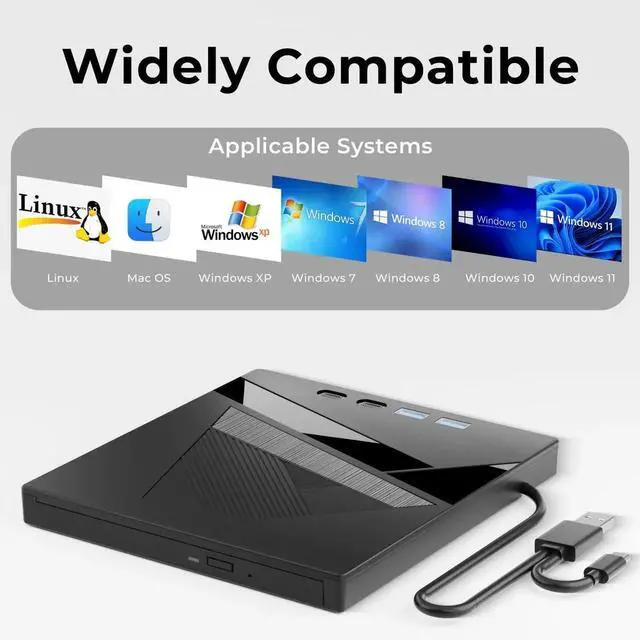
Plug-and-play design skips complicated driver installation. Just plug into computer ports to use instantly. Widely compatible with Windows XP/7/8/10, Linux and Mac OS systems, applicable to all mainstream laptops and desktops, ideal for students and office workers for daily offline media playback and data archiving.


