Your Browsing History
- Free 30-day Returns
$74.99
Meet Your Seller
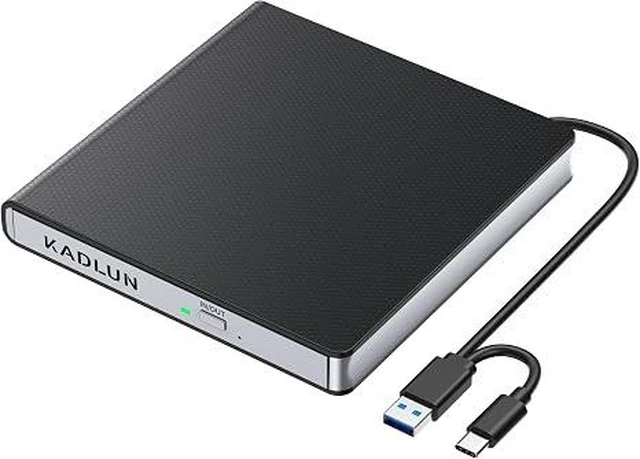
External DVD CD Drive for Laptop USB C USB 3.0 CD Burner External DVD Drive Portable CD ROM Burner Reader Writer Drive External DVD Player for PC Laptop Desktop Windows 11/10/8/7 MacBook Mac OS Linux
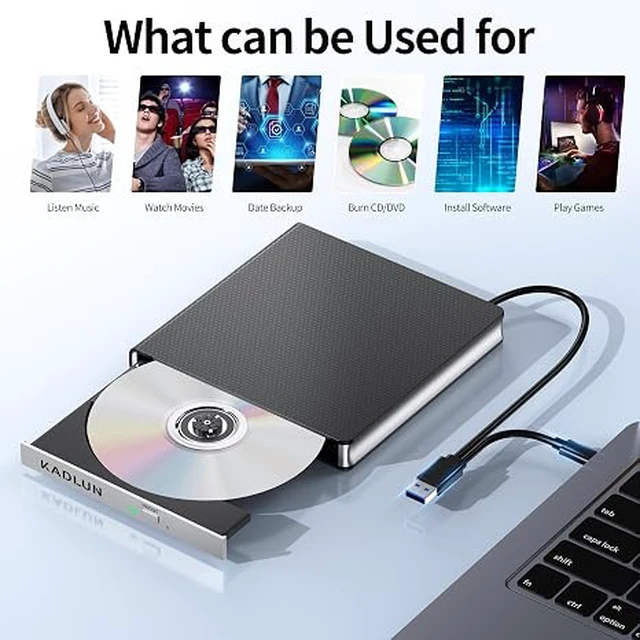
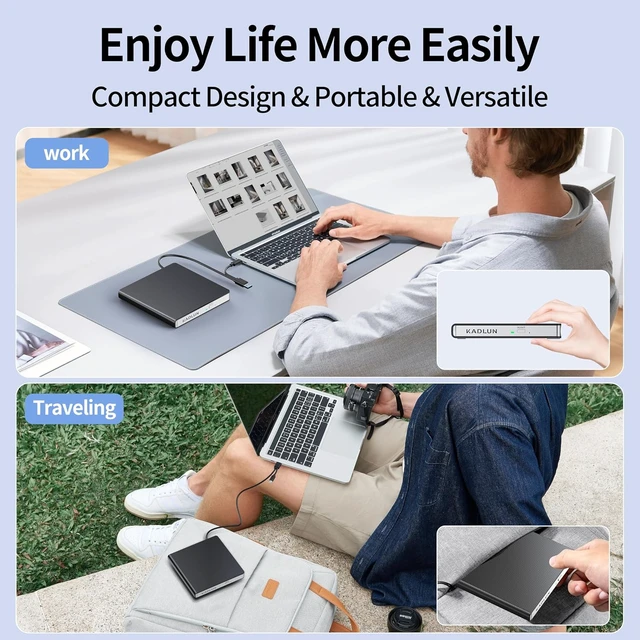
- External CD/DVD Drive for Laptop MacbookSince most new laptops and desktop computers no longer come with built-in CD/DVD drives for reading/writing CDs and DVDs, The Kadlun latest external cd drive is a great solution. No extra drivers are required. Plug and Play. This external dvd drive have strong error correction, anti-slip, and quiet capabilities. Easily listen to music, watch movies, back up data or install systems.
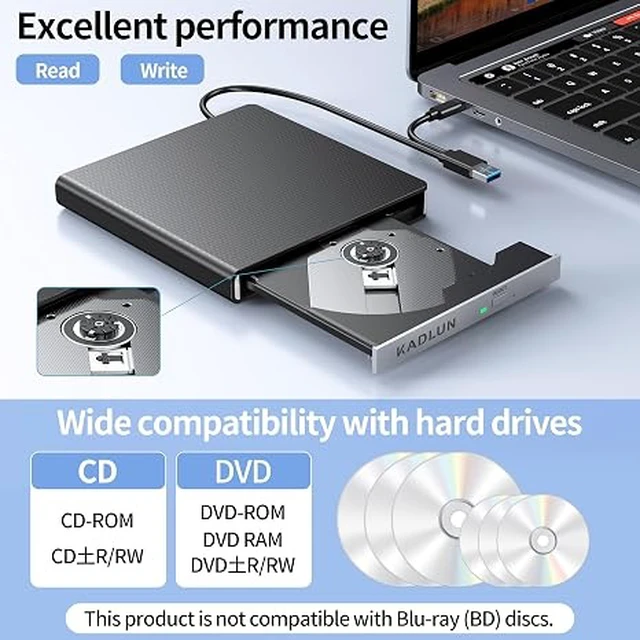
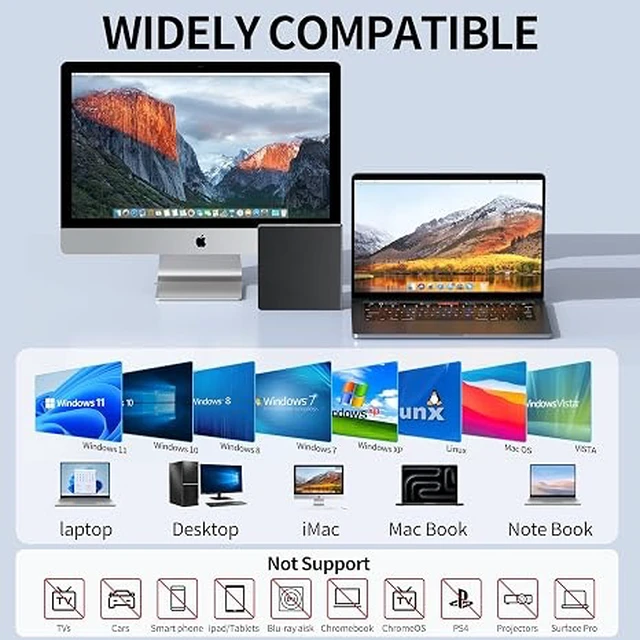
- CD DVD Burner and ReaderThis is a full-featured external CD/DVD player/reader/writer/rewriter/burner/ripper. It supports CD±R/RW, CD-ROM, DVD±R/RW, DVD-ROM, DVD-RAM, VCD and SVCD. This external disk drive supports different devices such as Macbook, iMac, Notebook, Desktop, PC and Laptop etc. It's compatible with Windows 11/10/8/7/XP , Vista 7/8, Linux, Mac OS 10.6 or above.(Windows 11 requires media player and network.)
- Not supported Cars,TVs,Tablets,Smartphones,Projectors and Blu-ray disk; Not support: m1 chip, m2 chip, m3 chip and m4 chip;
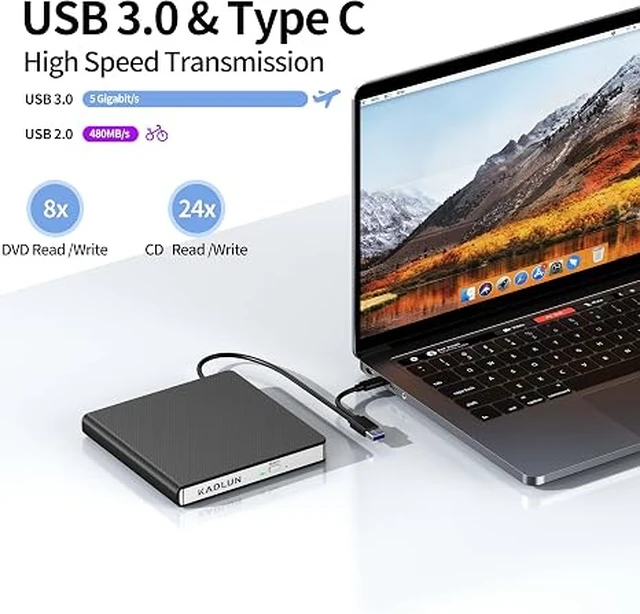
- USB 3.0 High-Speed External CD DVD Drive for Mac PCThe external dvd drive for laptop uses high-speed USB 3.0 technology and is backward compatible with USB 2.0/1.0. USB 3.0 is an updated
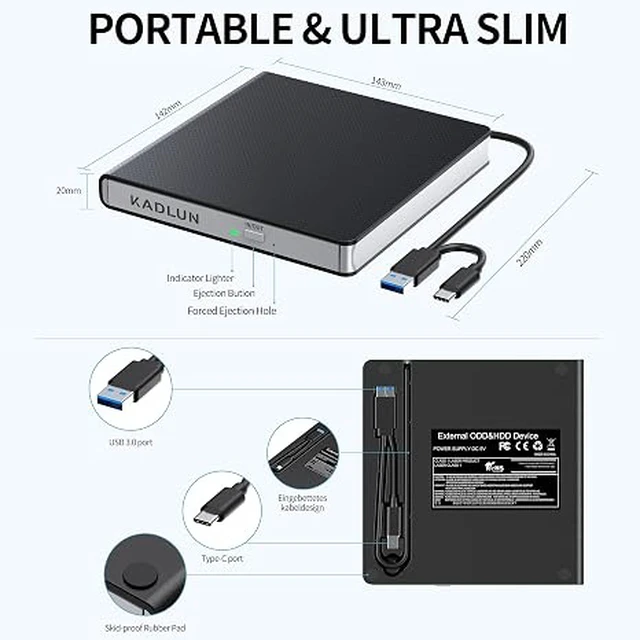
- 2 in 1 USB 3.0 Data Cable Portable CD/DVD Drive The built-in data cable (on the back of the CD drive) with USB 3.0 type-A and type-C connectors, make it easier to plug the DVD drive into different laptop and PC without any adapters. And no worries about losing data cables.It is the best choice for home, office and travel
+
+
Overview
Specs
Reviews
Any questions? Ask CelesteSM will help you find out quickly.
Try me now
Notice 1.Making sure that your computer has a normal driver program, suitable media player and burn software before using this External DVD Drive to work; 2.For iOS system using the mac commands to eject the disc, ios system refuse to perform the command made by the drive
Warranty & Returns
Warranty, Returns, And Additional Information
Warranty
- Please contact the Seller directly for warranty information. Warranty information may also be found on the Manufacturer's website.
- CONTACT
Return Policies
- Return for refund within: 30 days
- Return for replacement within: 30 days
- This item is covered by DAOWO Tech Return Policy
Manufacturer Contact Info
- For a directory of all our manufacturers, please click below.
- Manufacturers Directory
LOADING...