



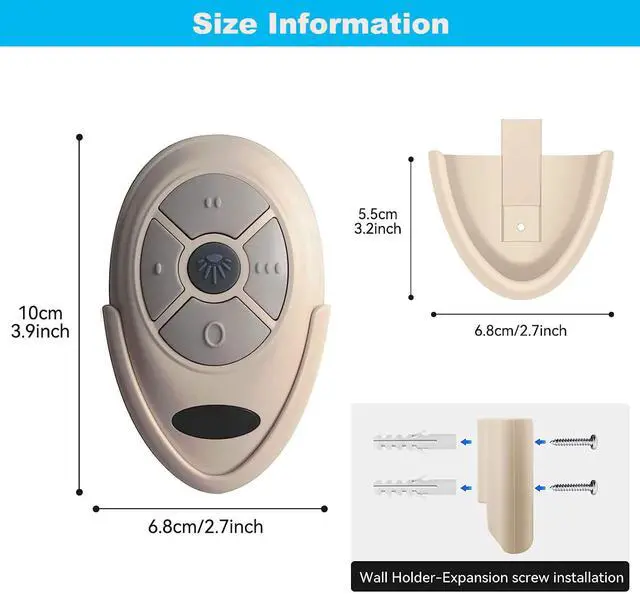


Ceiling Fan Remote Control Replacement of Harbor Breeze
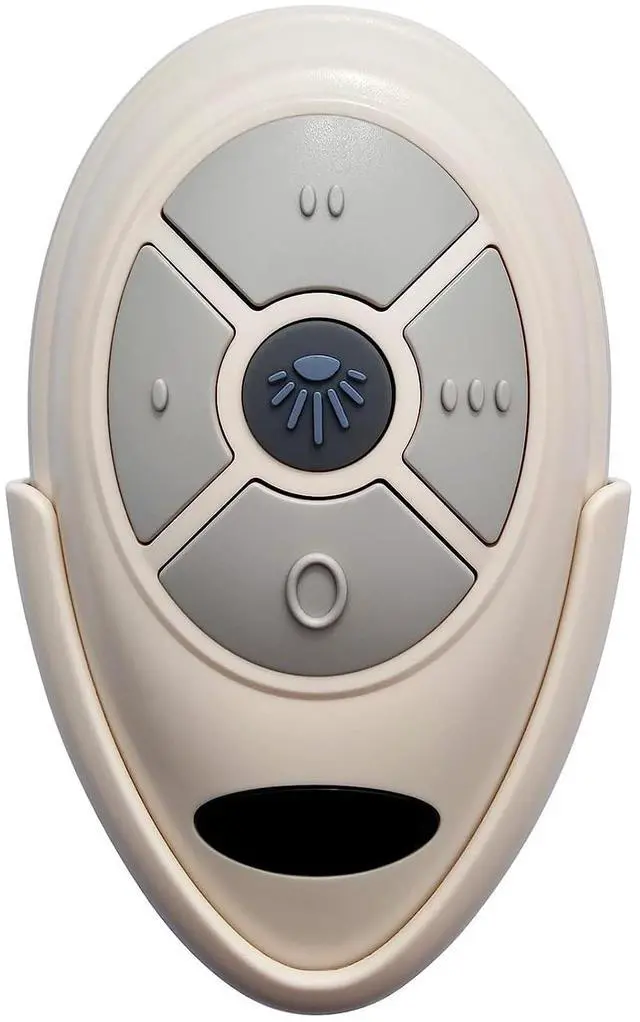
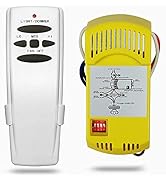
The Ceiling Fan remote will replace your original Harbor Breeze Remotes FAN-HD5, FAN-35T or FAN-53T.
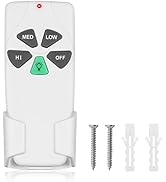
This remote does Not Include a Receiver and 12V A23 battery, it's ONLY a FAN-35T1 remote.
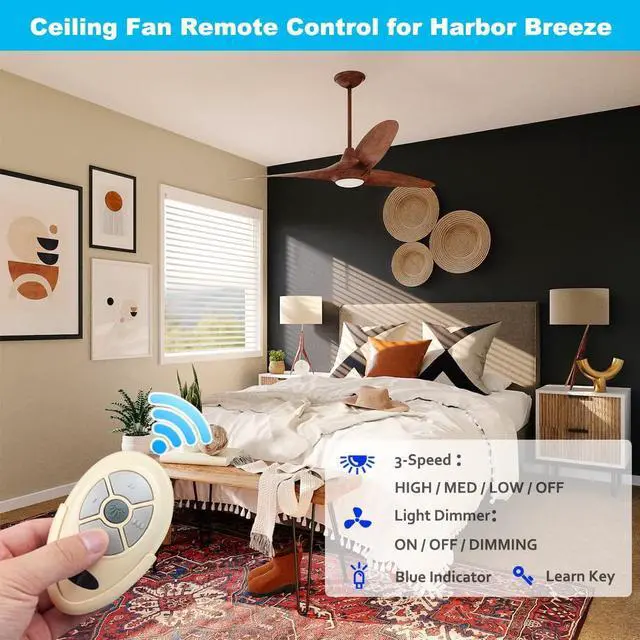
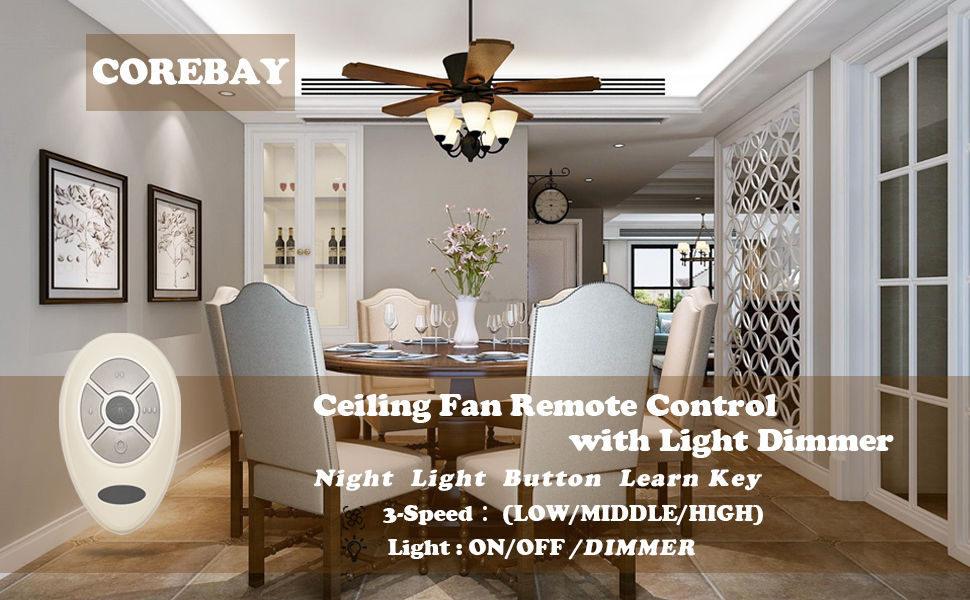
This remote has 5 buttons, 3-Speed (High/Medium/Low) and OFF for fan speed control, Light Dimmer for dimming control.
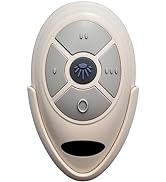
If your transmitter is different from the remote control on the picture, please purchase a complete kit with a receiver in the store.
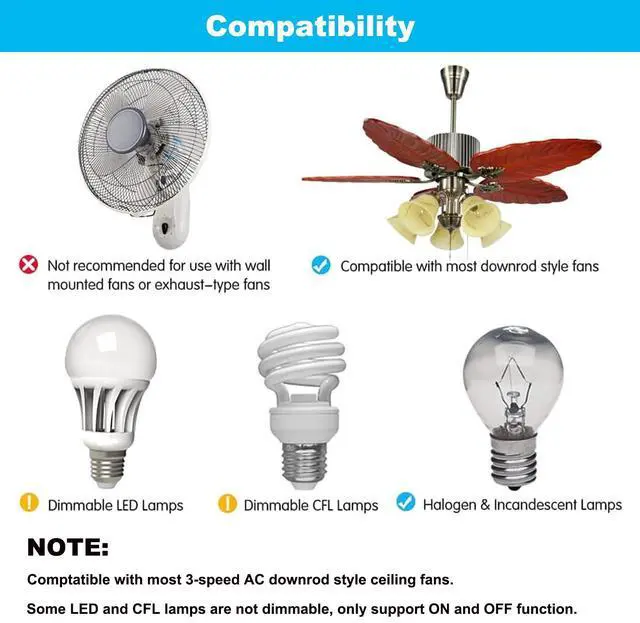
Light dimmer just controls the brightness of the incandescent lights and dimmable LED/CFL lamps, other LED and CFL light, just control lights' ON/OFF.
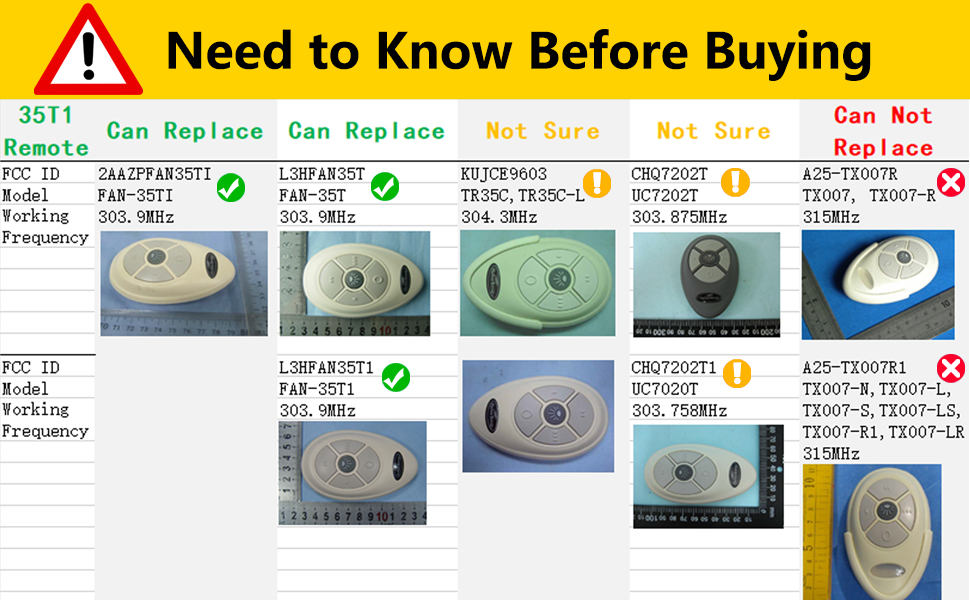
Need to Know Before Buying
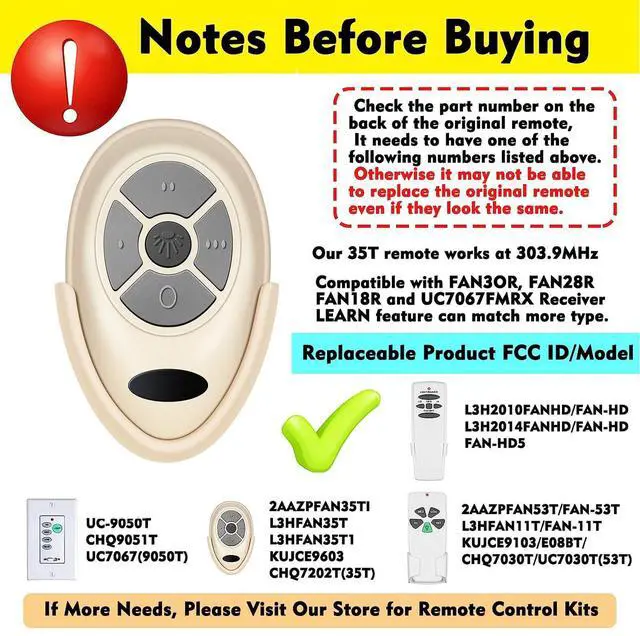
- This FAN-35T1 remote control has the FCC ID: L3HFAN35T1, and it working at the frequency 303.9MHz.
- If your original remote control looks similar from this remote, please Check the FCC ID or Model Number on the back of your original remote and compare to the list. Otherwise, it May Not Replace your original remote even though they look the same.
Ceiling Fan Remote Control Replacement
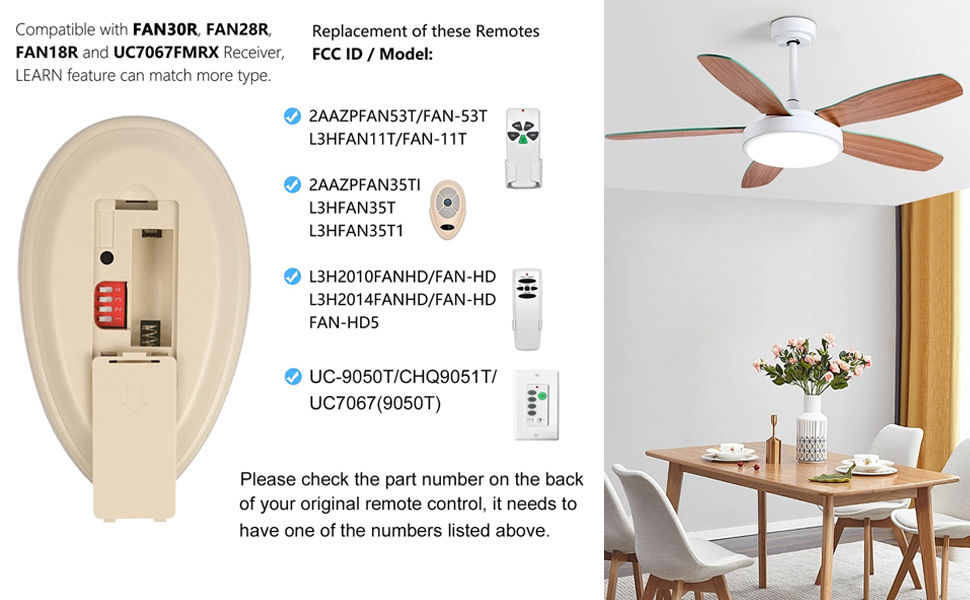
This 35T ceiling fan remote control is a nice replacement of Harbor Breeze, Allen+Roth fan compatible remote.
Check the part number on the back of your original remote, it need to have one of the FCC ID/Model numbers listed below.
FCC ID / Model:
FAN-35T, L3HFAN35T1 /L3HFAN35T / FAN35T1, 2AAZPFAN35TI / FAN-35TI, FAN-11T/2AAZPFAN53T / FAN-53T, L3HFAN11T, FAN-HD, L3H2014FANHD /L3H2010FANHD / FAN-HD, FAN-HD5
Please Note: CHQ7202T1, CHQ7202T and KUJCE9603 May Not Be Replaced.
Set different PIN codes when controlling multiple ceiling fans
Note: If you have multiple fan lights in your house, please check if their PIN codes are different. Otherwise, this will cause the remote control next door to turn on your ceiling fan. This is likely to cause your ceiling fan to function inexplicably when you are not at home.
Easy Install
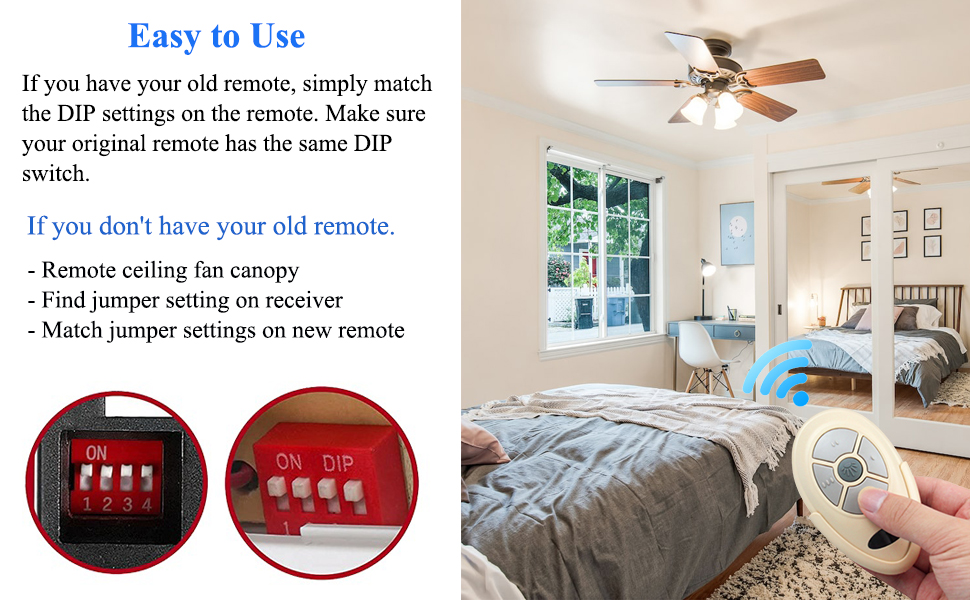
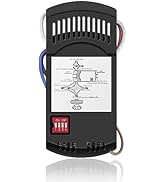
If your receiver is FAN18R, FAN28R, UC7067FMRX or other compatible receiver that has the DIP switches, you need set the same DIP Codes on the transmitter and receiver.
- Look the DIP Codes inside the old remote with the battery cover off, the DIP Switches hidden behind the slot for the battery as picture shows.
- Slide the switches in the new remote to match the same pattern as the original remote.
- Replace the battery in the new remote and things should work.
If your receiver is FAN30R or other receiver without DIP switches, you need use LEARN Key to match the receiver.
Tips: use the Battery Slot Cover Opener you can easily open the battery slot.
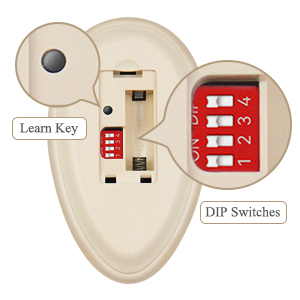
How to set the function of learning button:
If your receiver is FAN30R, do not need to set the codes on the receiver. Please use LEARN button to match the transmitter and receiver.
To set the codes, perform the following steps:
- Remove the remote's battery cover with the Opener.
- Factory setting is all on the ON position. It is recommended not to use the default code. Please use a small screwdriver or a ball point pen to slide firmly to your choice of ON or OFF position.
- The remote's LEARN key must be pressed within 30 seconds after the fan is switched on. If not, please restart your fan.
- Keep pressing the "LEARN" button in excess of 3 seconds it becomes a learning status. The receiver can remember the last codes status. If the match is successful, the fan's light will flash three times.
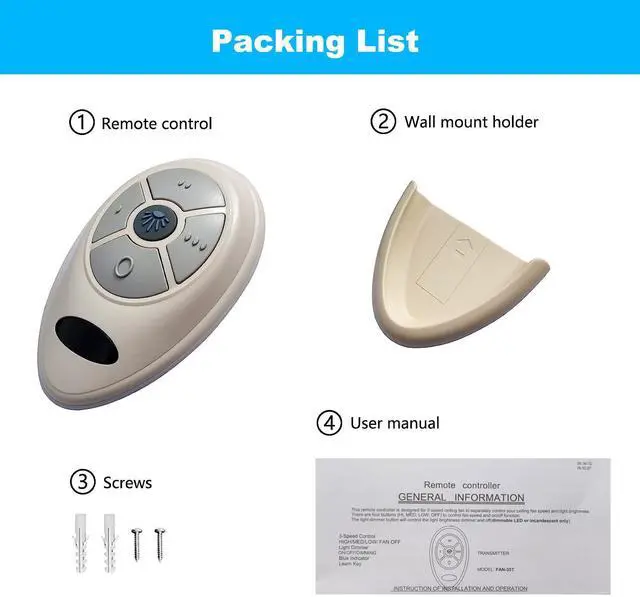
Package included
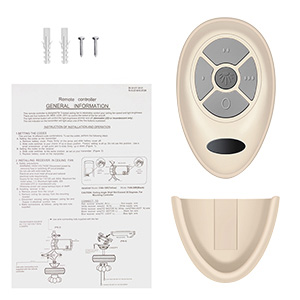
Remote Control * 1
Wall Mount Holder * 1
Screws * 2
Instruction Manual * 1
(12V battery is not included)
Specification
- Material: ABS
- Voltage: 12V
- Required Distance: 60 feet (pass through barriers)
- Speed Regulation: 3 gears to change
- Frequency: 303.9MHz
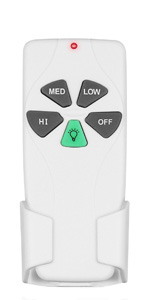 53T Ceiling Fan Remote Control | 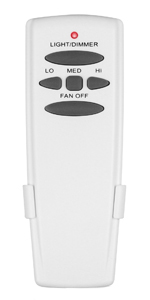 HD5 Ceiling Fan Remote Control | 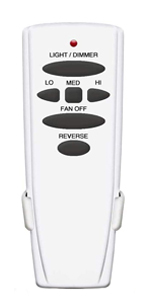 HD6R Ceiling Fan Remote Control with Reverse | 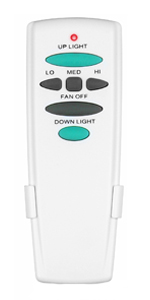 HD6 Ceiling Fan Remote Control with UP/DOWN Light | 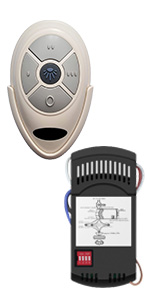 35T&28R Ceiling Fan Remote Control Kit | 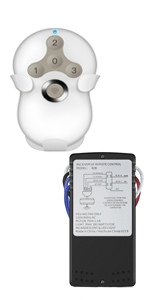 5T&5R Remote Control Kit for Hunter | |
|---|---|---|---|---|---|---|
| Customer Reviews | — | — | — | — | — | — |
| Price | — no data | — | — no data | — | — | — no data |
| Replaceable Models | FAN-53T, FAN-11T, KUJCE9103, UC7030T, L3HFAN35T, L3HFAN35T1, 2AAZPFAN35TI, FAN-HD, FAN-HD5 | FAN-HD, FAN-HD5, UC7078T, RR7079T, FAN-53T, FAN-11T, L3HFAN35T, L3HFAN35T1, 2AAZPFAN35TI | FAN-HD v6 with Reverse, UC7078T Reverse, RR7078TR Reverse | UC7078T, CHQ7078T, FAN-HD5, FAN-35T,L3H2010FANHD,Fan-HD6, UC7067RC | Universal Kit, Works 3-Speed AC Ceiling Fan | Universal Kit, Works 3-Speed AC Ceiling Fan |
| Fan Speed | 3-Speed (High / Med / Low / FAN OFF) | 3-Speed (High / Med / Low / FAN OFF) | 3-Speed (High / Med / Low / FAN OFF) | 3-Speed (High / Med / Low / FAN OFF) | 3-Speed (High / Med / Low / FAN OFF) | 3-Speed (High / Med / Low / FAN OFF) |
| Dimming Light | YES | YES | YES | YES | YES | YES |
| Reverse Button | NO | NO | YES | NO | NO | NO |
| Battery | 9V*1 (NOT INCLUDE) | 9V*1 (NOT INCLUDE) | 9V*1 (NOT INCLUDE) | 9V*1 (NOT INCLUDE) | A23 12V*1 (NOT INCLUDE) | 3V*1 (NOT INCLUDE) |
| Setting Method | 16 * PIN Code | 16 * PIN Code | 16 * PIN Code | 16 * PIN Code | PIN Code / LEARNING | LEARNING |
| Wireless Transmission | Radio Frequency 303.9MHz | Radio Frequency 303.9MHz | Radio Frequency 303.9MHz | Radio Frequency 303.9MHz | Radio Frequency 303.9MHz | Radio Frequency 303.9MHz |


About us
- We are dedicated to ceiling fan remote control replacement parts that cost far less than original parts to create a product of better quality and more features.
- Focusing on providing our customers with high quality smart home products to best meet every need.
- We persist in improving our lives through technology to make our lives smarter!
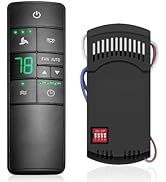
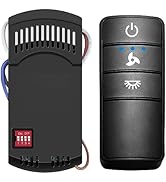
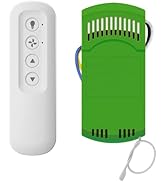
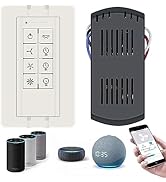
Ceiling Fan Remote Control Kit
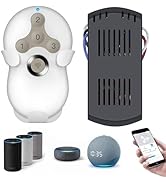
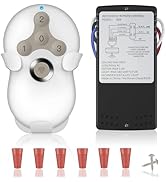
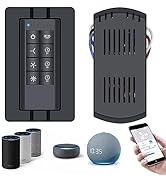
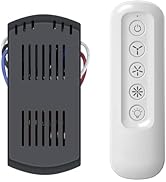
ceiling fan remote control kit
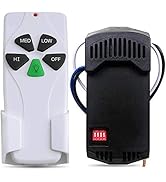
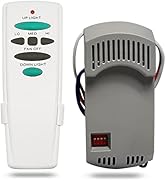
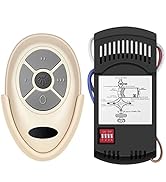
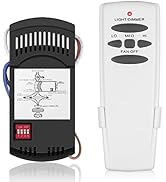
ceiling fan remote control kit
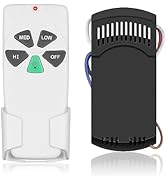
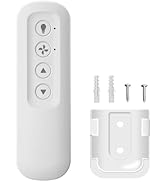
ceiling fan remote control kit
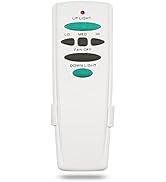
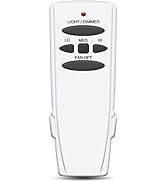
ceiling fan remote control
Ceiling Fan Remote Control Replacement of Harbor Breeze
The Ceiling Fan remote will replace your original Harbor Breeze Remotes FAN-HD5, FAN-35T or FAN-53T.
This remote does Not Include a Receiver and 12V A23 battery, it's ONLY a FAN-35T1 remote.
This remote has 5 buttons, 3-Speed (High/Medium/Low) and OFF for fan speed control, Light Dimmer for dimming control.
If your transmitter is different from the remote control on the picture, please purchase a complete kit with a receiver in the store.
Light dimmer just controls the brightness of the incandescent lights and dimmable LED/CFL lamps, other LED and CFL light, just control lights' ON/OFF.
Need to Know Before Buying
- This FAN-35T1 remote control has the FCC ID: L3HFAN35T1, and it working at the frequency 303.9MHz.
- If your original remote control looks similar from this remote, please Check the FCC ID or Model Number on the back of your original remote and compare to the list. Otherwise, it May Not Replace your original remote even though they look the same.
Ceiling Fan Remote Control Replacement
This 35T ceiling fan remote control is a nice replacement of Harbor Breeze, Allen+Roth fan compatible remote.
Check the part number on the back of your original remote, it need to have one of the FCC ID/Model numbers listed below.
FCC ID / Model:
FAN-35T, L3HFAN35T1 /L3HFAN35T / FAN35T1, 2AAZPFAN35TI / FAN-35TI, FAN-11T/2AAZPFAN53T / FAN-53T, L3HFAN11T, FAN-HD, L3H2014FANHD /L3H2010FANHD / FAN-HD, FAN-HD5
Please Note: CHQ7202T1, CHQ7202T and KUJCE9603 May Not Be Replaced.
Set different PIN codes when controlling multiple ceiling fans
Note: If you have multiple fan lights in your house, please check if their PIN codes are different. Otherwise, this will cause the remote control next door to turn on your ceiling fan. This is likely to cause your ceiling fan to function inexplicably when you are not at home.
Easy Install
If your receiver is FAN18R, FAN28R, UC7067FMRX or other compatible receiver that has the DIP switches, you need set the same DIP Codes on the transmitter and receiver.
- Look the DIP Codes inside the old remote with the battery cover off, the DIP Switches hidden behind the slot for the battery as picture shows.
- Slide the switches in the new remote to match the same pattern as the original remote.
- Replace the battery in the new remote and things should work.
If your receiver is FAN30R or other receiver without DIP switches, you need use LEARN Key to match the receiver.
Tips: use the Battery Slot Cover Opener you can easily open the battery slot.
How to set the function of learning button:
If your receiver is FAN30R, do not need to set the codes on the receiver. Please use LEARN button to match the transmitter and receiver.
To set the codes, perform the following steps:
- Remove the remote's battery cover with the Opener.
- Factory setting is all on the ON position. It is recommended not to use the default code. Please use a small screwdriver or a ball point pen to slide firmly to your choice of ON or OFF position.
- The remote's LEARN key must be pressed within 30 seconds after the fan is switched on. If not, please restart your fan.
- Keep pressing the "LEARN" button in excess of 3 seconds it becomes a learning status. The receiver can remember the last codes status. If the match is successful, the fan's light will flash three times.
Package included
Remote Control * 1
Wall Mount Holder * 1
Screws * 2
Instruction Manual * 1
(12V battery is not included)
Specification
- Material: ABS
- Voltage: 12V
- Required Distance: 60 feet (pass through barriers)
- Speed Regulation: 3 gears to change
- Frequency: 303.9MHz
53T Ceiling Fan Remote Control | HD5 Ceiling Fan Remote Control | HD6R Ceiling Fan Remote Control with Reverse | HD6 Ceiling Fan Remote Control with UP/DOWN Light | 35T&28R Ceiling Fan Remote Control Kit | 5T&5R Remote Control Kit for Hunter | |
|---|---|---|---|---|---|---|
| Customer Reviews | — | — | — | — | — | — |
| Price | — no data | — | — no data | — | — | — no data |
| Replaceable Models | FAN-53T, FAN-11T, KUJCE9103, UC7030T, L3HFAN35T, L3HFAN35T1, 2AAZPFAN35TI, FAN-HD, FAN-HD5 | FAN-HD, FAN-HD5, UC7078T, RR7079T, FAN-53T, FAN-11T, L3HFAN35T, L3HFAN35T1, 2AAZPFAN35TI | FAN-HD v6 with Reverse, UC7078T Reverse, RR7078TR Reverse | UC7078T, CHQ7078T, FAN-HD5, FAN-35T,L3H2010FANHD,Fan-HD6, UC7067RC | Universal Kit, Works 3-Speed AC Ceiling Fan | Universal Kit, Works 3-Speed AC Ceiling Fan |
| Fan Speed | 3-Speed (High / Med / Low / FAN OFF) | 3-Speed (High / Med / Low / FAN OFF) | 3-Speed (High / Med / Low / FAN OFF) | 3-Speed (High / Med / Low / FAN OFF) | 3-Speed (High / Med / Low / FAN OFF) | 3-Speed (High / Med / Low / FAN OFF) |
| Dimming Light | YES | YES | YES | YES | YES | YES |
| Reverse Button | NO | NO | YES | NO | NO | NO |
| Battery | 9V*1 (NOT INCLUDE) | 9V*1 (NOT INCLUDE) | 9V*1 (NOT INCLUDE) | 9V*1 (NOT INCLUDE) | A23 12V*1 (NOT INCLUDE) | 3V*1 (NOT INCLUDE) |
| Setting Method | 16 * PIN Code | 16 * PIN Code | 16 * PIN Code | 16 * PIN Code | PIN Code / LEARNING | LEARNING |
| Wireless Transmission | Radio Frequency 303.9MHz | Radio Frequency 303.9MHz | Radio Frequency 303.9MHz | Radio Frequency 303.9MHz | Radio Frequency 303.9MHz | Radio Frequency 303.9MHz |
About us
- We are dedicated to ceiling fan remote control replacement parts that cost far less than original parts to create a product of better quality and more features.
- Focusing on providing our customers with high quality smart home products to best meet every need.
- We persist in improving our lives through technology to make our lives smarter!
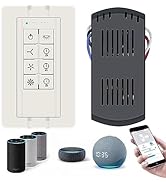
Ceiling Fan Remote Control Kit
ceiling fan remote control kit
ceiling fan remote control kit
ceiling fan remote control kit
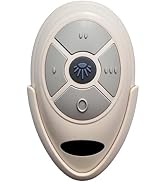
ceiling fan remote control
