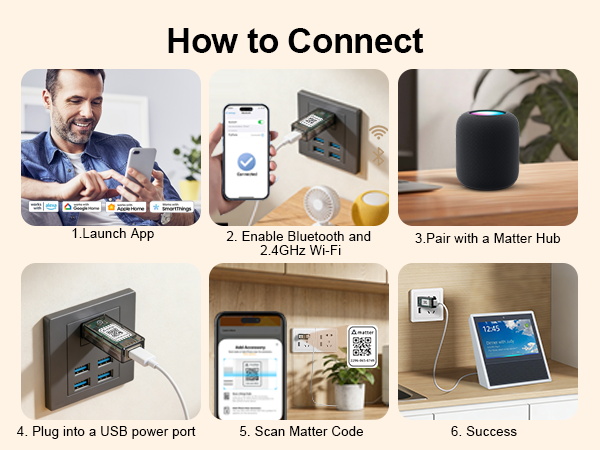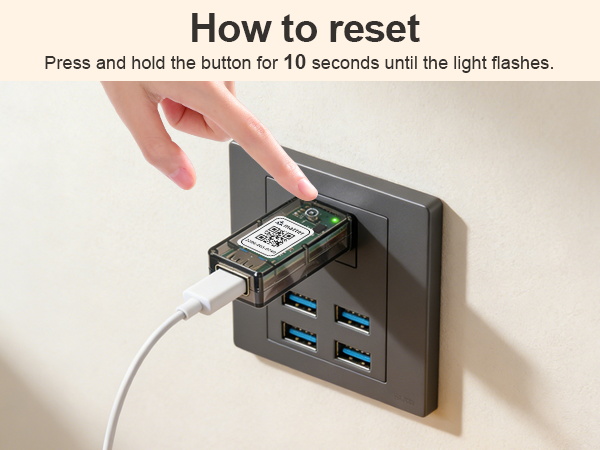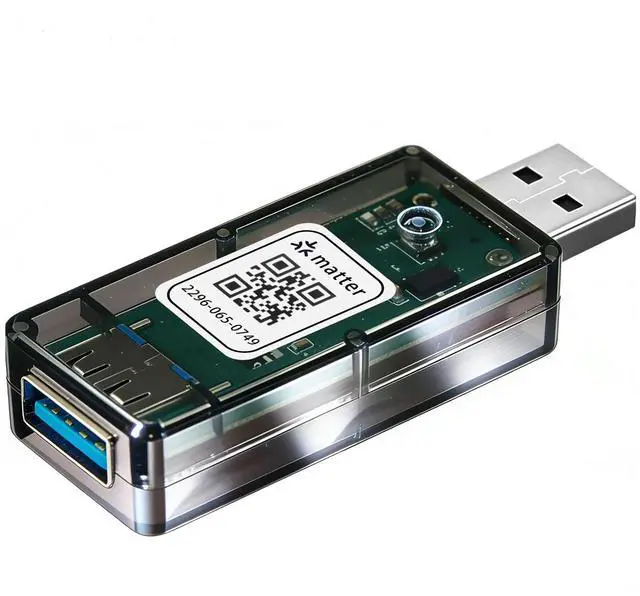
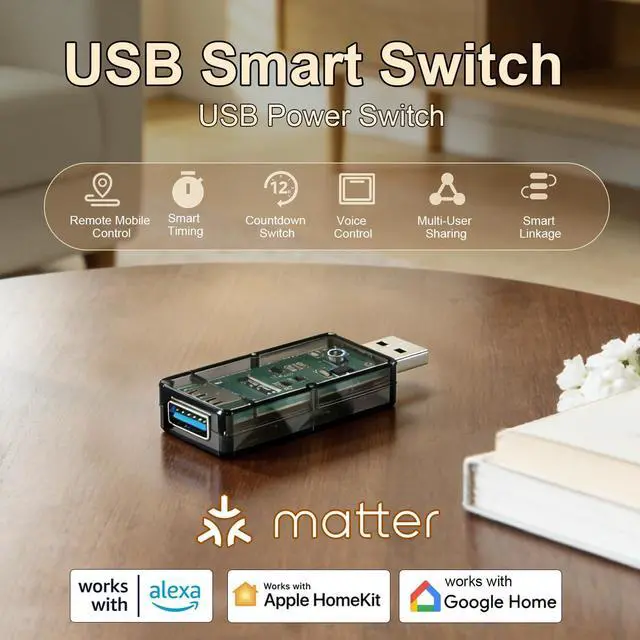
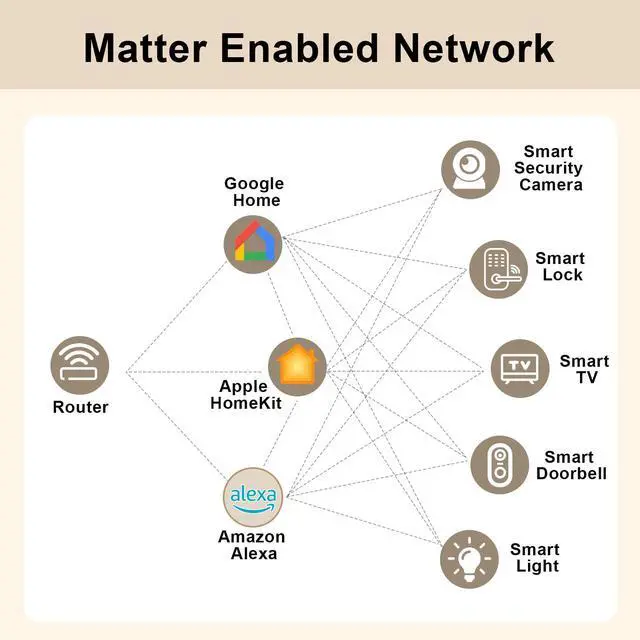


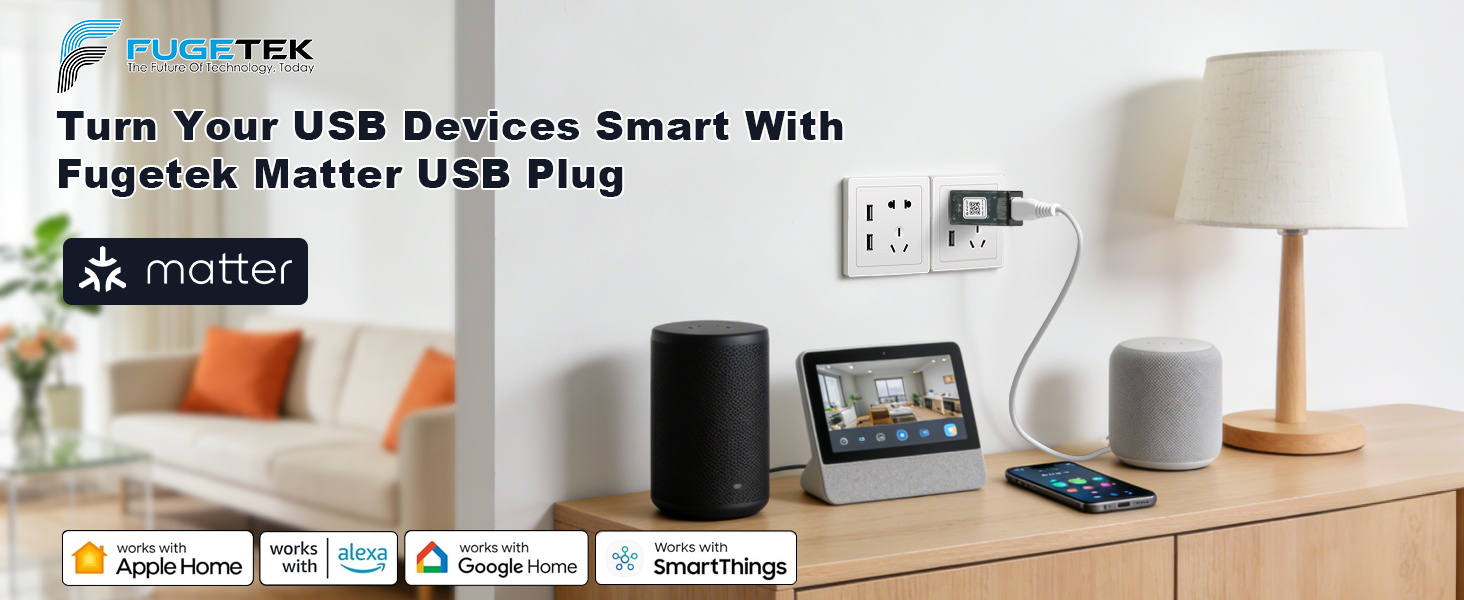
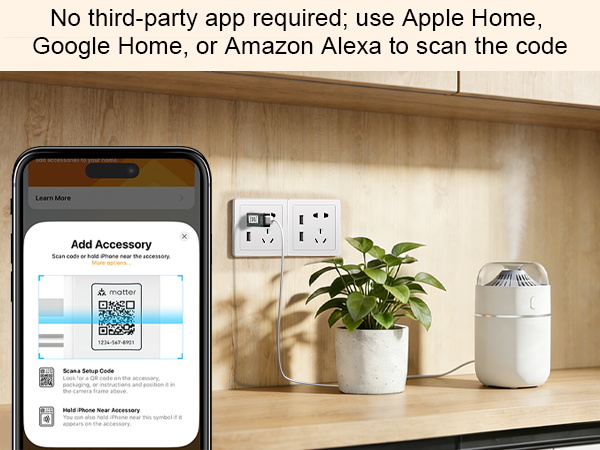
NO Third-Party APP needed --Just Simply Use Apple Home, Google Home, Alexa, or Home Assistant to Scan the Code and Add the Accessory !
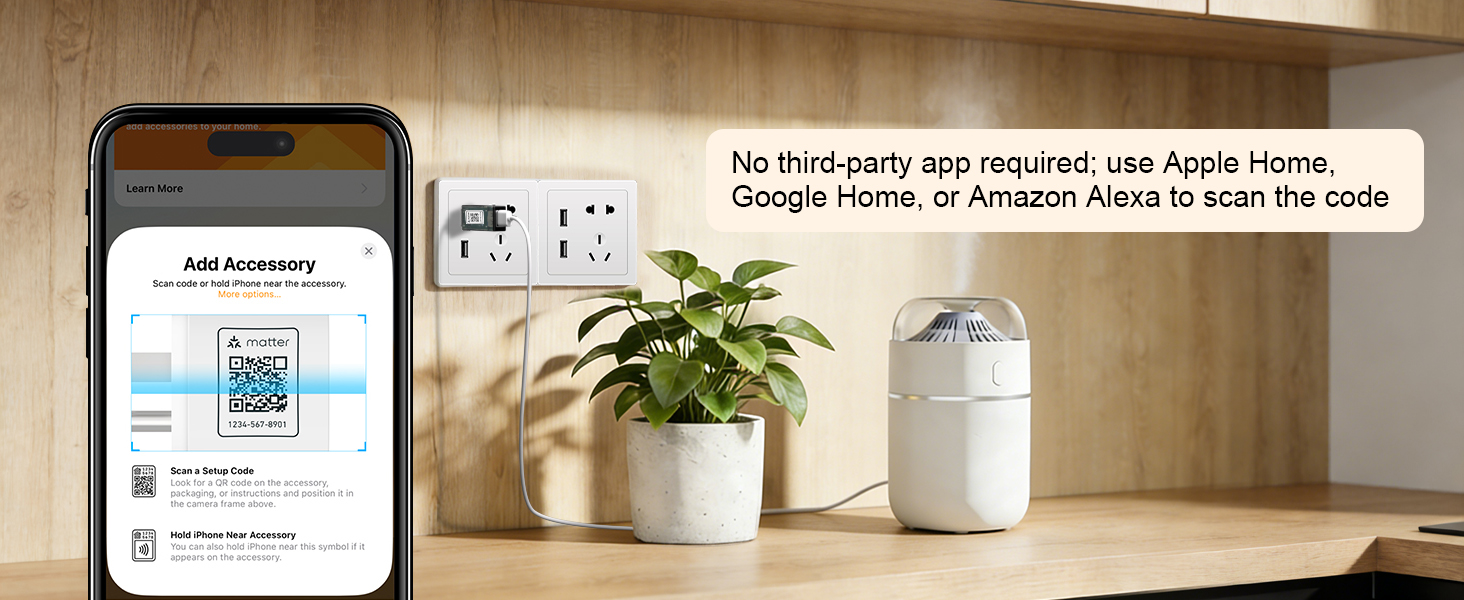
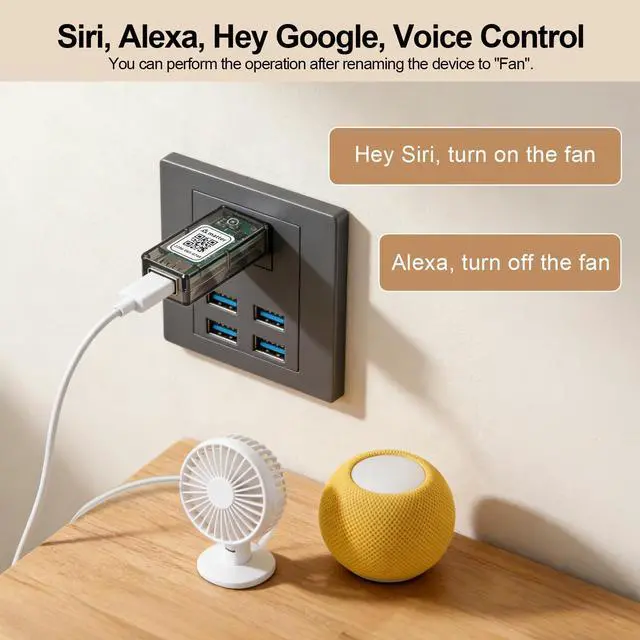
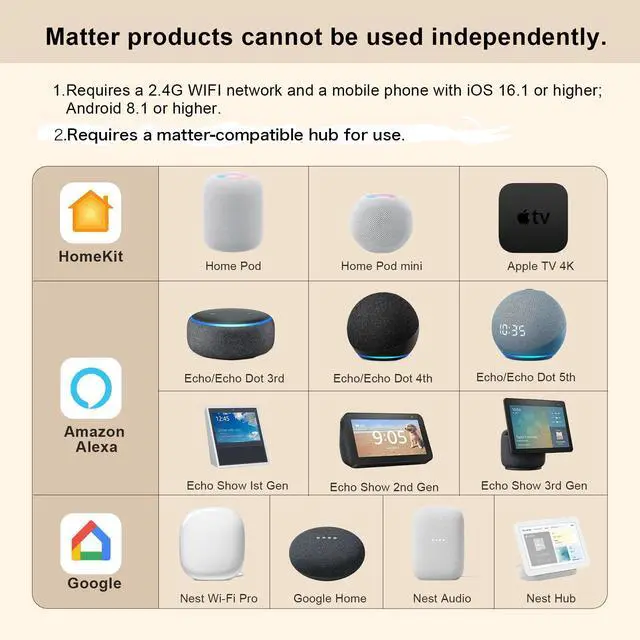
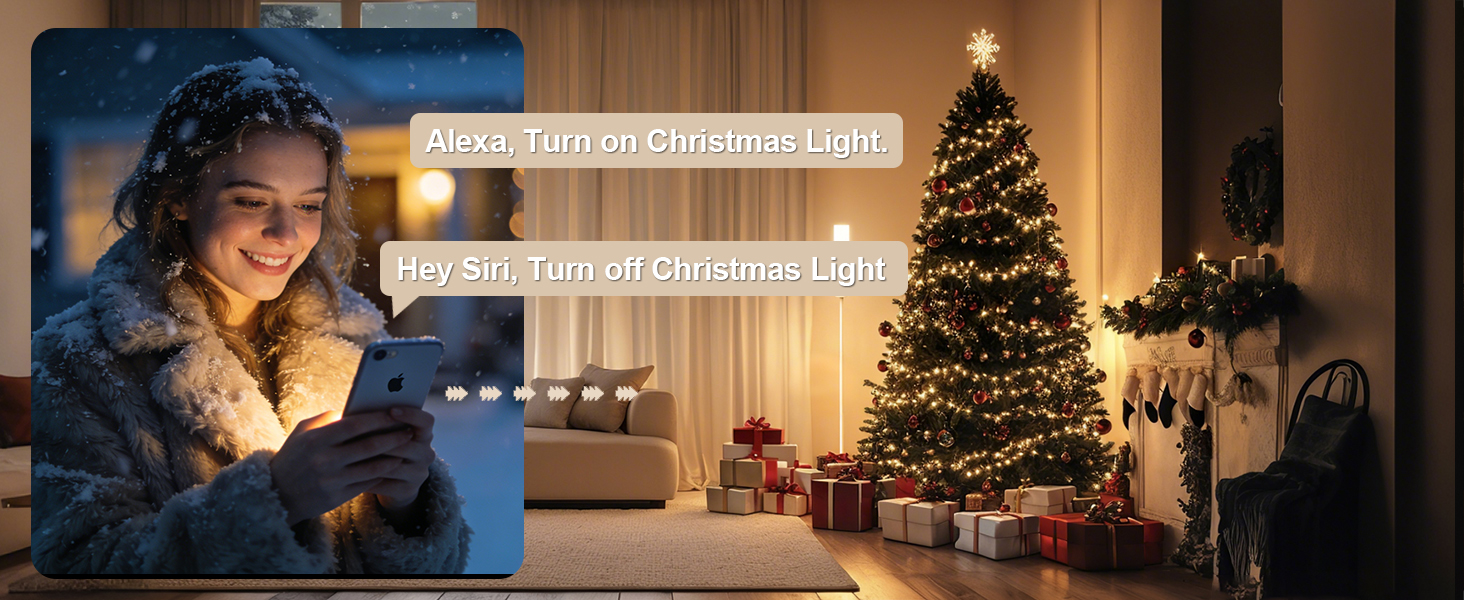
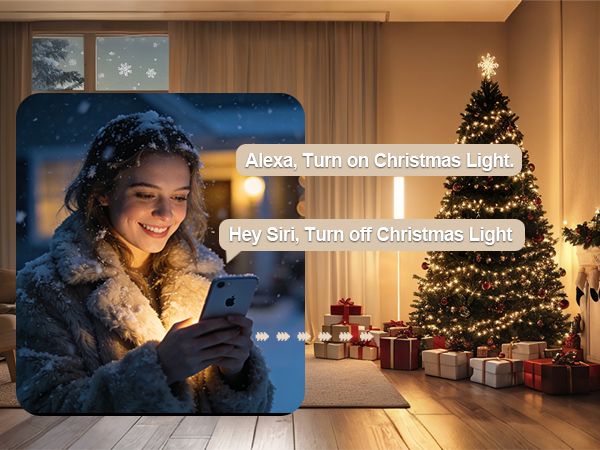
With multiple Matter hubs installed, you can use voice control across different platforms. For example, when both a HomePod and an Echo hub are installed on your network, you can say, “Hey Siri, turn on the USB plug,” and “Alexa, turn off the USB plug.”
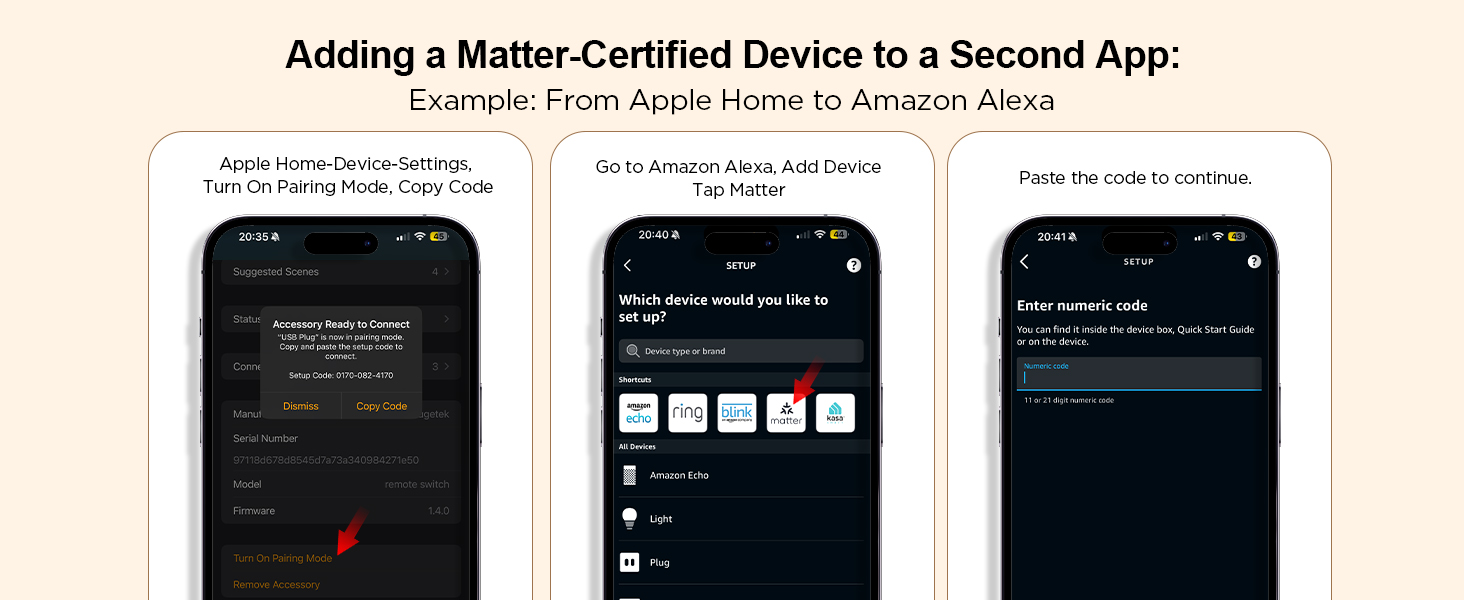
Please note: Adding a Matter-certified device to a second app requires generating a new pairing code. For example, when adding our USB plug from Apple Home to Alexa, go to the device settings, turn on pairing mode, copy the code, and enter it into Alexa.
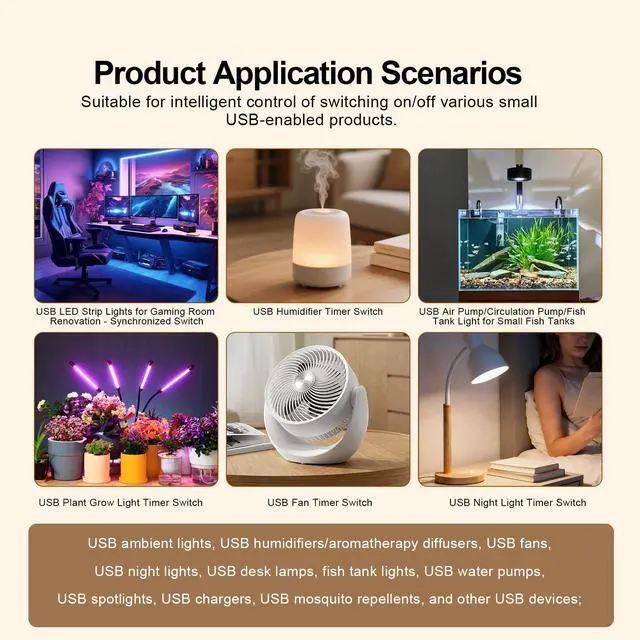
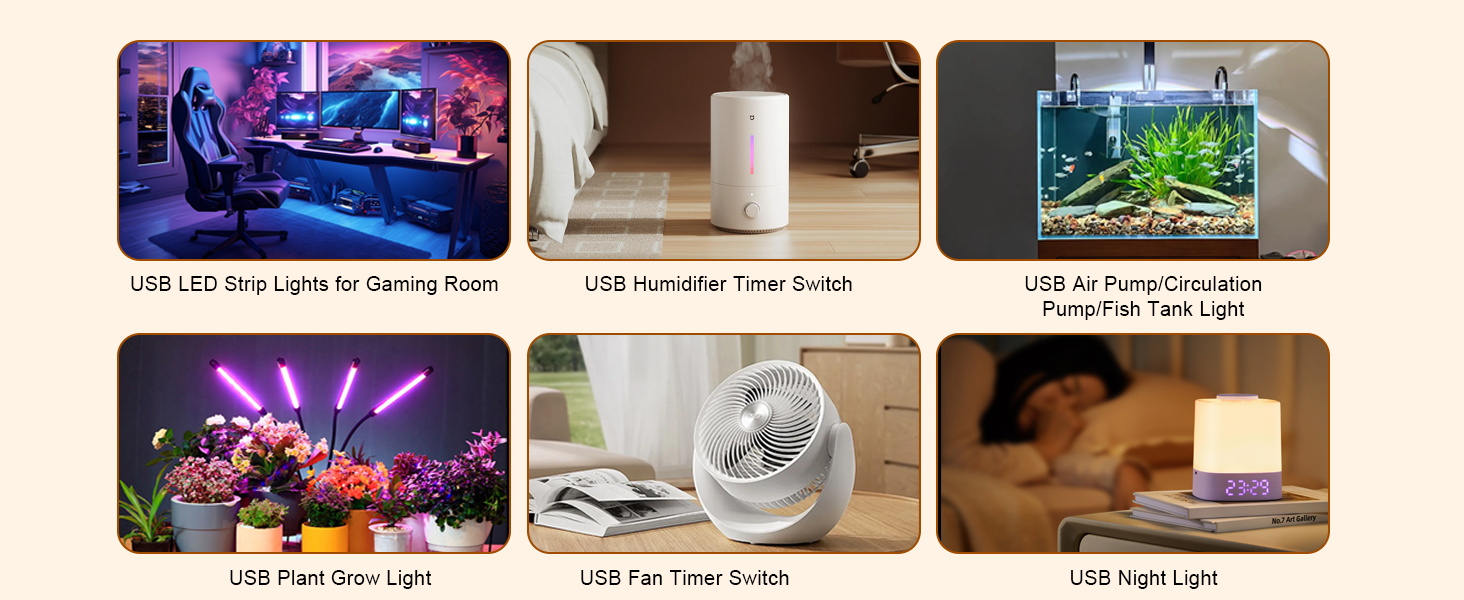
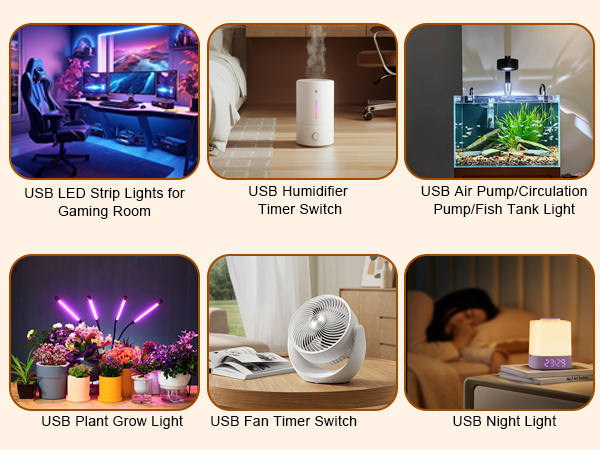
Works with Various USB-Powered Devices
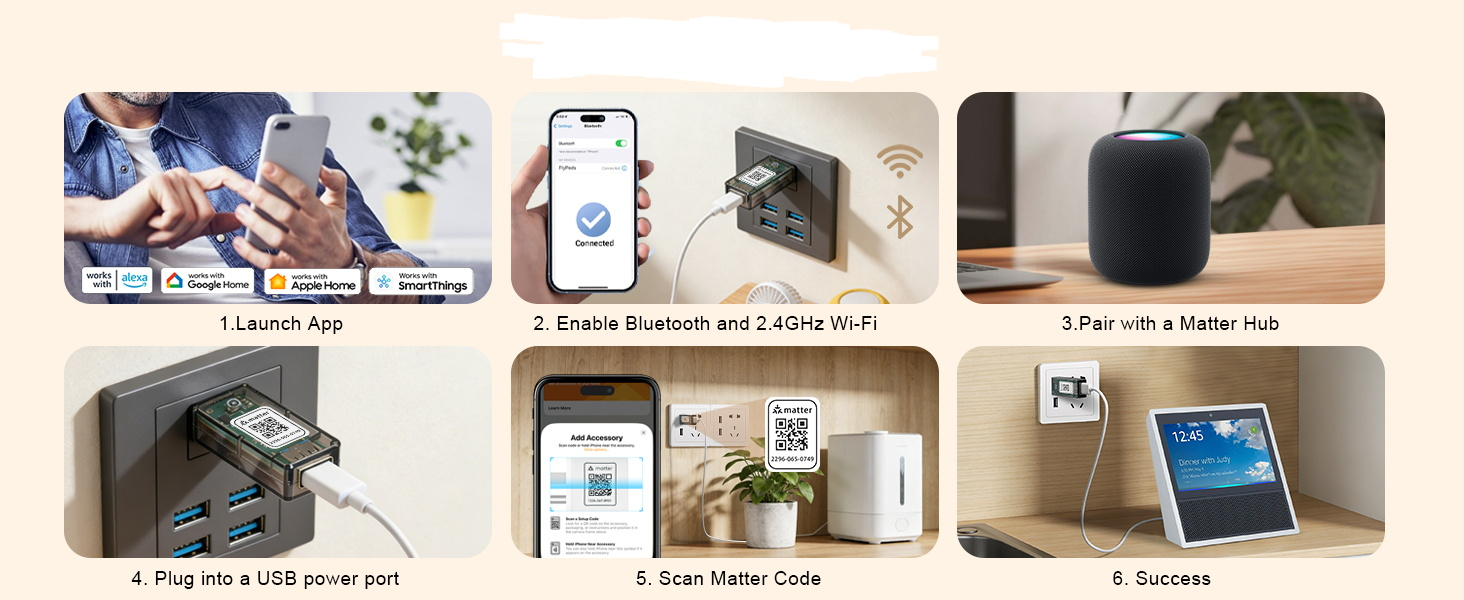
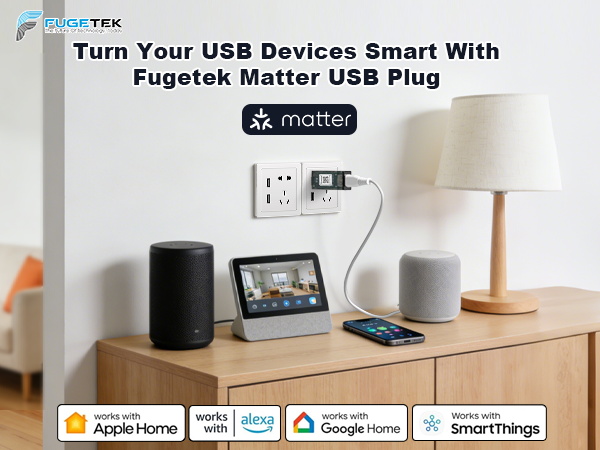
NO Third-Party APP needed --Just Simply Use Apple Home, Google Home, Alexa, or Home Assistant to Scan the Code and Add the Accessory !
With multiple Matter hubs installed, you can use voice control across different platforms. For example, when both a HomePod and an Echo hub are installed on your network, you can say, “Hey Siri, turn on the USB plug,” and “Alexa, turn off the USB plug.”
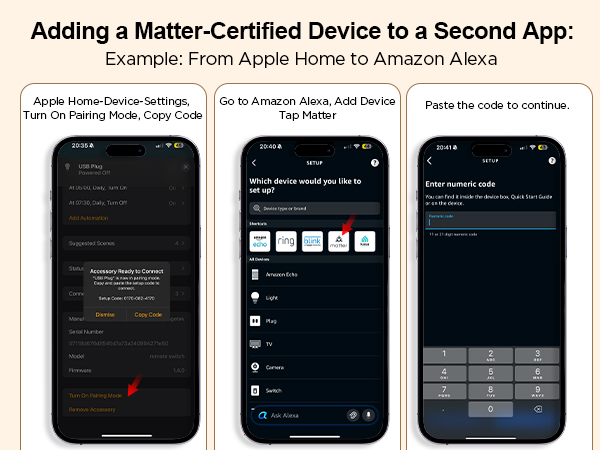
Please note: Adding a Matter-certified device to a second app requires generating a new pairing code. For example, when adding our USB plug from Apple Home to Alexa, go to the device settings, turn on pairing mode, copy the code, and enter it into Alexa.
Works with Various USB-Powered Devices
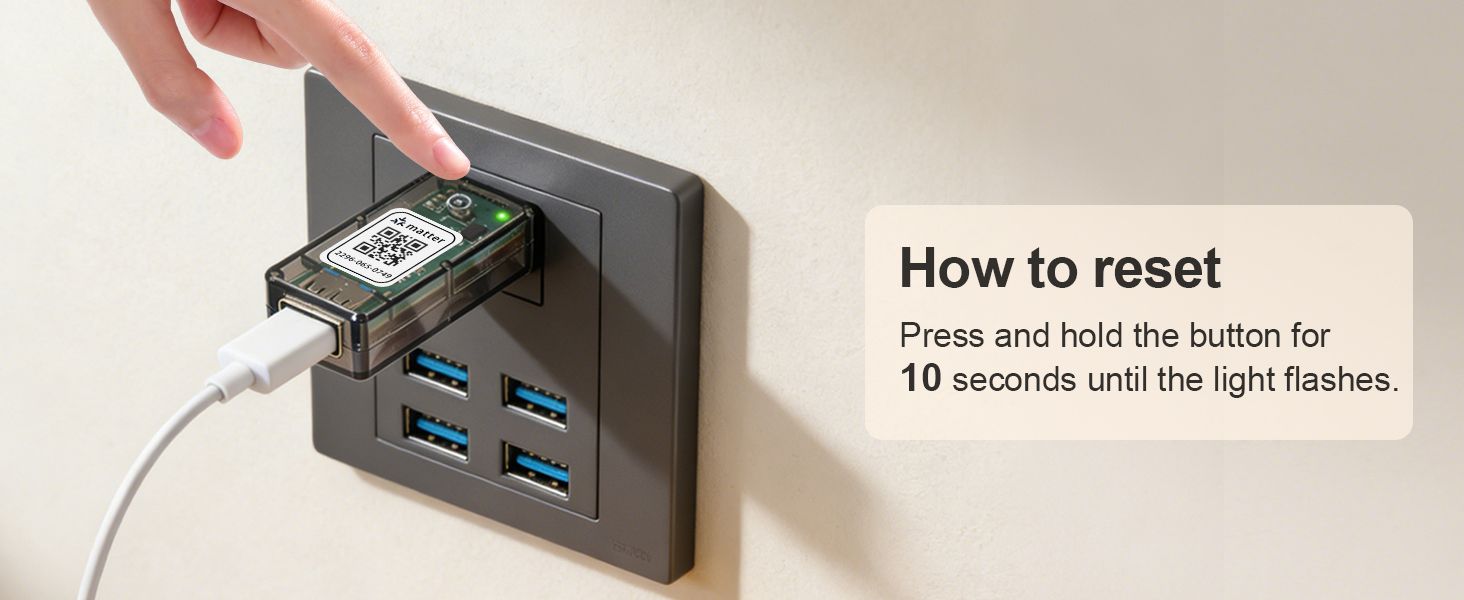
Please skip steps 1-3 if a matter hub is already installed on your network.