





Quntis Curved Plus Monitor Light Bar 26''
Quntis Curved Plus Monitor Light Bar 26''
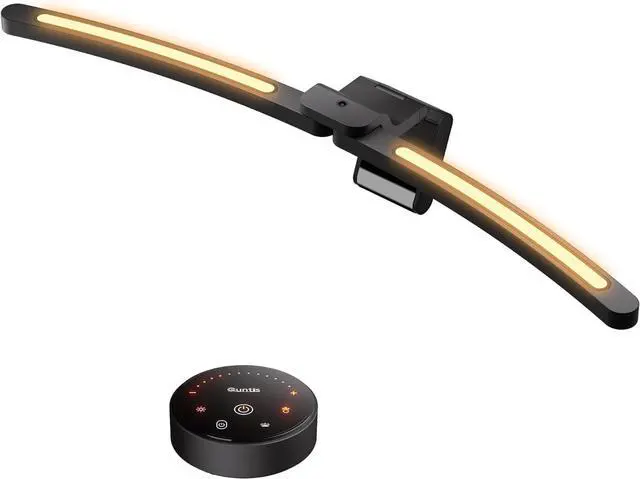
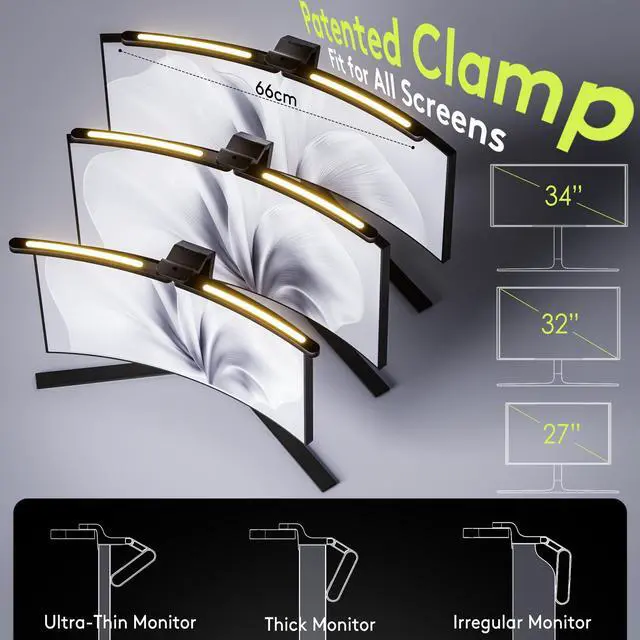
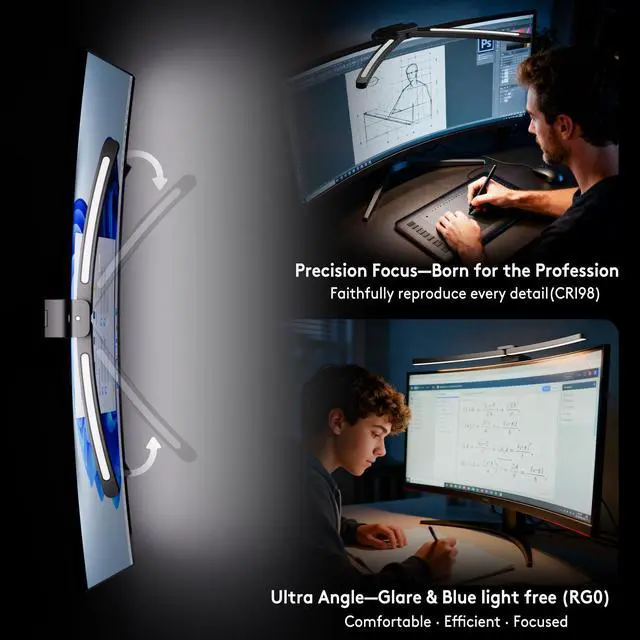
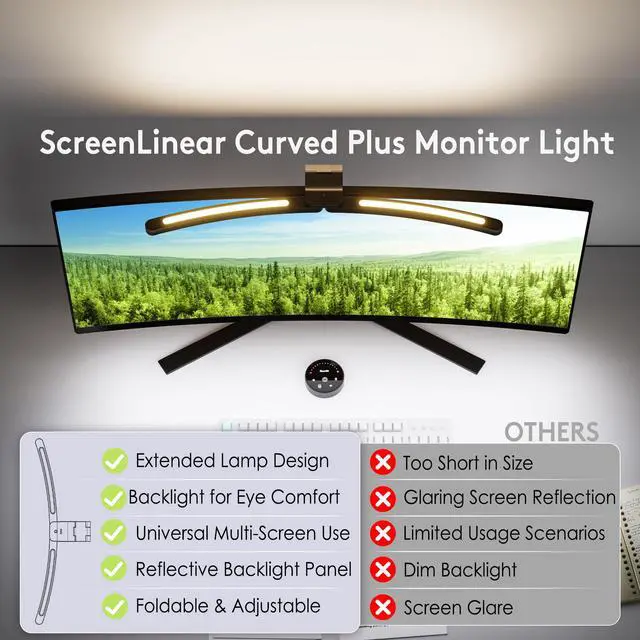
Merchant Video26'' Arc-shaped specially designed for Curved and Large Screen; Latest Foladble Design for 180° Adjustable Illumination Range.


How to Use Quntis 26'' Lutra-Long Curved Plus Monitor Light Bar
How to Install
Merchant VideoMy monitor has an ultra-thin bezel. Will the clamping mechanism hold securely without damaging the screen?
Yes, it's safe for ultra-thin bezels. The clamp has a protective silicone pad and is designed to grip the monitor's body securely without putting pressure on the fragile screen edge.
Could a webcam still be mounted cleanly on top of the monitor with the Qunits monitor light bar installed?
Ultra-strong tri-folding clip creates a stable platform, while the USB-C elbow cable frees up space, keeping your webcam secure and your desktop tidy.
Is the backlight bright enough to serve as meaningful bias lighting, or is it more of a decorative glow?
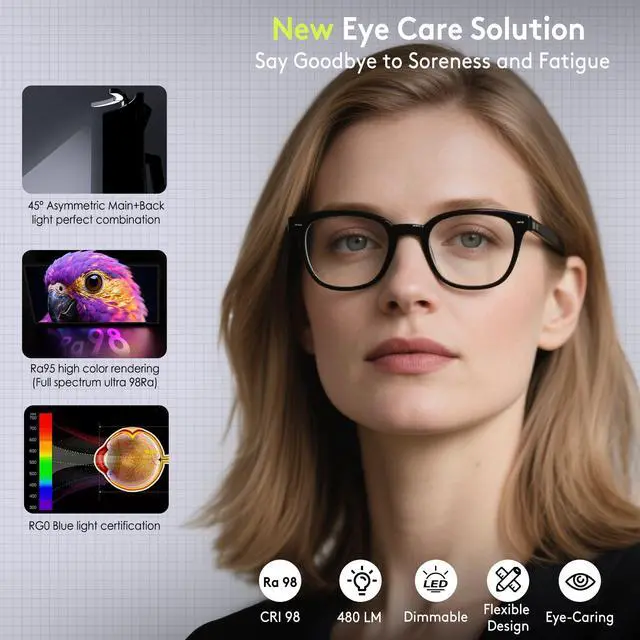
The backlight provides functional bias lighting. When a screen is the only bright object in a dark room, the pupils continuously contract and expand, which can cause eye fatigue. The backlight helps reduce strain and improves overall visual comfort.
Why does the curved plus monitor light bar automatically brighten or dim?
To protect your eyes, the light sensor automatically balances the light bar's brightness with your environment for optimal comfort. You can turn off this auto-adjustment using the remote control.
Why doesn't my remote controller work?
The controller is not faulty. When idle, the icons dim. To activate the controller, tap any function icon first (not the display panel). Then press another icon to use its function.
Quntis Curved Plus Monitor Light Bar 26''
Quntis Curved Plus Monitor Light Bar 26''
Merchant Video26'' Arc-shaped specially designed for Curved and Large Screen; Latest Foladble Design for 180° Adjustable Illumination Range.
26'' Ultra-Large and 180° Adjustable Illumination


Ideal Brightness with One Remote


Enjoy a Comfortable Lighting Experience During Work and Leisur


See the World in Vivid Colors


How to Use Quntis 26'' Lutra-Long Curved Plus Monitor Light Bar
How to Install
Merchant VideoMy monitor has an ultra-thin bezel. Will the clamping mechanism hold securely without damaging the screen?
Yes, it's safe for ultra-thin bezels. The clamp has a protective silicone pad and is designed to grip the monitor's body securely without putting pressure on the fragile screen edge.
Could a webcam still be mounted cleanly on top of the monitor with the Qunits monitor light bar installed?
Ultra-strong tri-folding clip creates a stable platform, while the USB-C elbow cable frees up space, keeping your webcam secure and your desktop tidy.
Is the backlight bright enough to serve as meaningful bias lighting, or is it more of a decorative glow?
The backlight provides functional bias lighting. When a screen is the only bright object in a dark room, the pupils continuously contract and expand, which can cause eye fatigue. The backlight helps reduce strain and improves overall visual comfort.
Why does the curved plus monitor light bar automatically brighten or dim?
To protect your eyes, the light sensor automatically balances the light bar's brightness with your environment for optimal comfort. You can turn off this auto-adjustment using the remote control.
Why doesn't my remote controller work?
The controller is not faulty. When idle, the icons dim. To activate the controller, tap any function icon first (not the display panel). Then press another icon to use its function.