



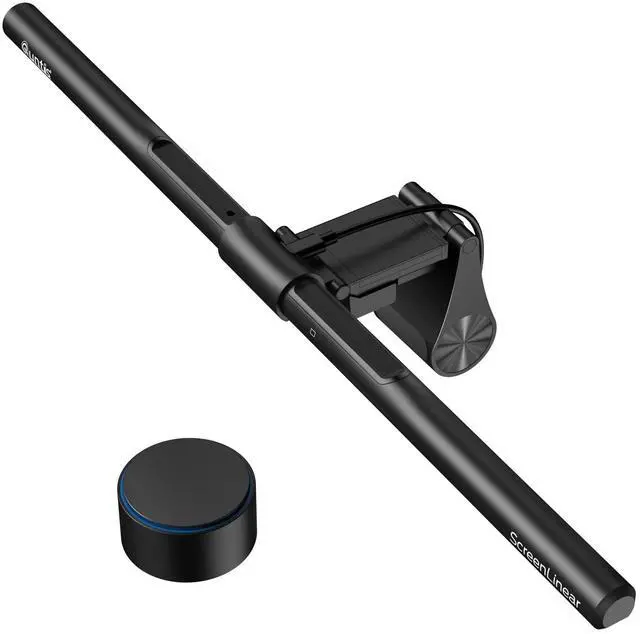
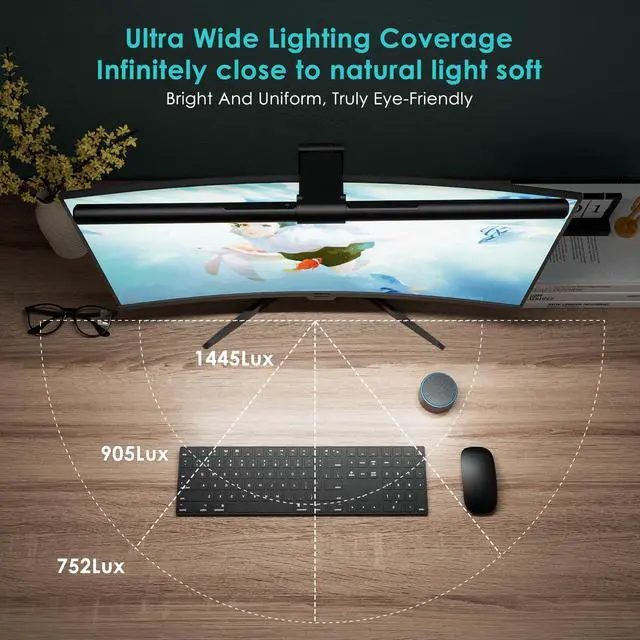
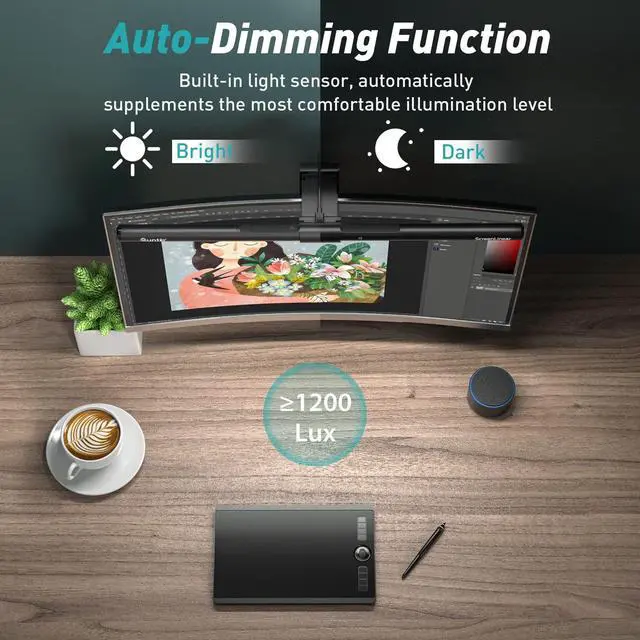
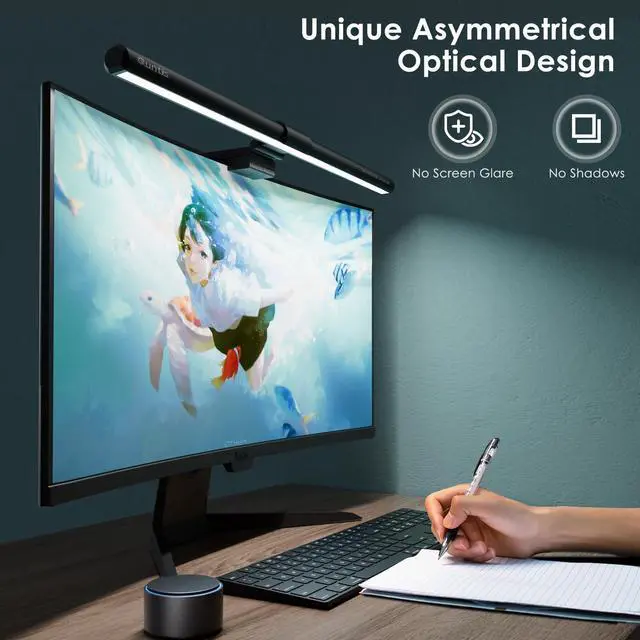
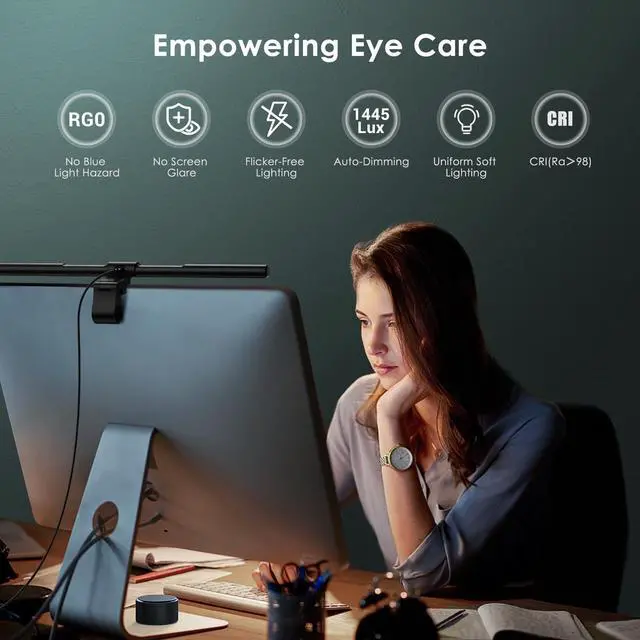


Precision Lighting · Lasting Vision Comfort · Quntis ScreenLinear Monitor Light

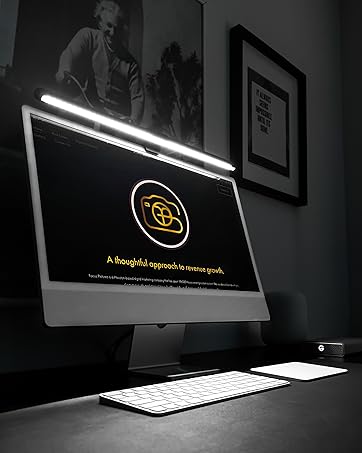
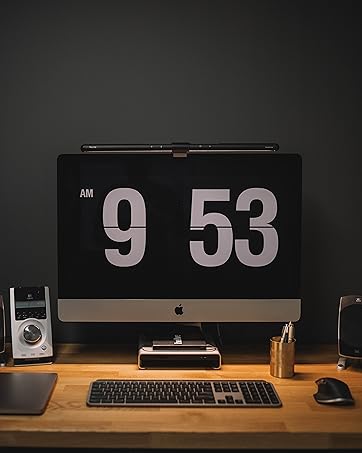
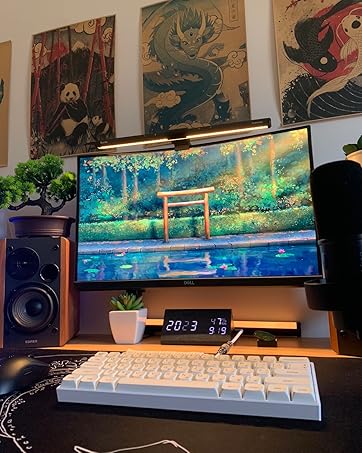
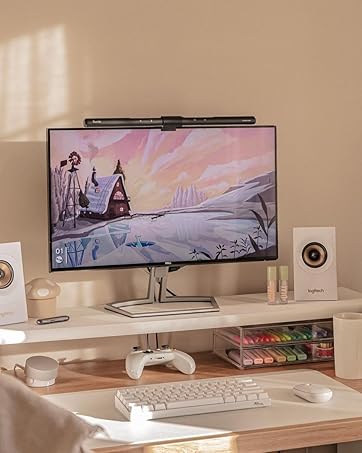
From creative professionals to late-night experts, everyone deserves a workspace tailored for focus. Whether you’re coding, designing, or deep in a study session, ScreenLinear provides the essential lighting foundation for a more comfortable and productive experience.


Can one remote control two ScreenLinear Classic Pro models?
Yes, if you purchase 2 ScreenLinear Classic Pro, you can use one remote to control both light bars. You can pair and connect the remote with multiple light bars for simultaneous operation.
How to pair the lamp with remote control?
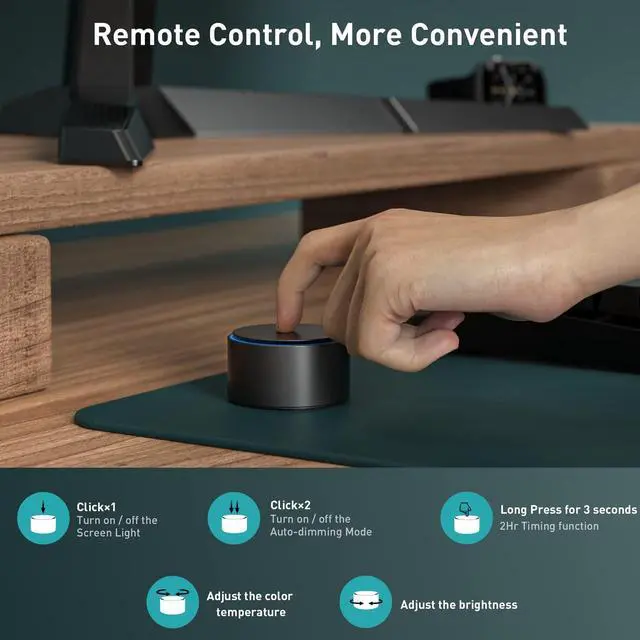
First, within the 5 seconds before the lamp lights up after it is turned on, give the cover plate a long press with one hand while rotating the shell part with the other hand.
Then, if the light flashes, it means that the pairing was successful.
How can I turn on/off the 2 Hour auto-off timer mode?
You can press and hold the upper cover for 3 seconds to turn on the 2 Hour auto-off timer mode. Simply turn off the light bar to cancel the timer function.
How can I adjust the color temperature/ brightness of this screen lamp bar?
Rotate the upper cover plate to adjust the color temperature; rotate the housing to adjust the brightness.
Can this computer light bar suitable for curved monitors?
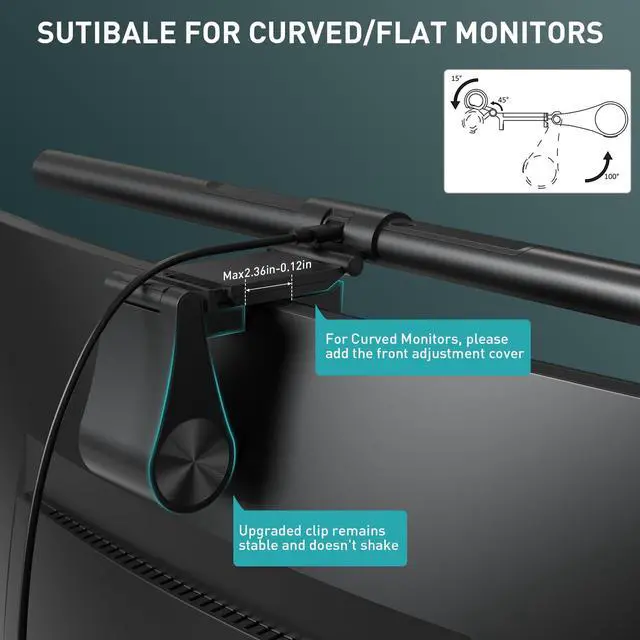
Yes. The latest Quntis monitor light Classic Pro works perfectly on top of curved monitors, ultrawide monitors and normal monitors.

ScreenLinear Light Bar Series
Precision Lighting · Immersive Glow · Lasting Vision Comfort

Quntis: Space Lit
Quntis specializes in desk-centered lighting.
Space Lit is our vision of a well-lit desk: a three-layer lighting ecosystem that blends eye-care science and desk-setup aesthetics.
For The Hours That Add Up, Quntis delivers lighting that helps reduce eye fatigue while naturally enhancing the atmosphere of your space.
Explore Quntis LumeEase for home, festive, and outdoor lighting.

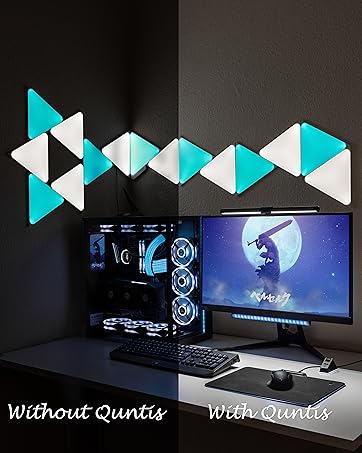
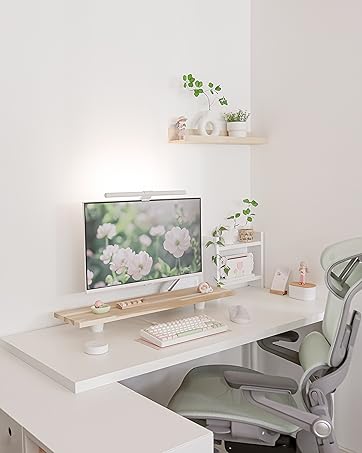
ScreenLinear Focus
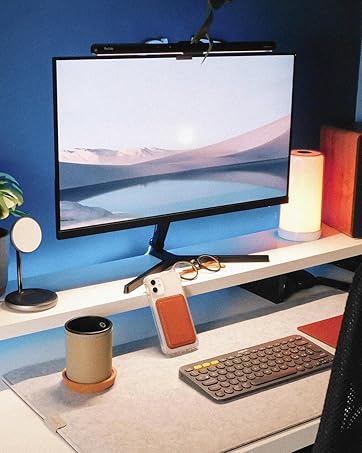
Fit for 15-22'' Monitor
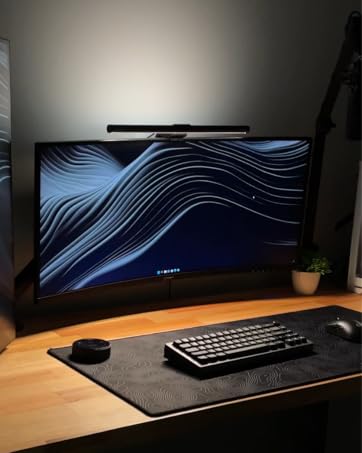
ScreenLinear Glow
Front Back Dual Light
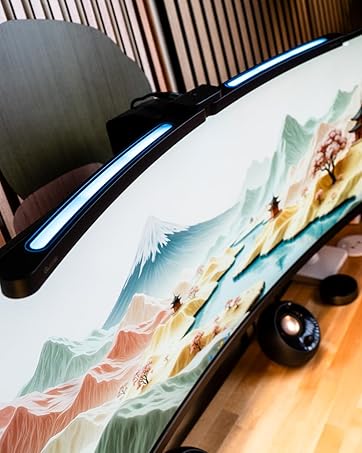
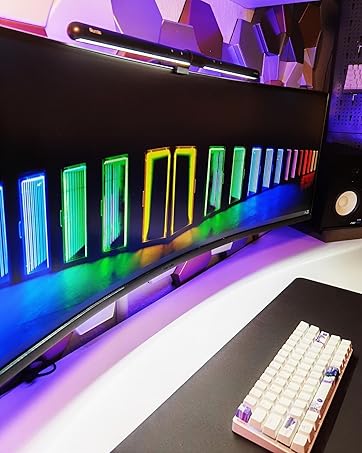
ScreenLinear IM
Immersive RGB Ambiance
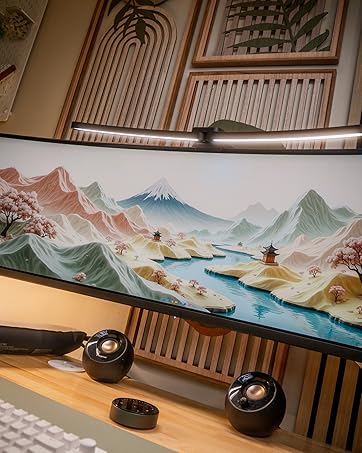
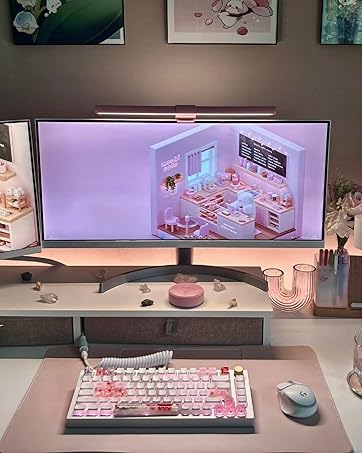
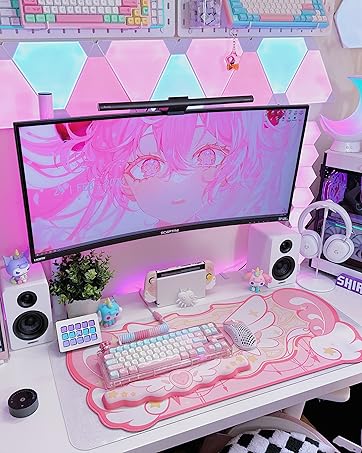
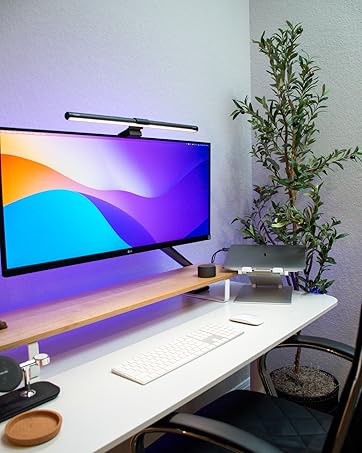
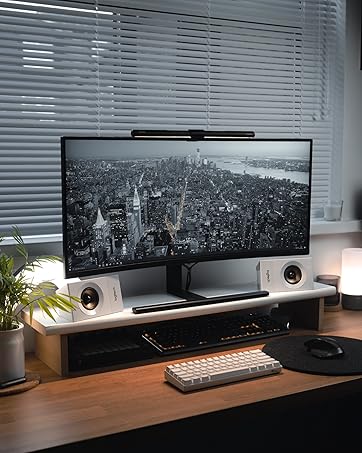
ScreenLinear Light Bar Series
Precision Lighting · Immersive Glow · Lasting Vision Comfort
Quntis: Space Lit
Quntis specializes in desk-centered lighting.
Space Lit is our vision of a well-lit desk: a three-layer lighting ecosystem that blends eye-care science and desk-setup aesthetics.
For The Hours That Add Up, Quntis delivers lighting that helps reduce eye fatigue while naturally enhancing the atmosphere of your space.
Explore Quntis LumeEase for home, festive, and outdoor lighting.
ScreenLinear Focus
Fit for 15-22'' Monitor
ScreenLinear Glow
Front Back Dual Light
ScreenLinear IM
Immersive RGB Ambiance
Precision Lighting · Lasting Vision Comfort · Quntis ScreenLinear Monitor Light

From creative professionals to late-night experts, everyone deserves a workspace tailored for focus. Whether you’re coding, designing, or deep in a study session, ScreenLinear provides the essential lighting foundation for a more comfortable and productive experience.


Quntis specializes in desk-centered lighting. For The Hours That Add Up, Quntis delivers lighting that helps reduce eye fatigue while naturally enhancing the atmosphere of your space.


Elevate Your Lighting Experience with a Smart Remote Control for Light Bars


Can one remote control two ScreenLinear Classic Pro models?
Yes, if you purchase 2 ScreenLinear Classic Pro, you can use one remote to control both light bars. You can pair and connect the remote with multiple light bars for simultaneous operation.
How to pair the lamp with remote control?
First, within the 5 seconds before the lamp lights up after it is turned on, give the cover plate a long press with one hand while rotating the shell part with the other hand.
Then, if the light flashes, it means that the pairing was successful.
How can I turn on/off the 2 Hour auto-off timer mode?
You can press and hold the upper cover for 3 seconds to turn on the 2 Hour auto-off timer mode. Simply turn off the light bar to cancel the timer function.
How can I adjust the color temperature/ brightness of this screen lamp bar?
Rotate the upper cover plate to adjust the color temperature; rotate the housing to adjust the brightness.
Can this computer light bar suitable for curved monitors?
Yes. The latest Quntis monitor light Classic Pro works perfectly on top of curved monitors, ultrawide monitors and normal monitors.