




 here!
here!
I’m your shopping assistant for PC builds, upgrades, and everything tech.
Got questions? Ask away!
Start a conversation
here!
I’m your shopping assistant for PC builds, upgrades, and everything tech.
Got questions? Ask away!
Start a conversation





Any questions? Ask CelesteSM will help you find out quickly.


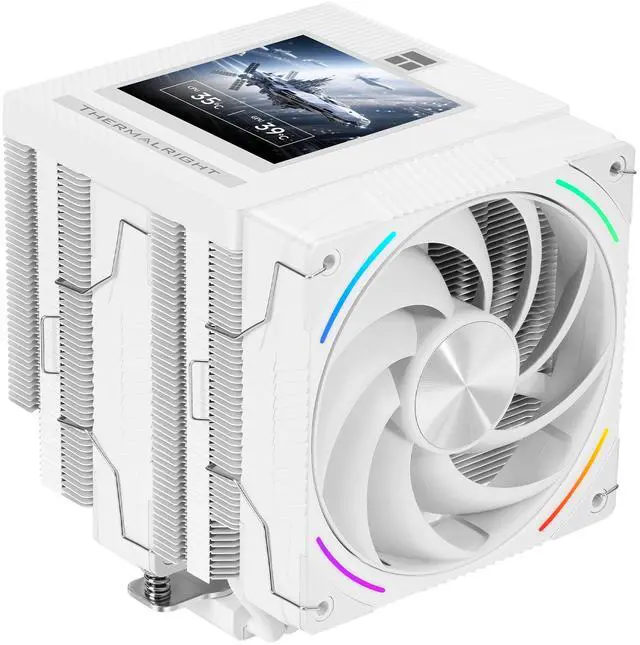
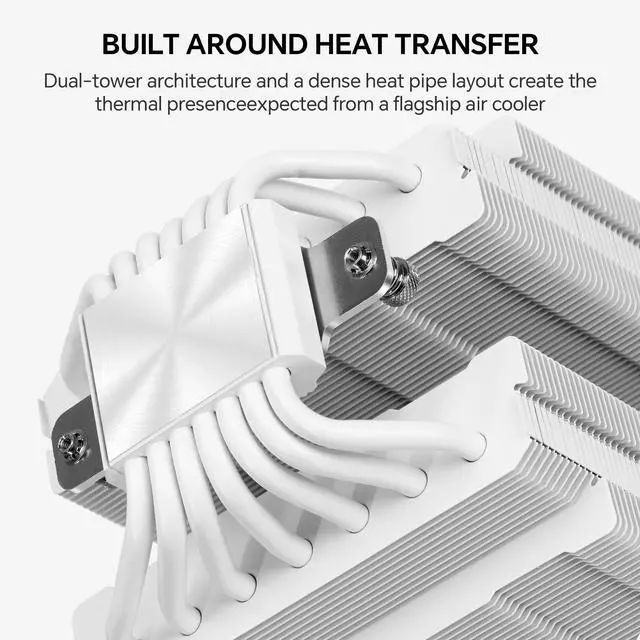
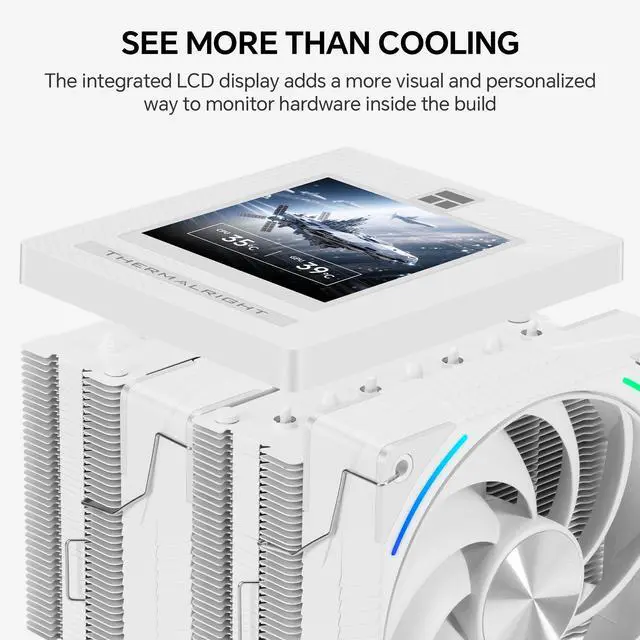
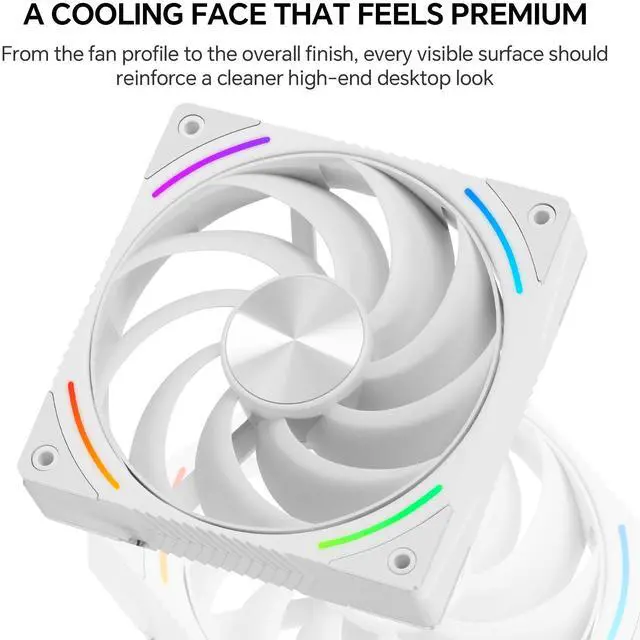
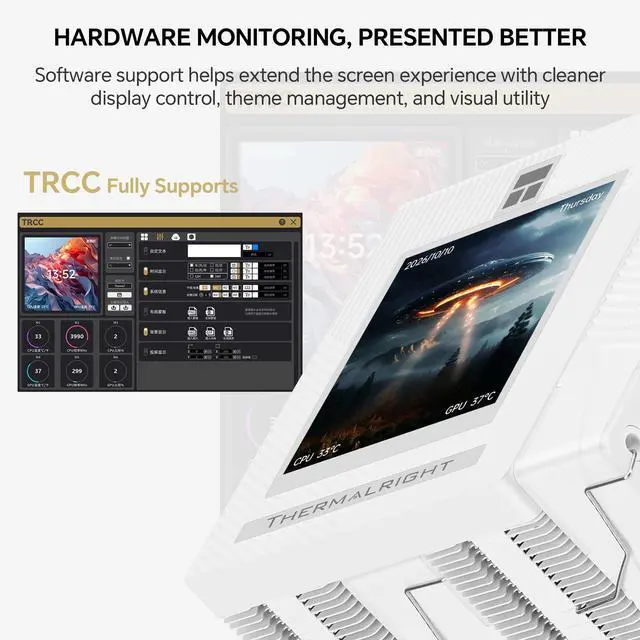
Thermalright Phantom Spirit 120 Vision EVO is a high-performance dual-tower CPU cooler designed for users who want strong air cooling and a more advanced display experience in one design. It features a 3.95-inch IPS LCD screen with 480x480 resolution and magnetic installation for a cleaner, more flexible visual upgrade. Built for demanding desktop workloads, it uses 7x6mm AGHP GEN 5.0 heat pipes, a micro-engraved reflow-soldered C1100 pure copper nickel-plated base, and a 160mm dual-tower heatsink for efficient heat transfer. The TL-K12-X28-R9 120mm PWM fan uses LCP blades and an anti-vibration balanced noise-reduction ring to deliver up to 92CFM airflow and 3.0mmH2O air pressure. With TRCC software, users can monitor system information, customize display content, set personalized text, use dynamic cloud themes, and manage display functions more freely. The cooler supports Intel LGA115X/1200/1700/1851 and AMD AM4/AM5 platforms, and is backed by a 3-year manufacturer warranty. Technical Spec: TL-K12-X28-R9 FAN Spec: Intel: LGA115X/1200/1700/1851 Software Notes: *All data above comes from the Thermalright laboratory and is for reference only.
Heatsink Specifications:
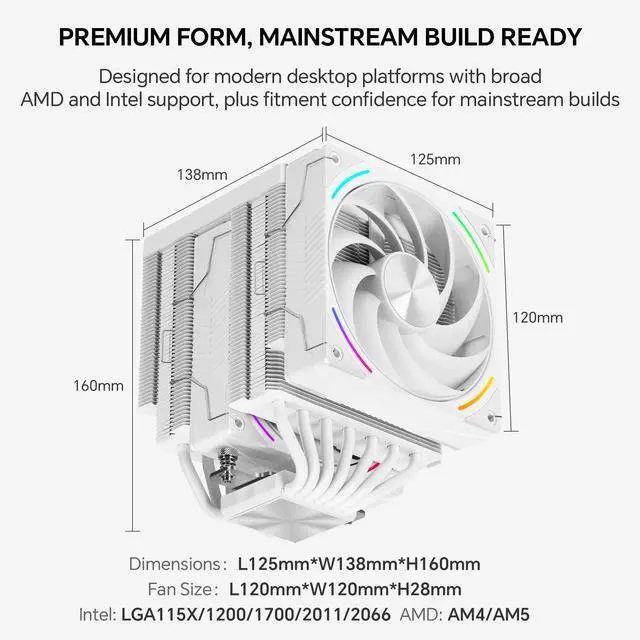
Dimension: L125 mm x W138 mm x H160 mm
Heat pipes: 6 mm heatpipe x 7 units
Copper Base: C1100 Pure copper nickel plated
Screen Size: 3.95-Inch
Screen Resolution: 480×480
LCD DISPLAY Connector: MB 9 pin/USB 2.0 Port
Dimension: L120 mm x W120 mm x H28 mm
Rated Speed: 2150 RPM±10% (MAX)
Noise Level: 36 dBA
Air Flow: 92 CFM (MAX)
Air Pressure: 3.0 mm H2O (MAX)
Connector: 4 Pin (PWM Fan connector)
ARGB Connector: 3 PIN 5V
Bearing Type: S-FDB V2 Bearing
AMD: AM4/AM5
Warranty: 3 Years
The digital display power supply and data communication are provided through the motherboard 9-pin USB header. Please confirm the USB connection is complete before installing the software.
The software can be downloaded from the official Thermalright support page. Extract the file and double-click the installer to begin installation.
Double-click the TRCC icon on the desktop to run the software.
Real-time monitoring, data transfer, and display on/off functions are controlled by the software. After installation, the program starts with the system and stays active in the background. Please do not force close it.
If an unexpected issue occurs, reconnect the USB cable and restart the system.


