



Out of stock
This item is currently out of stock and it may or may not be restocked.
Most customers receive within 10-32 days.
Sold by Direct from manufacturerGLOTRENDS
Top Rated
4.6 (217 seller ratings)

Shipped by Direct from manufacturerGLOTRENDS

Newegg PC Builder
Shop it at NeweggBusiness.

Meet Your Seller

Get Educated

Make informed decisions with expert advice. Learn More

CPU Cooler with Mounting Bracket for Intel Socket LGA1200/1150/LGA1151/LGA1155/LGA1156/LGA1356/LGA1366/LGA2011/LGA2011-3/LGA2066

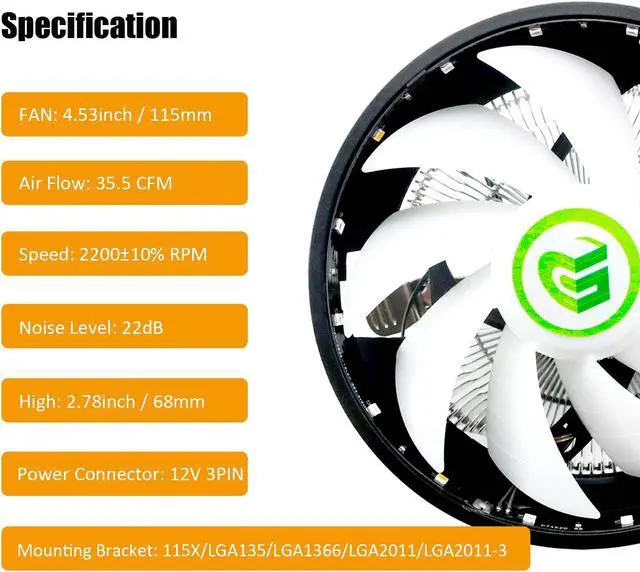
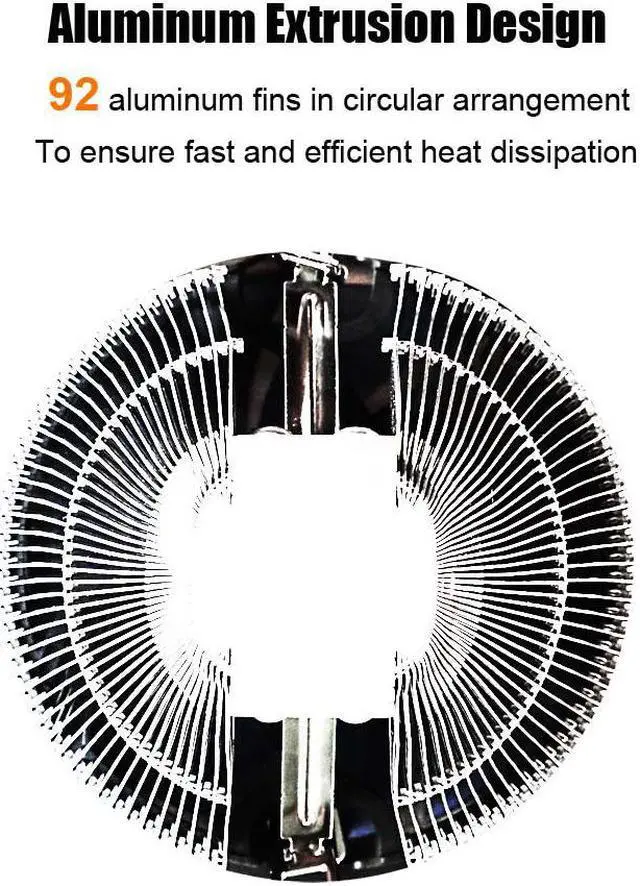
  • Low Profile (68mm high) CPU cooler with 92 aluminum fins in circle arrangement for better heat dissipation up to 95W.
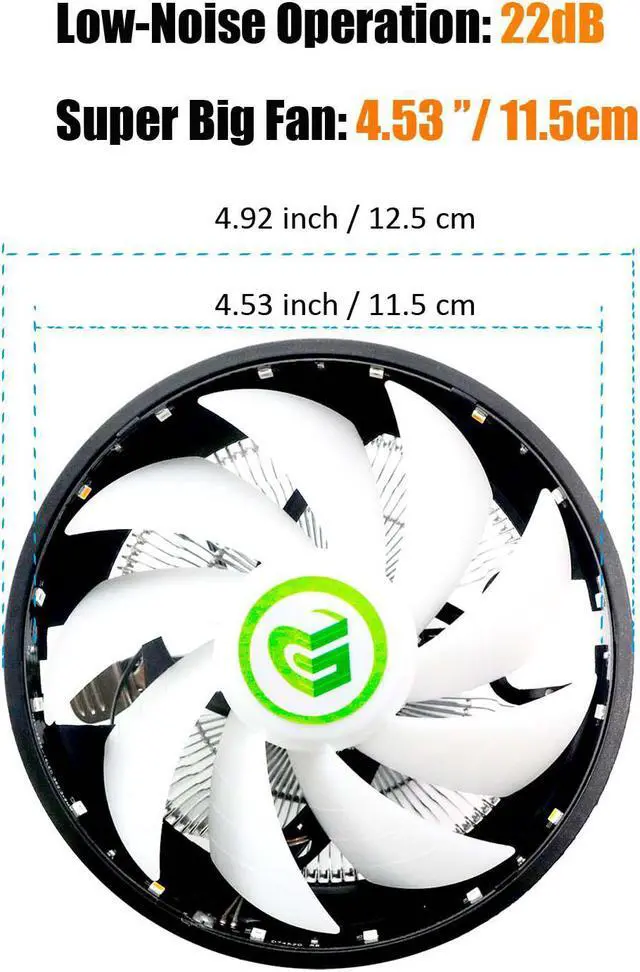
  • 115x115mm Upward Placement FAN: 2200±10% RPM speed, 35.5 CFM airflow, 22dB low-noise, 9-bladed design, even heat dissipation around
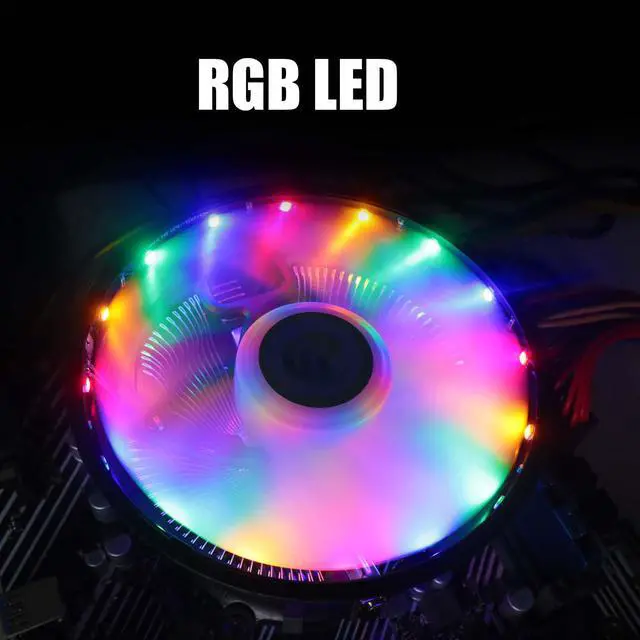
  • RGB LED
  • Perfect Memory Compatibility: 2 inch/ 5cm distance from CPU to memory, noninterference with memory mounting even in Mini-ITX MB
  • Mounting Bracket for Intel Socket LGA1200/1150/LGA1151/LGA1155/LGA1156/LGA1356/LGA1366/LGA2011/LGA2011-3/LGA2066
Overview
Specs
Reviews (11)
See all Q & A
avatar

Any questions? Our AI mode will help you find out quickly.

glotrends
cpu cooler
Aluminum Fin Air CPU Cooler
  • 115x115mm Upward Placement FAN
  • 92 aluminum fins in circle arrangement for better heat dissipation
  • TDP 95W
  • 2200 ± 10% RPM speed,
  • 35.5 CFM air flow,
  • 22dB low-noise,
  • 9-bladed design
  • RGB LED
  • Power Supply: 12V 3PIN
cpu cooler
Included Accessories
  • Mounting Bracket for Intel CPU LGA1200/1150/1151/1155/1156/1356/1366/2011/2011-3/2066
  • Thermal Conductive Silicone Grease
INSTALLATION
cpu cooler
Step 1
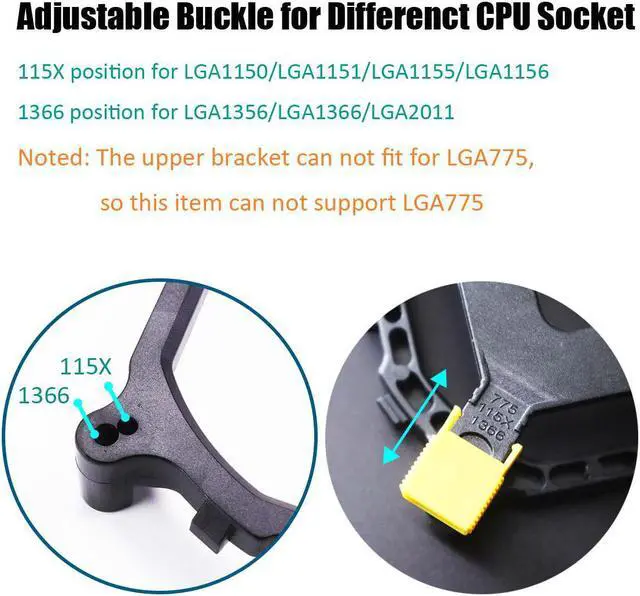
  • Position 115X for Socket LGA1200/1150/1151/1155/1156
  • Position 1366 for Socket LGA1356/1366/2011/2011-3/2066
cpu cooler
Step 2

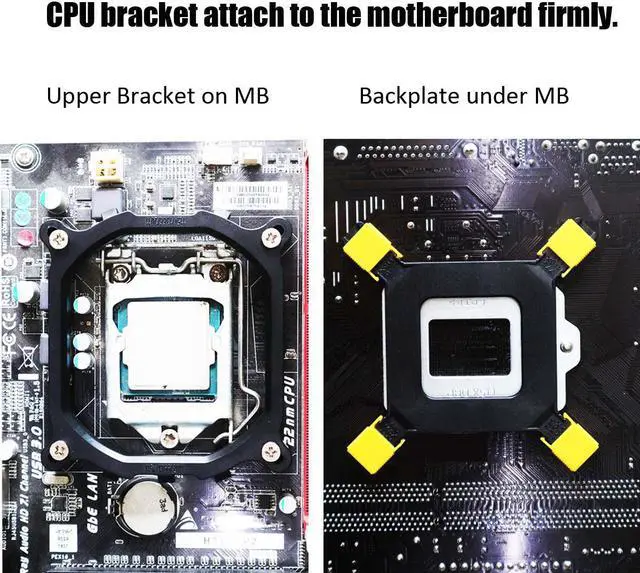
Move the yellow clip on the back panel to the correct position

cpu cooler
Step 3

Mount the back panel to motherboard from back side

cpu cooler
Step 4

Screw the bracket with motherboard from front side

cpu cooler
Step 5

Before installing the CPU cooler, apply a thin layer of thermal grease on the surface of the CPU.

cpu cooler
Step 6

Then hook the short CPU cooler clip to the mounting lug on one side of the bracket.

cpu cooler
Step 7

On the other side, push straight down on the long CPU cooler clip to hook it to the mounting lug on the bracket.

image for this item
Step 8

Finally, attach the 3 PIN power connector of the CPU cooler to the CPU fan header (CPU_FAN) on the motherboard.

Low Profile (68mm high) CPU cooler with 88 aluminum fins in circle arrangement for better heat dissipation up to 95W.
115x115mm Upward Placement FAN: 2200 ± 10% RPM speed, 35.5 CFM airflow, 22dB low-noise, 9-bladed design, even heat dissipation around RGB LED Perfect
Memory Compatibility: 2 inch/ 5cm distance from CPU to memory, noninterference with memory mounting even in Mini-ITX MB Mounting Bracket for Intel Socket LGA1200/1150/LGA1151/LGA1155/LGA1156/LGA1356/LGA1366/LGA2011/LGA2011-3/LGA2066

Warranty & Returns

Warranty, Returns, And Additional Information

Warranty

  • Please contact the Seller directly for warranty information. Warranty information may also be found on the Manufacturer's website.
  • CONTACT

Return Policies

  • Return for refund within: 30 days
  • Return for replacement within: 30 days
  • This item is covered by GLOTRENDS Return Policy

Manufacturer Contact Info

LOADING...