Your Browsing History
Meet Your Seller
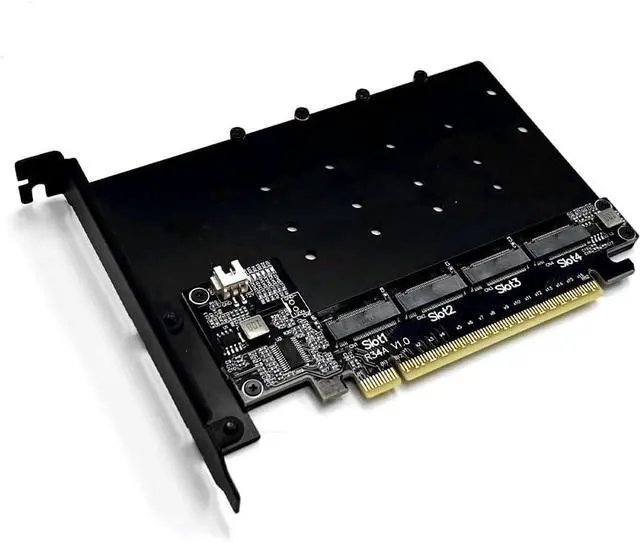
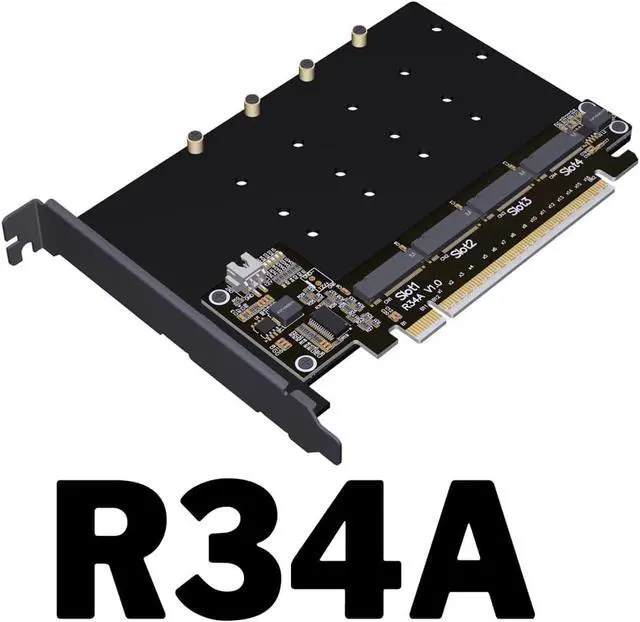
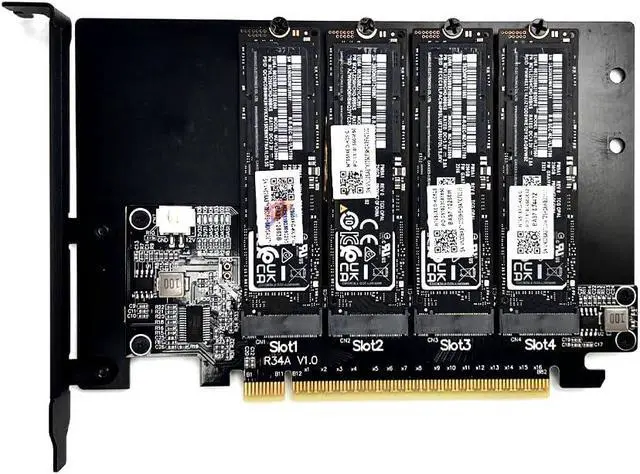
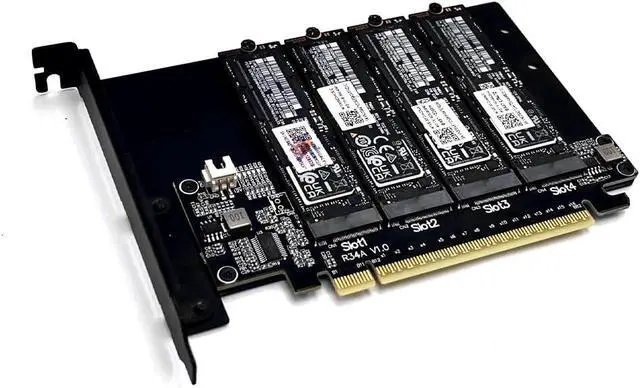
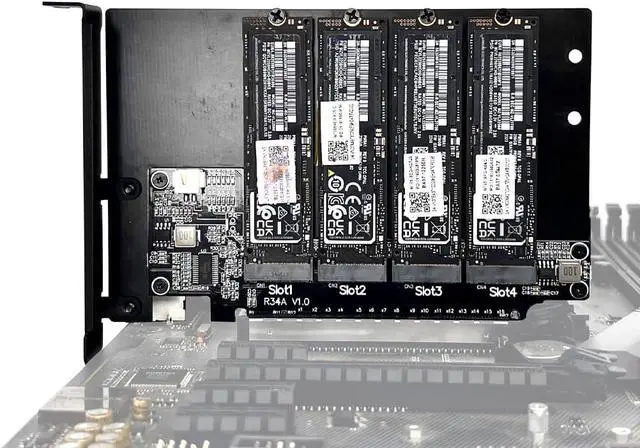
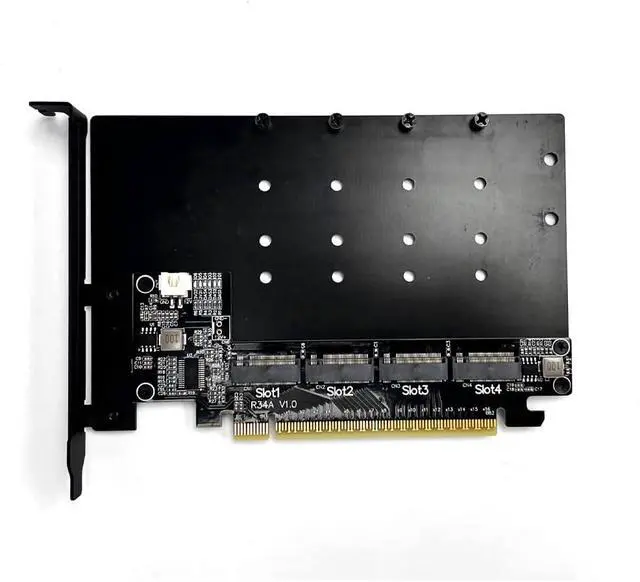
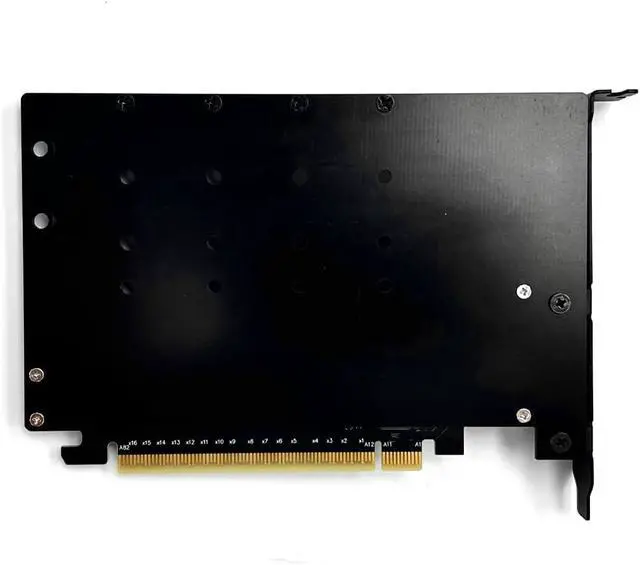
JMT ADT-R34A PCIe5.0 x16 to 4-Port M.2 NVMe Hard Disk Split Card 4x128Gbps 1 to 4 Expansion Adapter Compatible with Gen3 Gen4 Gen5 (R34A)
- Support PCIe 5.0 x4 full-speed transmission, compatible with Gen3/Gen4/Gen5.Flame retardant grade: 94V0.
- Motherboard Requirement: Please refer to the motherboard manual, the manual or BIOS option will explain the Bandwidth PCIE channel split or Bifurcation option, if it is not mentioned, then it is not supported.
- First check whether the motherboard split is set to x4x4x4x4, if set x8x8 or x8x4x4 can not recognize the four disks; secondly, please confirm whether the slot where the adapter card is located to support the PCIe x16 full-bandwidth operation, please refer to the motherboard manual.
- D1-D4 are the hard disk read/write lights for port 1-4 respectively, they are blinking when reading/writing normally
- D5 is the power indicator for port 1-2; D6 is the power indicator of port 3-4; D5 and D6 are always on under normal condition.

+
+
Overview
Specs
Reviews
Any questions? Our AI beta will help you find out quickly.
Try me now
Support PCIe 5.0 x4 full-speed transmission, compatible with Gen3/Gen4/Gen5.Flame retardant grade: 94V0.
Motherboard Requirement: Please refer to the motherboard manual, the manual or BIOS option will explain the Bandwidth PCIE channel split or Bifurcation option, if it is not mentioned, then it is not supported.
First check whether the motherboard split is set to x4x4x4x4, if set x8x8 or x8x4x4 can not recognize the four disks; secondly, please confirm whether the slot where the adapter card is located to support the PCIe x16 full-bandwidth operation, please refer to the motherboard manual.
D1-D4 are the hard disk read/write lights for port 1-4 respectively, they are blinking when reading/writing normally
D5 is the power indicator for port 1-2; D6 is the power indicator of port 3-4; D5 and D6 are always on under normal condition.
Motherboard Requirement: Please refer to the motherboard manual, the manual or BIOS option will explain the Bandwidth PCIE channel split or Bifurcation option, if it is not mentioned, then it is not supported.
First check whether the motherboard split is set to x4x4x4x4, if set x8x8 or x8x4x4 can not recognize the four disks; secondly, please confirm whether the slot where the adapter card is located to support the PCIe x16 full-bandwidth operation, please refer to the motherboard manual.
D1-D4 are the hard disk read/write lights for port 1-4 respectively, they are blinking when reading/writing normally
D5 is the power indicator for port 1-2; D6 is the power indicator of port 3-4; D5 and D6 are always on under normal condition.
Warranty & Returns
Warranty, Returns, And Additional Information
Warranty
- Please contact the Seller directly for warranty information. Warranty information may also be found on the Manufacturer's website.
- CONTACT
Return Policies
- Return for refund within: 30 days
- Return for replacement within: 30 days
- This item is covered by PrimeVolt’Shop Return Policy
Manufacturer Contact Info
- For a directory of all our manufacturers, please click below.
- Manufacturers Directory
LOADING...