Take a tax holiday. Take advantage of limited-time, tax-free savings on select products in certain states. Learn More>
  • $76.99
  • Free 30-day Returns
  • Price alert
    Shop it at NeweggBusiness.

    Meet Your Seller

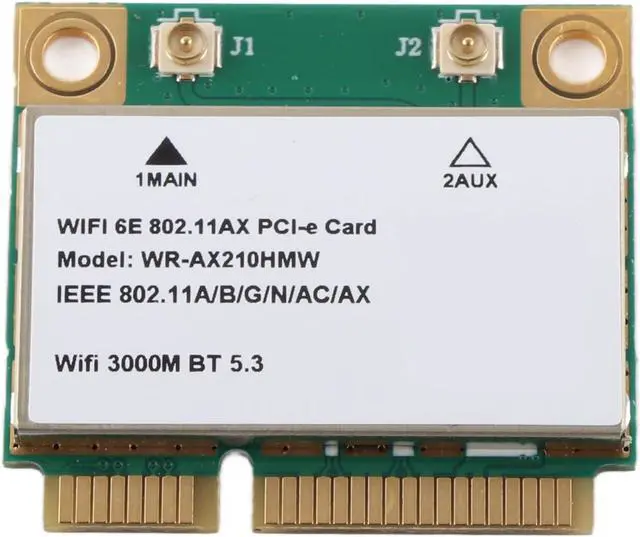
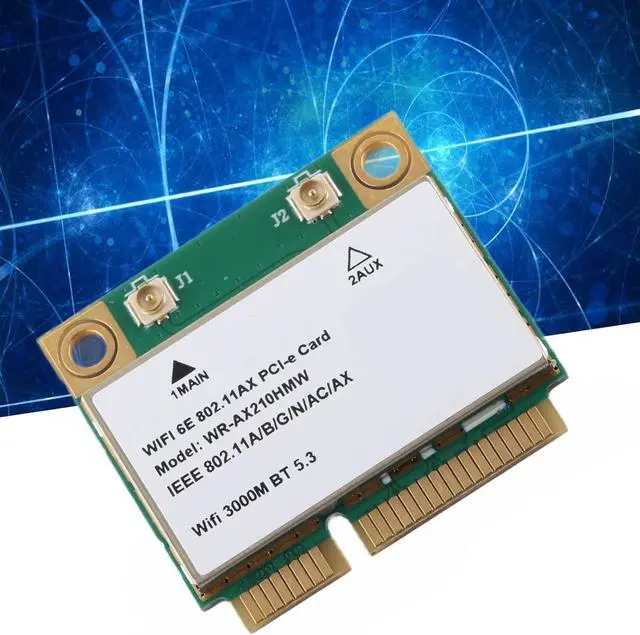
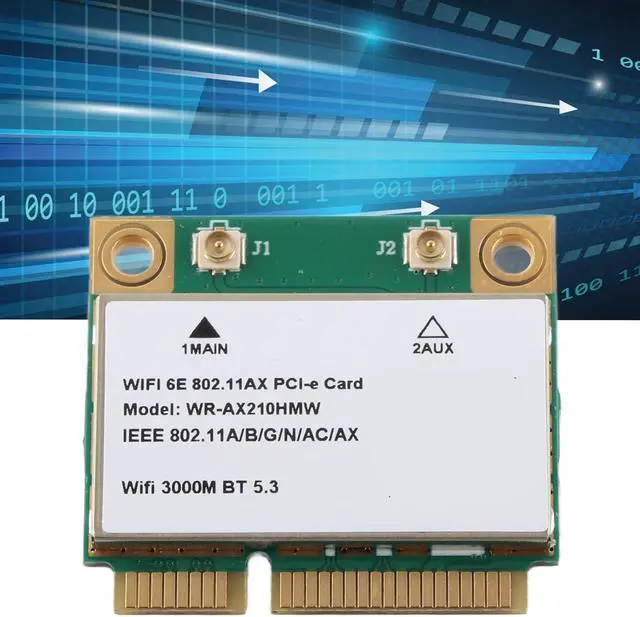
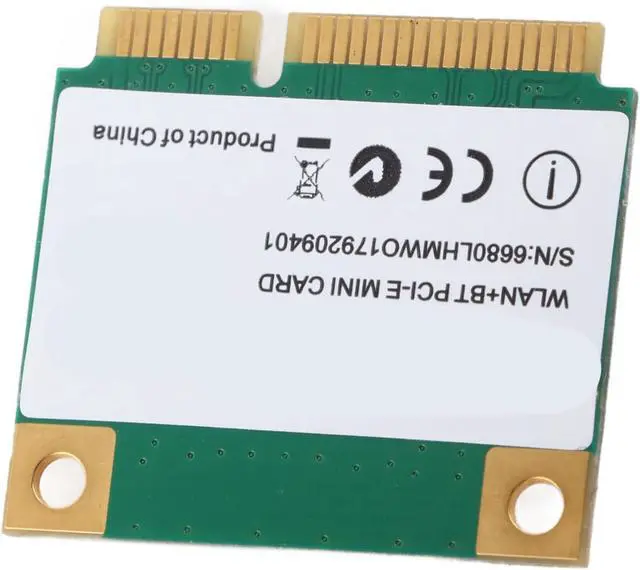
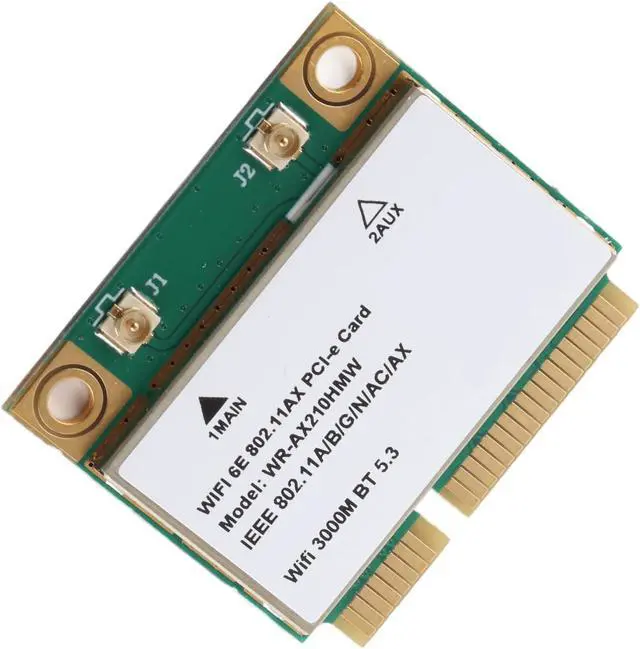
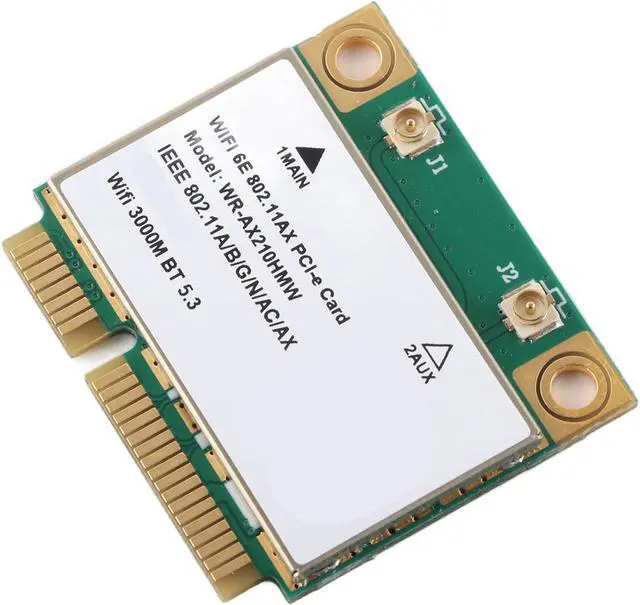
    Net Card, 5G Triple Band Gigabit Network Card, Laptop Card with PCIE Interface for Replacement

    • TRIPLE BAND SUPPORT FOR CONNECTIVITY: The Net Card features advanced support for the 6GHz band, allowing you to upgrade your laptop to a triple-band system. Experience fast speeds with a maximum of 574Mbps at 2.4GHz, 2400Mbps at 5GHz, and an incredible 2400Mbps at 6GHz.
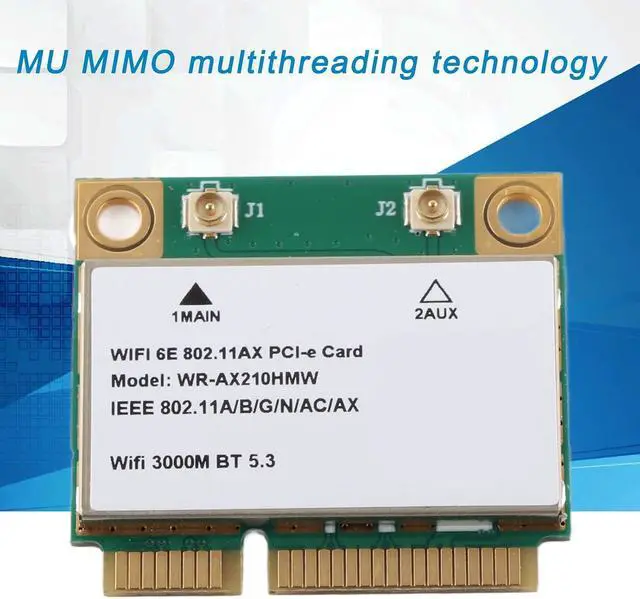
    • MU-MIMO TECHNOLOGY FOR ENHANCED PERFORMANCE: Equipped with MU MIMO multi-threading technology, the Net Card significantly boosts efficiency by enabling multiple data streams simultaneously. This technology allows for faster and more stable connections, ensuring that you can enjoy uninterrupted online experiences even in crowded network environments.
    • 5.3 FOR SUPERIOR DEVICE CONNECTIVITY: The Net Card adopts 5.3 technology, providing faster and more good connections for multiple devices at once. Whether you're connecting headphones, speakers, or other peripherals, this feature ensures minimal lag and maximum compatibility, enhancing your overall experience.
    • WIDE COMPATIBILITY WITH VARIOUS MACHINES: Designed for versat
    +
    +
    Overview
    Reviews
    avatar

    Any questions? Our AI beta will help you find out quickly.


    Specification:
    Item Type: Net Card
    Material: PCB
    Model: AX210HMW
    Technology: 802.11 A/B/G/N/AC/AX
    Speed: 2.4G/574Mbps, 5G/2400Mbps, 6G/2400Mbps
    Built in BT: BT5.3
    Product Interface: Mini PCIE
    Fast and Efficient: MU MIMO Technology
    Support System: Only for WIN10 (64bit)
    Supported Machines: Notebooks, Small Hosts, All in One Machines, Advertising Machines, and Other Machines with MINI PCIE Half Height Interface (Note that it is not compatible with for IBM)

    Package List
    1 x Net Card

    Note:
    Not compatible with for IBM1. Gently wipe the golden finger of the product with an eraser.
    2. The bottom of the product is gently rubbed against the ground.

    Warranty & Returns

    Warranty, Returns, And Additional Information

    Warranty

    • Please contact the Seller directly for warranty information. Warranty information may also be found on the Manufacturer's website.
    • CONTACT

    Return Policies

    Manufacturer Contact Info

    LOADING...