Your Browsing History
Meet Your Seller
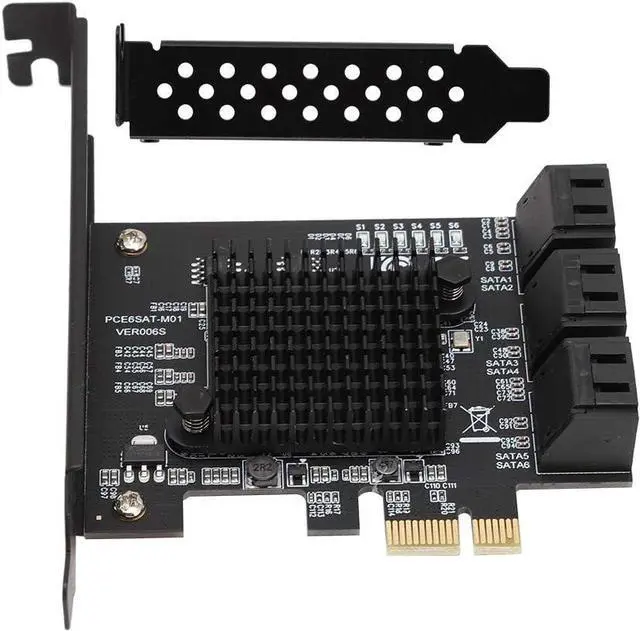
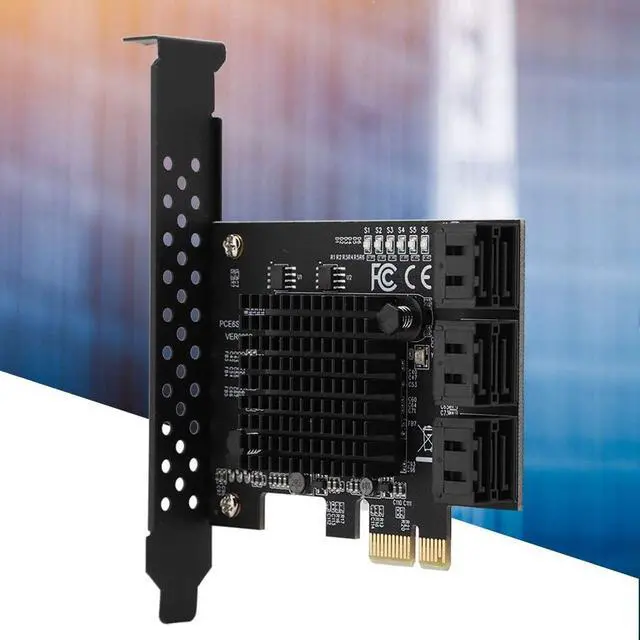
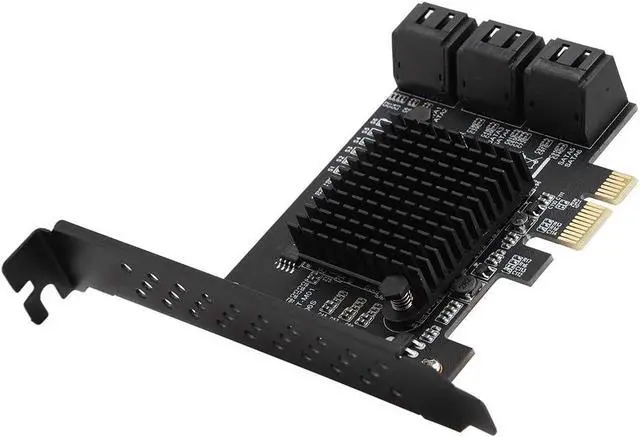
6 Port PCI Express 2.0 SATA III 6Gbps RAID Controller Card, SATA 3.0 PCI Express Expansion Card Compatible for SATA6G 3G 1.5G HDD
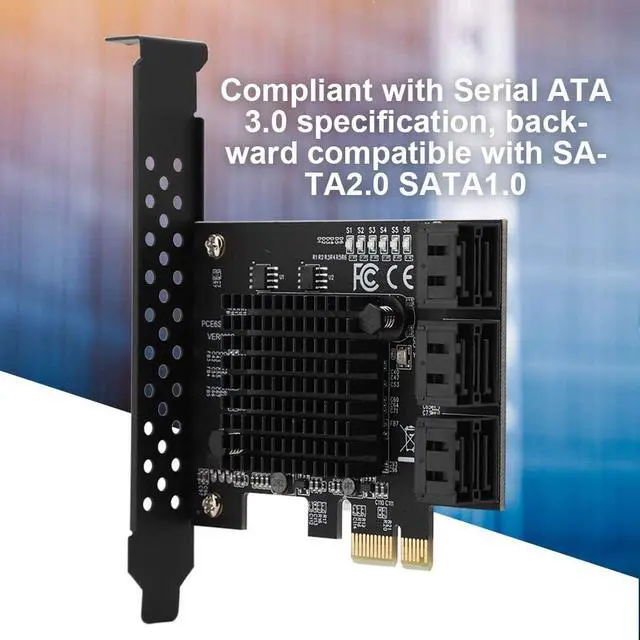
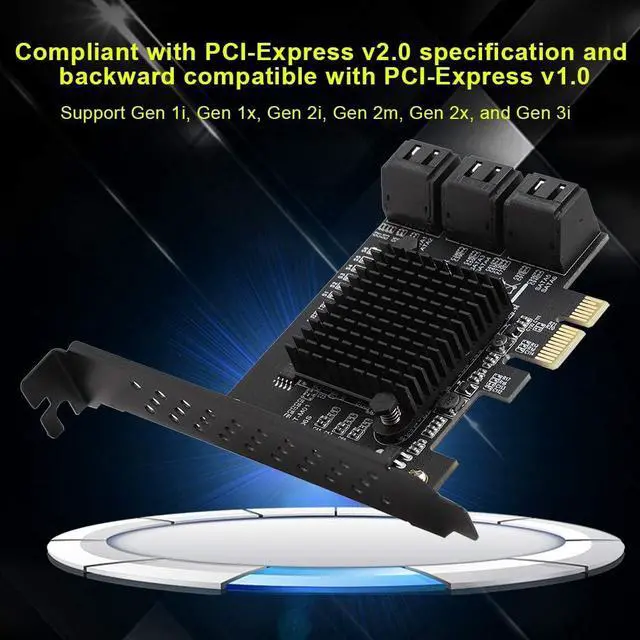
- Compatible with Serial SATA 3.0 specification, backward compatible with SATA2.0 SATA1.0. Compliant with PCI-Express v2.0 specification and backward compatible with PCI-Express v1.0. Support Gen 1i, Gen 1x, Gen 2i, Gen 2m, Gen 2x, and Gen 3i.
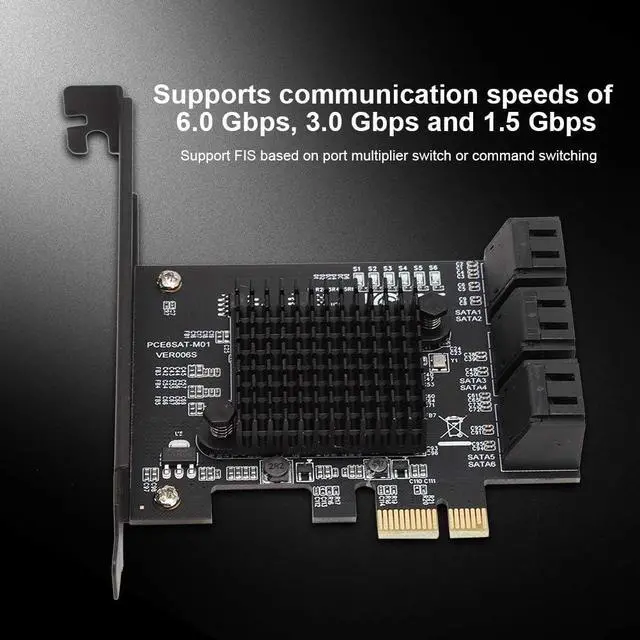
- Support FIS based on port multiplier switch or command switching. Compatible with SATA6G, 3G and 1.5G hard drives. Support Gen 1i, Gen 1x, Gen 2i, Gen 2m, Gen 2x, and Gen 3i.
- The SATA interface mode of PCIE to SATA3.0 is AHCI mode. If you want to plug in the system disk on our card, the premise is that your system disk must be installed in AHCI mode when installing the system on the motherboard. Otherwise, the system cannot be started through our transfer card.
- If it is determined that the SATA interface installation system of the system disk inserted in the motherboard is AHCI mode, then you can directly insert the hard disk into our card, and then enter the motherboard BIOS to set the system disk as the first boot.
- If the two conditions are
+
+
Overview
Reviews
Any questions? Our AI beta will help you find out quickly.
Try me now
Compatible with Serial SATA 3.0 specification, backward compatible with SATA2.0 SATA1.0. Compliant with PCI-Express v2.0 specification and backward compatible with PCI-Express v1.0. Support Gen 1i, Gen 1x, Gen 2i, Gen 2m, Gen 2x, and Gen 3i.
Support FIS based on port multiplier switch or command switching. Compatible with SATA6G, 3G and 1.5G hard drives. Support Gen 1i, Gen 1x, Gen 2i, Gen 2m, Gen 2x, and Gen 3i.
The SATA interface mode of PCIE to SATA3.0 is AHCI mode. If you want to plug in the system disk on our card, the premise is that your system disk must be installed in AHCI mode when installing the system on the motherboard. Otherwise, the system cannot be started through our transfer card.
If it is determined that the SATA interface installation system of the system disk inserted in the motherboard is AHCI mode, then you can directly insert the hard disk into our card, and then enter the motherboard BIOS to set the system disk as the first boot.
If the two conditions are met, if the hard disk interface of the motherboard still fails to start, or restarts repeatedly, it may be caused by the conflict between the hard disk interface of the motherboard and our transfer card. The solution is to enter the motherboard BIOS and set the hard disk interface option of the motherboard to Disabled, then save and restart to start the system.

Support FIS based on port multiplier switch or command switching. Compatible with SATA6G, 3G and 1.5G hard drives. Support Gen 1i, Gen 1x, Gen 2i, Gen 2m, Gen 2x, and Gen 3i.
The SATA interface mode of PCIE to SATA3.0 is AHCI mode. If you want to plug in the system disk on our card, the premise is that your system disk must be installed in AHCI mode when installing the system on the motherboard. Otherwise, the system cannot be started through our transfer card.
If it is determined that the SATA interface installation system of the system disk inserted in the motherboard is AHCI mode, then you can directly insert the hard disk into our card, and then enter the motherboard BIOS to set the system disk as the first boot.
If the two conditions are met, if the hard disk interface of the motherboard still fails to start, or restarts repeatedly, it may be caused by the conflict between the hard disk interface of the motherboard and our transfer card. The solution is to enter the motherboard BIOS and set the hard disk interface option of the motherboard to Disabled, then save and restart to start the system.
Warranty & Returns
Warranty, Returns, And Additional Information
Warranty
- Please contact the Seller directly for warranty information. Warranty information may also be found on the Manufacturer's website.
- CONTACT
Return Policies
- Return for refund within: 30 days
- Return for replacement within: 30 days
- This item is covered by PrimeVolt’Shop Return Policy
Manufacturer Contact Info
- For a directory of all our manufacturers, please click below.
- Manufacturers Directory
LOADING...