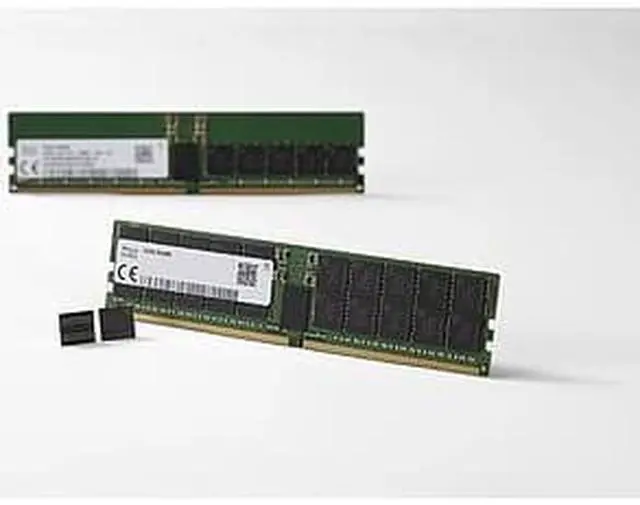
The SK hynix HMCG88MEBRA is a 32GB DDR5-4800 DIMM for high-performance server systems, suited to administrators upgrading or configuring a compatible system, including supported Supermicro platforms.
Recommended For
- Server operators adding memory to a platform that explicitly supports DDR5 ECC RDIMMs—for example, to give a virtualization host or shared server more room for concurrent workloads.
- Workstation or server builders using compatible Intel Xeon W or server platforms who need a 32GB DDR5 RDIMM; check the specific CPU and motherboard memory list before buying.
- Supermicro system owners replacing or matching server memory, when the exact system’s compatibility list confirms this module or its specifications.
Real-World Use Scenarios
- When a compatible DDR5 server is short on memory, add this 32GB RDIMM to increase capacity for its existing workloads; the benefit is most noticeable if memory pressure is currently slowing tasks or forcing them to swap.
- For a Proxmox or similar virtualization host, use the added memory to give running virtual machines and containers more room; how many guests it can support depends on their workloads and the host’s remaining memory.
- In a ZFS- or Ceph-based storage server, add memory for storage services alongside the operating system and other workloads; the practical gain depends on the storage setup and current memory use.
- For an always-on homelab server running several services, use the module to expand the memory available to those services and any VMs; confirm the motherboard and CPU support registered DDR5 memory before buying.
Spec Summary
| Attribute | Value |
|---|
| First Listed on Newegg | May 09, 2024 |
|---|




 here!