



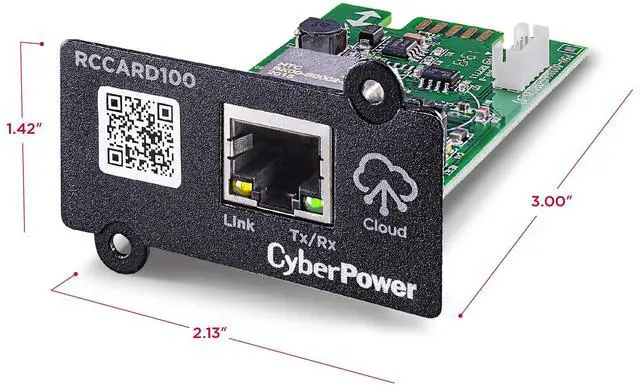
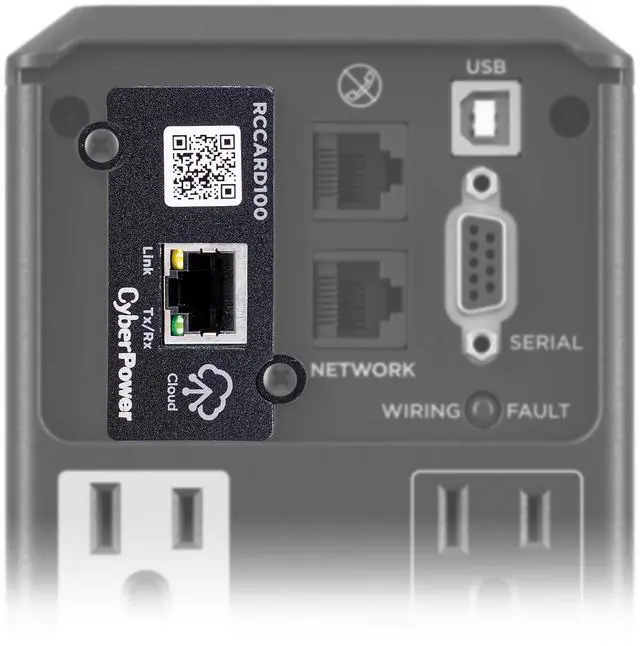


Remote Monitoring via the Cloud
Why Do You Need Remote Monitoring?
PowerPanel Cloud App makes it easy to monitor CyberPower UPS systems from anywhere on a smartphone or mobile device. It’s ideal for decentralized service providers, POS with limited network infrastructure, and small/medium businesses looking for a simple and efficient power monitoring option.

PowerPanel Cloud App & Cloud Cards
POWER YOUR PRODUCTIVITY
PowerPanel Cloud App together with the PowerPanel Cloud Cards, monitor UPS vitals like electrical power supply, voltage, remaining battery runtime, UPS load, and more.
The RCCARD100 is compatible with all CyberPower UPS systems that have an optional card slot (including Smart App Online, Smart App Sinewave, Smart App LCD, and CP1500PFCLCD models).
Power Your Productivity
Merchant Video
EASY TO SET UP AND CONNECT
Just download the app to your phone or use the web-based app. Install PowerPanel Cloud Cards into compatible CyberPower UPS systems and begin monitoring anytime, anywhere.
When I add a new UPS Cloud card to the PowerPanel Cloud app, is there a delay before it is recognized in my account?
Yes, there will be a slight delay. It typically takes a few minutes before you see it, but can occasionally take longe
Does this RCCARD100 or RWCCARD100 come with a free 3-year cloud connection trial?
Yes, once the RCCARD100 or RWCCARD100 is installed, you can create an account, add your UPS, and then select a 3-year trial. If you have set up your account with the 30-day trial option, you can select the 3-year trial after the 30-day trial expires.
If you add more than one UPS to your PowerPanel Cloud account, do you still get your 3-year trial?
No, the 3-year trial with the RCCARD100 or RWCCARD100 is only available for accounts with a single UPS. If you choose to add more UPS to your account, you will need to purchase a license that covers the number of UPS on your account.
Where can I download the PowerPanel Cloud App to monitor from the Cloud?
The PowerPanel Cloud App can be downloaded via the Google Play Store or the Apple App Store.
What are compatible models of UPS systems for the RCCARD100?
The RCCARD100 is compatible with all CyberPower UPS systems that have an optional card slot (including Smart App Online, Smart App Sinewave, Smart App LCD, and CP1500PFCLCD models).

Why Do You Need Remote Monitoring?
PowerPanel Cloud App makes it easy to monitor CyberPower UPS systems from anywhere on a smartphone or mobile device. It’s ideal for decentralized service providers, POS with limited network infrastructure, and small/medium businesses looking for a simple and efficient power monitoring option.
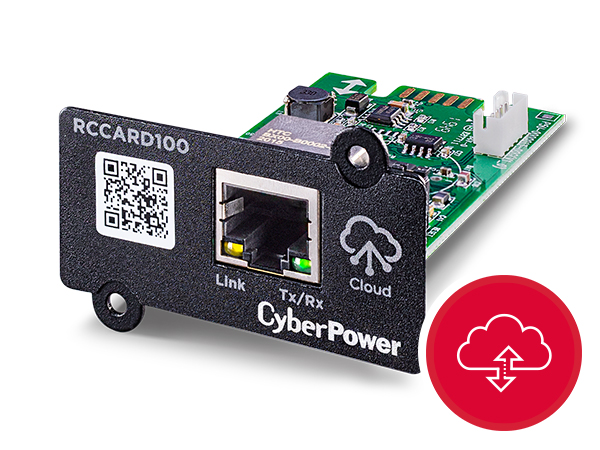
Cloud Monitoring
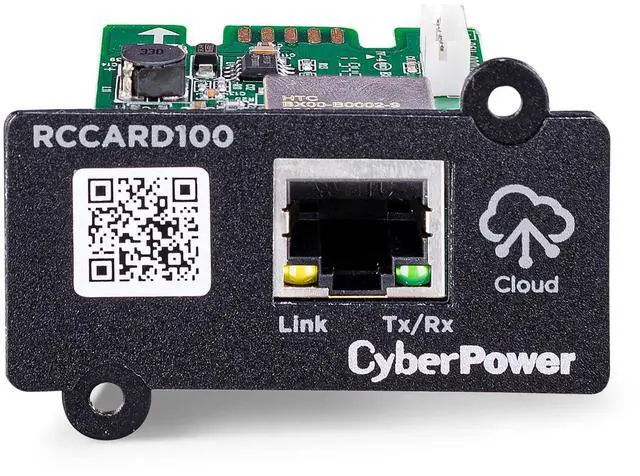
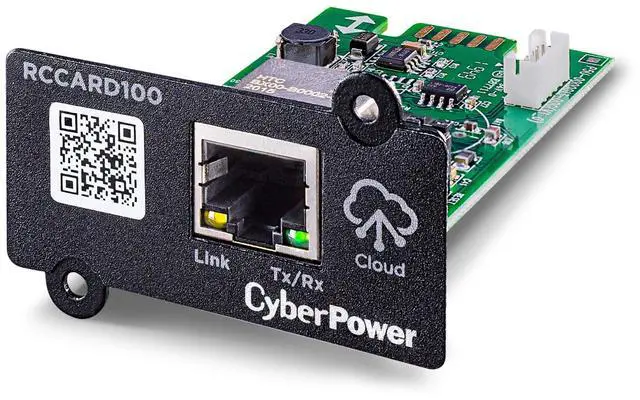
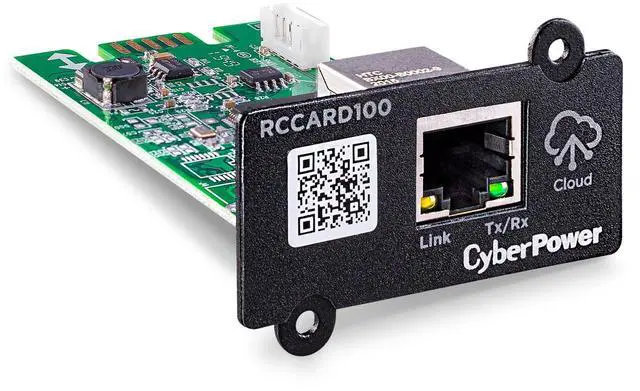
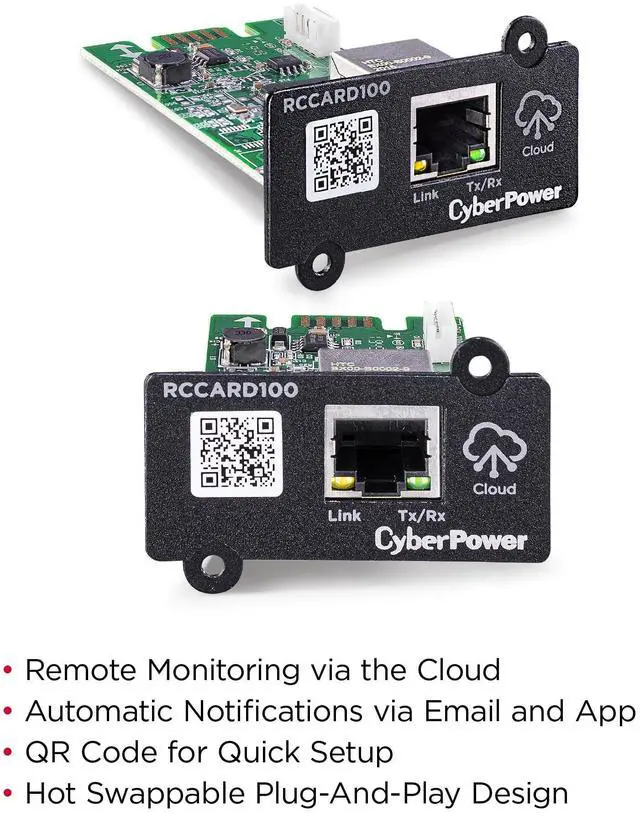
The RCCARD100 connects a UPS to PowerPanel Cloud to provide customers the ability to remotely monitor UPS system power connected to the network.
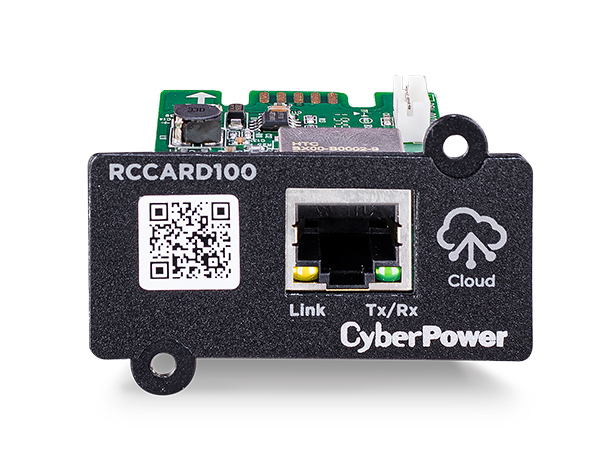
Quick Set Up
Use your phone to scan the code to quickly add your UPS to an account.
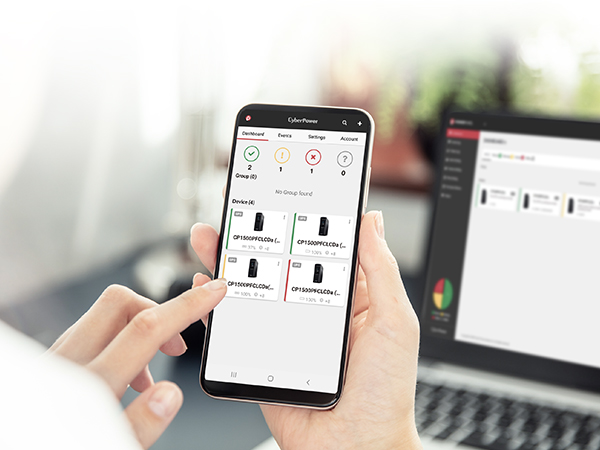
Decentralized Monitoring
UPS groups within a account can be monitored by segment, client, or individual location.
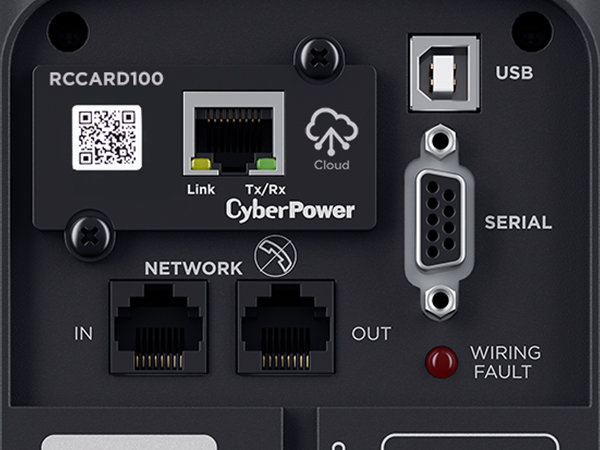
Plug & Play Design
The RCCARD100 is a hot swappable plug-and-play design, allowing fast installation, or replacement without interrupting the operation of the UPS.
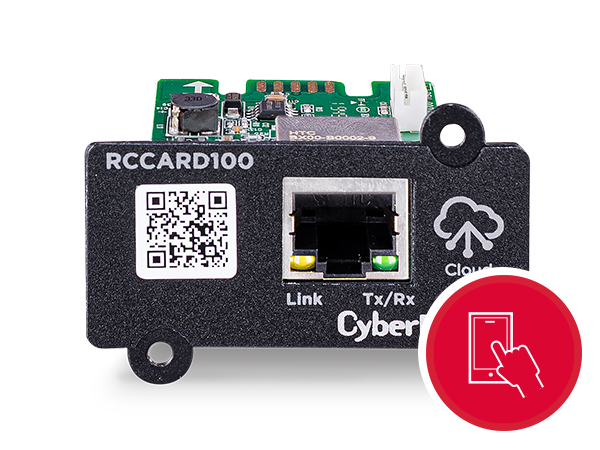
Alert Notifications
Monitor your power with real-time UPS system notifications via email and app alerts.
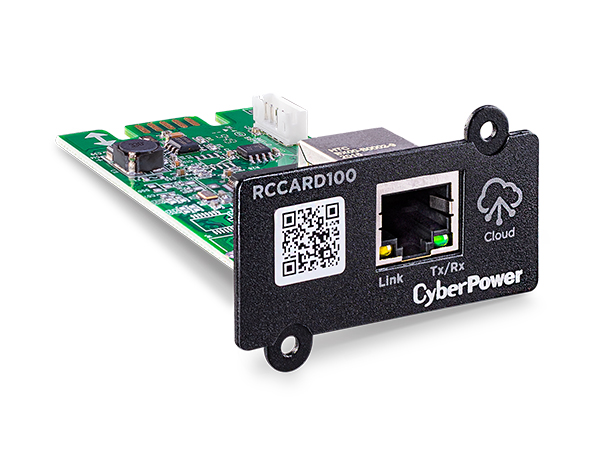
Upgradable Firmware
Keep the RCCARD100 up to date with the latest firmware version. New firmware releases include new functionality, feature enhancements, bug fixes and are available through the app.
Power Your Productivity
Merchant VideoPowerPanel Cloud App & Cloud Cards
POWER YOUR PRODUCTIVITY
PowerPanel Cloud App together with the PowerPanel Cloud Cards, monitor UPS vitals like electrical power supply, voltage, remaining battery runtime, UPS load, and more.
The RCCARD100 is compatible with all CyberPower UPS systems that have an optional card slot (including Smart App Online, Smart App Sinewave, Smart App LCD, and CP1500PFCLCD models).
Remotely Manage Your UPS System
EASY TO SET UP AND CONNECT
Just download the app to your phone or use the web-based app. Install PowerPanel Cloud Cards into compatible CyberPower UPS systems and begin monitoring anytime, anywhere.
When I add a new UPS Cloud card to the PowerPanel Cloud app, is there a delay before it is recognized in my account?
Yes, there will be a slight delay. It typically takes a few minutes before you see it, but can occasionally take longe
Does this RCCARD100 or RWCCARD100 come with a free 3-year cloud connection trial?
Yes, once the RCCARD100 or RWCCARD100 is installed, you can create an account, add your UPS, and then select a 3-year trial. If you have set up your account with the 30-day trial option, you can select the 3-year trial after the 30-day trial expires.
If you add more than one UPS to your PowerPanel Cloud account, do you still get your 3-year trial?
No, the 3-year trial with the RCCARD100 or RWCCARD100 is only available for accounts with a single UPS. If you choose to add more UPS to your account, you will need to purchase a license that covers the number of UPS on your account.
Where can I download the PowerPanel Cloud App to monitor from the Cloud?
The PowerPanel Cloud App can be downloaded via the Google Play Store or the Apple App Store.
What are compatible models of UPS systems for the RCCARD100?
The RCCARD100 is compatible with all CyberPower UPS systems that have an optional card slot (including Smart App Online, Smart App Sinewave, Smart App LCD, and CP1500PFCLCD models).