

Your Browsing History




Any questions? Our AI beta will help you find out quickly.
Compliant with PCI Express specification Revision 3.1(5GT/s)
Compliant with M.2 Key B+M NGFF card Electromechanical Specification
Compatible with M.2 Key B/M(2280) card Electromechanical Specification
MDI(Copper) standard IEEE802.3 Ethernet interface up to 2.5Gb/s
Built in 10/100/1000m transceiver
High performance 1000Base-T Ethernet card controller
Backward compatible 10/100BASE-T
network 10/100/1000Mbps data transmission speed automatic operation matching
Compatible with existing Cat-5 UTP cables
Fully compatible with IEEE802.3, IEEE802.3u, IEEE802.3ab
Support half duplex mode and 802.3x flow control
Support IEEE802.1P Layer2 priority encoding
Support IEEE 802.1Q VLAN tag
Support transmit/receive buffer on chip
Support 9K byte jumbo frames
Cross detection and automatic operation correction
Support power failure/energy saving
Support Wake on LAN and Remote Wake up
Supports standard and low-end chassis
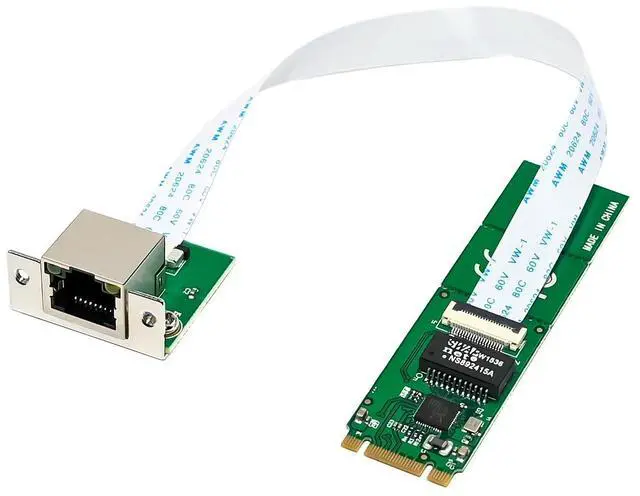
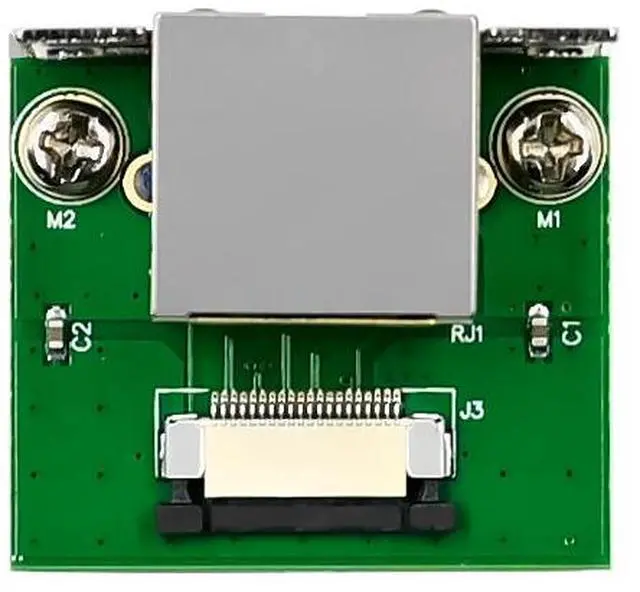
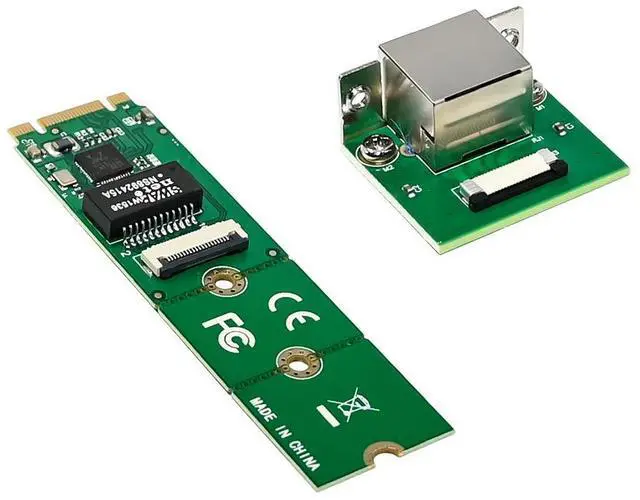
1-port RJ45 Gigabit LAN
Chipset: Realtek RTL8111F
Package content
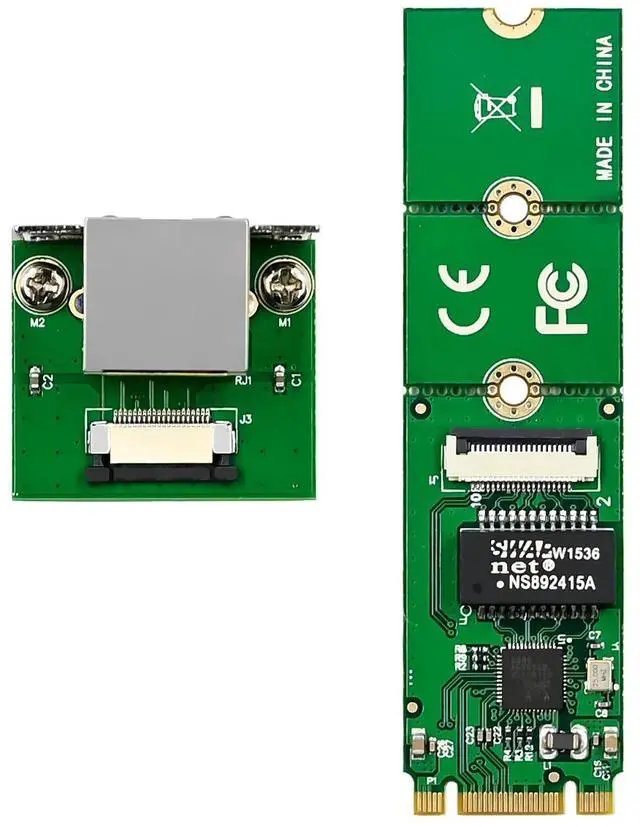
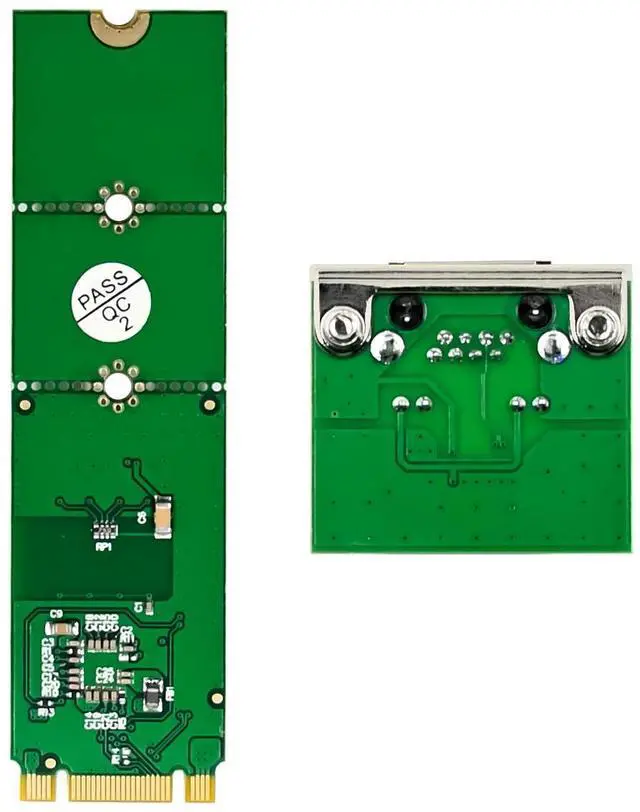
1 x M.2 A+E RTL8111F-Main
1 x Flexible Network Cables
1 x CD
1 x Low profile bracket
Accessories
System Requirements
Linux ,DOS, Win 7/Win 8/Server 2008/Win 8.1/Server 2012/2016, Win 10 32-64 bit
M.2 B+M key slot on the motherboard
Size: 22 x 80mm
Material: PCB
Color: Green
Hardware installation
1.Turn off the computer and unplug the power cord
2.Remove the computer cover and the adapter slot cover from the slot that matches your adapter
3.Insert the adapter edge connector into the slot and secure the bracket to the chassis
4.Replace the computer cover ,then plug in the power cord
5.Power on the computer
Install Drivers
Windows Operating Systems
1. Please insert the CD driver bound into your CD-ROM Drive.
2. At the Windows desktop, click Start, Run.
3. 1 For Windows® WIN98SE,WinME
TypeRTL8168,RTL8111C,RTL8111E\Windows\WIN98SE,WINME\PCIE_Install_5708_1119\setup. exe, Double click it.
3. 2 For Windows® WIN2K, XP, Server 2003 (32/64 bit)
TypeRTL8168,RTL8111C,RTL8111E\Windows\WIN2K,XP,2003\PCIE_Install_5790_11182011\setup.exe, Double click it.
3. 3 For Windows® Vista, WIN2008 (32/64 bit)
TypeRTL8168,RTL8111C,RTL8111E\Windows\VISTA,WIN2008\Install_Vista_6250_11182011\setup.exe, Double click it.
3.4 For Windows® Win7, WIN2008 (32/64 bit)
TypeRTL8168,RTL8111C,RTL8111E\Windows\WIN7,WIN2008\Install_Win7_7049_11182011\setup.exe, Double click it.
3.5 For Windows® Win8, Win8.1 (32/64 bit)
TypeRTL8168,RTL8111C,RTL8111E\Windows\Win8,Win8.1\Install_Win8_8.1_8020_09182013\setup.exe, Double click it.
3.6 For Windows® Win10 (32/64 bit)
Type
RTL8168,RTL8111C,RTL8111E\Windows\Win10\Install_Win10_10003_08202015\setup.exe, Double click it.
4. Follow the on-screen instructions to complete the installation.
Support
More information and settings, please refer to the Adapter User Guides or you can contact us.