
Your Browsing History




Any questions? Our AI beta will help you find out quickly.
Integrated PCIe, MAC+PHY minimizes board space and power usage
Compliant with PCI Express Gen4, Gen3 or Gen2
Supports line rate up to 16.0GT/s,8.0GT/s and 5.0GT/s per lane
Message-Signaled interrupts and legacy INTx PCIe interrupts improves CPU utilization and network performance
Integrated Marvell Alaska PHY featuring NBASE-T technology
6-speed support of 10G/5G/2.5G/1G/100M/10M
Energy Efficient Ethernet (EEE) support
Advanced cable diagnostics
Audio Video Bridging (AVB) and PTP/1588 v2 support
LSO, RSS, DCA and header checksum
Wake-on-LAN power management
Jumbo Frames up to 16Kbytes
IPv4/IPv6, IPv6/TCP, and IPv6/UDP checksum offload
Address Resolution Protocol (ARP)
Transmission Control Protocol (TCP) keepalives support link checking between devices
Support Operating Systems: Windows10(32-bit /64-bit), Windows11(32-bit /64-bit), Linux 3.10 and higher
Package content
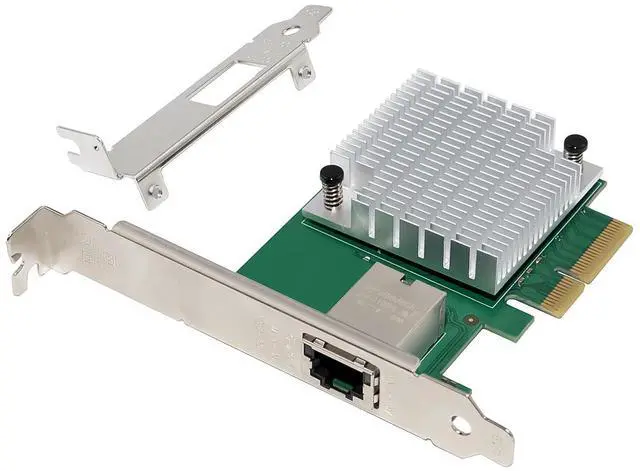
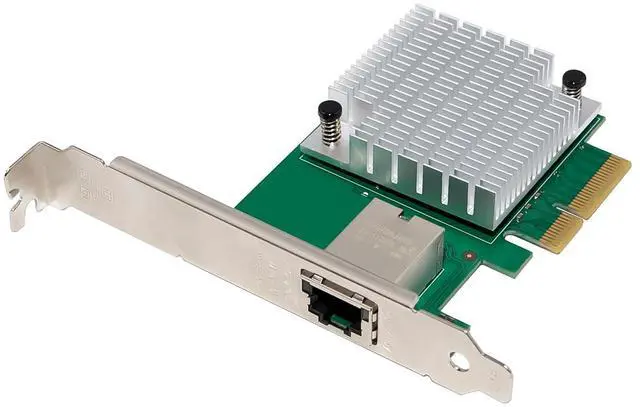
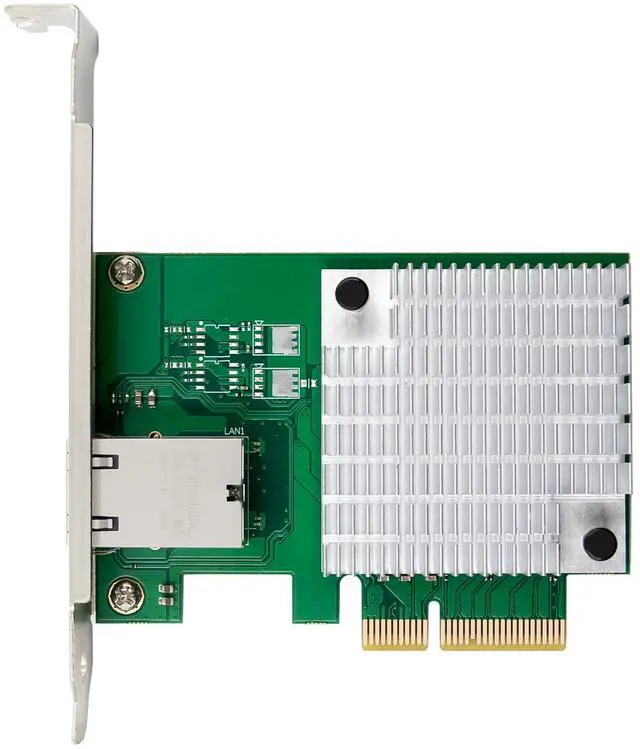
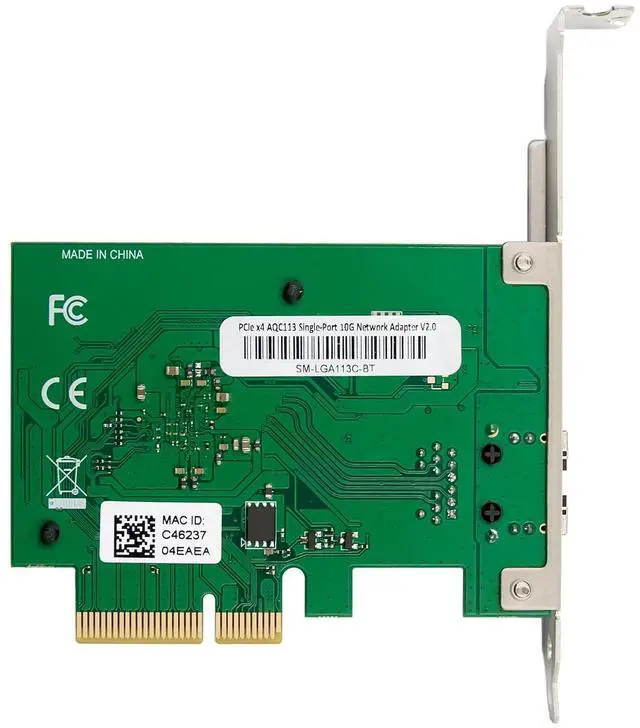
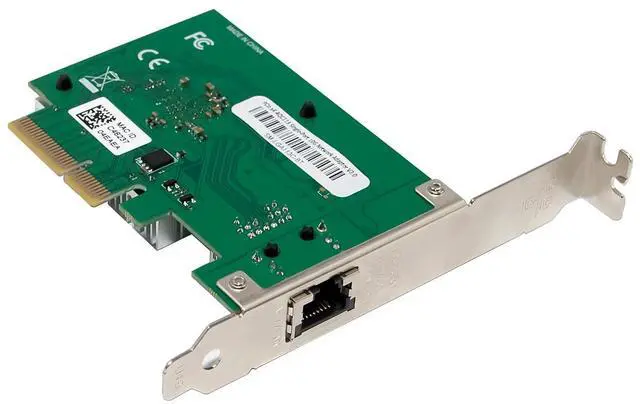
1 x PCIe 4.0 X4 AQC113 10GbE mGig Ethernet Card
1 x Users Manual
1 x CD
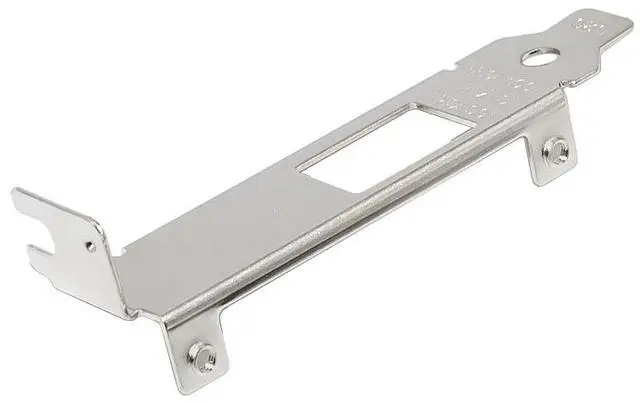
1 x Low profile bracket
System Requirements
Linux Kernels3.10 and above
Windows10(32-bit /64-bit), Windows11(32-bit /64-bit)
Available PCI Express x4/x8/x16 slot
Cabling Requirements:
Transmission bandwidth Twisted pair type Transmission distance
10Gbps Cat 6a or better 100 meters
5G/2.5G/1000M/100M/10Mbps Cat5e or better 100 meters
LED Indicators
Link speeds LED Orange LED RED
10Gbps ACT blinking No bright
5G/2.5G/1000M/100M/10Mbps ACT blinking statics
Hardware installation
1.Turn off the computer and unplug the power cord
2.Remove the computer cover and the adapter slot cover from the slot that matches your adapter
3.Insert the adapter edge connector into the slot and secure the bracket to the chassis
4.Replace the computer cover, then plug in the power cord
5.Power on the computer
Install Drivers
Windows Operating Systems
You must have administrative rights to the operating system to install the drivers.
1.insert the CD driver bound with PCI Express AQC113 10GbE mGig Ethernet card driver into your CD-ROM drive:
2.if the Found New Hardware Wizard screen is displayed, click Cancel
3.Open the location of the driver file and select the driver file according to the system type.
For Windows 32bit
Type AQC113C\AQC113\DRIVER\v3.1.3\Marvell_FastLinQ_Edge_Win_3.1.3\Installer\Marvell_FastLinQ_Edge_x32_ver3.1.3.0
For Windows 64bit
4.Type AQC113C\AQC113\DRIVER\v3.1.3\Marvell_FastLinQ_Edge_Win_3.1.3\Installer\Marvell_FastLinQ_Edge_x64_ver3.1.3.0
5.Double click it
6.Follow the instructions in the install wizard to finish it
Installing Linux Drivers from Source Code
1.Download and expand the base driver tar file.
2.Compile the driver module
3.Install the module using the modprobe command
4.Assign an IP address using the ifconfig command
Support
More information and settings, please refer to the Adapter User Guides or you can contact us.