eufy Video Doorbell C31, 2K FHD, Battery or Hardwire Powered, Easy to Install, Quick-Release Battery, Live Video Call, 24/7 Recording, Human & Motion Detection, HomeBase S380 Compatible,No Monthly Fee
  •  
  • $99.99 
  • $62.99
  • Free 30-day Returns
  • Ships from China.
    Price alert
    Sold by BRIGHTOR
    Top Rated
    4 (1 seller ratings)

    Shipped by BRIGHTOR

    Shop it at NeweggBusiness.

    Meet Your Seller

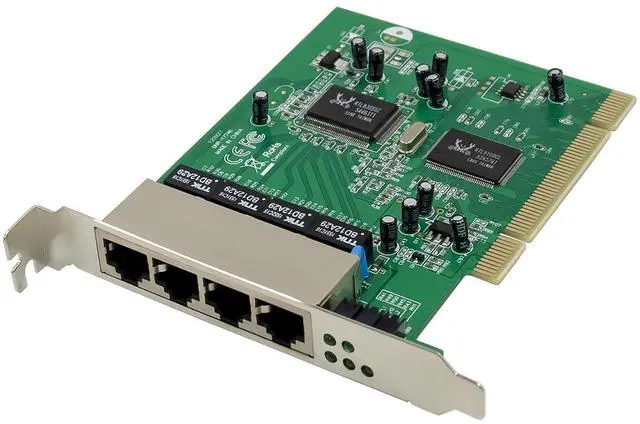
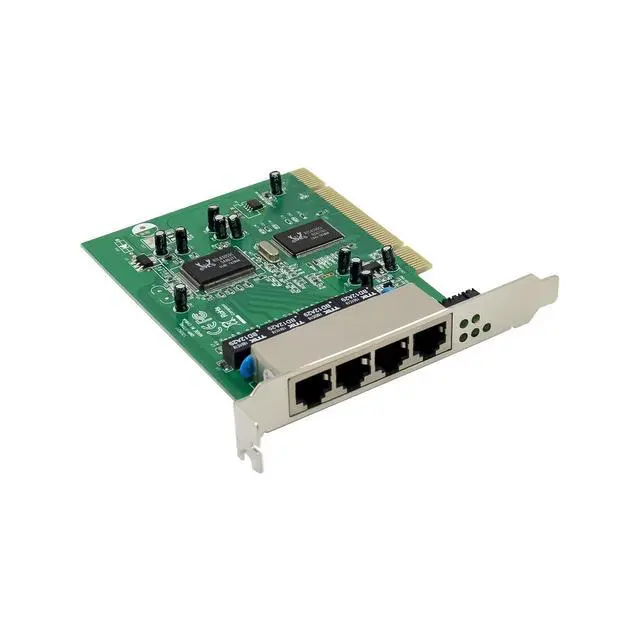
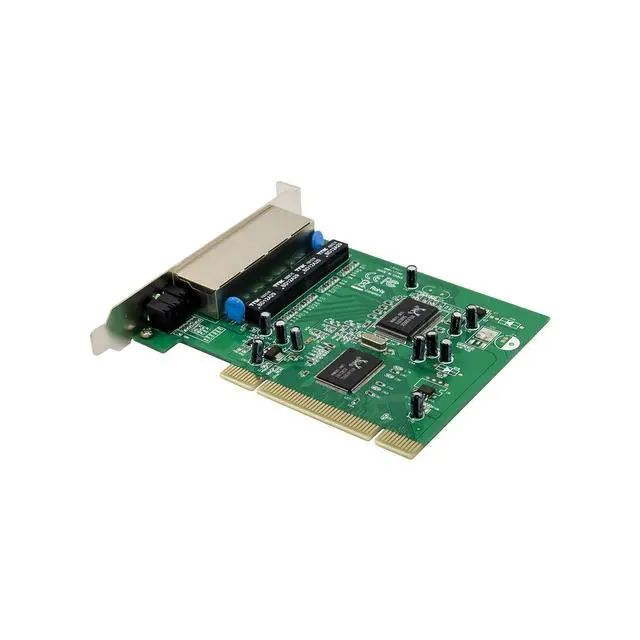
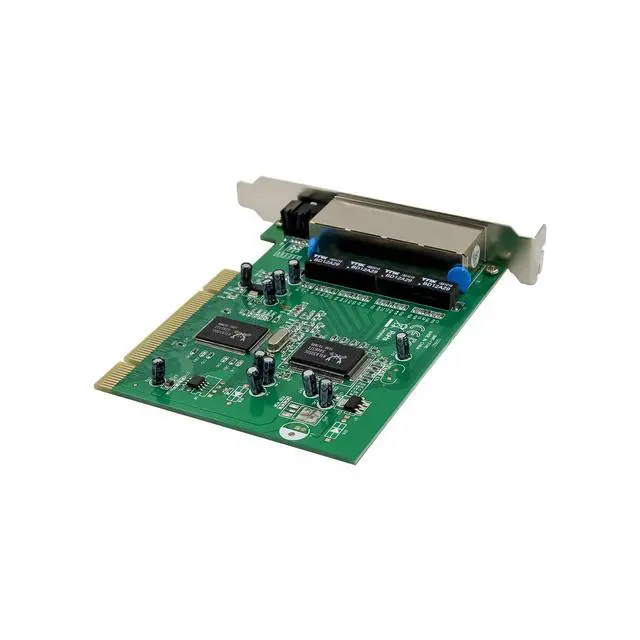
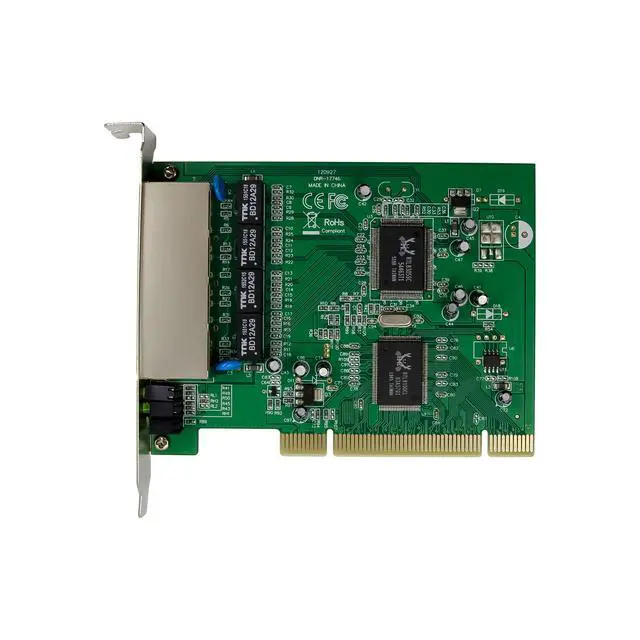
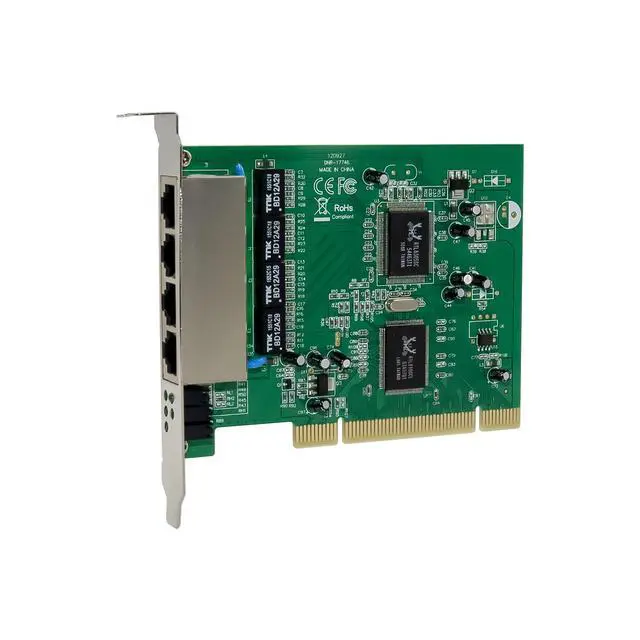
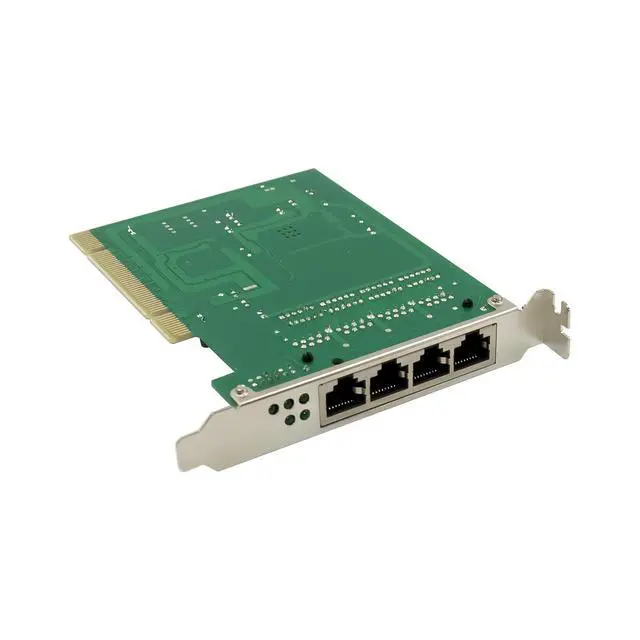
    JVFYI PCI RTL8100CL 4-Ports Fast Ethernet Switch

    • Complies with PCI Revision2.2
    • With 4 10M/100M adaptive ports, and provide an onboard lan card.
    • Complies with network protocol:IEEE802.3/IEEE802.3UIEEE802.3X
    • Using store-and-forward technology, combined with dynamic memory allocation, can ensure the effective data assigned to each port.
    • With flow control, ensure node for transmitting and receiving, as much as possible to avoid data packet dropout.
    • Compatible with 10Base-T and 100Base-TX two kinds of network environment
    • Duplex / half duplex adaptive
    • The on-board 10M/100M card supporting wake and remote wake-up function
    • The LED panel light dynamic display power supply, network on-off state
    • Driver supports OS: Dos/Linux/MAC/CE/98/ME/2000/XP/Vista/Win7/SERVER 2003/2008/win8 32-64bit
    +
    +
    Overview
    Specs
    Reviews
    avatar

    Any questions? Our AI beta will help you find out quickly.

    1 x PCI 4-Port Fast Ethernet Switch

    Accessories

    System Requirements

    Linux , Windows® 98se/me/2000/XP/2003/Vista /Win7/2008/Win8 (32/64 bit)

    PCI system with an available PCI slot

    Hardware installation

    1.Turn Off the power to your computer.

    2.Unplug the power cord and remove your computers cover.

    3.Remove the slot bracket from an available PCI slot.

    4.To install the card, carefully align the cards bus connector with the selected PCI slot on the motherboard. Push the board down firmly.

    5.Connect the system power source to the boards power connector.

    6.Replace the slot brackets holding screw to secure the card.

    7.Replace the computer cover and reconnect the power cord.

    Driver Installation

    Installing Driver for windows 2000/xp/server2003/vista/win7/win8 32/64bit :

    1.Start Windows and insert the driver CD into the CD-ROM drive,assume drive D

    2.Windows will automatically detect the card, lgnore the driver installation wizard.

    3.Browse to the following folder on the driver CD according to your opereation system:

    D:\RTL8139,RTL8100(ABCD)\ PCI_Install_XP_2K_5719_10202010\ setup.exe

    D:\RTL8139,RTL8100(ABCD)\Install_Vista_6110_10202010\ Install_Vista_6110_10202010 \ setup.exe

    D:\RTL8139,RTL8100(ABCD)\Install_Win7_6111_10202010\ Install_Win7_6111_10202010\ setup.exe

    For Win8 32/64bit this card didnt need drivers

    4.Run setup.exe to start driver installation.

    5.Follow the on-screen instructions to install the driver.

    6.Once driver installation is completed ,restart your computer, and now you can connect you lan cable in another port.

    Warranty & Returns

    Warranty, Returns, And Additional Information

    Warranty

    • Please contact the Seller directly for warranty information. Warranty information may also be found on the Manufacturer's website.
    • CONTACT

    Return Policies

    • Return for refund within: 30 days
    • Return for replacement within: 30 days
    • This item is covered by BRIGHTOR Return Policy

    Manufacturer Contact Info

    LOADING...