

Your Browsing History




Any questions? Our AI beta will help you find out quickly.
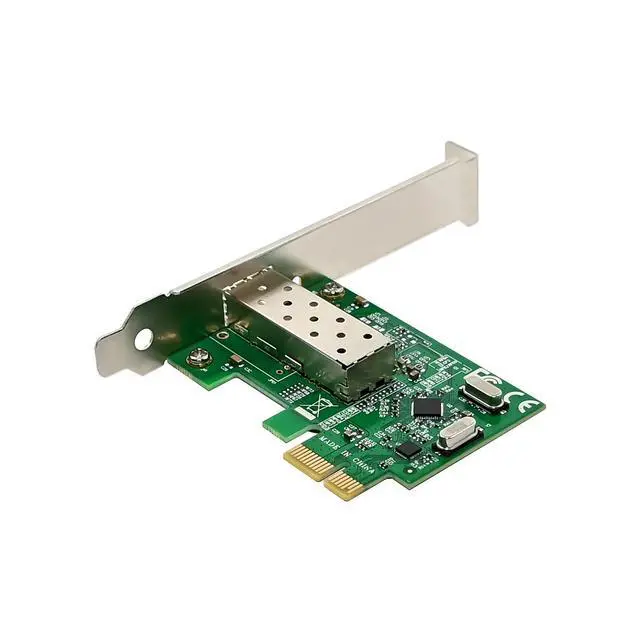
Compliant with PCI Express Revision 1.1
Support 1-Lane 2.5Gbps PCI Express Bus
Integrated 10/100M transceiver
Compliant with IEEE802.3 100MBase-FX
Support Full Duplex Flow Control( IEEE802.3x)
Support IEEE802.1P Layer 2 Priority Encoding
Support IEEE802.1Q VLAN tagging
Support IEEE802.3az Draft2.0(EEE)
Support quad core Receive-Side Scaling(RSS)
Support Protocol offload(ARP&NS)
Wake-on-LAN and remote wake-up support
Support power down/link down power saving
Support hardware ECC(Error Correction Code) function
Support hardware CRC(Cyclic Redundancy Check) function
Microsoft NDIS5,NDIS6 Checksum offload(IPv4,IPV6,TCP,UDP) and Segmentation Task-offload( Large send v1 and Large send v2)
Within Single mode 1310/1550nm can achieve the maximum transmission distance of 20KM
Connector interface: LC type
Drivers for Linux,Window98SE/2000/NT/XP/Win7/Win8/Win8.1/Win10 32 or 64bit
Package content
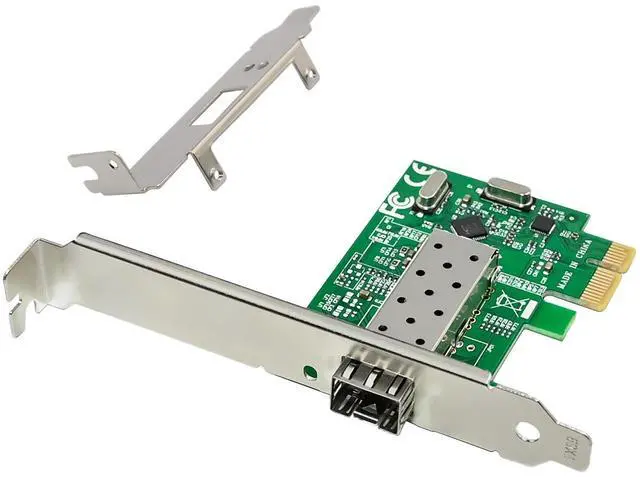
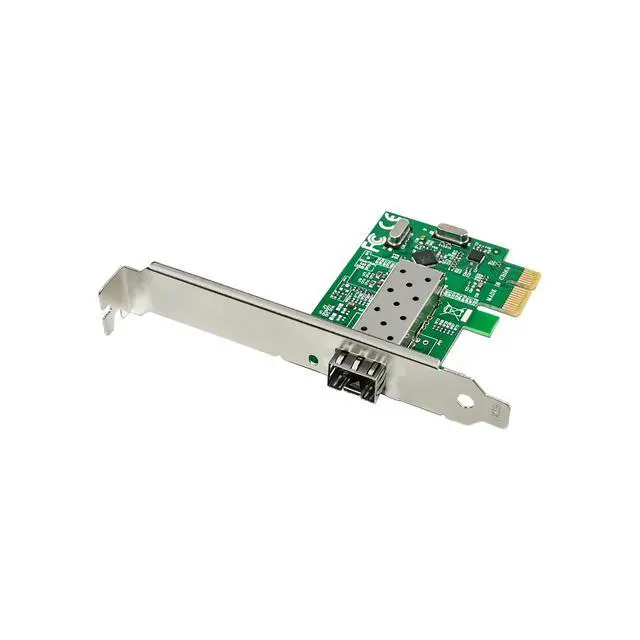
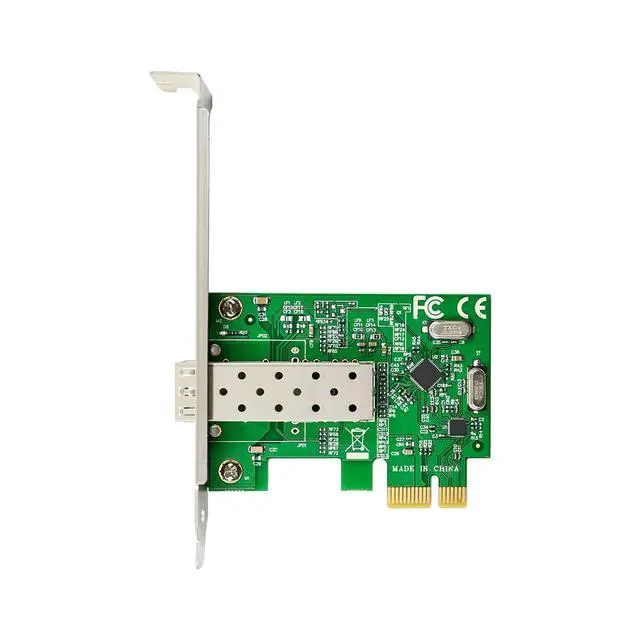
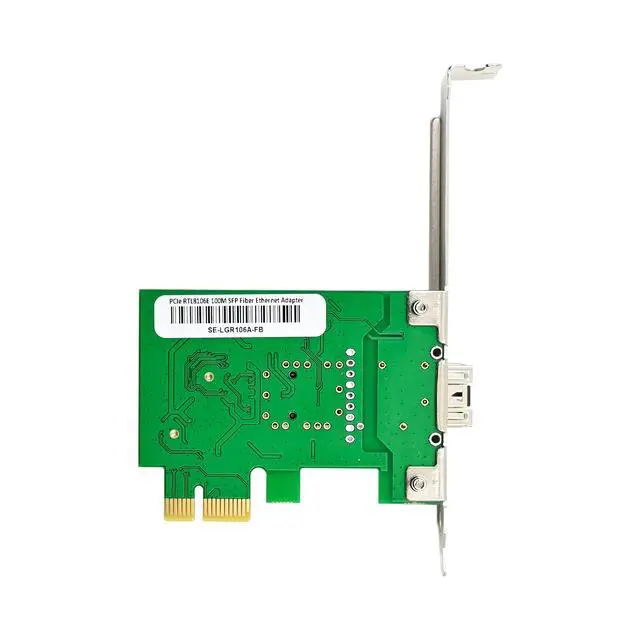
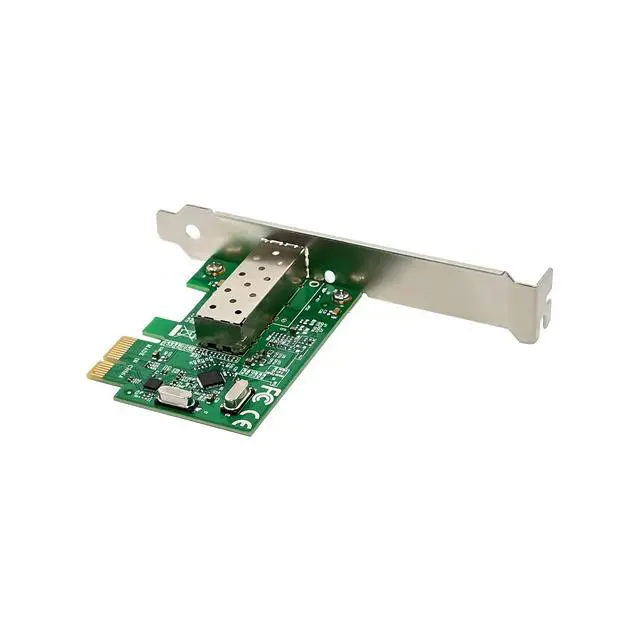
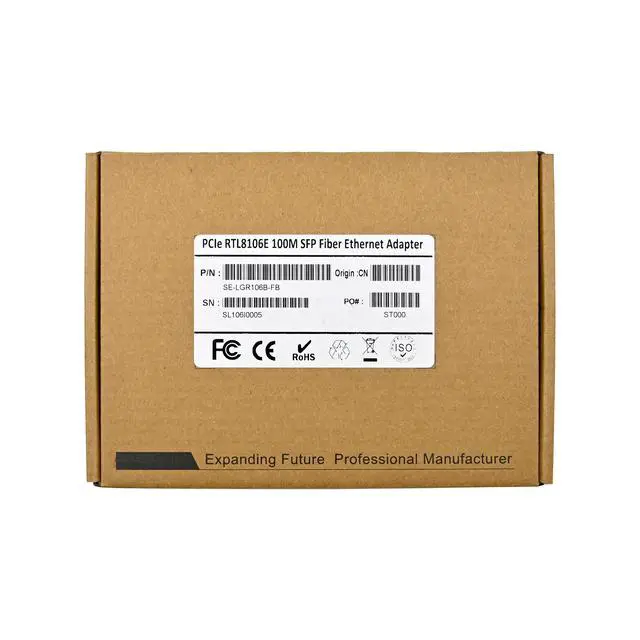
1 x PCIe RTL8106E 100M Fiber network adapter
1 x Users Manual
1 x CD(Note: WinXP above the system use system drive can drive, so CD can be optional)
1 x Low profile bracket
Accessories
System Requirements
Linux , Windows98SE/2000/NT/XP/Server2003/Vista/Win7/server2008/Win8/Win8.1/Win10
One available PCI Express x1/x4/x8/x16 slot
Hardware installation
1.Turn off the computer and unplug the power cord
2.Remove the computer cover and the adapter slot cover from the slot that matches your adapter
3.Insert the adapter edge connector into the slot and secure the bracket to the chassis
4.Replace the computer cover ,then plug in the power cord
5.Power on the computer
Install Drivers
Windows Operating Systems
1. Please insert the CD driver bound into your CD-ROM Drive.
2. Double-click to open the CD-ROM drive and find the driver corresponding to the system.
3.1 For Windows® WIN98SE,WinME
TypeRTL8168,RTL8111C,RTL8111E\Windows\WIN98SE,WINME\PCIE_Install_5708_1119\setup. exe, Double click it.
3. 2 For Windows® WIN2K, XP, Server 2003 (32/64 bit)
TypeRTL8168,RTL8111C,RTL8111E\Windows\WIN2K,XP,2003\PCIE_Install_5790_11182011\setup.exe, Double click it.
3. 3 For Windows® Vista, WIN2008 (32/64 bit)
TypeRTL8168,RTL8111C,RTL8111E\Windows\VISTA,WIN2008\Install_Vista_6250_11182011\setup.exe, Double click it.
3.4 For Windows® Win7, WIN2008 (32/64 bit)
TypeRTL8168,RTL8111C,RTL8111E\Windows\WIN7,WIN2008\Install_Win7_7049_11182011\setup.exe, Double click it.
3.5 For Windows® Win8, Win8.1 (32/64 bit)
TypeRTL8168,RTL8111C,RTL8111E\Windows\Win8,Win8.1\Install_Win8_8.1_8020_09182013\setup.exe, Double click it.
3.6 For Windows® Win10 (32/64 bit)
TypeRTL8168,RTL8111C,RTL8111E\Windows\Win10\Install_Win10_10003_08202015\setup.exe , Double click it.
4. Follow the on-screen instructions to complete the installation.