

Your Browsing History




Any questions? Our AI beta will help you find out quickly.
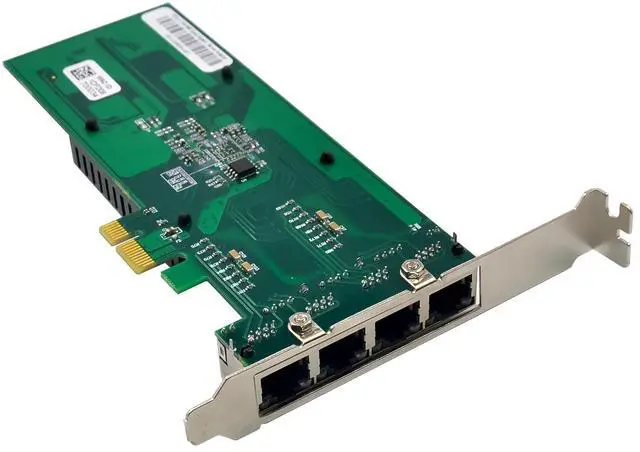
Compliant with PCI Express specification Revision 2.0(5GT/s)
PCI-Express interface: GEN2x1
10/100/1000 copper PHY integrated on-chip
Jumbo frames support 9.5KB
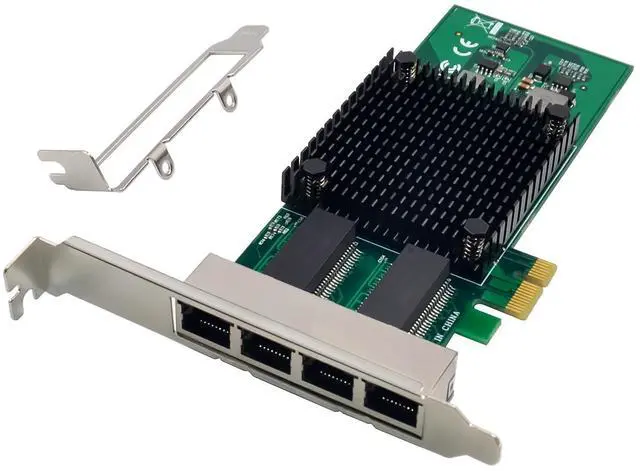
Four ports copper Gigabit network support
Flow control support: Send/receive PAUSE frames and receive FIFO thresholds
Statistics for management and RMON
IEEE802.1Q VLAN support
IEEE802.3az support
Duplex mode support full duplex
Support for virtual machines device (VMDq) per port
Hardware implemented SM2/SM3/SM4 engine
Full wake-up support (APM and ACPI2.0)
Support network protocol acceleration (TCP/UDP, IP)
Support x86, MIPS, ARM, ALPHA, and other mainstream CPU
Support remote network Activation Protocol (PXE)
Support Operation systems:Windows7.Window8.1,Windows10,server2008 R2,server2012 R2,Server2016,server2019 ,Linux,ESXi
Package content
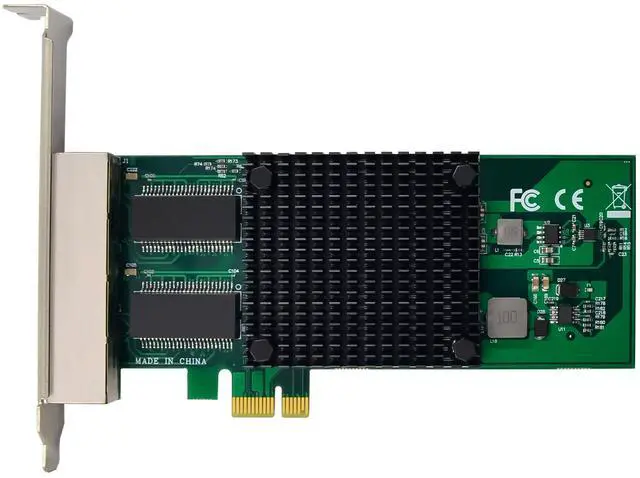
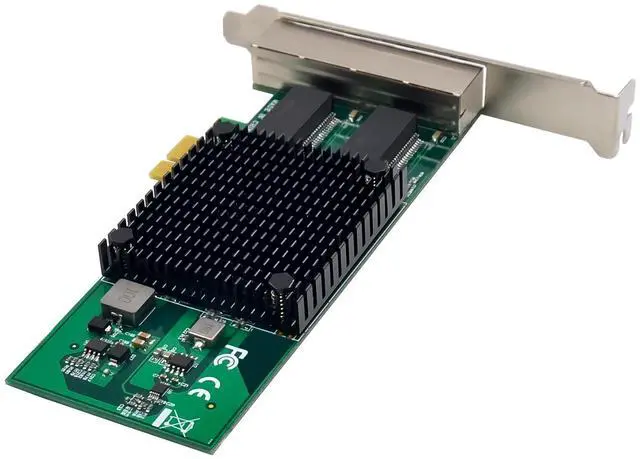
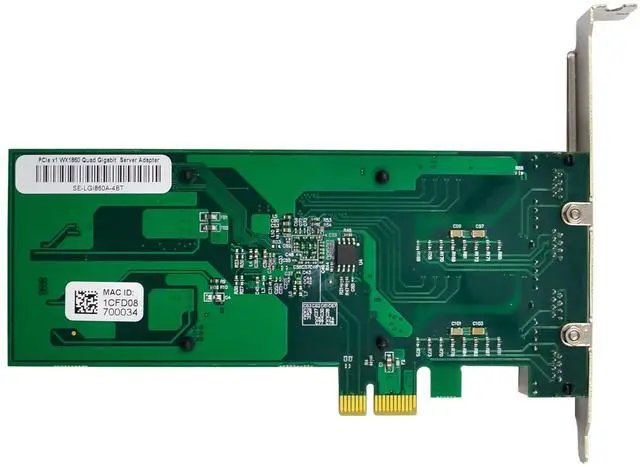
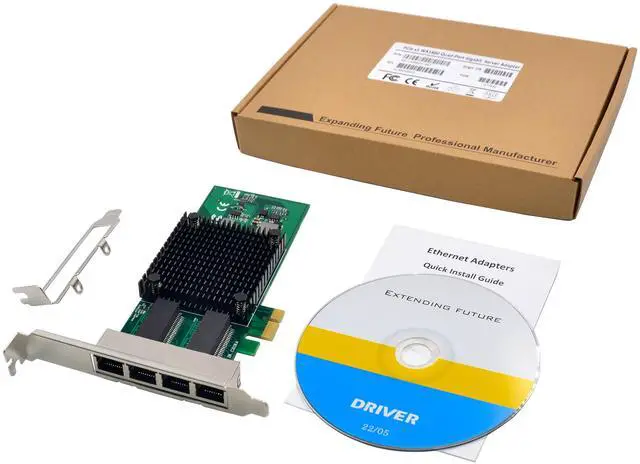
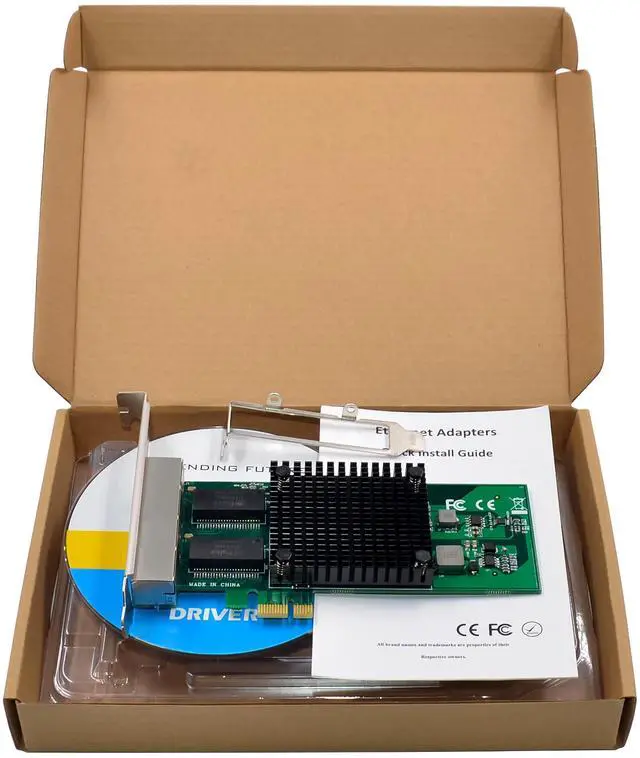
1 x PCIe X1 WX1860 4-Port Gigabit Network card
1 x Users Manual
1 x CD
1 x Low profile bracket
Accessories
System Requirements
Microsoft Windows Windows7.Window8.1,Windows10,server2008 R2,server2012 R2,Server2016,server2019 32 or 64bit
CentOS/Redhat 7.x with kernel 3.10, CentOS/Redhat 6.x with kernel 2.6, Ubuntu 14.04, Ubuntu 16.10 or later
VMware ESXi 6.x or later
Available PCI Express x1/x4/x8/x16 slot
Hardware installation
1.Turn off the computer and unplug the power cord
2.Remove the computer cover and the adapter slot cover from the slot that matches your adapter
3.Insert the adapter edge connector into the slot and secure the bracket to the chassis
4.Replace the computer cover, then plug in the power cord
5.Power on the computer
Install Drivers
Windows Operating Systems
You must have administrative rights to the operating system to install the drivers.
1.insert the CD driver bound with Intel network driver into your CD-ROM drive:
2.if the Found New Hardware Wizard screen is displayed, click Cancel
3.open Device Manager, locate the Ethernet controller in other Devices, Right-click and select update driver program program software.
4.In the following prompt box click on the second option browse my computer for driver software
5.Click Browse, select the unzipped driver software folder ngbe_ndis6.3 and check the box include subfiles folder and click Next
6.Follow the instructions in the install wizard to finish it
Installing Linux Drivers from Source Code
1.Download and expand the base driver tar file.
2.Compile the driver module
3.Install the module using the modprobe command
4.Assign an IP address using the ifconfig command