
Your Browsing History




Any questions? Our AI beta will help you find out quickly.
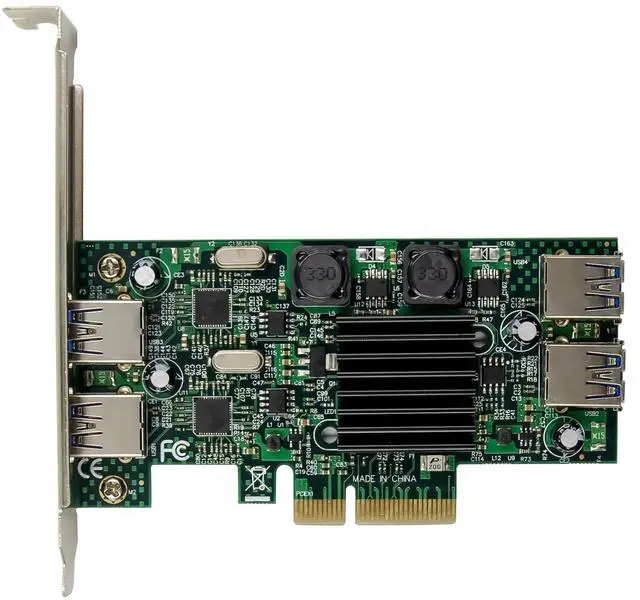
Fully compliant with PCI Express Base Specification Revision 2.0
four-lane (x4) PCI Express throughput rates up to 20Gbps
compliant with Intels extensible Host controller interface (xHCI) Specification 1.0
supports PCI Bus Power Management Interface Specification Revision1.2
Compliant with Universal Serial Bus 3.0 specification Revision 1.0
Supports simultaneous operation of multiple USB 3.0, USB 2.0 and USB 1.1 devices Supports the following speed data rates as follows: Low-speed (1.5Mbps) / Full-speed (12Mbps) / High-speed (480Mbps) / Super-speed (5Gbps)
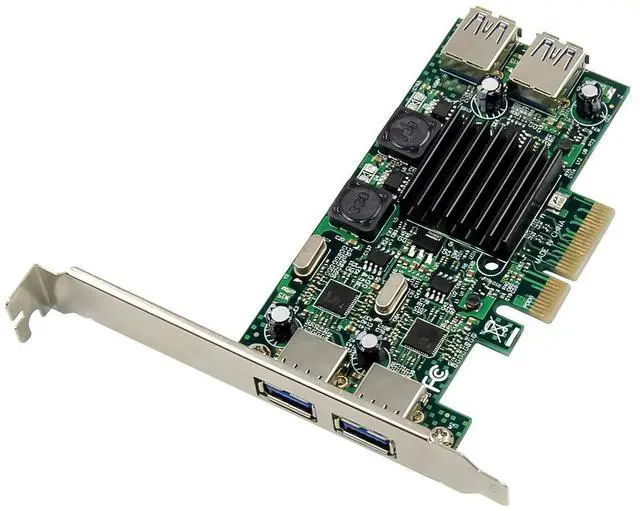
Supports 4 downstream ports for all speeds
Each USB3.0 port transmitting speeds up to 5Gbps(not share)
Each usb3.0 port with max 5V/900MA power supply.
Built-in 4-pin power connector for receiving extra power supply from system
Hot-swapping feature allows you to connect/disconnect devices without powering down the system
Support Windows® XP/Vista/7/8/8.1/10(32/64 bit),Linux
Package content
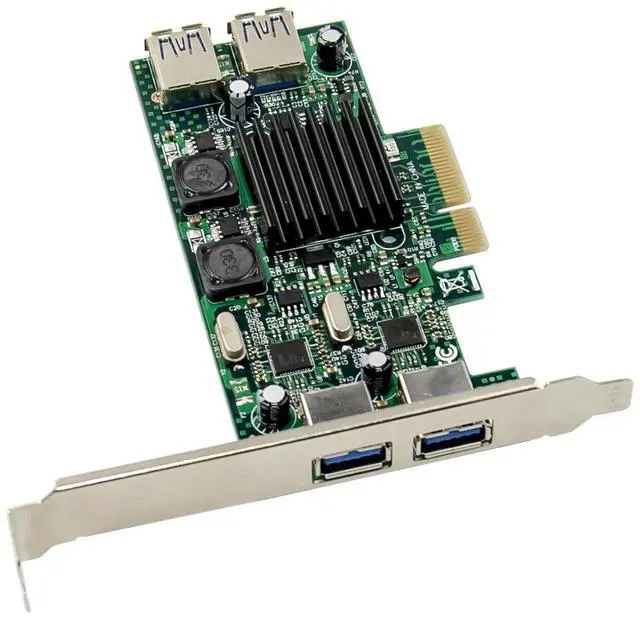
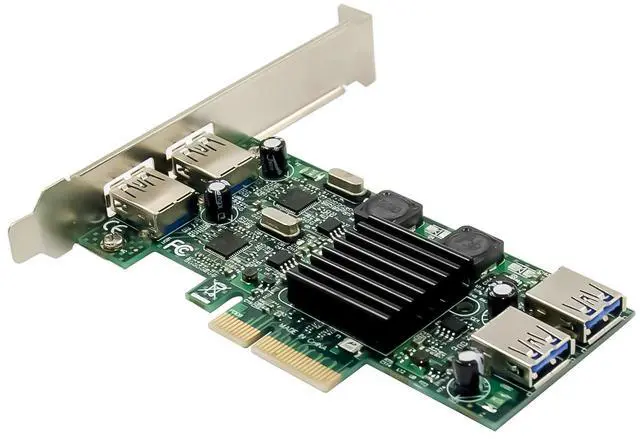
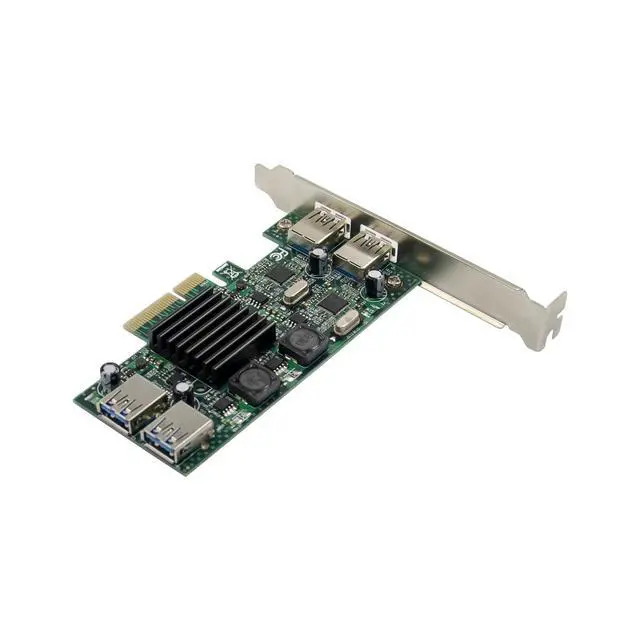
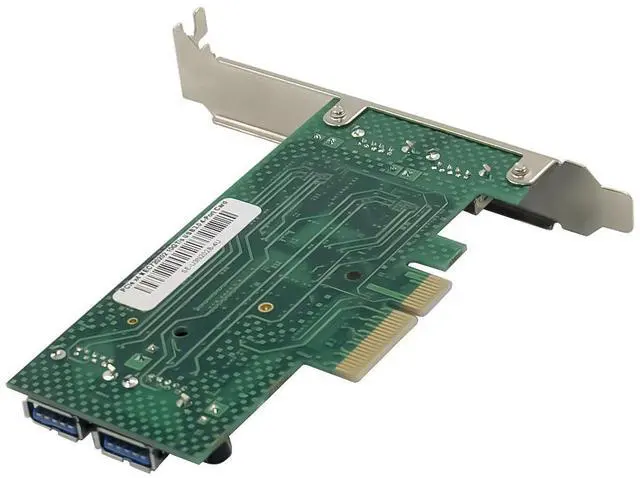
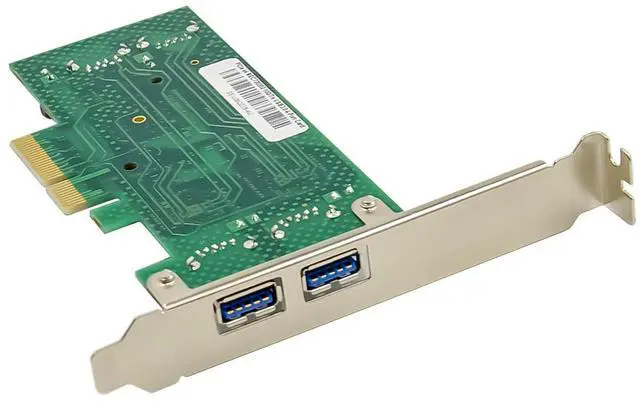
1 x PCIe x4 NEC720202 USB3.0 4Ports card
1 x Users Manual
1 x Low profile bracket
1 x Driver CD
Accessories
Hardware installation
1. Turn Off the power to your computer.
2. Unplug the power cord and remove your computers cover.
3. Remove the slot bracket from an available PCIe x4/x8/x16 slot.
4. To install the card, carefully align the cards bus connector with the selected PCIe slot on the motherboard. Push the board down firmly.
5. Replace the slot brackets holding screw to secure the card.
6. Replace the computer cover and reconnect the power cord.
Install Drivers
For Windows XP/Vista/Win7 (32 or 64bit)
1. Please insert the CD driver bound with USB3.0 card into your CD-ROM Drive.
2. At the Windows desktop, click Start, Run.
3. Type D:\ USB3.0 NEC D720201-202\EXE \Setup.exe, click OK. (Change D: to match your CD-ROM drive letter)
4. Follow the on-screen instructions to complete the installation.
For Windows 8/8.1/10 (32 or 64bit)
No need drivers, just using the windows box driver to automatic finish installation
Support
More information and settings, please refer to the Adapter User Guides or you can contact us.