Super Flower Combat FG 750W 80+ Gold, Full Modular, ATX 3.1 / PCIe 5.0, W/12V-2x6 Cable (2x8pin - 16pin native cables) , Power Supply, FDB Fan, SF-750C12FG, Black version
  •  
  • $109.99 
  • Save: 8%
  • $41.99
  • Free 30-day Returns
  • Ships from China.
    Price alert
    Sold by BRIGHTOR
    Top Rated
    4 (1 seller ratings)

    Shipped by BRIGHTOR

    Shop it at NeweggBusiness.

    Meet Your Seller

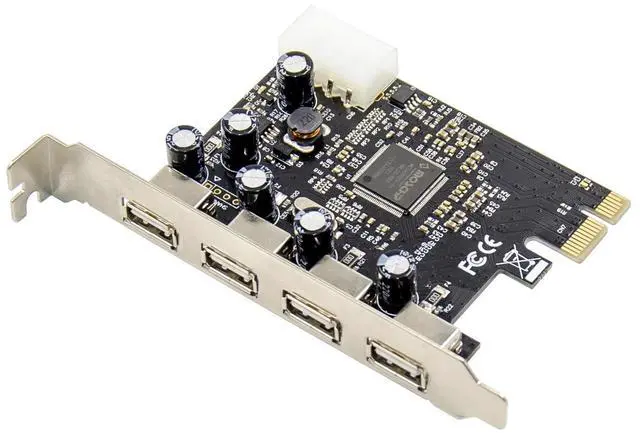
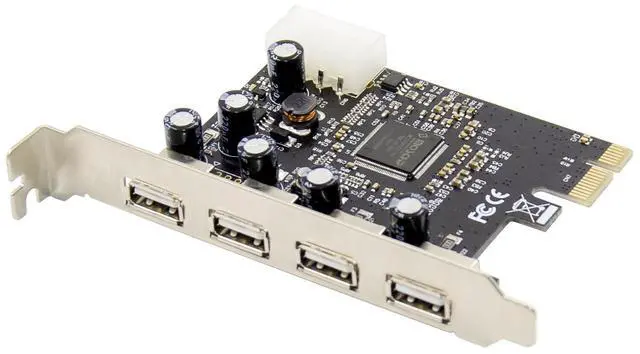
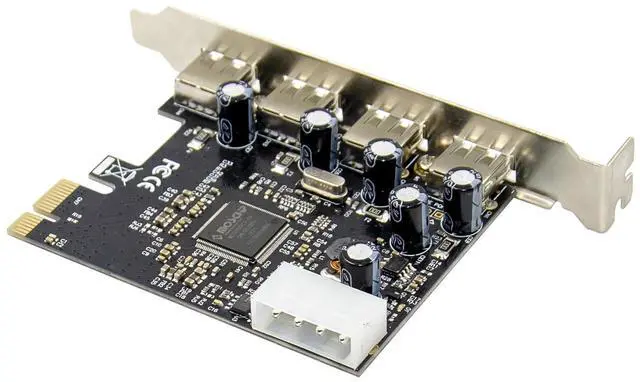
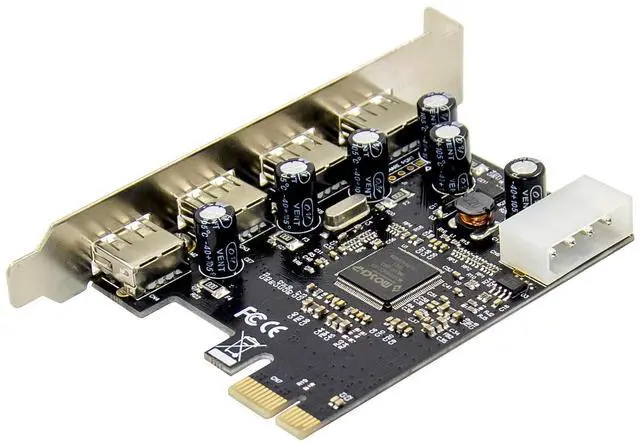
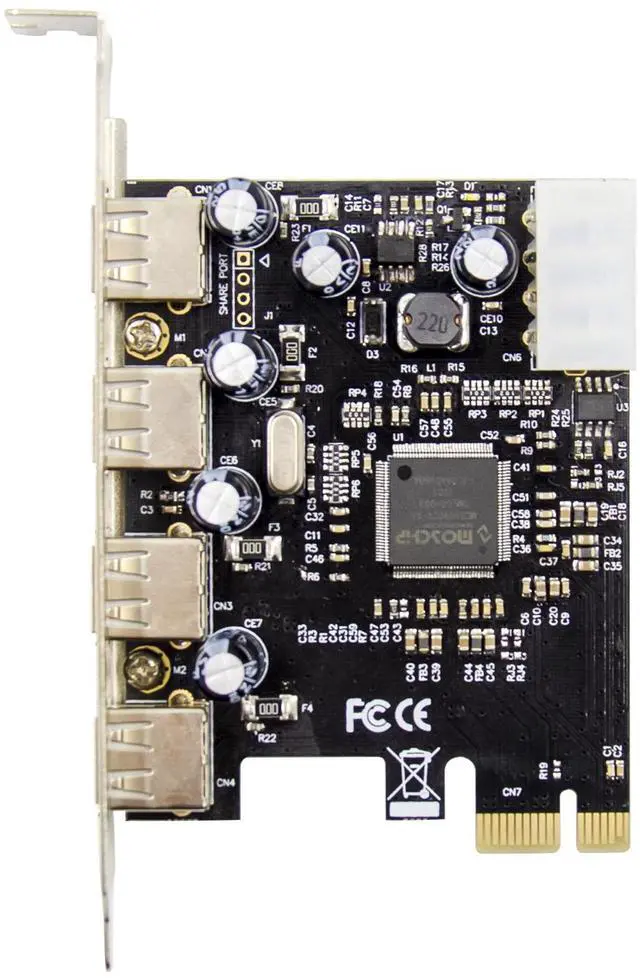
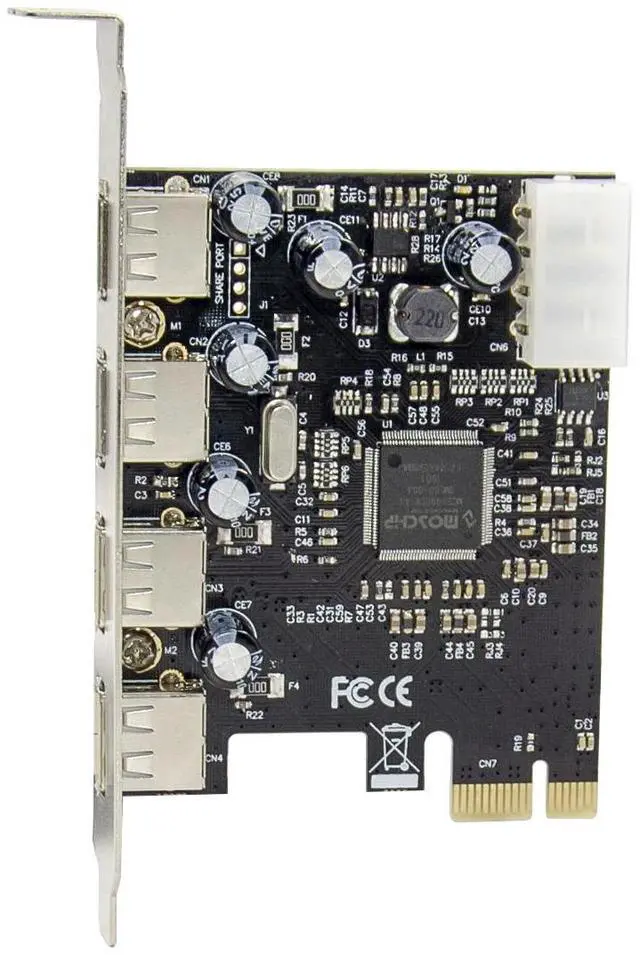
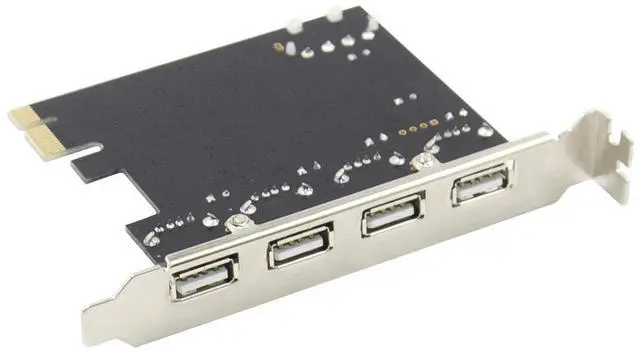
    JVFYI PCIe x1 MCS9990 4-Port USB 2.0 Card

    • Compliant with Universal Serial Bus Specification Revision 2.0
    • Compliant with Open Host Controller Interface Specification for USB Rev 1.0a
    • Compliant with Enhanced Host Controller Interface Specification for USB Rev.1.0
    • Root hub with 5(max)downstream facing ports which are shared by OHCI and EHCI host controller cores
    • 32-bit 33MHz host interface compliant to PCI Specification R2.2
    +
    +
    Overview
    Specs
    Reviews
    avatar

    Any questions? Our AI beta will help you find out quickly.

    All downstream facing ports can handle high-speed(480Mbps).full-speed(12Mbps).and low-speed(1.5Mbps) transaction.

    Supports PCI-Bus Power Management Interface Specification release 1.1

    External 4xUSB

    Supports OS: Windows 98se/me/2000/sever 2003/Vista/sever 2007/Win7/win8.linux. Mac

    Bus Interface

    PCI Express

    Connectors

    4xUSB

    System Requirements

    Windows 98se/me/2000/sever 2003/Vista/sever 2007/Win7/win8.linux.Mac

    Package Contents

    1x PCIe USB 4 Port Card

    1x Manual

    Optional Accessorie

    1x Driver CD

    1x USER Manual

    Hardware Installation

    1.Turn Off the power to your computer.

    2.Unplug the power cord and remove your computers cover.

    3.Remove the slot bracket from an available PCI slot.

    4.To install the card, carefully align the cards bus connector with the selected PCI slot on the motherboard. Push the board down firmly.

    5.Connect the system power source to the boards power connector.

    6.Replace the slot brackets holding screw to secure the card.

    7.Replace the computer cover and reconnect the power cord.

    Driver Installation

    No driver is required for this product.

    Windows® 2000/XP/2003/Vista /Win7 will automatically detect and install the correct driver for the USB 4+1PORT PCI Card.

    Warranty & Returns

    Warranty, Returns, And Additional Information

    Warranty

    • Please contact the Seller directly for warranty information. Warranty information may also be found on the Manufacturer's website.
    • CONTACT

    Return Policies

    • Return for refund within: 30 days
    • Return for replacement within: 30 days
    • This item is covered by BRIGHTOR Return Policy

    Manufacturer Contact Info

    LOADING...