
Your Browsing History




Any questions? Our AI beta will help you find out quickly.
Support PCI Express x1
Compliant with PCI Express Base2.0 Specification
Compliant with PCI Express card Electromechanical 2.0 specification
Compliant with Universal Serial Bus 3.0 Specification Revision1.0
Compliant with eXtensible Host Controller Interface specification Revision 1.1
Compliant with USB Attached SCSI Protocol Revision 1.0
Compliant to USB Type-C Specification Rev1.3
PCI Express interface: X1
Support high bandwidth performance with low latency
Support PCI Express Link power management
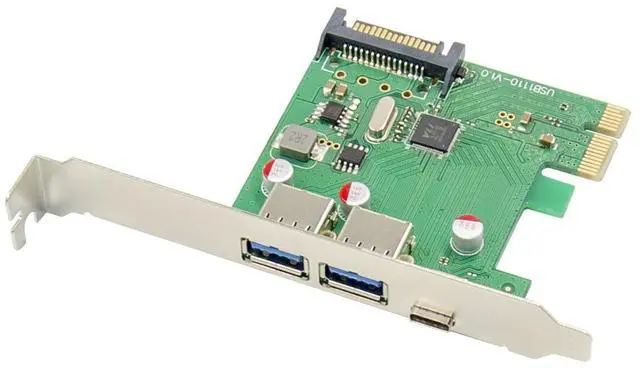
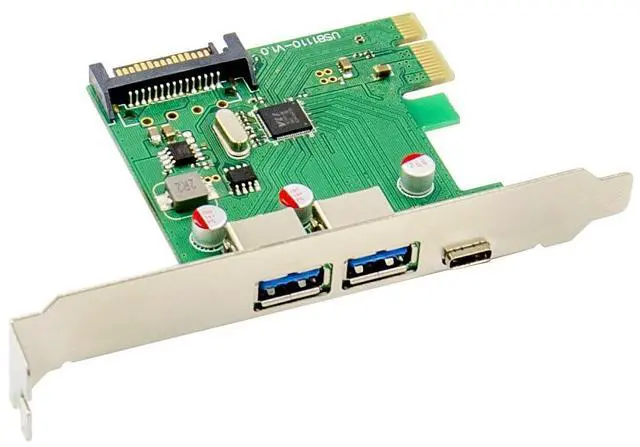
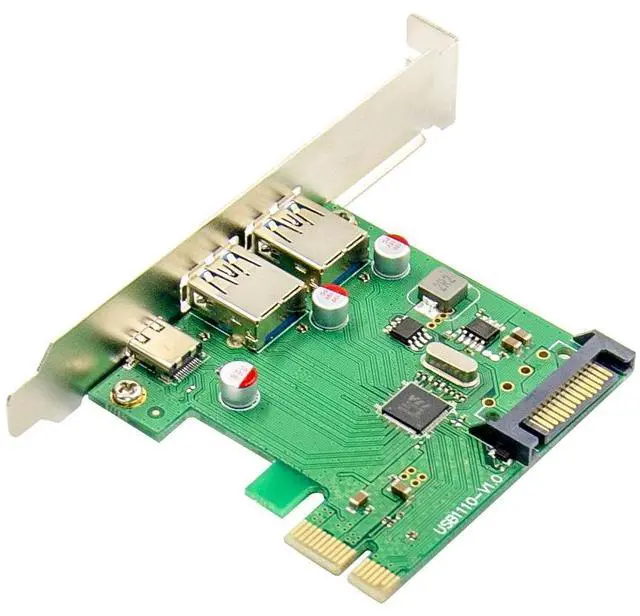
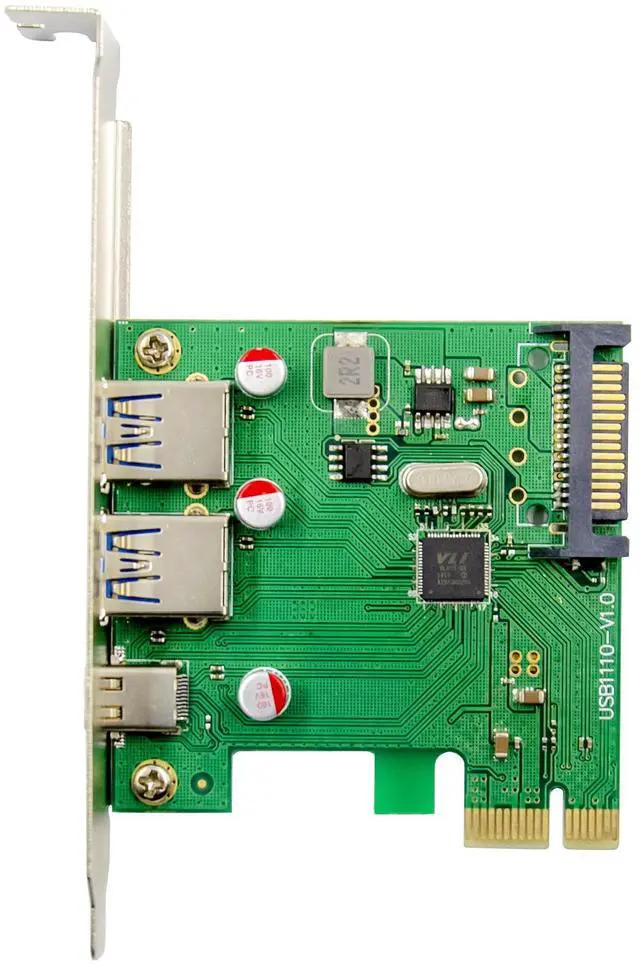
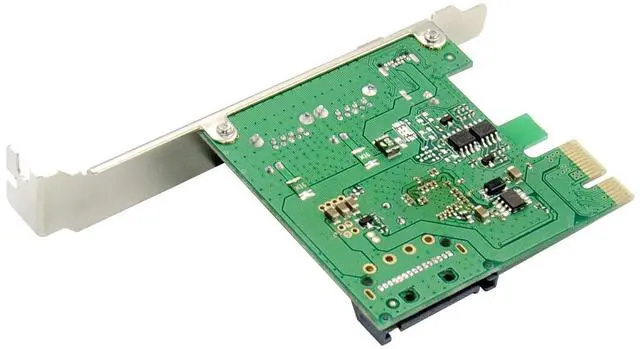
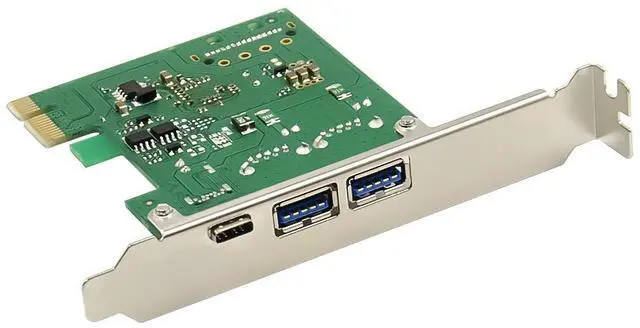
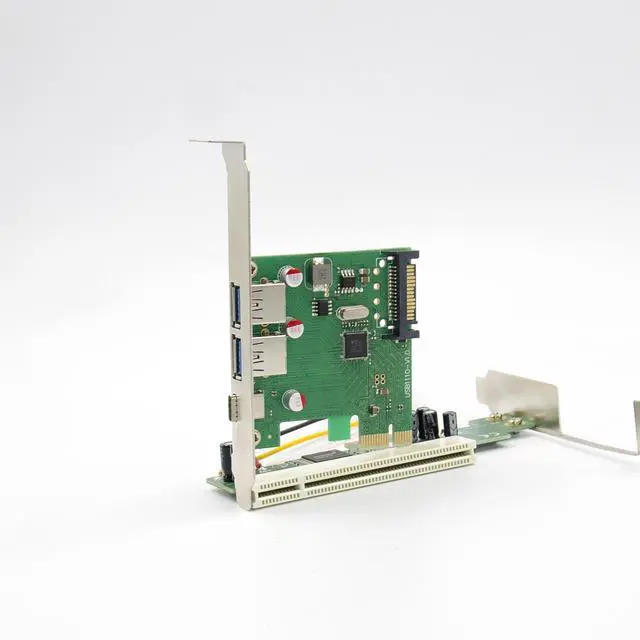
Support 2 x USB3.0 Type-A and 1 x USB3.0 Type-C
Each port transmission speeds up to USB3.0 5.0Gbps
Supports USB battery charging Specification v1.2
Support for Vendor specific charging modes eg, Apple2.4A,Samsung,etc
Support USB SuperSpeed(5Gbps),HighSpeed(480Mbps) , FullSpeed(12Mbps),and LowSpeed(1.5Mbps) transmission
Support proprietary driver for Windows7,and in box driver for Windows8,Window8.1,Server2012 and Windows 10
Support various Linux kernels
Chipset: VL805
Package content
1 x PCIe VL805 USB3.0 Card
1 x Users Manual
1 x CD
Accessories
System Requirements
Various Linux kernel2.6.31 and later OS in-box USB driver natively support UASP, no additional driver required
Mac 10.8 to 10.10 ,Mac12.12 and later
Windows Operation Systems: Win7/Win8/Win8.1/Server2012/Win10 32bit or 64 bit
An available PCI-Express x1/x4/x8/x16 slot
Hardware installation
1. Turn Off the power to your computer.
2. Unplug the power cord and remove your computers cover.
3. Remove the slot bracket from an available PCIe x1/x4/x8/X16 slot.
4. To install the card, carefully align the cards bus connector with the selected PCIe slot on the motherboard. Push the board down firmly.
5. Replace the slot brackets holding screw to secure the card.
6. Replace the computer cover and reconnect the power cord.
Install Drivers
Windows Operating Systems
For Windows® XP/Vista/Win7/Win8/Win8.1/Win10(32/64 bit)
1. Please insert the CD driver bound with PCIe USB 3.0 4-Port Card into your CD-ROM Drive.
2. At the Windows desktop, click Start, Run.
3.TypeUSB3.0 VL805-806\ VIA_XHCI_Driver_V4.40D_AP \ VIA_XHCI_Driver _V4.40D_AP.exe, click OK.
4. Follow the on-screen instructions to complete the installation.
To Verify Driver Installation
Click on the Device Manager tab in System Properties, which you access from the Windows Control Panel. You should see a VIA USB 3.0 Root Hub and a VIA USB eXtensible Host Controller under the Universal Serial Bus controllers item.
Support
More information and settings please refer to the User Guides or you can contact us.