

Your Browsing History




Any questions? Our AI beta will help you find out quickly.
Compliant with Universal Serial Bus 3.1 Specification
SuperSpeed Plus USB(USB3.1 Gen2)
Compliant with Universal Serial Bus 2.0 Specification
USB2.0 Hub Support MTT
Upstream: USB3.1 Type A
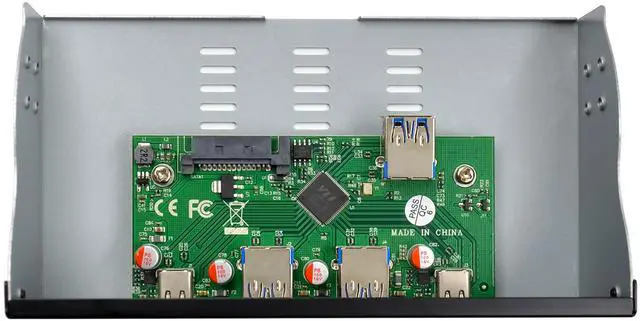
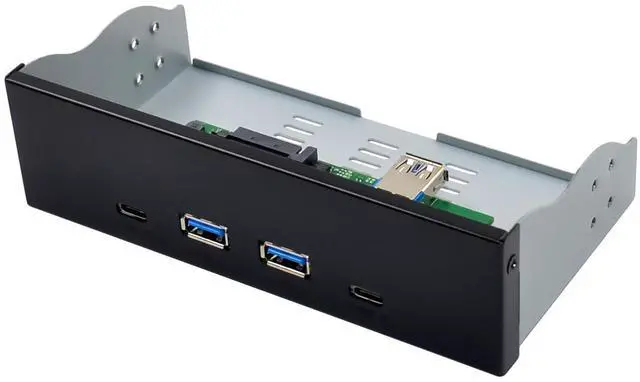
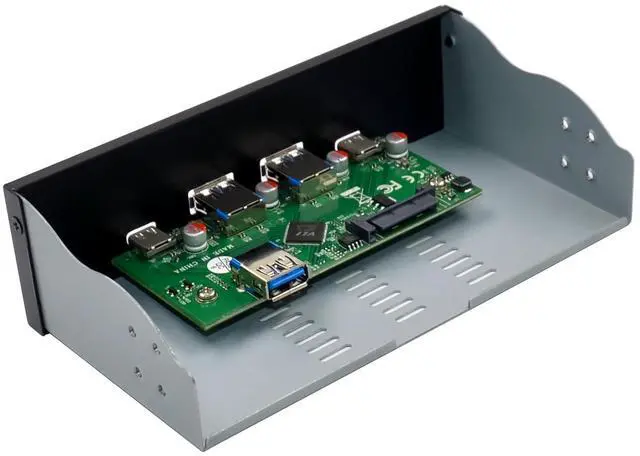
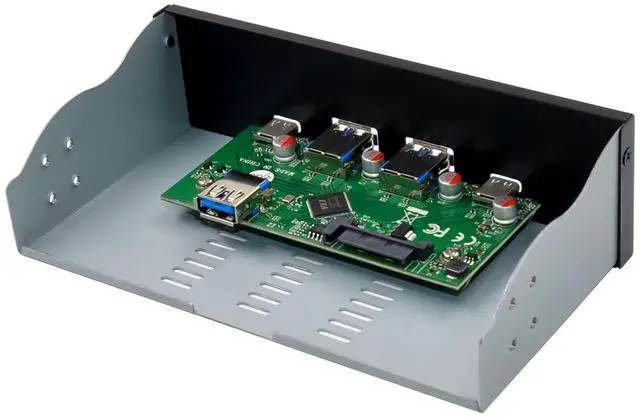
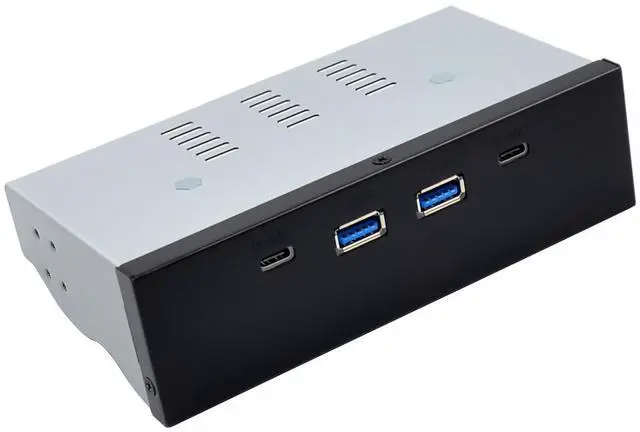
Downstream: 2x USB3.1 Type A & 2x USB3.1 Type C
Support Simultaneous Operation of any Combination of SuperSpeed Plus, SuperSpeed, High-Speed, Full-Speed, and Low-Speed Devices
Supports USB Power Saving Features such as Link Power Management ,UxStates , Selective Suspend, and Function Suspend
Each Port support transmission rate of SuperSpeed Plus(10Gbps),SuperSpeed(5Gbps),High-Speed(480Mbps), Full-Speed (12Mbps),and Low-Speed(1.5Mbps)
Comprehensive USB Battery Charging Support
Supports USB Battery Charging Specification V1.2
Supports for vendor specific charging Mode eg.Apple 2.4A,Samsung,etc.
Support system OS, Windows, Mac OS X, and Various Linux kernels without additional drivers.
Package content
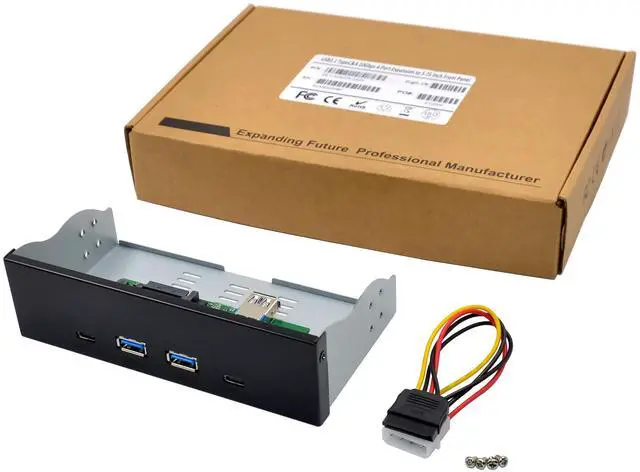
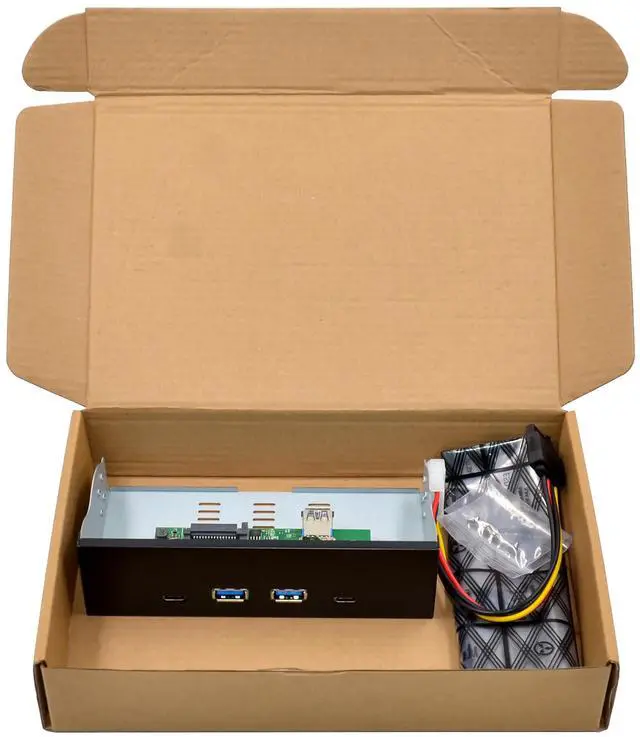
1 x Panel Type USB3.1 Expansion card
1 x Users Manual
1 x SATA15P power Cable
1 x 19P to USB TYPE AM Cable
Accessories
System Requirements
Linux , Mac OS X ,WindowsXP/Server 2003/Vista/Win7/server2008/ Win8/Win8.1/ Win10/Win11
One available 19P USB3.1 slot
Front Panel series
PO# Model Chipset Port type transmission rates size(inch)
ST661 VL820-Q7 4x Type A Each Port 10Gbps 3.25 inch
ST662 VL820-Q8 2xA&2xC Each Port 10Gbps 3.25 inch
ST663 VL820-Q8 2xA&2xC Each Port 10Gbps 5.25 inch
ST664 VL820-Q7 4x Type A Each Port 10Gbps 5.25 inch
Hardware installation
1.Turn off the computer and unplug the power cord.
2.Remove the computer cover and according to the size of the USB3.1 Panel type product, select the panel position, remove original panel, push it from the inside to the outside.
3.Push the USB3.1 product in to the panel position ,and connect the 15PIN SATA power cable &USB Cable to the computer, mounting screws.
4.Replace the computer cover ,then plug in the power cord.
5.Power on the computer.
Support
More information and settings, please refer to the Adapter User Guides or you can contact us.