

Your Browsing History




Any questions? Our AI beta will help you find out quickly.
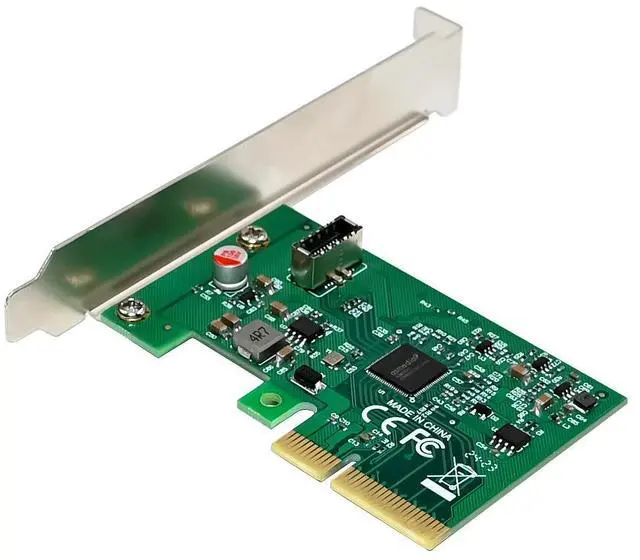
USB3.2 Gen 2x2 PCIe 3.0 x4 Lane Host adapter
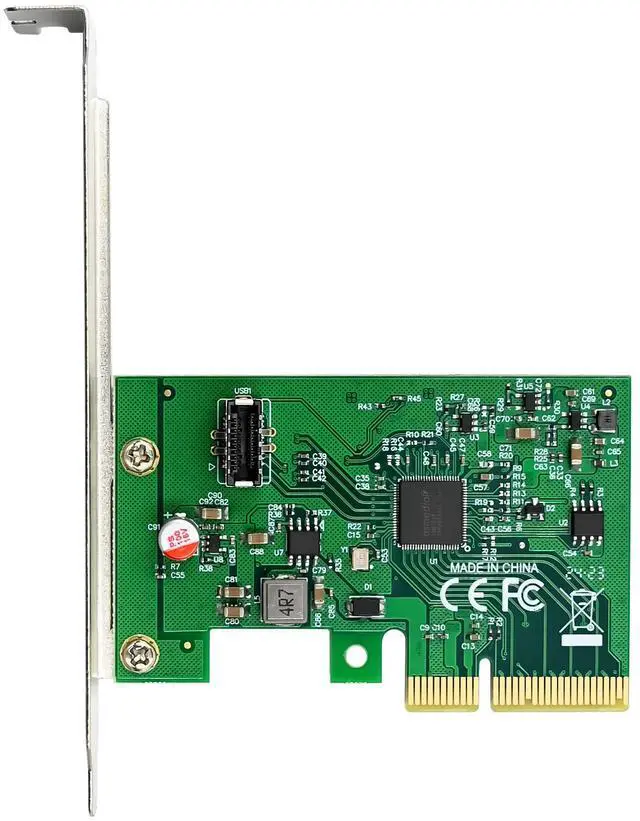
One USB3.2 20Gbps Type E Built-in receptacle port
Compliant with Universal Serial Bus 3.2 Specification Revision1.0
Compliant with Intel eXtensible Host controller Interface(xHCI) Specification1.1
Compliant with USB Attached SCSI Protocol specification 1.0
Compliant with PCI Express specification3.0
Speed support: SuperSpeed USB 20Gbps/10Gbps/5Gbps, HiSpeed USB 480Mbps
Overcurrent protection
Provides Type-E port bus power up to 5V/3A
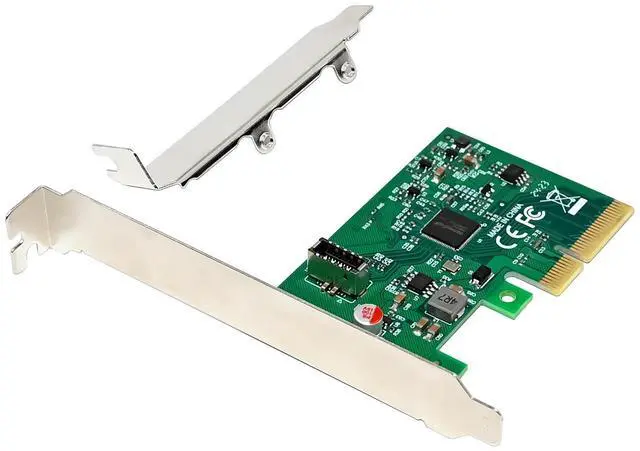
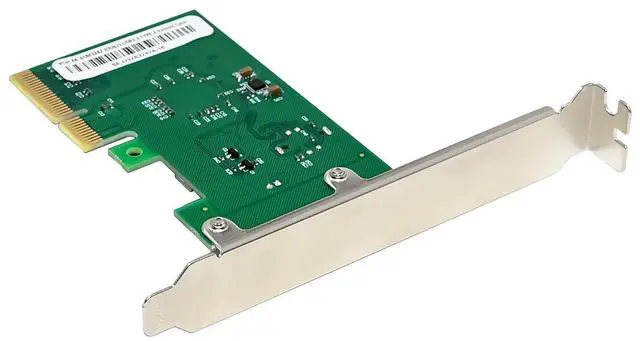
Low profile PCIe form factor
Plug and play, no driver required
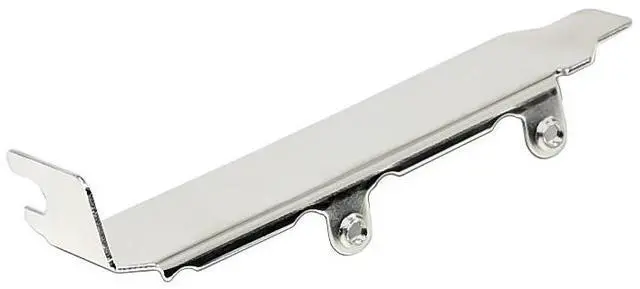
Regular size PCIe bracket on board and low profile PCIe bracket included
Require an empty PCIe 3.0 x4 or x8 or x16 slot in computer for USB3.2 Gen2x2 full performance
Supports operation systems: Windows10, WIN8/8.1, Server2012.Mac10.8 to 10.10, MAC 10.12, Linux kernel 2.6.31 and later OS in-box USB driver natively support UASP, no additional driver required(win7 is not supported)
Mac os10.11 in-box driver not support USB3.2
Operating Temperature: 0~85oC (32F to 185F)
Storage Temperature: -25~85o C (-13F to 185F)
Humidity: 15%~90%RH
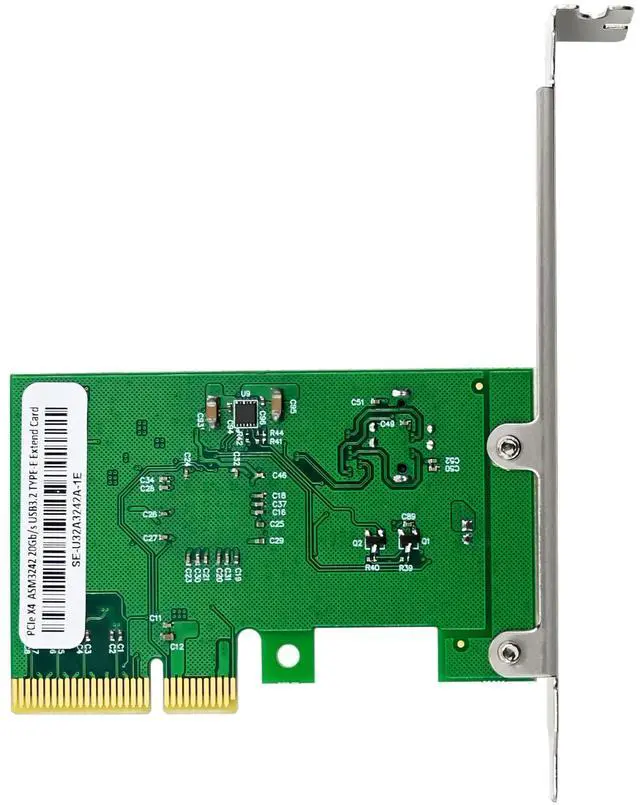
Chipset: Asmedia ASM3242
Product Name PCIe x4 ASM4242 USB3.2 Type-E 20Gbps Expansion Card
Bus Width PCIe 3.0 x4
Bus Connector X4
Port Number 1-Port
Port TYPE USB3.2 TYPE-E
Transmission speed 20Gbps
Chipset ASMedia ASM3242
Power Supply 5V/3A Each port
Power Supply mode PCIe bus
Low Profile Breaket support yes
Operation temperature 0-85
Storage temperature -20-125
Relative Humidity 0-90% non-condensing
Operating system Windows: xp/vista/win7/win8/win8.1/win10/win11
Windows server:2012/2015/2019/2022/2025
Linux: kernel 2.6.31 and above
MacOS:10.8,10.9,10.10,10,12 and above (10.11 no support)
System Requirements
Windows® 8/8.1/10/11,Server2012 L (32/64 bit)
Mac10.8 to 10.10 ,Mac 10.12 and later
Linux kernel 2.6.31 and later
One available PCI Express x4 or x16 slot (Recommend PCI Express 3.0)
*NOT supported PCI-Express x1 slot
Package Contents
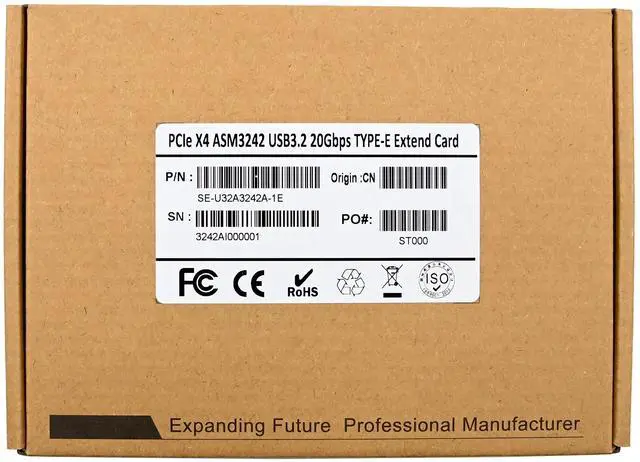
1 x PCIe x4 ASM3242 USB3.2 TYPE-E 20Gbps Expansion card
1 x User Manual
Hardware Installation
1. Turn Off the power to your computer.
2. Unplug the power cord and remove your computers cover.
3. Remove the slot bracket from an available PCIe X4 slot.
4. To install the card, carefully align the cards bus connector with the selected PCIe slot on the motherboard. Push the board down firmly.
5. Replace the slot brackets holding screw to secure the card.
6. Replace the computer cover and reconnect the power cord
Driver Installation
Mac10.8 to 10.10, Mac10.12 Windows10, Window8,8.1 Server2012, Linux kernel 2.6.31 and later OS in-box USB driver natively support UASP, no additional driver required.