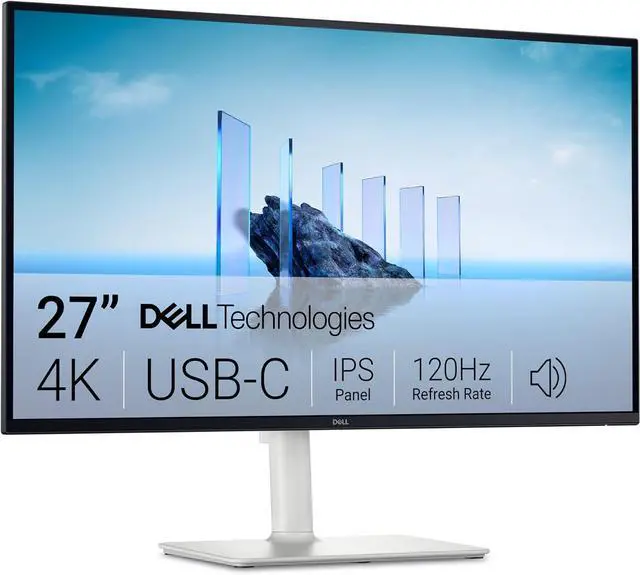
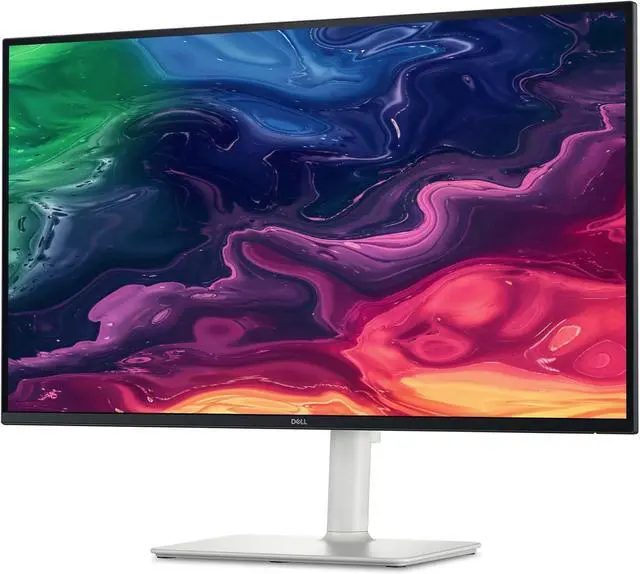
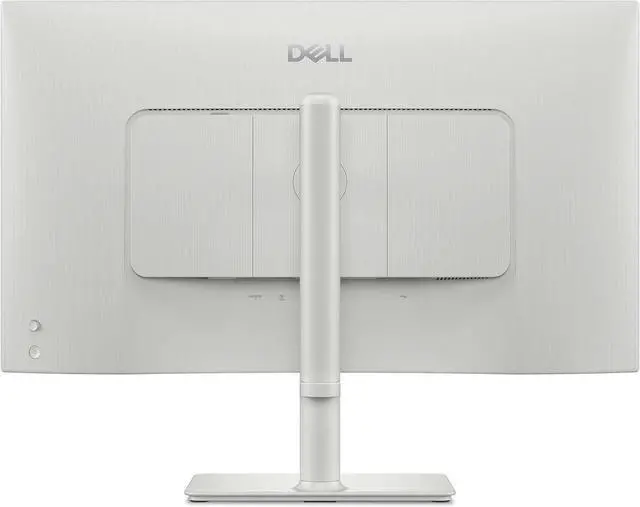
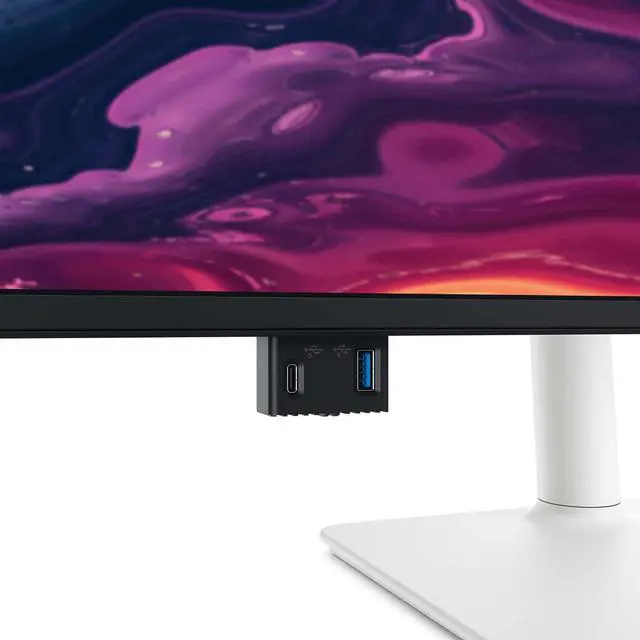
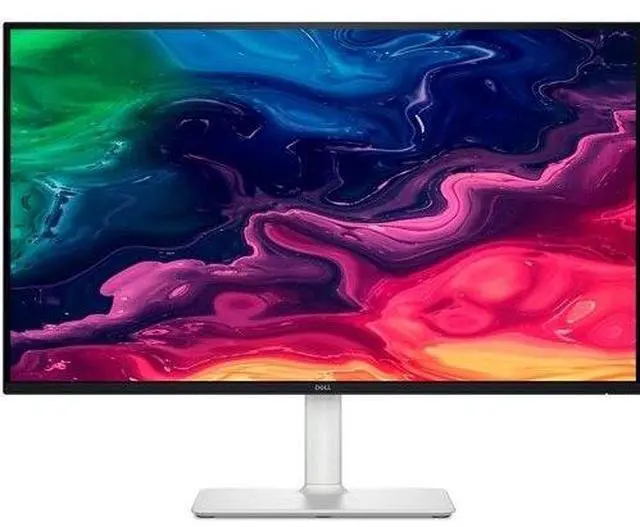
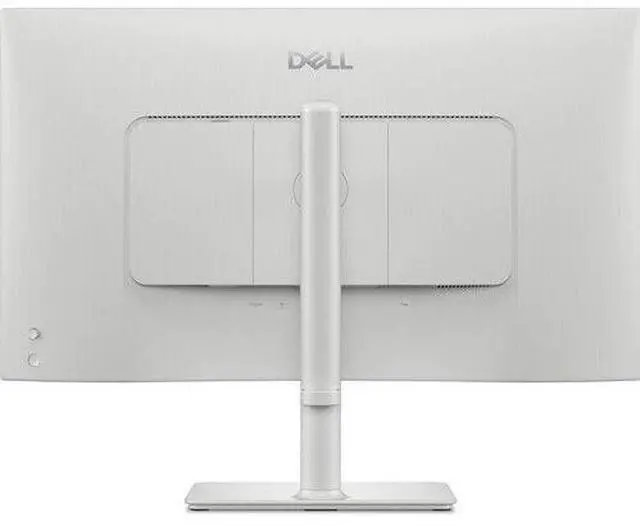
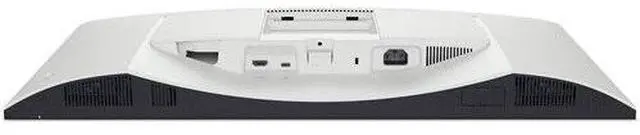
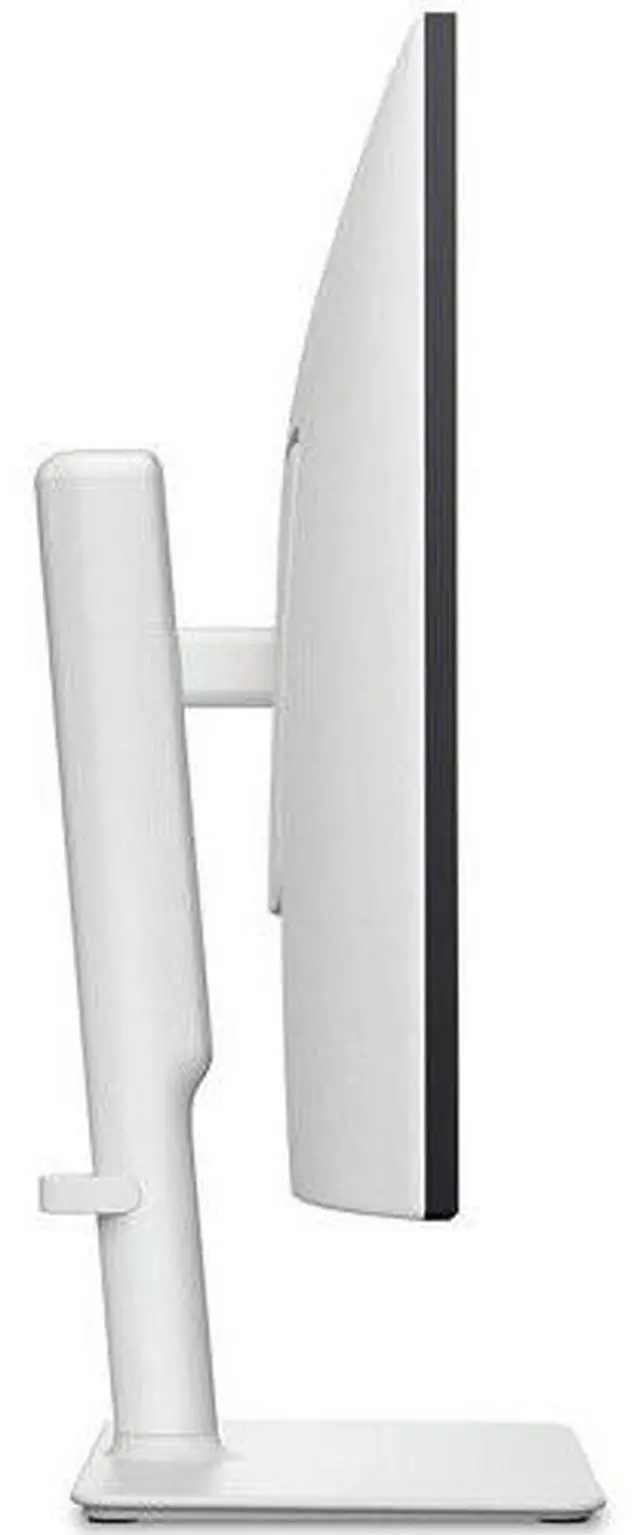
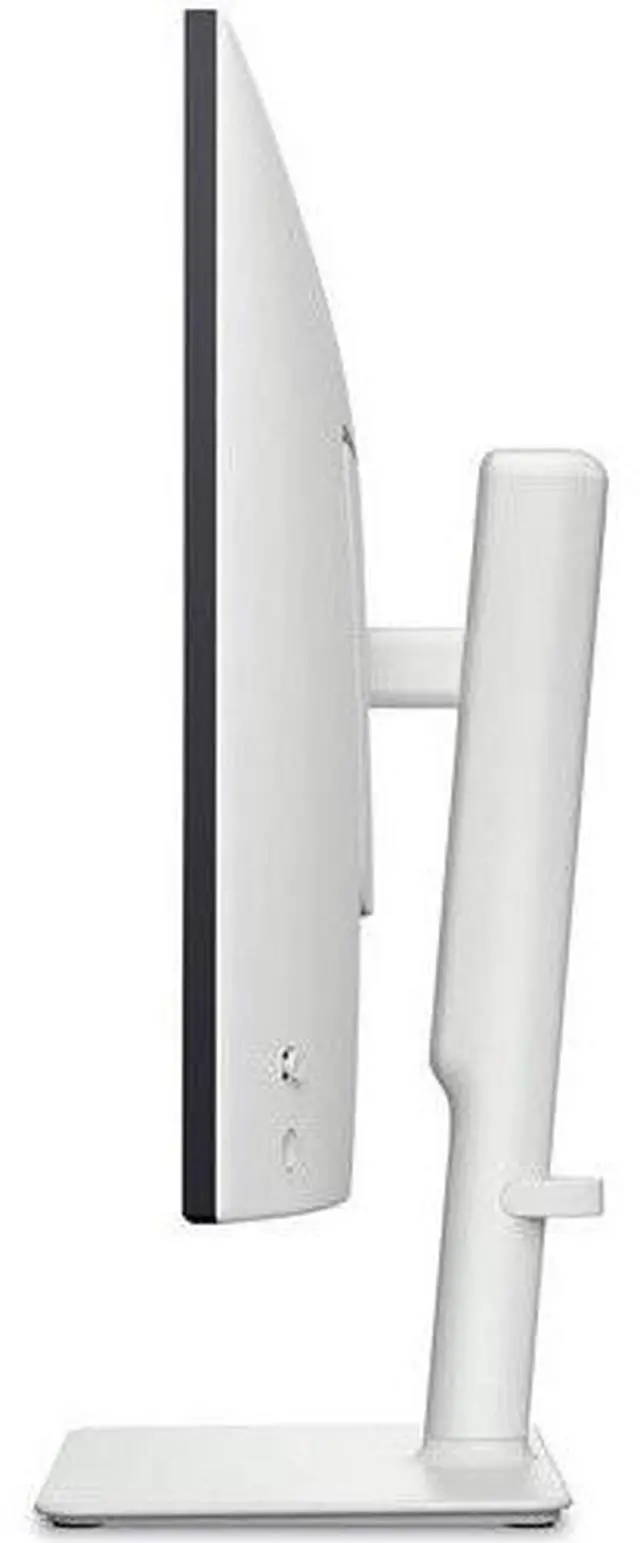
The Dell S2725QC is a 27-inch 4K USB-C monitor with a refresh rate up to 120Hz, AMD FreeSync Premium, dual 5W speakers, and Eye Comfort Technology, suited to people who want one display for detailed everyday work and smoother gaming or entertainment.
Recommended For
- Laptop-based home-office users who want a sharp 27-inch 4K workspace, USB-C video, up to 65W laptop charging, and USB ports for desk accessories through one connection.
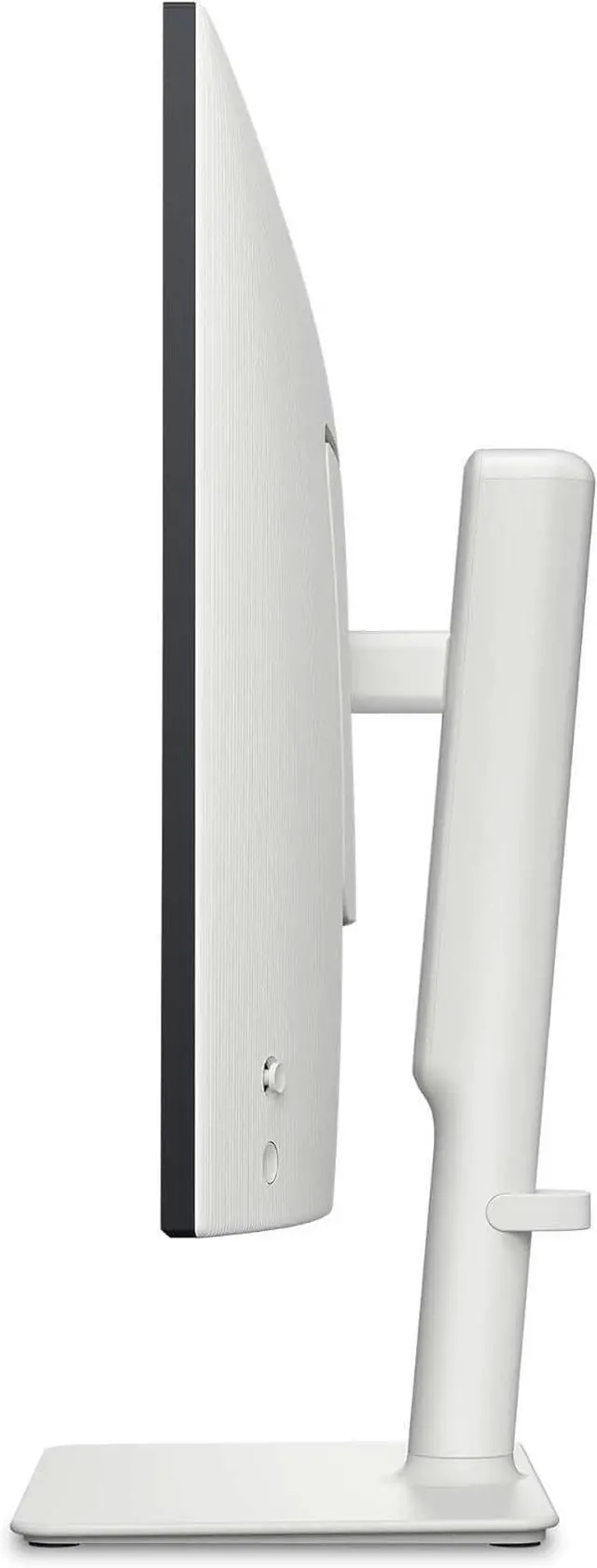
- MacBook or Windows laptop users who spend the day reading documents, editing spreadsheets, or keeping multiple windows visible and value crisp 4K text and a height-, tilt-, swivel-, and pivot-adjustable stand.
- People who split a desk between productivity and occasional PS5 or Xbox gaming: HDMI 2.1, 4K, and 120Hz support suit console play, while the monitor remains oriented toward work first.
- Casual photo or video editors and social-media creators who want detailed 4K previews and primarily work in the sRGB color range, rather than requiring a specialist wide-gamut reference display.
Real-World Use Scenarios
- At a home-office desk, connect a compatible laptop with USB-C to use the monitor for work and charge the laptop through the same cable; the USB hub can also reduce the need to reach for laptop ports.
- For spreadsheets, documents, and several side-by-side windows, use the 27-inch 4K screen as a detailed desktop workspace; text appears sharp and the larger canvas supports multitasking.
- For casual gaming on a compatible console after work, the monitor can display supported 4K high-refresh-rate signals and feels responsive, but fast-moving action may look blurry, so it is less suited to competitive play.
- In a mixed-use desk setup, use the built-in speakers for everyday video or calls when convenience matters; they provide basic audio without requiring separate speakers, though users wanting fuller sound may prefer dedicated audio.




 here!

 Hot Seller