Meet Your Seller
VIVO Triple Monitor Desk Stand Mount Standing Adjustable for 3 Screens up to 30"
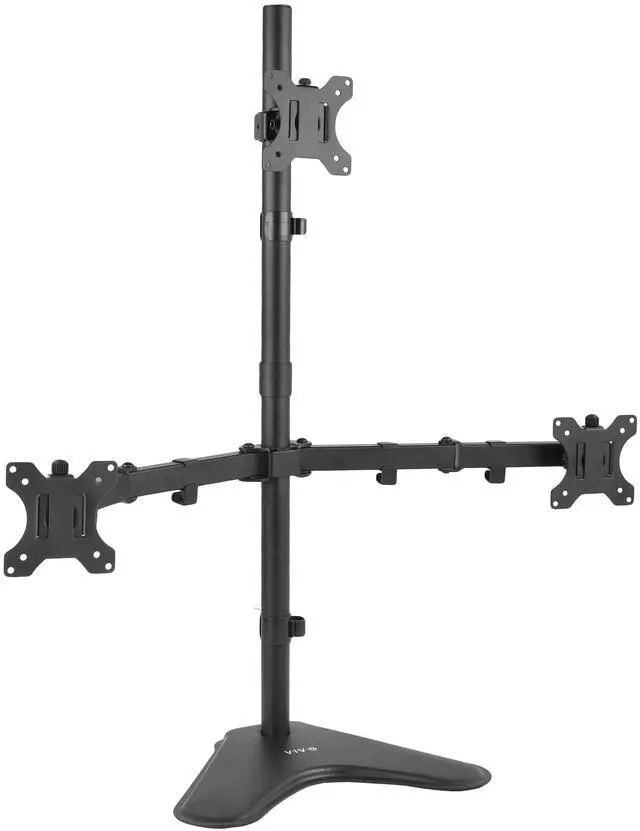
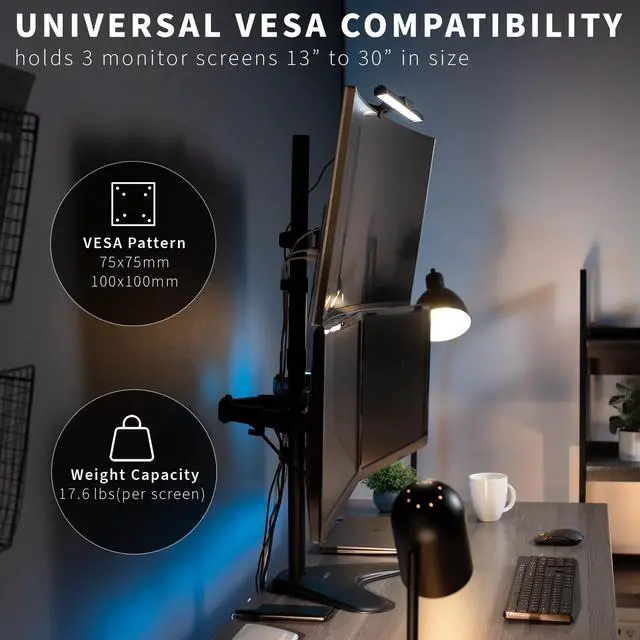
- Fits 13" to 30" Screens: Freestanding triple monitor mount holds 3 computer monitors 13" to 30" in size and 17.6 lbs in weight (each) with VESA 75x75mm or 100x100mm mounting holes
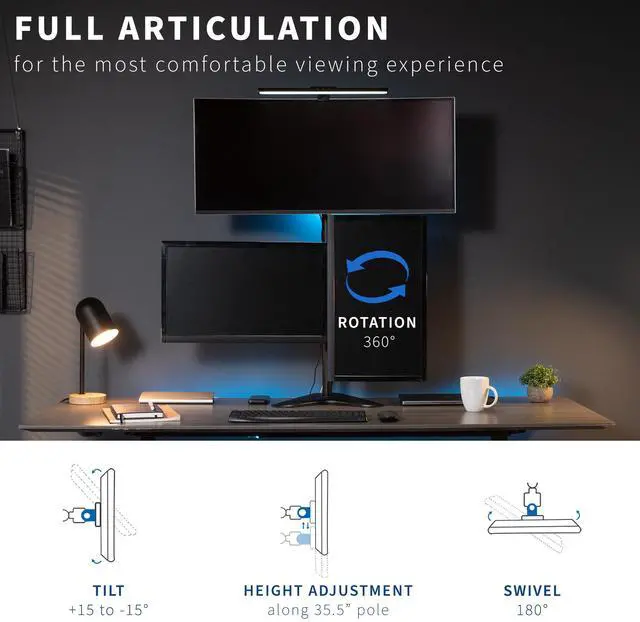
- Articulation and Height Adjustment: Adjustable arms offer +15° to -15° tilt, 180° swivel, 360° rotation, and height adjustment along the center pole for optimal viewing angles. Monitors can be placed in portrait or landscape orientation
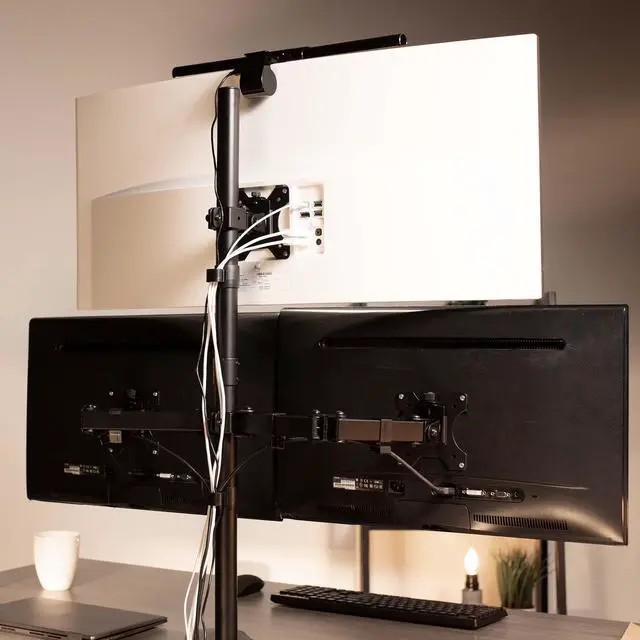
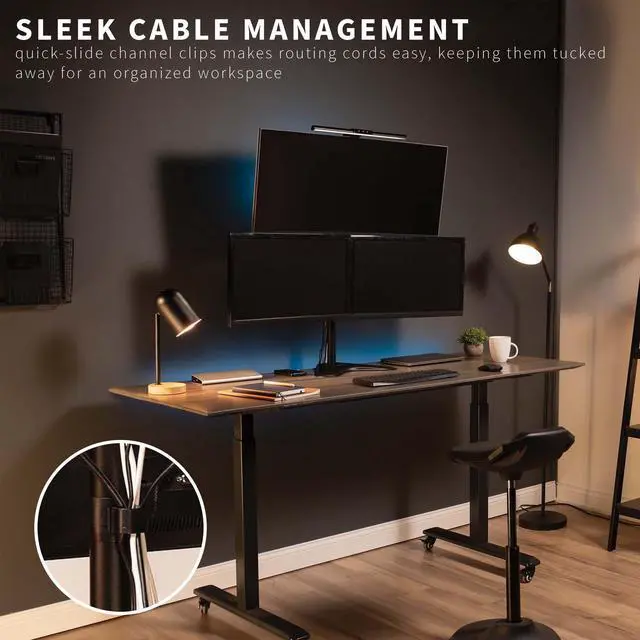
- Heavy Duty Design: The base measures 15.75" x 11" providing solid stability while monitors are held within its center of gravity. Features padding to protect the desk from scratches. Detachable cable clips are provided on arms and pole to keep cords clean
- Easy Assembly and Installation: Mounting your monitors is a simple process with detachable VESA bracket plates. We provide the hardware and instructions for assembly
- Best Practices: Please do not pull monitors too far forward or backward unless the stand is bolted down, as this will cause stability issues
Any questions? Ask CelesteSM will help you find out quickly.
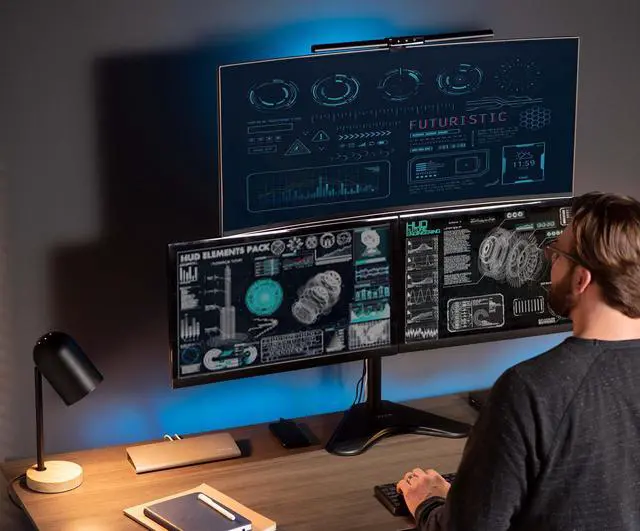
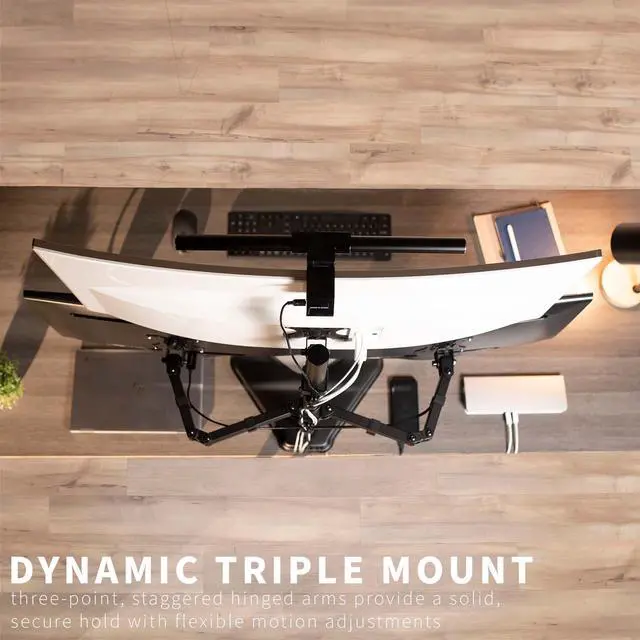
Enhance your screen display with the Triple Monitor Desk Stand (STAND-V003E) from VIVO! The triple monitor experience is great for the office multitasker or home gamer. Elevate your screens to a more comfortable and ergonomic viewing position while saving valuable desk space. With this stand's long monitor arms and fluid articulation, finding the optimal angle for each display is easy. High-grade steel and aluminum along with a heavy-duty base ensure your monitors will be kept secure. Mounting brackets are VESA compatible and support the majority of monitors on the market.
Compatibility
- Screen Sizes: 13 to 30
- VESA Standard: 75x75mm and 100x100mm
- Weight Capacity: 17.6 lbs per screen
Specifications
- Color: Black
- Material: Aluminum, Steel
- Pole Height: 35.5
- Arm Span: 28" (center of bracket)
- Base Dimensions: 15.75" x 11"
- Screen Articulation: +15° to -15° tilt, 180° swivel, and 360° rotation
- Height Adjustment: Provided along center pole
- Screen Orientation: Portrait or Landscape
Warranty & Returns
Warranty, Returns, And Additional Information
Warranty
- Please contact the Seller directly for warranty information. Warranty information may also be found on the Manufacturer's website.
- CONTACT
Return Policies
- Return for refund within: 30 days
- Return for replacement within: 30 days
- This item is covered by VIVO Return Policy
Manufacturer Contact Info
- For a directory of all our manufacturers, please click below.
- Manufacturers Directory
The VIVO Triple Monitor Desk Stand is a freestanding mount for three 13–30-inch monitors weighing up to 17.6 lb each, suited to users who want a multi-screen workstation with adjustable viewing angles and portrait or landscape orientation.
Recommended For
- Office multitaskers who keep email, documents, spreadsheets, or reference material visible across three screens can mount them on one stand and adjust their height and viewing angles.
- Home gamers with a fixed desk setup who want a three-screen layout can use the stand’s adjustable arms and landscape or portrait monitor positioning.
- People replacing three separate monitor feet can free up some desktop working area while keeping the displays together on one freestanding base.
- Users who want a stable, mostly fixed three-monitor workstation can set the screens’ positions and leave them in place; VIVO cautions against pulling them far forward or backward unless the stand is bolted down.
Real-World Use Scenarios
- For office multitasking, keep a document or spreadsheet on the center screen and email or team chat on the side screens, so you can check messages without repeatedly switching windows.
- For software development, use one screen for code, another for documentation or a browser preview, and the third for terminals or team messages, keeping related tools visible at once.
- For PC gaming, keep the game on the main screen and use the side screens for Discord, guides, a browser, or music controls, so reference material stays available without leaving the game.
- For reading long documents, code, or chat, rotate one side screen to portrait while keeping the main display in landscape; the stand supports either orientation, and users report using vertical screens for text-heavy tasks.
- For streaming or content creation, keep the main project or game on one screen and place OBS, a preview, browser research, or communication apps on the others, making it easier to monitor the workflow without covering the main view.