• $39.99
  • Free 30-day Returns
  • Sold by Direct from manufacturerVIVO
    Top Rated
    4.7 (2,010 seller ratings)

    Shipped by Direct from manufacturerVIVO

    Price alert
    Shop it at NeweggBusiness.

    Meet Your Seller

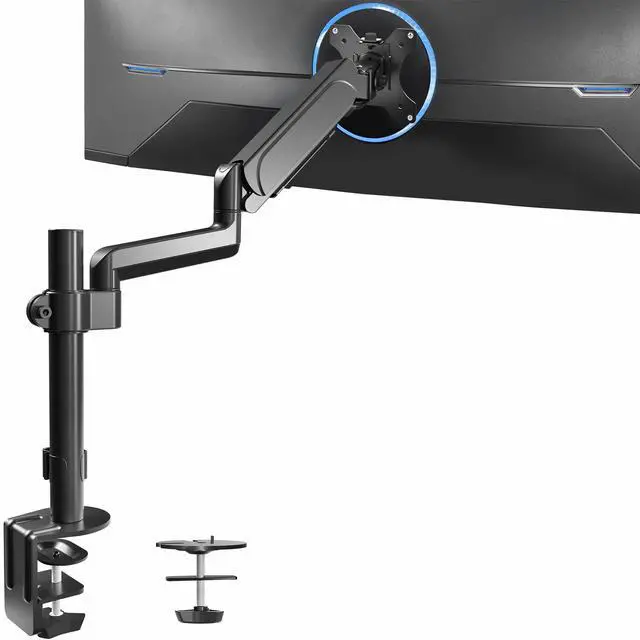
    VIVO Black Single Monitor Arm Sit-Stand Desk Mount for Computer Screen up to 32"

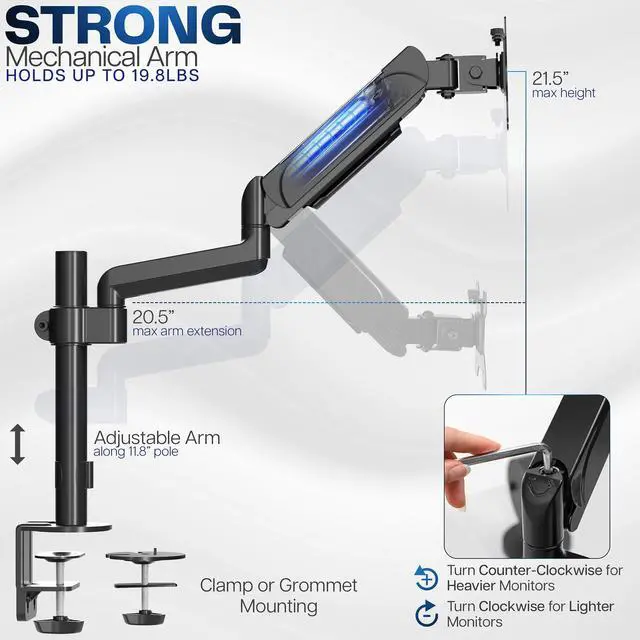
    • Fits 17" to 32" Screens: Single monitor mount holds most computer monitors 17" to 32" in size and up to 19.8 lbs in weight (each) with VESA 75x75mm or 100x100mm mounting holes
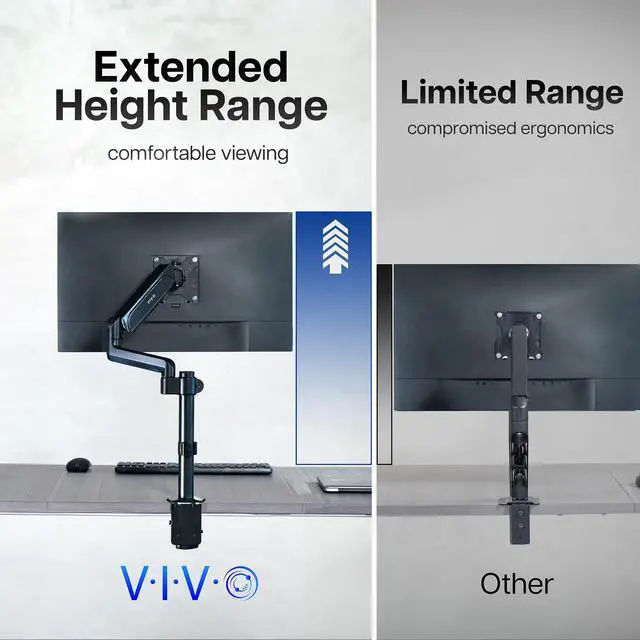
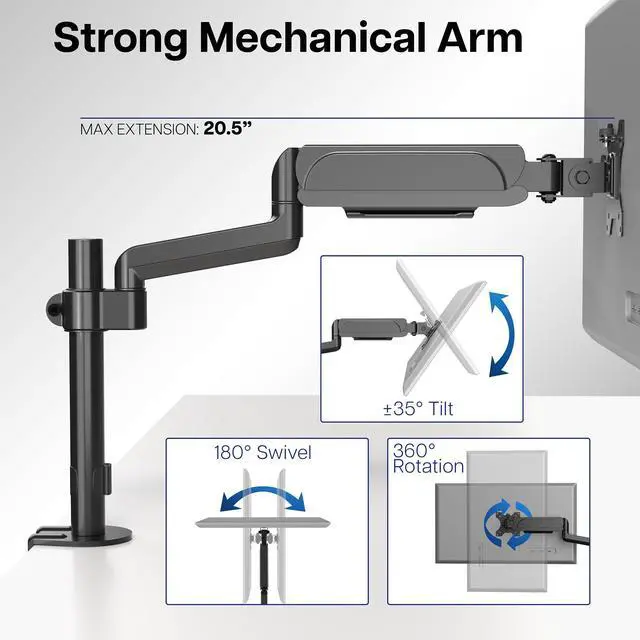
    • Articulation and Height Adjustment: Flexible arm offers +35° to -35° tilt, 180° swivel, and 360° rotation for comfortable viewing angles. The tension spring provides smooth height transitions by perfectly counterbalancing the weight of your monitor
    • Solid Steel Construction: Provides excellent support for one monitor screen weighing up to 19.8 lbs. The VESA plate bracket is removable for easy slide-on monitor installation
    • Integrated Cable Management: Provides a clean look to the monitor setup and allows easier height adjustment by keeping cables from pulling, detaching, or tangling during transitions
    • Drill-Free Mounting: This product secures to your surface of choice up to 3" thick via a heavy-duty C-clamp, or use the equally sturdy optional grommet mount to suit your preferred layout
    +
    +
    Overview
    Specs
    Reviews

    Any questions? Ask CelesteSM will help you find out quickly.

    Optimize viewing angles with the Mechanical Spring Single Monitor Arm (STAND-V001K) from VIVO! Win back valuable desk space by elevating your monitor to an ideal viewing height with this high-grade steel stand built for scratch resistance and security. Designed with user-geared features such as screen articulation, smooth height adjustment, a sturdy C-clamp, integrated cable management, and more, this mount is customizable to your particular office needs. The versatility of screen placement allows ergonomic viewing that aids in decreased fatigue and muscle strain on the neck, back, and shoulders. The classy appearance adds a modern look to any office while providing ample support for your monitor. All hardware is provided for easy assembly, so you can get your stand mounted in no time!

    Compatibility

    • Screen Sizes: Accommodates one 17" to 32" monitor screen

    • VESA Standard: 75x75mm and 100x100mm mounting holes

    • Maximum Desktop Thickness: 3"

    • Weight Capacity: 2.2 lbs (minimum) to 19.8 lbs (maximum)

    Specifications

    • Pole Height: 11.8"

    • Maximum Extension: 20.5

    • Maximum Screen Height: 21.5 (center of screen)

    • Height Adjustment: 11.5 with mechanical spring lift

    • Articulation: +35° to -35° tilt, 180° swivel, and 360° rotation

    • Mounting Options: C-clamp and Grommet

    • Screen Orientation: Portrait or Landscape

    Warranty & Returns

    Warranty, Returns, And Additional Information

    Warranty

    • Please contact the Seller directly for warranty information. Warranty information may also be found on the Manufacturer's website.
    • CONTACT

    Return Policies

    • Return for refund within: 30 days
    • Return for replacement within: 30 days
    • This item is covered by VIVO Return Policy

    Manufacturer Contact Info

    LOADING...

    The VIVO Black Single Monitor Arm is an adjustable desk mount for people who want to position one 17–32-inch monitor more comfortably. Its tension-spring arm supports screens up to 19.8 lb and offers tilt, swivel, and rotation adjustments.

    Recommended For

    • Single-monitor desk workers who want to reclaim the desktop space occupied by a monitor’s original stand.
    • People using one VESA-compatible monitor at a height-adjustable desk who want to reposition the screen as they alternate between sitting and standing.
    • Readers, writers, and coders who use one display and want to rotate it between landscape and portrait orientation for different tasks.
    • Home-office users who want to adjust one monitor’s tilt, height, or viewing angle without replacing the desk or drilling into it, provided the desk supports the clamp or grommet mount.

    Real-World Use Scenarios

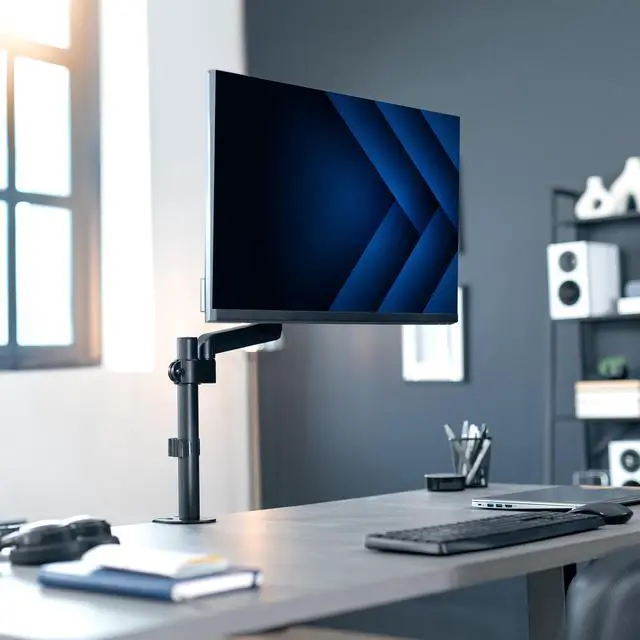
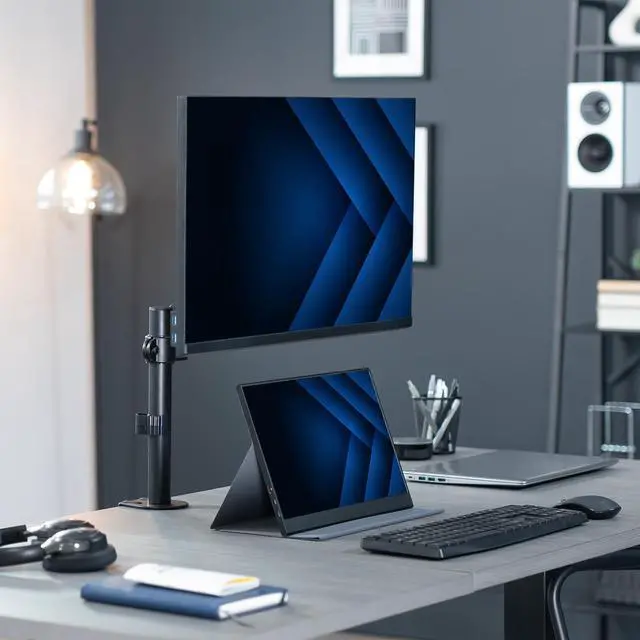
    • When the monitor’s factory stand takes up useful desk space, attach the screen to the arm to free up room for a keyboard, notebook, or other desk items.
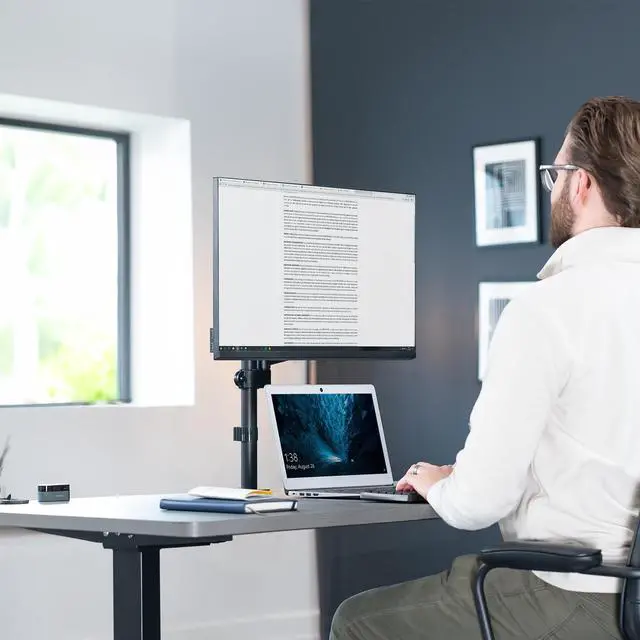
    • For reading long documents or viewing code, rotate a compatible monitor to portrait orientation so more vertical content is visible at once.
    • When a desk setup or seating position changes, reposition the screen’s height and angle to bring it to a more comfortable viewing position without moving the desk or monitor base.
    • In a compact home-office setup, use the desk clamp or grommet mount to secure the monitor arm at the desk edge and keep the screen off the desktop; check that the desk shape and thickness allow the mount to fit.
    • When adjusting the monitor during the workday, route its cables through the arm’s cable-management channels to help keep them organized and reduce dangling slack.