• $19.99
  • Free 30-day Returns
  • Sold by Direct from manufacturerVIVO
    Top Rated
    4.7 (2,010 seller ratings)

    Shipped by Direct from manufacturerVIVO

    Price alert
    Shop it at NeweggBusiness.

    Meet Your Seller

    VIVO Black Adapter VESA Bracket Kit and Wall Mount for Monitor, Stand Attachment

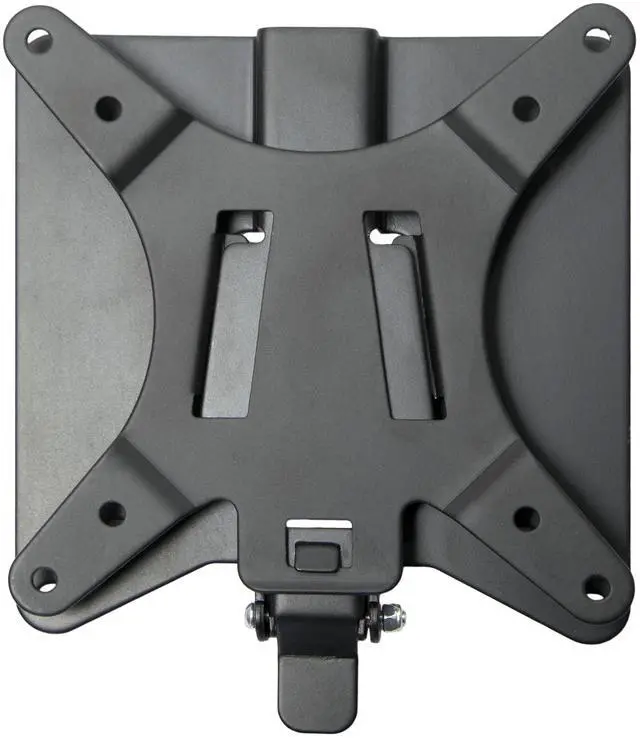
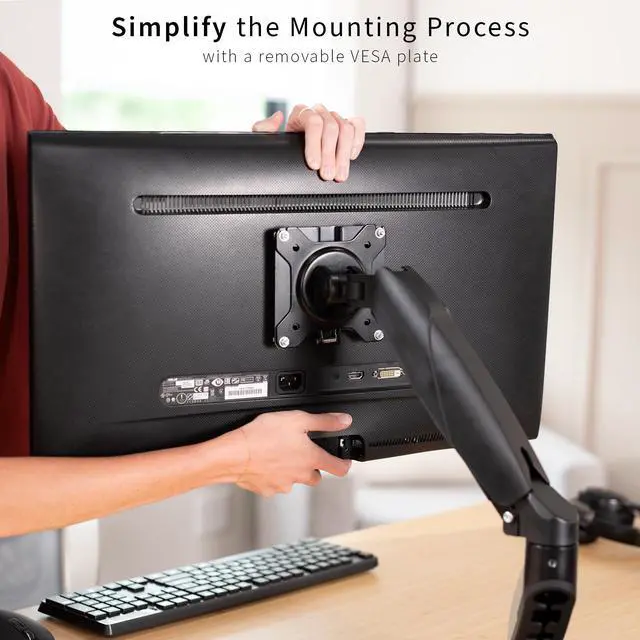
    • VESA Plate Kit: Removable VESA plate kit designed to simplify your monitor or TV mounting process
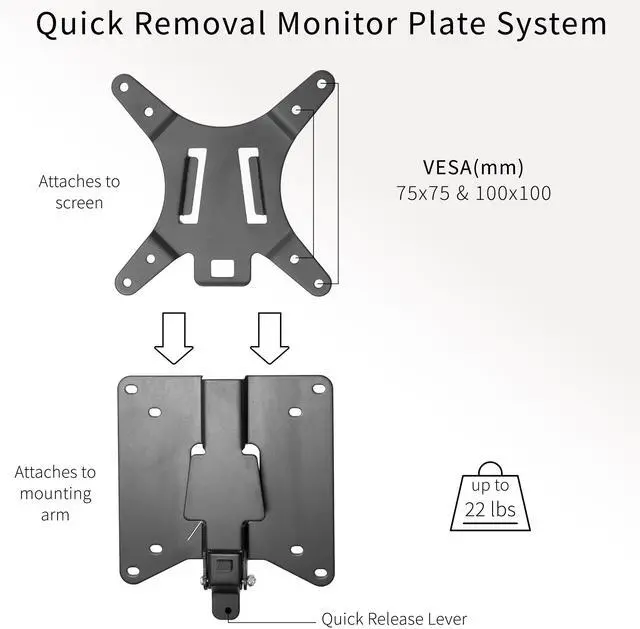
    • Compatibility: Supports up to 22 lbs and fits VESA 75x75mm and 100x100mm mounting holes
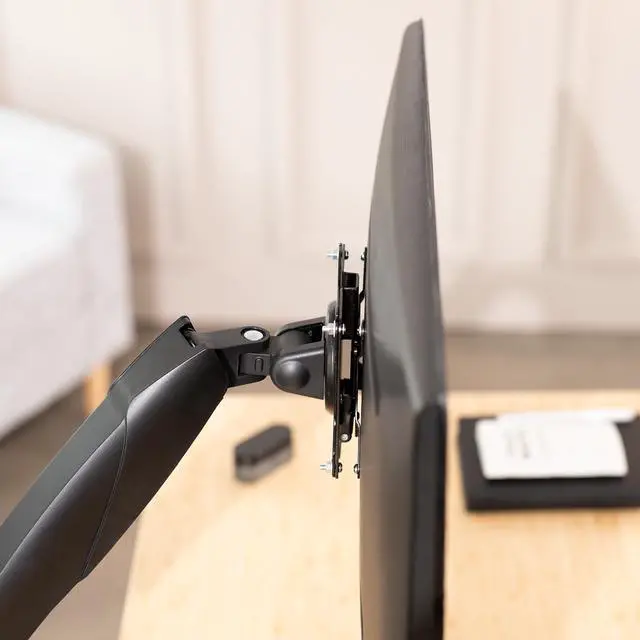
    • Motion: Once clipped in, your monitor is held secure and can be tilted and rotated
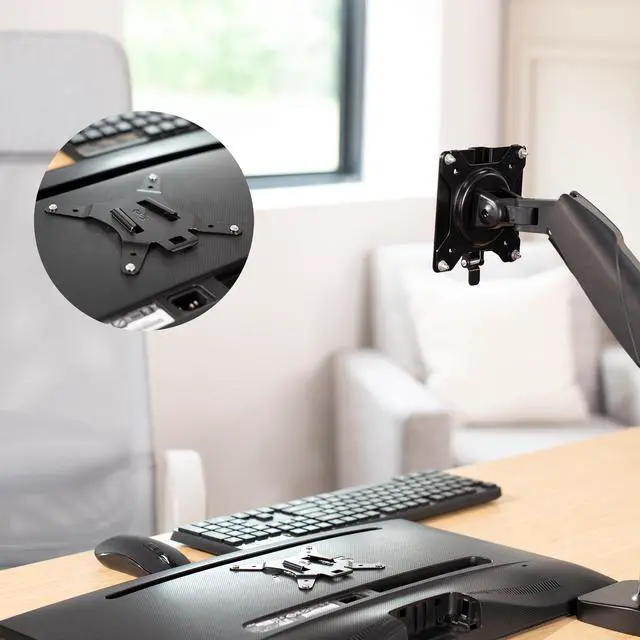
    • Attachment Process: Includes a separate VESA plate that attaches to the back of your screen, then slides on and clips into a second bracket piece that is mounted to your monitor or TV mount
    • Included Hardware: Comes with all required screws and hardware (except for wall mounting hardware) for assembly
    +
    +
    Overview
    Specs
    Reviews (1)

    Any questions? Ask CelesteSM will help you find out quickly.

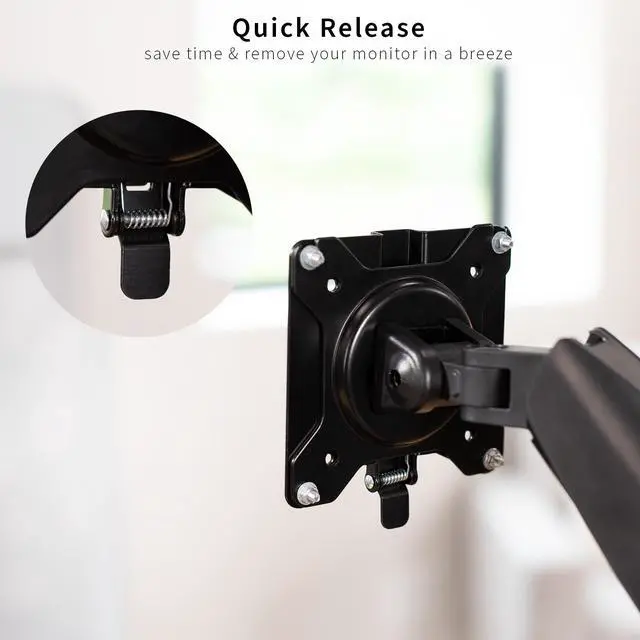
    Mounting your monitors can be a challenge without removable VESA plates! That is why we created STAND-VAD2, which is a VESA monitor adapter system designed to simplify the mounting process. Rather than performing a balancing act trying to secure your monitors, this kit comes with a separate VESA plate that is first attached to the back of your screen and then slides on and clips into a second bracket piece that is mounted to your monitor stand. Once clipped in, your monitor is held secure and can be tilted and rotated. This adapter kit is designed to fit VESA 75x75mm and 100x100mm mounting holes and is tested to support up to 22 lbs. The back bracket can be wall-mounted, but wall mounting hardware is not included.

    Compatibility

    • VESA Standard: 75x75mm and 100x100mm
    • Weight Capacity: 22 lbs

    Specifications

    • Color: Black
    • Material: Steel
    • Dimensions: 4" x 4"
    • Included: All screws & hardware, except wall mounting hardware

    Warranty & Returns

    Warranty, Returns, And Additional Information

    Warranty

    • Please contact the Seller directly for warranty information. Warranty information may also be found on the Manufacturer's website.
    • CONTACT

    Return Policies

    • Return for refund within: 30 days
    • Return for replacement within: 30 days
    • This item is covered by VIVO Return Policy

    Manufacturer Contact Info

    LOADING...

    The VIVO VESA adapter bracket kit lets users attach a compatible monitor or TV to a stand or mount with a slide-on, clip-in plate, supporting screens up to 22 lb with 75x75mm or 100x100mm VESA holes.

    Recommended For

    • People who move one monitor between compatible setups—such as a desk stand and a wall mount—and want a detachable VESA plate to make the change easier.
    • People who regularly remove a monitor from its mount for transport, storage, or access behind the screen, and want a plate that slides and clips into place instead of repeatedly fastening the display to the mount.
    • Owners of a monitor with 75×75mm or 100×100mm VESA holes who want a quick-release connection between the display and a compatible VESA stand or mount.
    • People mounting a display weighing up to 22 lb who want a separate plate attached to the screen before connecting it to the mount.

    Real-World Use Scenarios

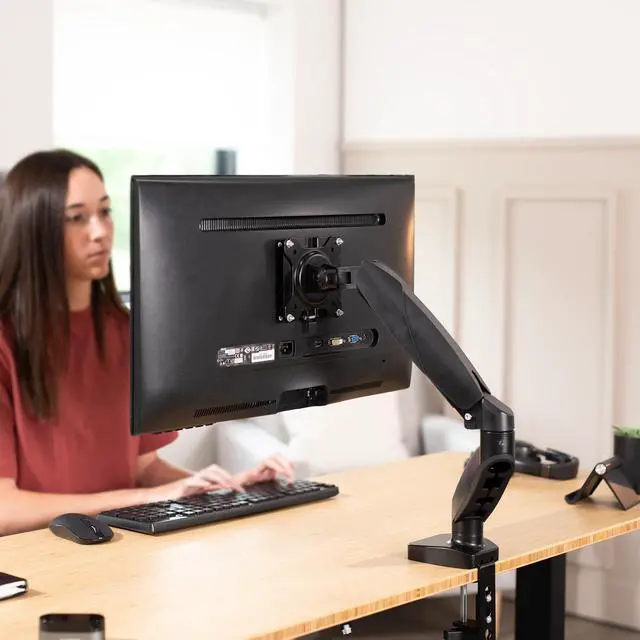
    • When installing a compatible monitor on a desk arm, attach the VESA plate to the screen first, then slide and clip it onto the arm’s bracket; this makes it easier to position the monitor without holding it while lining up the mount screws.
    • When you need to take a mounted monitor off the desk arm for cleaning or moving, release the adapter’s latch and lift the screen away while leaving the mount bracket in place.
    • For a compatible wall-mount setup, use the adapter to connect the monitor’s VESA plate to the wall-mounted bracket; the monitor can then be attached or removed at the adapter. Wall-mounting hardware must be sourced separately.
    • When changing a desk setup, detach the monitor from its compatible mount before rearranging the desk, then clip it back on afterward; the adapter is designed to simplify attaching and removing the screen.
    • After clipping the monitor onto the adapter, adjust its tilt or rotation using the compatible mount; the adapter holds the screen in place while allowing those adjustments.