Meet Your Seller
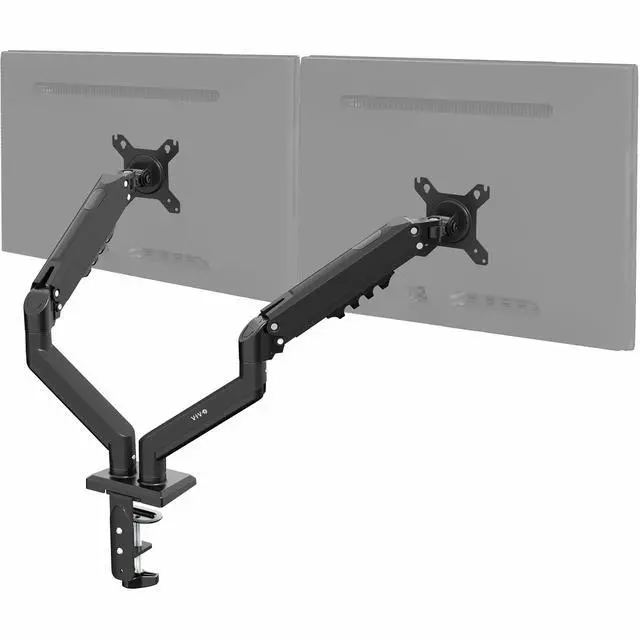
VIVO Black Dual 13" to 30" Computer Monitor Counterbalance Desk Mount Stand
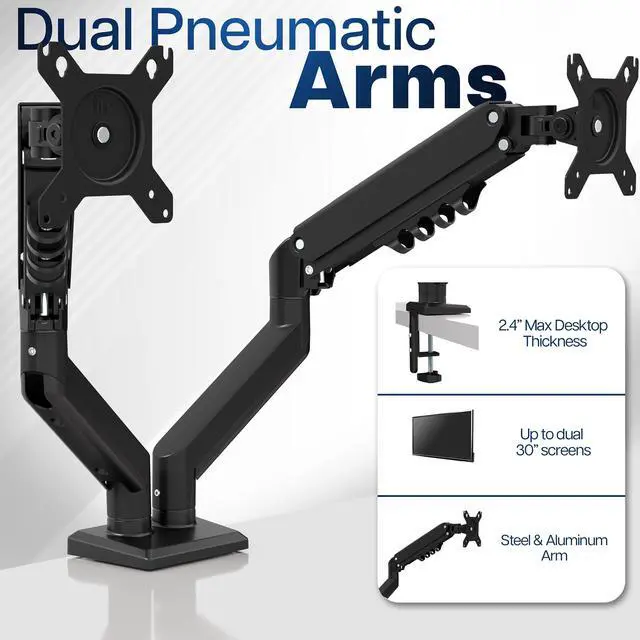
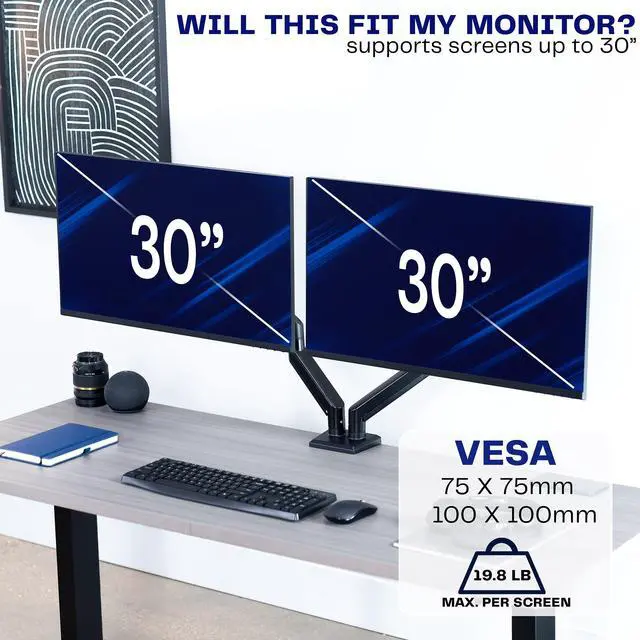
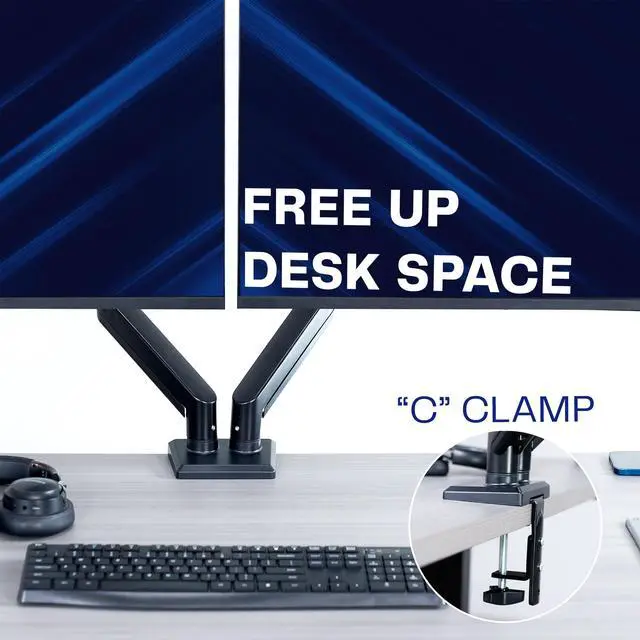
- Fits Standard Size Screens: Dual mount for monitors 13 to 30 in size and up to 19.8 lbs in weight (each) with 75x75mm or 100x100mm VESA patterns. Secures to desks up to 2.4" thick with heavy-duty C-clamp
- Tension Arm Mount: Spring-assist arms counterbalance the weight of your monitors for optimal ergonomic height adjustments
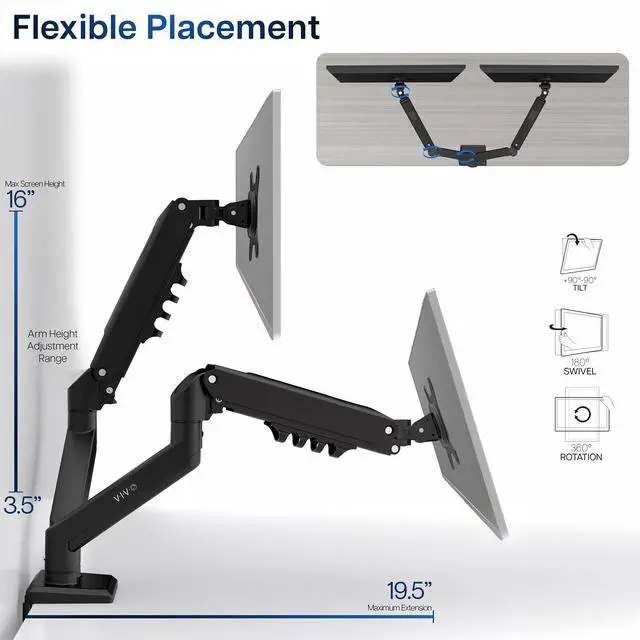
- Articulation and Height Adjustment: Bracket provides smooth adjustments with +90° to -90° tilt, 180° swivel, 360° rotation, and 16 inches of smooth height adjustment with spring lift
- Integrated Cable Management: Cable management covers keep cords neatly out of the way during transitions and create a clean, organized appearance
- Easy Installation: Mounting your monitors is a simple process with the detachable VESA plates, and we provide all the hardware and instructions for simple assembly
Any questions? Ask CelesteSM will help you find out quickly.
Increase the comfort and efficiency of your workstation with the Tension Spring Arm Dual Monitor Desk Mount (STAND-V102O) from VIVO! Displaying your screens at a comfortable viewing height, this sturdy stand perfectly counterbalances the weight of your 13 to 30 monitors (up to 19.8 lbs) for optimal ergonomic positioning. Featuring steel and aluminum construction, flexible joints, screen articulation, smooth height adjustment, a sturdy desk clamp, integrated cable management, and more, these monitor arms are ready to transform your workspace. All hardware and instructions are provided for easy assembly, so you can get your stand secured and monitor mounted in no time!
Compatibility
Holds Two Monitors: Fits Most 13 to 30 Screens
Screen Types: Curved and Flat
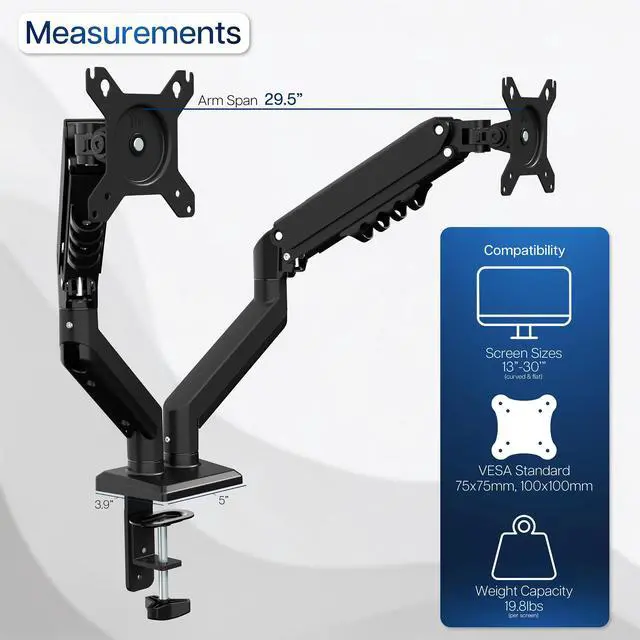
VESA Standard: 75x75mm and 100x100mm
Weight Capacity: 4.4 lbs (minimum) to 19.8 lbs (maximum)
Desktop Thickness for Clamp: 0.5 (minimum) to 2.4 (maximum)
Specifications
Color: Black
Articulation: -90° to +90° tilt, 180° swivel, and 360° rotation
Arm Height Adjustment: 3.5 to 16 (center of screen)
Arm Span: 29.5
Maximum Extension: 19.5
Base Dimensions: 3.9 x 5
Mounting Options: Sturdy C-clamp
Screen Placement: Portrait or Landscape Orientation
Warranty & Returns
Warranty, Returns, And Additional Information
Warranty
- Please contact the Seller directly for warranty information. Warranty information may also be found on the Manufacturer's website.
- CONTACT
Return Policies
- Return for refund within: 30 days
- Return for replacement within: 30 days
- This item is covered by VIVO Return Policy
Manufacturer Contact Info
- For a directory of all our manufacturers, please click below.
- Manufacturers Directory
The VIVO STAND-V102O is a dual-monitor desk mount for people who want ergonomic, adjustable screen positioning, with spring-assisted arms for two 13–30-inch monitors weighing up to 19.8 lb each and using 75x75mm or 100x100mm VESA mounts.
Recommended For
- People who work across two screens—such as keeping documents or reference material open beside a main work display—and want to adjust monitor height and viewing angles without moving separate desktop stands.
- Home-office users who regularly change screen height or angle during the workday; the counterbalance arms are intended to make repositioning easier than a fixed-position stand.
- Desk-based gaming or streaming setups that use two compatible monitors and want the screens raised off the desktop while keeping them adjustable for different viewing angles.
- Users with a sturdy desk and two monitors within the listed size, VESA, and per-screen weight limits who want a clamp-mounted setup rather than two monitor bases taking up desk space.
Real-World Use Scenarios
- For remote work or study, place a video call, email, or reference material on one screen and the main task on the other; independent positioning helps keep both displays within a comfortable viewing area.
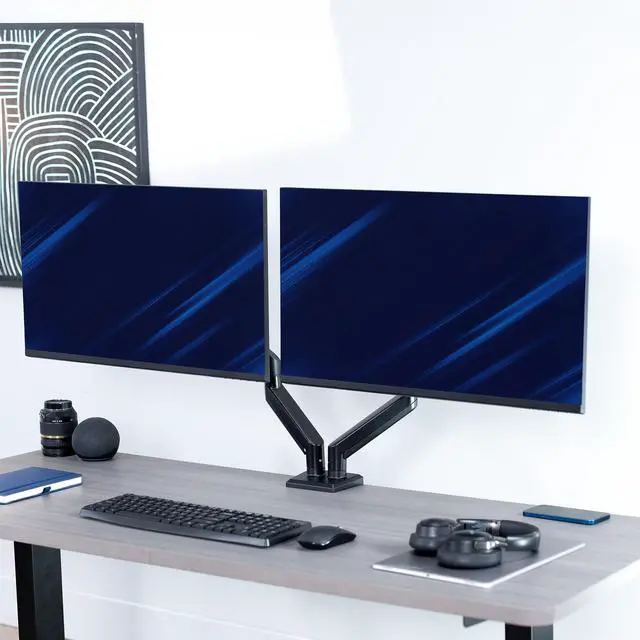
- When two monitor bases leave little room for a keyboard, notebook, or other desk items, mount both screens above the desktop to clear space beneath them.
- To set up a more comfortable seated workstation, raise, lower, tilt, or swivel the displays until they line up with the user’s viewing position; the counterbalance arms are designed for smooth adjustments.
- For coding, reading long documents, or keeping chat visible, rotate a compatible secondary monitor to portrait while leaving the main screen in landscape.
- In a dual-display setup where one screen is used less often, angle it to the side as a secondary view; the articulating arms let users adjust each screen’s viewing direction independently.