Out of stock
  • $79.99
  • Free 30-day Returns
Most customers receive within 3-7 days.
Sold by Direct from manufacturerVIVO
Top Rated
4.7 (2,010 seller ratings)

Shipped by Direct from manufacturerVIVO

Price alert
Add to Wish List(Found on 1 wish list)
Shop it at NeweggBusiness.

Meet Your Seller

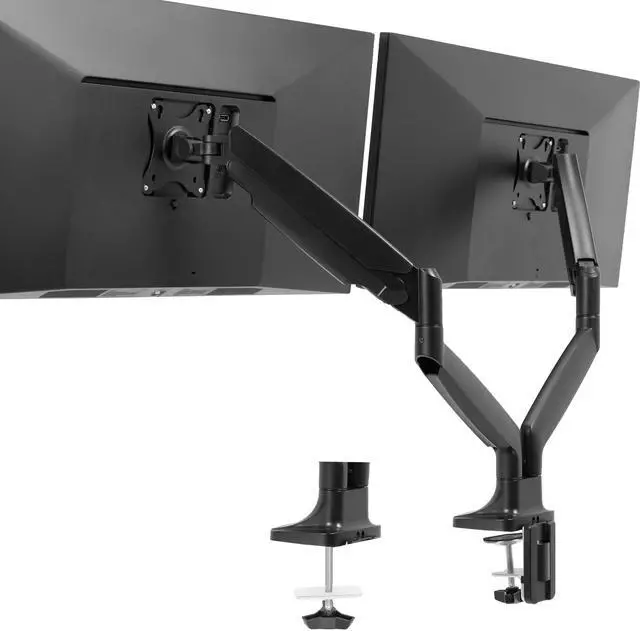
VIVO Dual Ultrawide 40 Monitor Desk Mount with Pneumatic Spring Arms

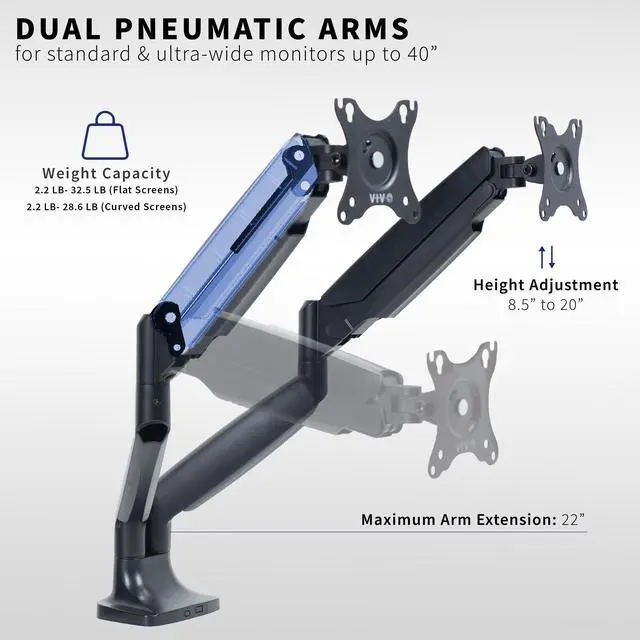
  • VIVO Aluminum Pneumatic Arms: Premium counterbalance desk mount from VIVO features quick-release arms and base for simple installation and powerful pneumatic spring lift
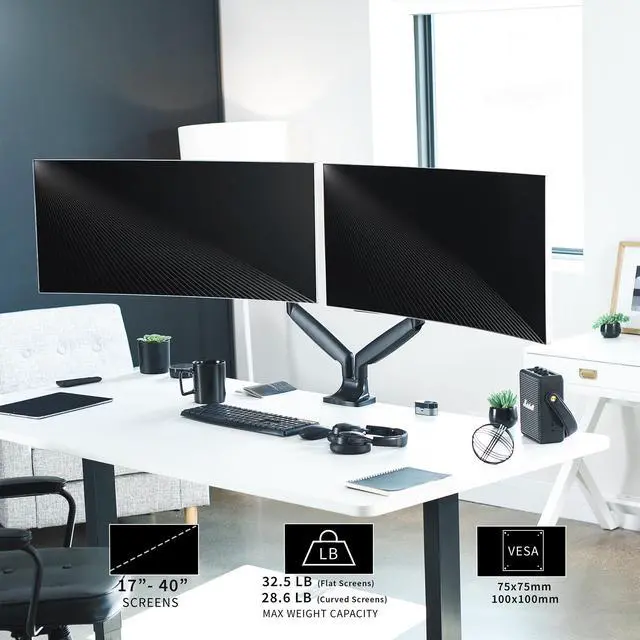
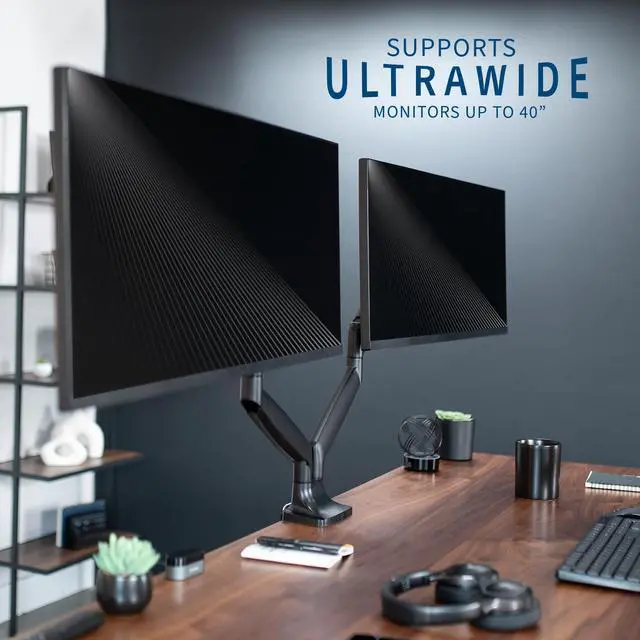
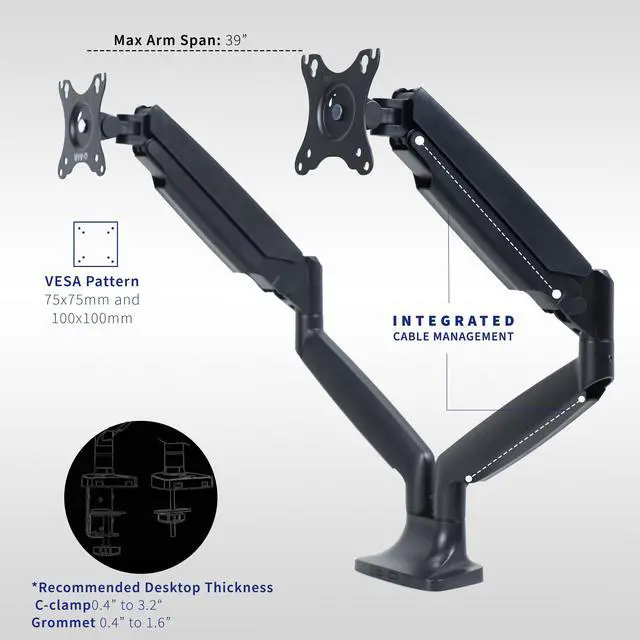
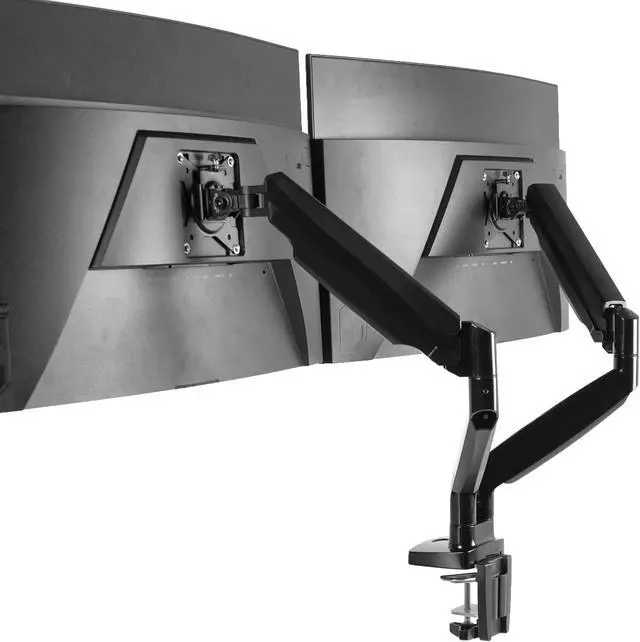
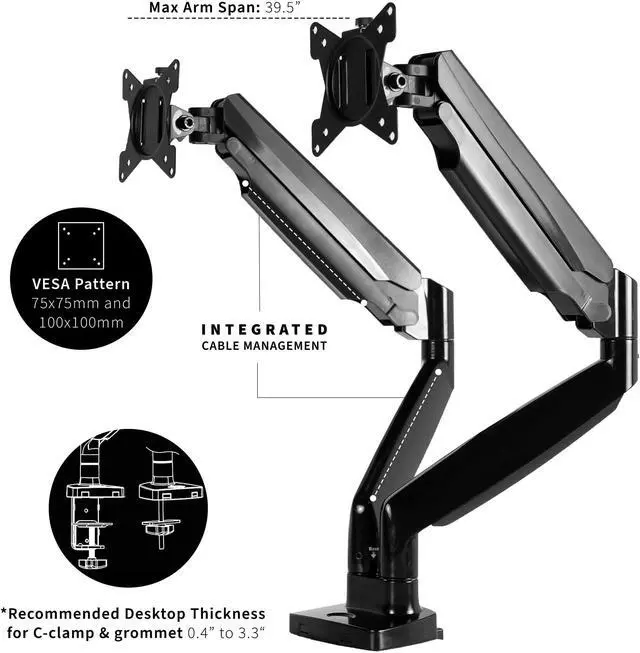
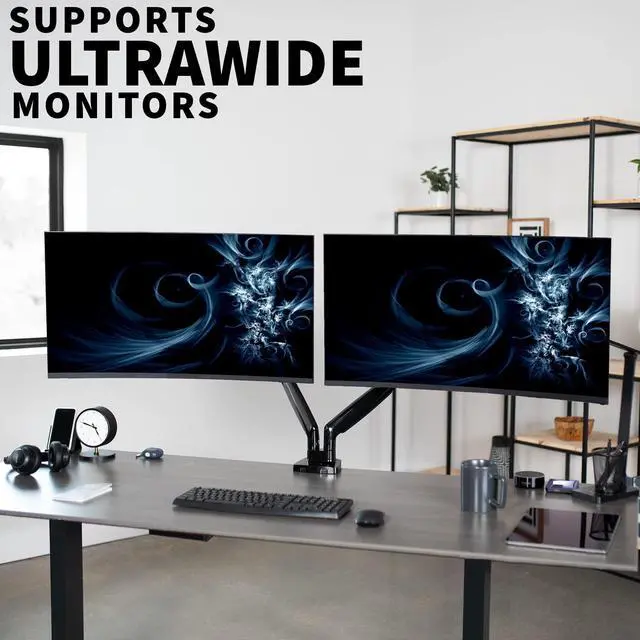
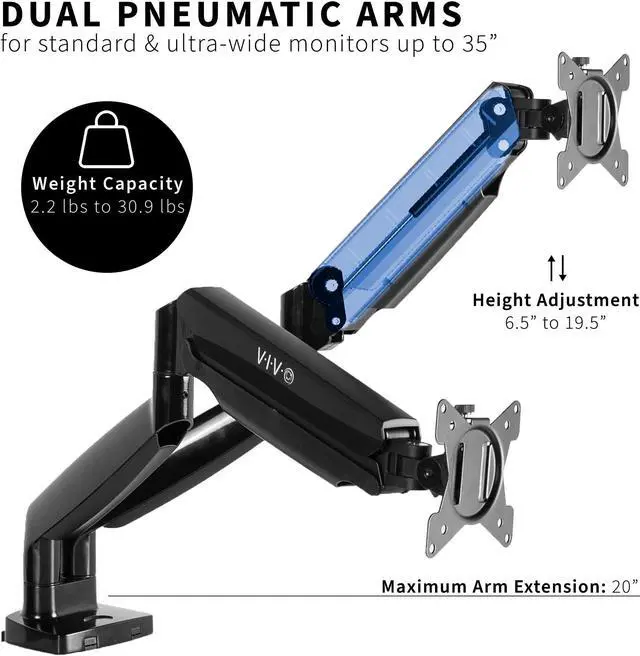
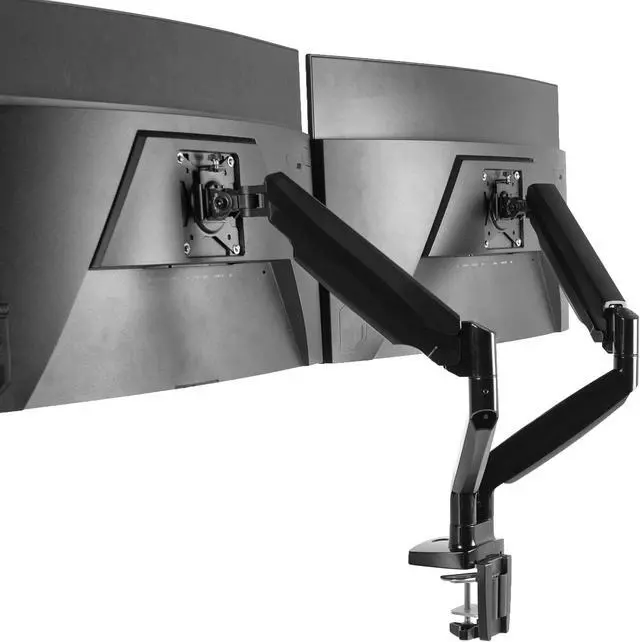
  • Ultrawide Compatibility: Holds two 17 to 40 monitors weighing up to 24 lbs (per arm), including ultra-wide screens. The removable VESA bracket supports 75x75mm and 100x100mm mounting patterns
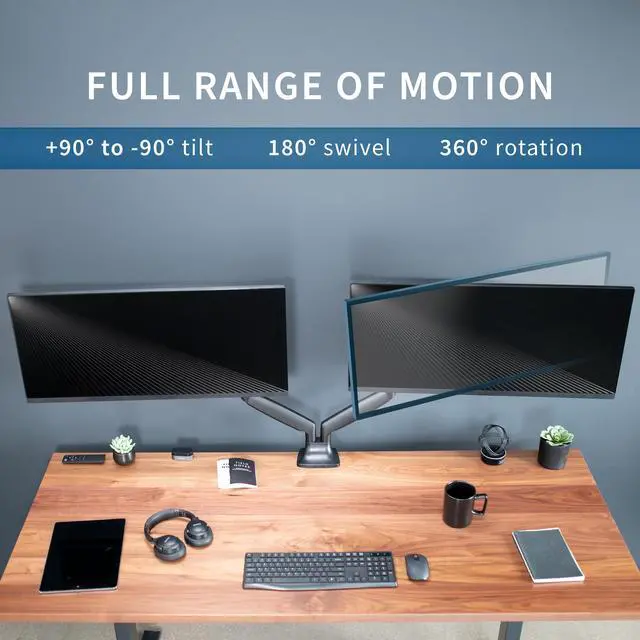
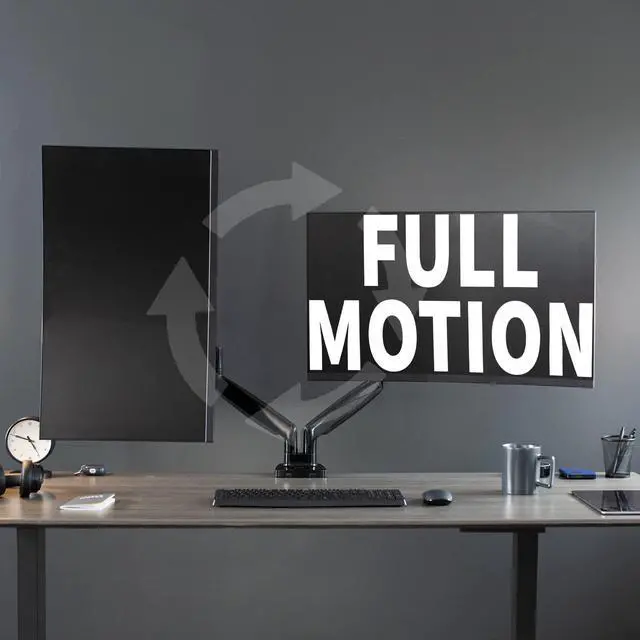
  • Fully Adjustable: Monitor arms offer an exceptional range of flexible motion featuring +90° to -90° tilt, 180° swivel, 360° rotation, and 12 inches of smooth height adjustment with pneumatic spring lift
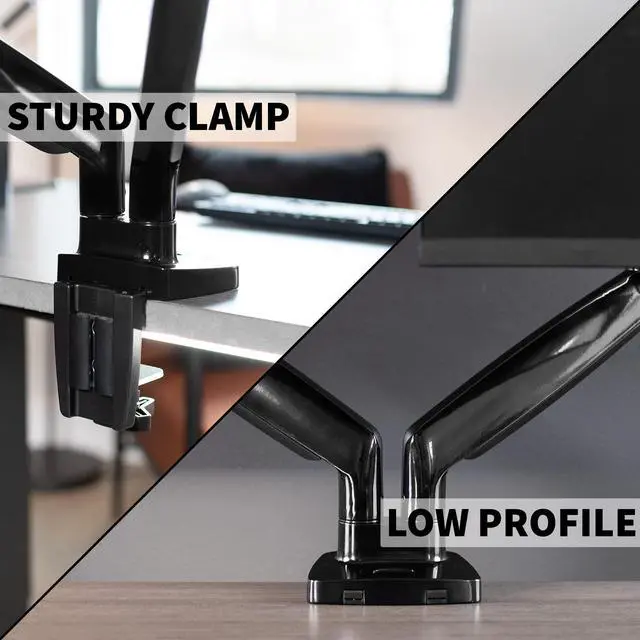
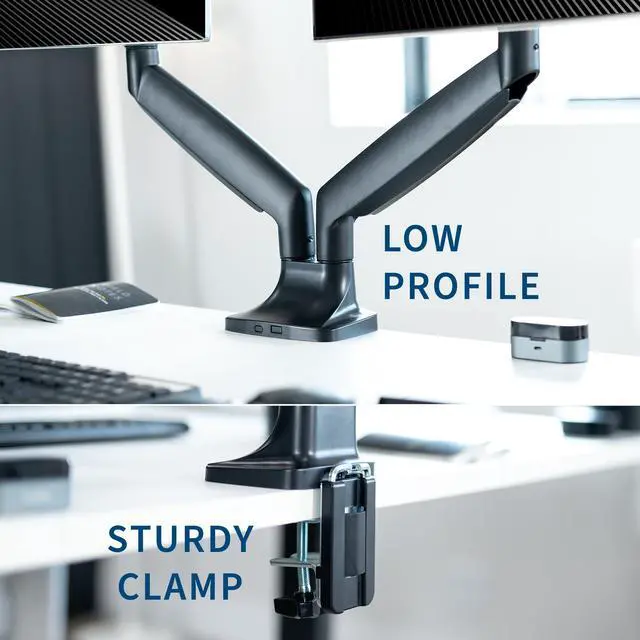
  • Drill-Free Mounting: This product secures to your surface of choice up to 3.2" thick via a heavy-duty C-clamp, or use the equally sturdy optional grommet mount to suit your preferred layout
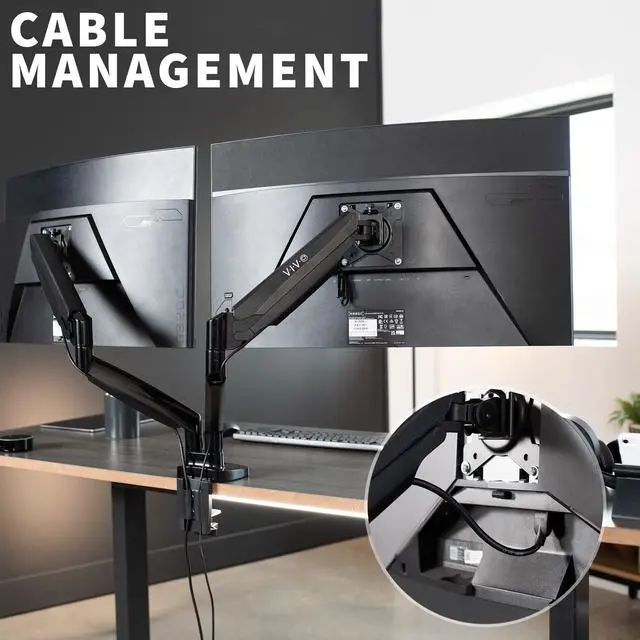
  • Cable Management: The integrated cable management system keeps AV and power cords clean and organized via clips along the arms and center pole and gives your workspace a clean appearance
+
+
Overview
Specs
Reviews

Any questions? Ask CelesteSM will help you find out quickly.

Reclaim your desk space and enjoy comfortable viewing angles with the Pneumatic Arm Dual Ultrawide Monitor Desk Mount (STAND-V202Q) from VIVO! Supporting two screens up to 40, you can elevate your ultra wide monitors to an ergonomic height and adjust the viewing angle with just the touch of a hand. Featuring high-quality aluminum construction, flexible joints, smooth height adjustment, a sturdy desk clamp and grommet mount, integrated cable management, and more, this ultra-wide mount is ready to transform your workspace. All hardware and instructions are provided for easy assembly, so you can get your stand installed to your desk and monitors mounted in no time!

Compatibility

  • Screen Size: 17 to 40
  • VESA Standard: 75x75mm and 100x100mm
  • Desktop Thickness for Clamp: 0.4 to 3.2
  • Desktop Thickness for Grommet: 0.4 to 1.6
  • Weight Capacity: 2.2 lbs to 24 lbs (per arm)

Specifications

  • Color: Black
  • Material: Aluminum, Steel, Plastic
  • Maximum Extension: 22
  • Arm Span: 39
  • Base Dimensions: 5.8 x 3.8
  • Articulation: +90° to -90° tilt, 180° swivel, and 360° rotation
  • Height Adjustment Range: 8.5 to 20 (center of screen)
  • Mounting Options: Sturdy C-clamp and Optional Grommet Mount
  • Screen Placement: Portrait or Landscape Orientation

Warranty & Returns

Warranty, Returns, And Additional Information

Warranty

  • Please contact the Seller directly for warranty information. Warranty information may also be found on the Manufacturer's website.
  • CONTACT

Return Policies

  • Return for refund within: 30 days
  • Return for replacement within: 30 days
  • This item is covered by VIVO Return Policy

Manufacturer Contact Info

LOADING...

The VIVO Dual Ultrawide 40 Monitor Desk Mount is a pneumatic dual-arm desk mount for people who want to position two 17–40-inch monitors, each weighing up to 24 lb, with adjustable height and viewing angles.

Recommended For

  • Desk-based multitaskers who use two ultrawide monitors side by side for work such as comparing documents, coding, or keeping reference material visible alongside a primary task.
  • People who want to reclaim desk space occupied by two monitor stands and are able to secure a desk-mounted clamp or grommet base.
  • Users who regularly adjust monitor height or viewing angle and want pneumatic arms with tilt, swivel, and rotation for different work positions.

Real-World Use Scenarios

  • For a home-office setup with two ultrawide screens, mount both above the desk to keep the screen stands off the work surface; this leaves more room for a keyboard, notes, or other desk items.
  • When working across a main task and reference material—such as a document beside a spreadsheet—position one screen for the main app and the other for supporting windows, making it easier to keep both visible.
  • For a mixed work-and-play desk, keep work apps on one monitor and a game, chat, or media window on the other; the separate screens can be repositioned to suit the activity.
  • When switching between seated and standing desk positions, use the spring arms to adjust screen height and angle without relying on fixed monitor stands; the screens can be brought back into a preferred viewing arrangement.
  • For a desk where loose cables and crowded stands are a nuisance, route the monitor leads along the mount and clamp it to the desk; this can make the work area look less cluttered.