• $59.99
  • Free 30-day Returns
  • Sold by Direct from manufacturerVIVO
    Top Rated
    4.7 (2,010 seller ratings)

    Shipped by Direct from manufacturerVIVO

    Price alert
    Shop it at NeweggBusiness.

    Meet Your Seller

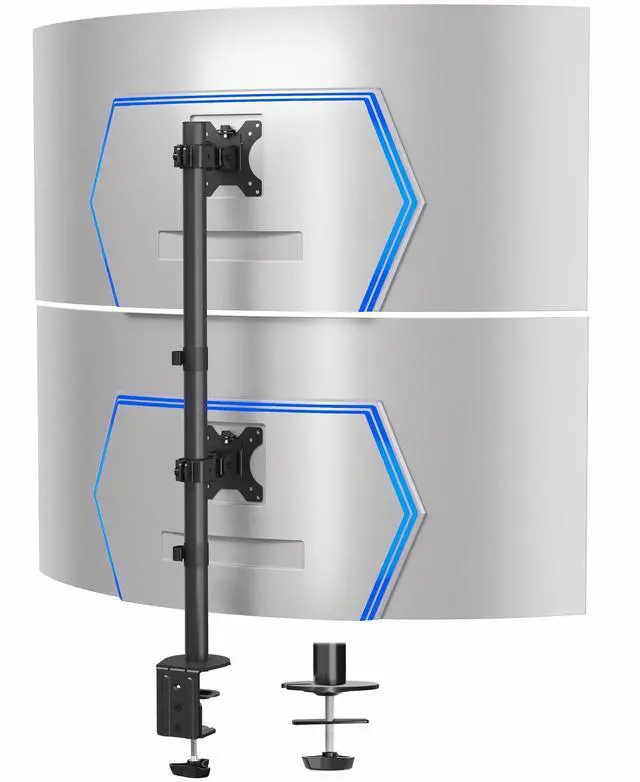
    VIVO Dual Ultrawide Monitor Desk Mount, Adjustable Stand for 2 Screens up to 45"

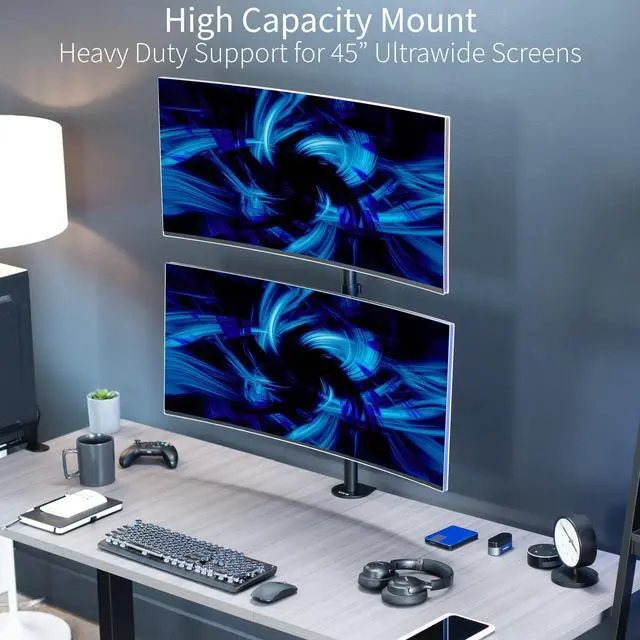
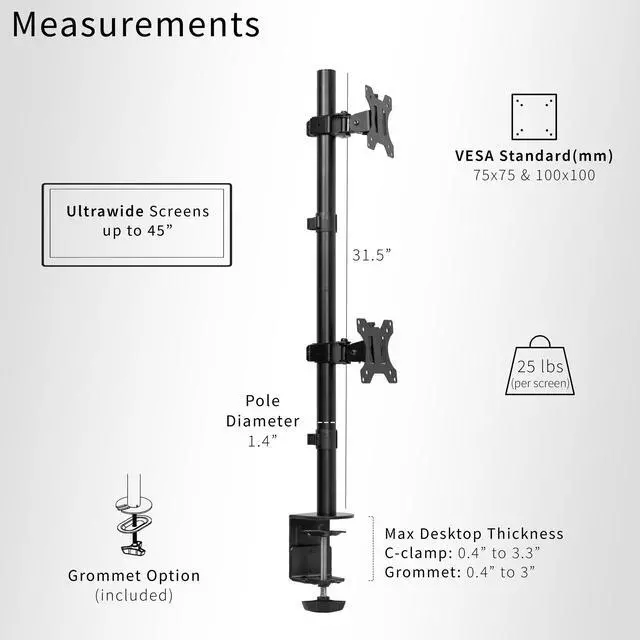
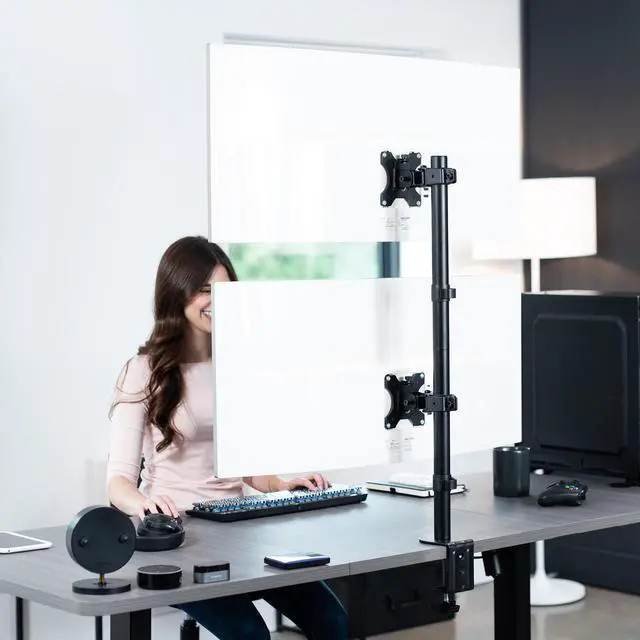
    • Ultrawide Compatibility: Vertically stacked, sturdy steel dual monitor mount fits 2 ultra-wide screens up to 45 in size and 25 lbs in weight (each) with VESA 75x75mm or 100x100mm mounting holes
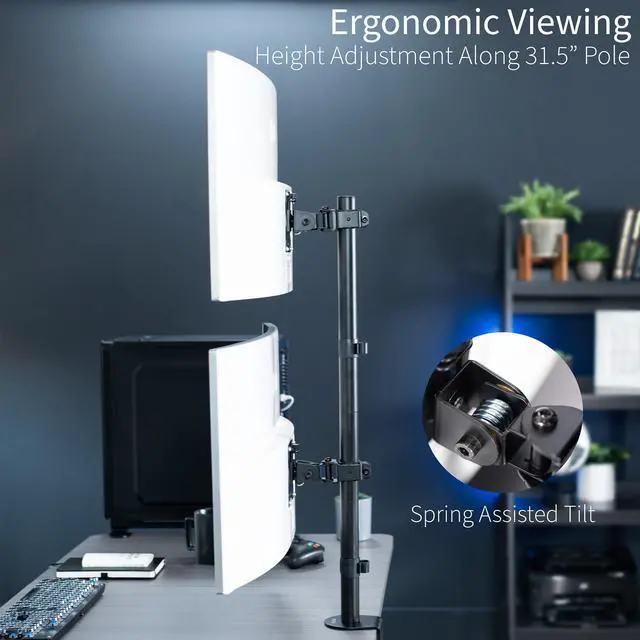
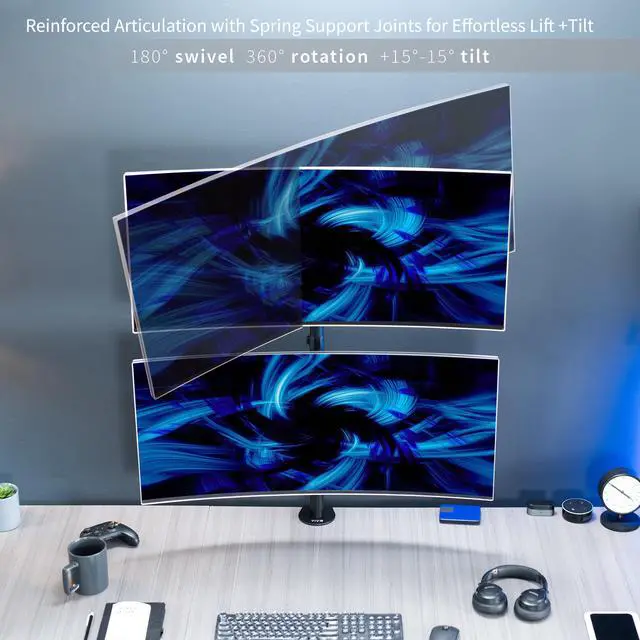
    • Articulation and Height Adjustment: Adjustable mount offers +15° to -15° tilt, 180° swivel, 360° rotation, and height adjustment along the center pole for optimal viewing angles
    • Detachable VESA Plates: Mounting your ultra wide monitors is made easier with the detachable VESA plates, and all instructions and hardware are provided for proper assembly
    • Integrated Cable Management: Keep your power and AV cords clean and organized with cable clips on the center pole
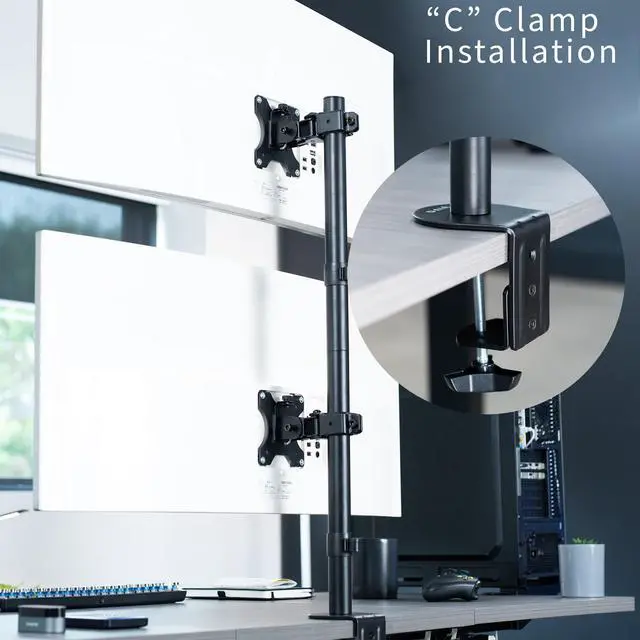
    • Drill-Free Mounting: This product secures to your surface of choice up to 3.3 thick via a heavy-duty C-clamp, or use the equally sturdy optional grommet mount (up to 3 thick) to suit your preferred layout
    +
    +
    Overview
    Specs
    Reviews (1)

    Any questions? Ask CelesteSM will help you find out quickly.

    Clear up desk space by consolidating 2 ultrawide monitors on a single stand in a vertically stacked array with the Dual Ultrawide Vertical Monitor Desk Mount (STAND-V200R) from VIVO! Features include smooth articulation for comfortable viewing angles, integrated cable management for neatly routed cords, and height adjustment along the center pole for customized screen placement. Made of high-grade steel and aluminum, this stand fits ultrawide monitors up to 45 in size and 25 lbs in weight. Every joint is able to be tightened, so you can make your screen setup as fluid or stationary as desired.

    Compatibility

    • Screen Size: Up to 45 Ultrawides (x2)
    • Screen Types: Flat and Curved
    • VESA Standard: 75x75mm and 100x100mm
    • Mounting Options: Heavy Duty C-clamp, Grommet
    • Desktop Thickness (C-clamp): 0.4 to 3.3
    • Desktop Thickness (Grommet): 0.4 to 3
    • Weight Capacity: 25 lbs per screen

    Specifications

    • Color: Black
    • Material: Aluminum, Steel, Plastic
    • Pole Height: 31.5
    • Articulation: +15° to -15° tilt, 180° swivel, 360° rotation
    • Height Adjustment: Provided along the center pole
    • Screen Placement: Portrait or Landscape Orientation

    Warranty & Returns

    Warranty, Returns, And Additional Information

    Warranty

    • Please contact the Seller directly for warranty information. Warranty information may also be found on the Manufacturer's website.
    • CONTACT

    Return Policies

    • Return for refund within: 30 days
    • Return for replacement within: 30 days
    • This item is covered by VIVO Return Policy

    Manufacturer Contact Info

    LOADING...

    The VIVO Dual Ultrawide Monitor Desk Mount is a vertically stacked stand for two monitors up to 45 inches and 25 pounds each, suited to people who want a space-saving dual-ultrawide setup with adjustable viewing angles.

    Recommended For

    • Desk-space-conscious users who want two ultrawide monitors stacked vertically instead of occupying more desk width.
    • Work-from-home users who keep active work on the lower screen and supporting material—such as email, chat, research, or dashboards—on the upper screen.
    • Gamers or streamers who want a main ultrawide in front of them and a second screen above it for chat, monitoring, or other secondary content.

    Real-World Use Scenarios

    • For a desk setup that needs two ultrawides but has limited space side to side, stack the screens vertically; the mount consolidates them on one desk clamp, leaving more of the desktop open.
    • For work that involves coding or research, keep the active task on one screen and put documentation, reference pages, or chat on the other; this makes it easier to keep supporting information visible without replacing the main workspace.
    • For gaming, use one display as the main game screen and the other for guides, messages, or friends lists; supporting apps stay visible without taking space away from the game on the primary screen.
    • For streaming or recording, use one screen for the game or main application and the other for chat or stream controls; the stacked layout keeps those tools on a separate display rather than covering the main view.
    • For switching between focused work and gaming, assign the lower display to the activity needing sustained attention and use the upper one for less frequently checked windows; community users describe this pattern, though frequent viewing of a high-mounted screen may be uncomfortable.