




 here!
I’m your shopping assistant for PC builds, upgrades, and everything tech.
Got questions? Ask away!
Start a conversation
here!
I’m your shopping assistant for PC builds, upgrades, and everything tech.
Got questions? Ask away!
Start a conversation



Any questions? Ask CelesteSM will help you find out quickly.
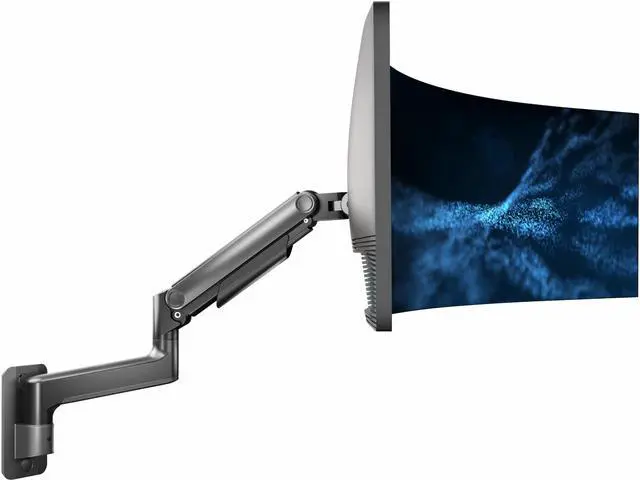
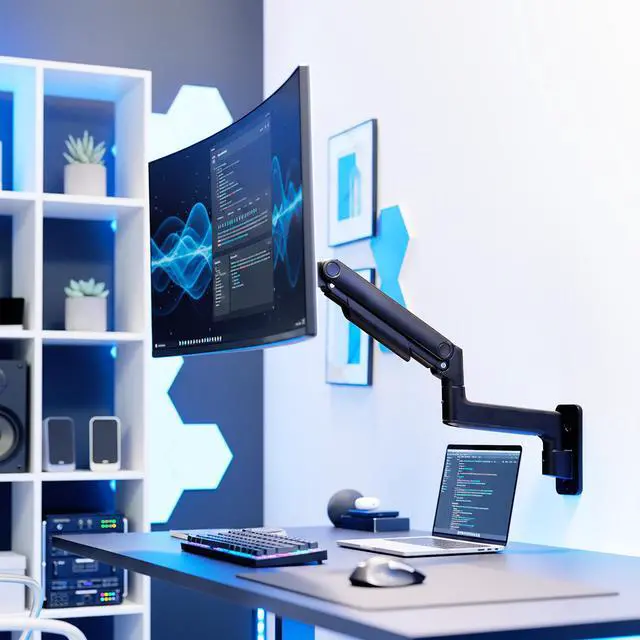
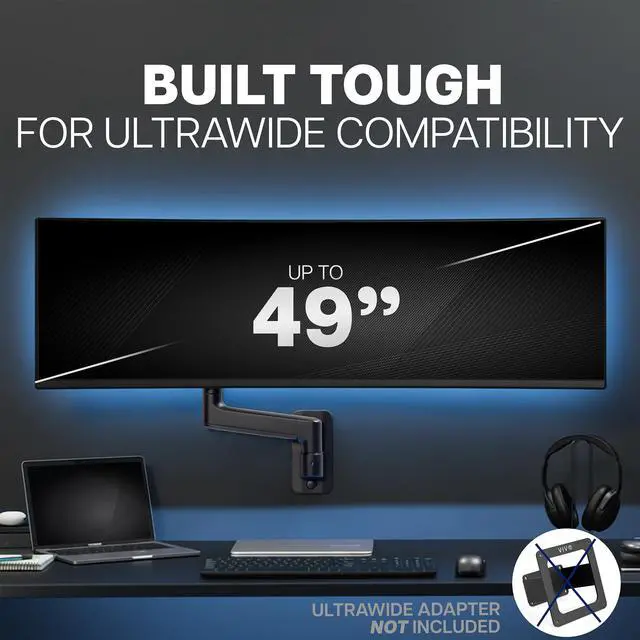
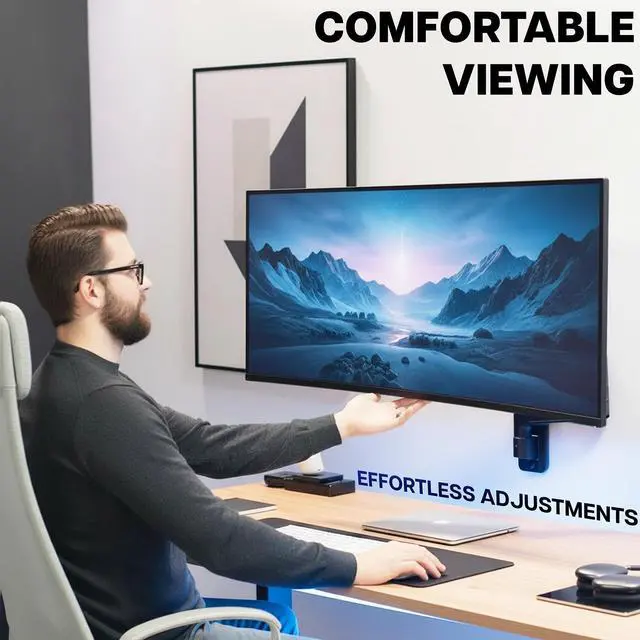
Enhance your work experience with the Single Ultrawide Monitor Wall Mount (MOUNT-V101V) from VIVO! This premium mount perfectly counterbalances the weight of your 17 to 49 monitor (up to 44 lbs) for optimal ergonomic positioning. Featuring high-quality steel and aluminum construction, flexible joints, screen articulation, smooth height adjustment, integrated cable management, and more, this monitor arm is ready to transform your workspace. All hardware and instructions are provided for assembly and wall mounting, so you can experience your new screen display in no time!
Compatibility
Specifications
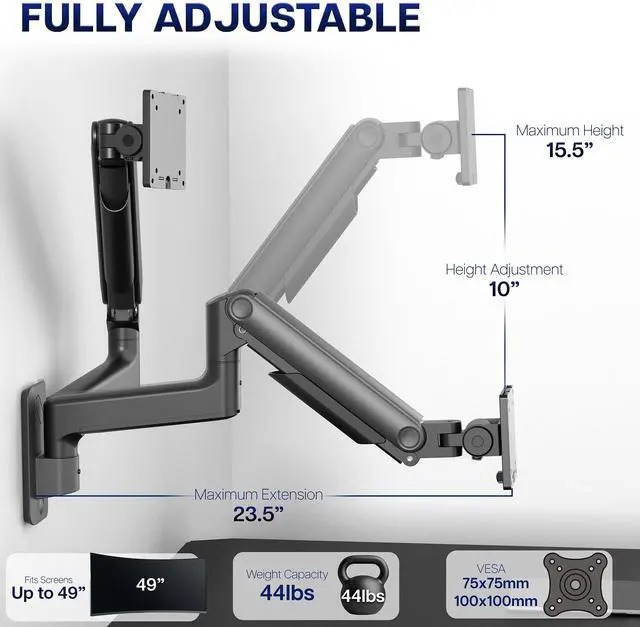
The VIVO Tension Arm Monitor Wall Mount is a spring-assisted wall mount for ultrawide monitors up to 49 inches and 44 pounds, suited to users who want adjustable positioning for a large display with compatible 75×75 mm or 100×100 mm VESA holes.
| Attribute | Value |
|---|---|
| Best For | Wall-mounting a single monitor up to 49 inches, with height-adjustable articulation |
| Monitor Compatibility | Supports monitors up to 44 pounds with a 100 × 100 mm VESA hole pattern |
| Movement And Adjustment | Articulating, height-adjustable arm with a maximum tilt angle of 50 degrees |
| Construction And Color | Steel, aluminum, and plastic construction in black |
| Dimensions | 23.5 L × 4.5 W × 15.5 H inches |
| Model Identifiers | VIVO MOUNT-V101V |
Q: VIVO MOUNT-V101V or MOUNT-VW49U for a 49-inch ultrawide?
A: Choose the MOUNT-V101V for smooth height adjustment and an articulating arm that extends up to 23.5 inches from the wall. Choose the MOUNT-VW49U for a low-profile setup with a sliding VESA bracket and support for additional VESA patterns, including 200x400mm. Both support monitors up to 49 inches and 44 pounds.
Q: Should I choose the VIVO MOUNT-V101V or MOUNT-VW01M?
A: Choose the MOUNT-V101V for counterbalanced height adjustment, up to 23.5 inches of extension, and 360-degree screen rotation. Choose the MOUNT-VW01M for an articulating wall mount that extends up to 10.5 inches. Both support ultrawide monitors up to 49 inches and 44 pounds.
Q: VIVO MOUNT-V101V or STAND-V100C for an ultrawide monitor?
A: Choose the MOUNT-V101V to attach the monitor to a wall and adjust its position with a counterbalanced arm. Choose the STAND-V100C for a desk-mounted setup using a C-clamp or grommet, with height adjustment along its center pole. Both support ultrawides up to 49 inches and 44 pounds.
Q: How does the VIVO MOUNT-V101V compare with the MOUNT-V101G1?
A: Both are counterbalanced wall mounts for ultrawide monitors up to 49 inches and 44 pounds. Choose the MOUNT-V101V for its +50° to -20° tilt range and 10-inch height adjustment; choose the MOUNT-V101G1 for its 13-inch pneumatic height-adjustment range and +45° to -30° tilt range.
Q: Will this mount fit my 49-inch ultrawide monitor?
A: It can fit a monitor up to 49 inches if the screen weighs no more than 44 lb and has a 75 × 75 mm or 100 × 100 mm VESA mounting pattern. Check your monitor’s weight and VESA specifications before buying; screen size alone does not confirm compatibility.
Q: Can I mount it directly to drywall?
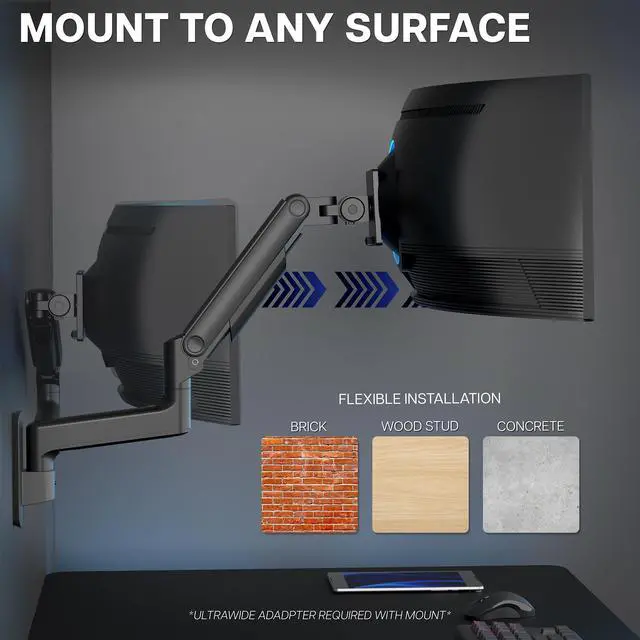
A: No. The mount should be attached to a wood stud or a concrete or brick wall, using the appropriate included hardware. Do not install it on drywall alone.
Q: Can I adjust the monitor’s position after installation?
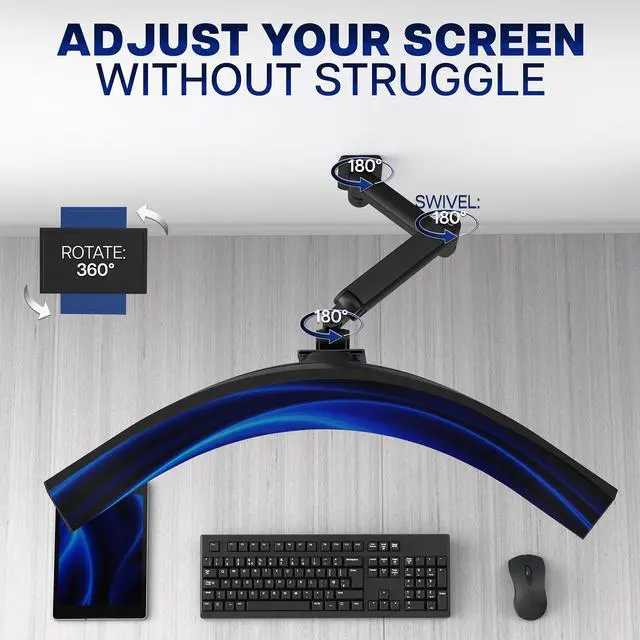
A: Yes. The arm supports height adjustment and offers +50° to −20° tilt, 180° swivel, and 360° rotation, so you can change the screen’s position and viewing angle after mounting.
Q: Is this mount a good choice for a heavy ultrawide?
A: It is designed for ultrawide screens up to 49 inches and 44 lb. The spring-assist arm is intended to counterbalance the monitor for height adjustment. It may not be suitable if your monitor exceeds either limit or does not use a supported VESA pattern.
Q: Can this mount support a 49-inch ultrawide?
A: It is specified for screens up to 49 inches and 44 lb. Check that your monitor is within the weight limit and has a 75×75 mm or 100×100 mm VESA pattern; Reddit users also emphasize checking the exact mount’s capacity rather than relying on screen size alone.
Q: Can I install it on drywall without finding a stud?
A: No. The product information says not to install it on drywall alone. Reddit discussion about this VIVO wall mount also points to fastening it securely into a stud. Follow the included instructions for the wall type and hardware.
Q: Is a VIVO wall mount a practical option for getting a 49-inch monitor off the desk?
A: It may suit a setup where freeing desk space is the goal and the wall can support a proper installation. Reddit users discuss choosing a VIVO mount for a 49-inch ultrawide, while also weighing lower-cost mounts against more expensive alternatives. Confirm the specific monitor’s weight and fit before buying.


