• $69.99
  • Free 30-day Returns
  • Price alert
    Add to wish list(Found on 1 wish list)
    Shop it at NeweggBusiness.

    Meet Your Seller

    English Version Computer Temp Monitor, PC Sensor Panel Display, PC Temperature Display for PC ARGB Computer Case Secondary Screen, IPS USB Mini Screen PC CPU RAM HDD Data Monitor

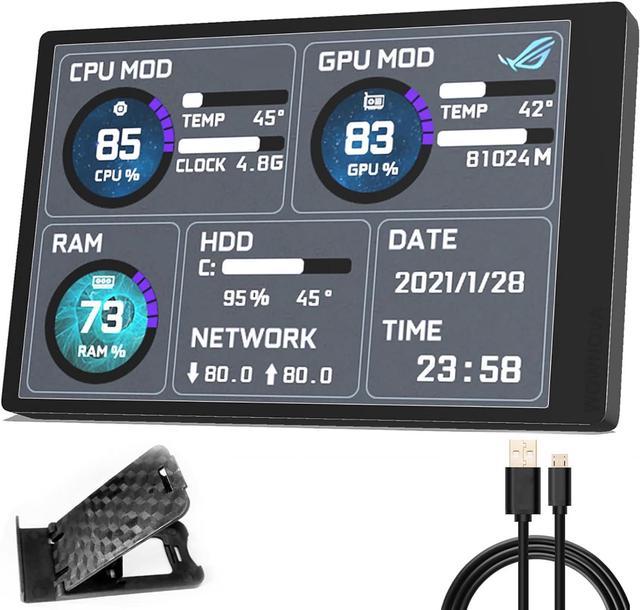
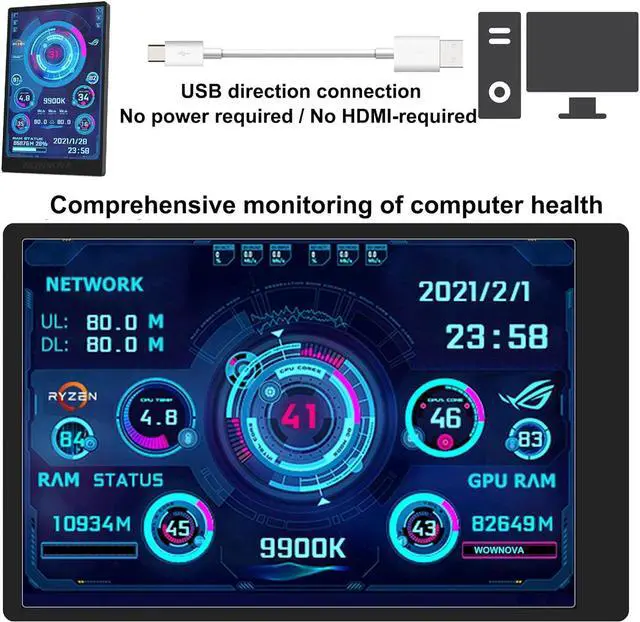
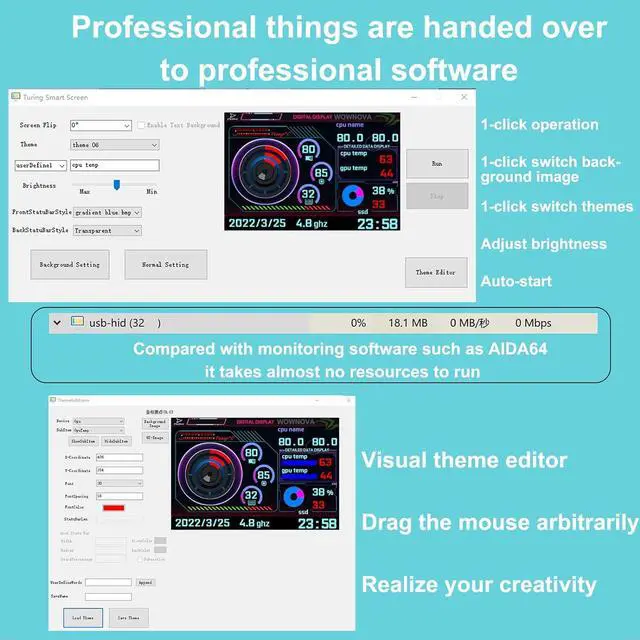
    • The PC Temperature Display works creat with our English version software. You can use this with our software as a "second monitor" to view computer's Temperature and usage of CPU, GPU ,RAM and HDD Data etc.
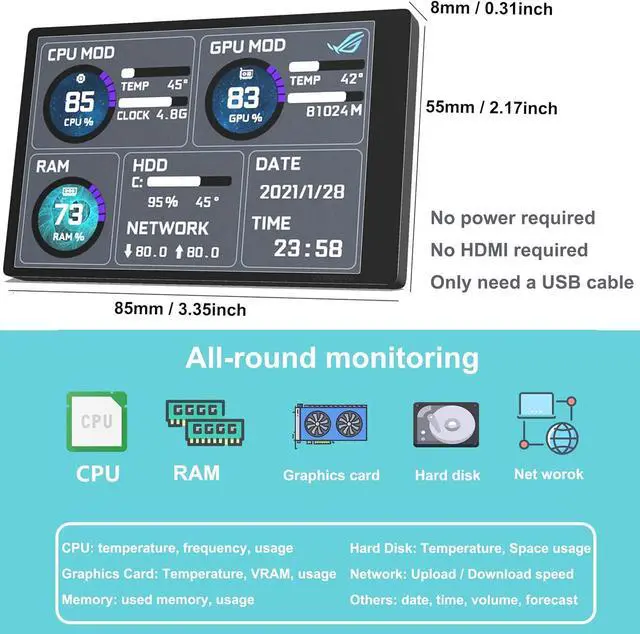
    • Our Computer Temp Monitor only needs the single USB-C cable so it can be mounted completely internally off a usb header without the need of a port on the GPU which is a huge plus to you. No HDMI required, no power required.
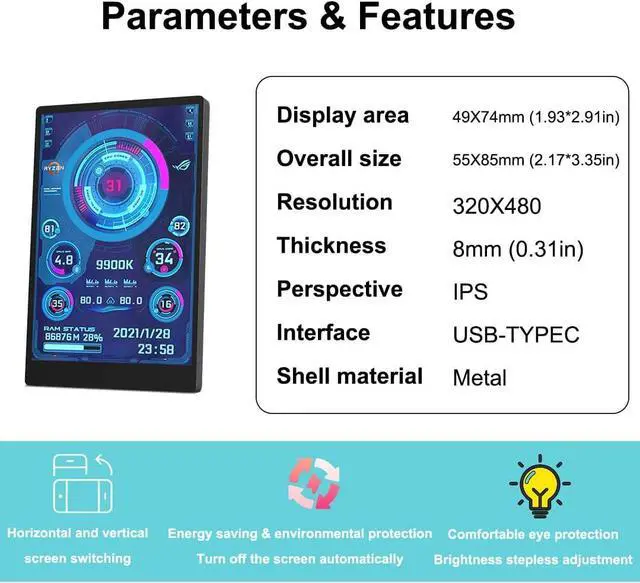
    • IPS full view. 3.5inch mini screen. Display area: 1.93*2.91". Overall size: 2.17*3.35". Resolution: 320*480. Thickness: 0.31". Shell material: metal
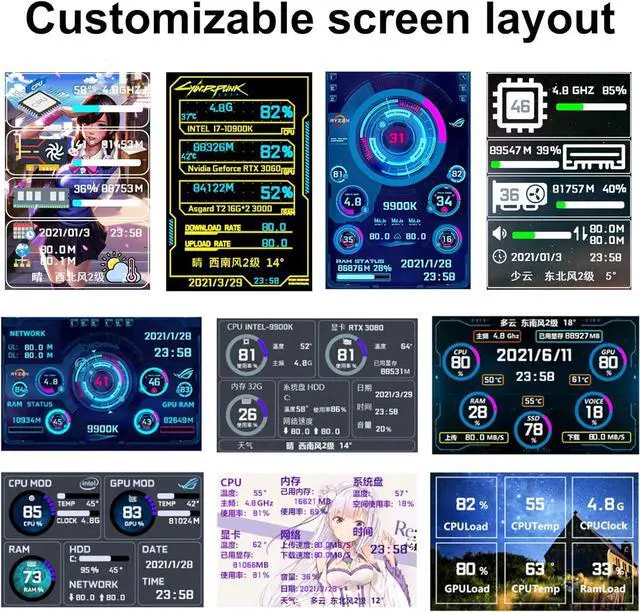
    • Customizable screen layout. Horizontal and vertial screen switching. Visual theme editor: drag the mouse arbitarily to realize your creativity. Energy saving & environmental protection. Turn off the screen automatically and Comfortable eye protection Brightness adjustment.
    • We respect and value each customer's product and service satisfaction. We want to offer you premium products for a Long-Lasting Experience.
    +
    +
    Overview
    Specs
    Reviews
    Q&A

    1.
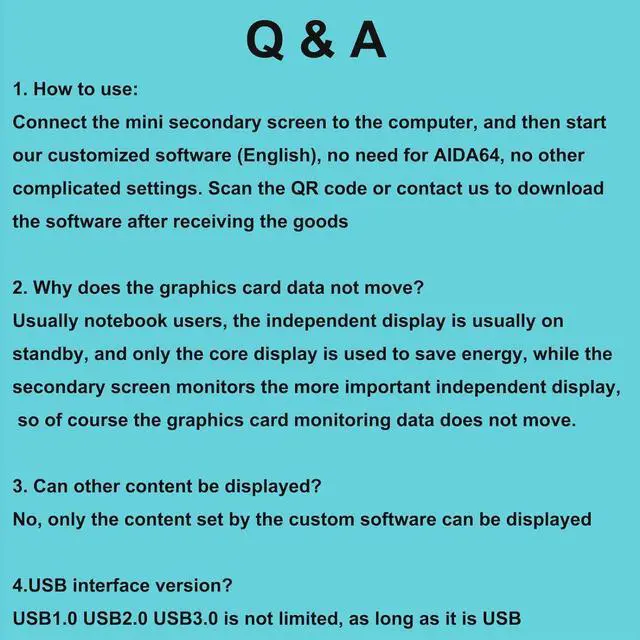
    How to start: (No need for AIDA64)

    A. Please unzip our software zip file to a folder

    B. Connect to computer via data cable Right-click Usb Monitor. exe and click run as administrator"

    C. Select Theme Click Run"

    2. Why does the graphics card data not move?

    Usually notebook users, the independent display is usually on standby, and only the core display is used to save energy, while the secondary screen monitors the more important independent display, so of course the graphics card monitoring data does not move.

    3. Can other content be displayed?

    No, only the content set by the custom software can be displayed

    4. USB interface version?

    USB 1.0, USB 2.0, USB 3.0 are not limited, as long as it is USB

    5. HOW TO AUTO START?

    Please note that it can auto-start: click Normal Setting Click Auto Start Click Save

    6. Detailed reading of the manual and operation video can help you solve most of the issues. Any issues cannot be solved, please contact WOWNOVA directly.

    Warranty & Returns

    Warranty, Returns, And Additional Information

    Warranty

    • Please contact the Seller directly for warranty information. Warranty information may also be found on the Manufacturer's website.
    • CONTACT

    Return Policies

    Manufacturer Contact Info

    LOADING...