




 here!
here!
I’m your shopping assistant for PC builds, upgrades, and everything tech.
Got questions? Ask away!
Start a conversation
here!
I’m your shopping assistant for PC builds, upgrades, and everything tech.
Got questions? Ask away!
Start a conversation



Any questions? Ask CelesteSM will help you find out quickly.


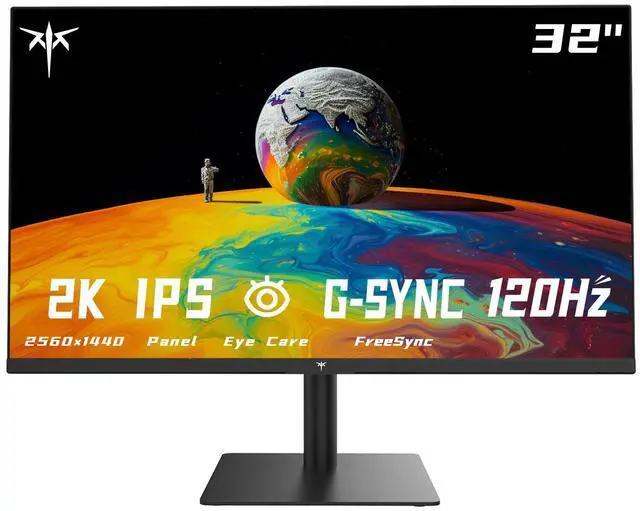
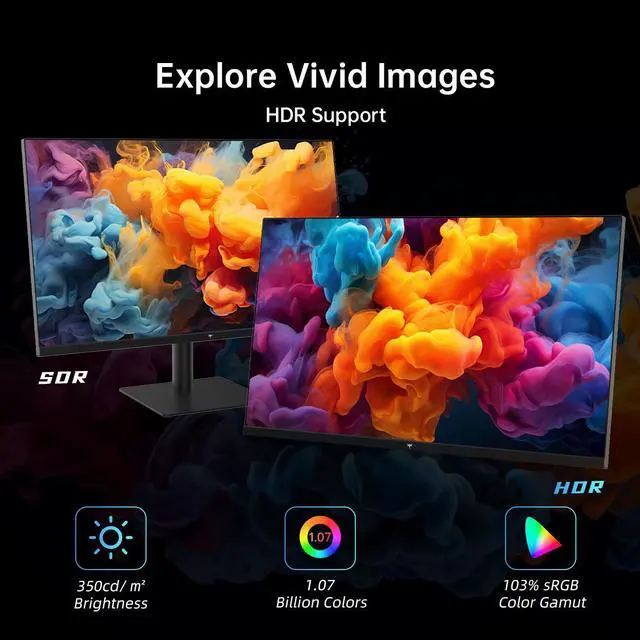
The KTC H32T13 is a 32-inch 1440p IPS monitor with a 100Hz refresh rate, up to 120Hz support, HDR10, and 103% sRGB coverage. It suits office work, content editing, casual gaming, and users who want a large, detailed screen with smooth motion and comfortable viewing features.
| Attribute | Value |
|---|---|
| Best For | Business, office, and casual gaming use |
Q: KTC H32T13 vs LG 32QN600-B: which 32-inch QHD monitor is better for gaming and work?
A: Choose the KTC H32T13 if you want a larger 32-inch IPS workspace with a higher advertised refresh rate of 100Hz, up to 120Hz, plus FreeSync/G-Sync support for casual gaming. Choose the LG 32QN600-B if a 75Hz refresh rate is sufficient and you prefer a straightforward 32-inch QHD IPS office monitor. Both models provide 2560×1440 resolution, IPS panels, approximately 350-nit brightness, HDR support, and wide viewing angles. Independent testing indicates that the H32T13’s HDR effect is limited by its brightness, so its main gaming advantage is refresh rate and adaptive sync rather than high-impact HDR. ([ca.ktcplay.com](https://ca.ktcplay.com/products/32-inch-flat-120hz-office-monitor))
Q: Should I buy the KTC H32T13 or a 27-inch QHD monitor such as the BenQ GW2790Q?
A: Choose the KTC H32T13 when screen size and workspace are more important than compactness. Its 32-inch 2560×1440 panel provides a larger physical work area for documents, multitasking, and games. Choose the BenQ GW2790Q when you want the same QHD resolution on a smaller 27-inch screen, which produces higher pixel density and generally fits better on a shallow desk. The BenQ also adds Brightness Intelligence eye-care features, while the KTC offers a larger panel, 350-nit brightness, and a higher advertised refresh rate of up to 120Hz versus BenQ’s 100Hz. ([ca.ktcplay.com](https://ca.ktcplay.com/products/32-inch-flat-120hz-office-monitor))
Q: Is the KTC H32T13 a better value than a premium 32-inch 4K monitor such as the Dell G3223Q?
A: Choose the KTC H32T13 for everyday work, streaming, and casual gaming when 1440p resolution and a large screen are enough. Choose the Dell G3223Q when you need substantially higher image detail, 4K resolution, 144Hz gaming, HDMI 2.1, USB connectivity, height adjustment, and stronger HDR brightness. The KTC is easier to drive at 2560×1440, while the Dell requires more graphics performance to take full advantage of 4K at high refresh rates. ([ca.ktcplay.com](https://ca.ktcplay.com/products/32-inch-flat-120hz-office-monitor))
Q: KTC H32T13 vs ASUS TUF VG32AQL1A: which should I choose for faster gaming?
A: Choose the ASUS VG32AQL1A for performance-first gaming because it offers a Fast IPS panel, up to 170Hz refresh rate, 1ms response time, and 400-nit HDR peak brightness. Choose the KTC H32T13 for office work, media, and casual gaming when 100Hz or up to 120Hz is sufficient and you prefer a simpler 32-inch QHD monitor. Both use a 31.5- to 32-inch class IPS panel at 2560×1440, but the ASUS provides more gaming-oriented headroom and a broader DCI-P3 color specification. ([ca.ktcplay.com](https://ca.ktcplay.com/products/32-inch-flat-120hz-office-monitor))
Q: Is this monitor good for office work, note-taking, and meetings?
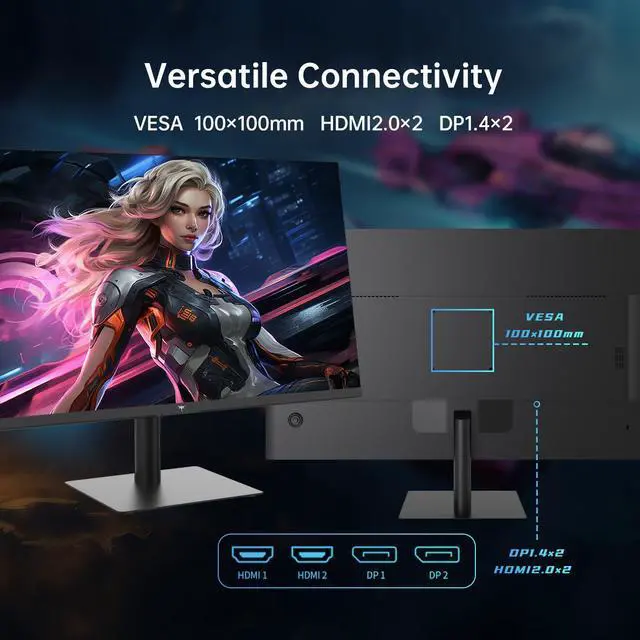
A: Yes. The 32-inch 2560 x 1440 IPS display provides a large workspace for documents, spreadsheets, research, and side-by-side windows. It supports HDMI and DisplayPort connections, but the product information does not list a built-in webcam, microphone, speakers, or USB-C input, so meetings may require separate peripherals or a compatible dock.
Q: Is this monitor suitable for gaming?
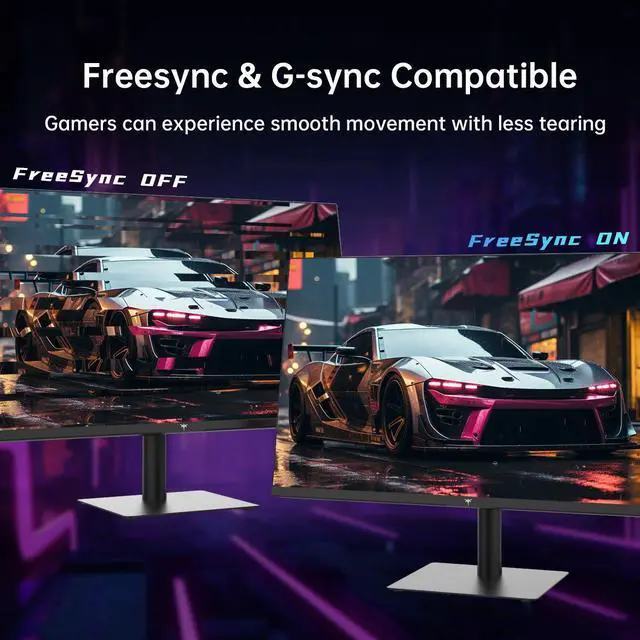
A: It is suitable for casual gaming and general PC gaming. The IPS panel, 1440p resolution, 100Hz refresh rate, support for up to 120Hz, and FreeSync/G-Sync compatibility are designed to provide smoother motion and reduce tearing. Competitive players seeking the lowest response latency or much higher refresh rates may prefer a specialized esports monitor.
Q: Can I connect this monitor to a laptop, Mac, or docking station?
A: Yes, if the laptop, Mac, or docking station provides a compatible HDMI or DisplayPort output. The monitor does not list USB-C input, so a laptop with only USB-C video output will need a USB-C-to-HDMI or USB-C-to-DisplayPort adapter, or a dock with HDMI or DisplayPort.
Q: Does the stand adjust for height or only tilt?
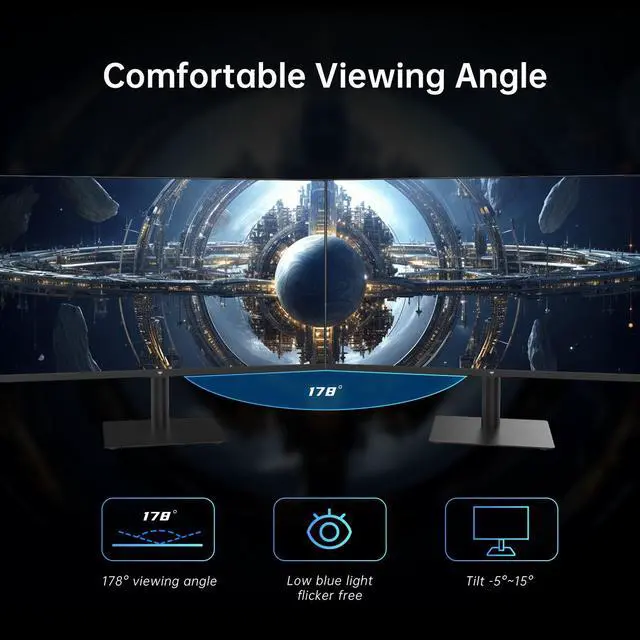
A: The listed product information specifies tilt adjustment but does not state that the included stand supports height, swivel, or pivot adjustment. Buyers who need precise desk-height positioning should verify the manual or consider a compatible monitor arm if VESA mounting is supported; VESA compatibility is not confirmed in the provided specifications.
Q: Is the KTC H32T13 a good choice for office work and general productivity?
A: Yes, it is suited to office work, browsing, and multitasking if you want a large 32-inch workspace. Its 2560 x 1440 resolution, IPS panel, 100Hz refresh rate, and tilt-adjustable stand support general productivity. Reddit discussion also describes a KTC 32-inch 1440p IPS monitor being used successfully for office tasks. ([reddit.com](https://www.reddit.com/r/Monitors/comments/1kq45bw?utm_source=openai))
Q: Is 32-inch 1440p sharp enough, or should I buy a 4K monitor instead?
A: The H32T13 provides roughly the same pixel density as a 24-inch 1080p monitor, so it is suitable for everyday work but will not look as sharp as a 27-inch 1440p or 32-inch 4K display. Reddit discussions show mixed opinions: some users consider 32-inch 1440p acceptable, while others prefer 4K at this size. Choose it for screen size and value rather than maximum text sharpness. ([reddit.com](https://www.reddit.com/r/Monitors/comments/1n3moyq?utm_source=openai))
Q: Can the KTC H32T13 reliably deliver 120Hz on a PS5?
A: Not necessarily. The product is rated for 100Hz, with up to 120Hz listed as an overclocked or boosted mode, and Reddit users report that PS5 output can fall back to 60Hz depending on the monitor, game, connection, and console compatibility. It is a safer choice for PC use, where 1440p at 100Hz or 120Hz can be easier to configure, than for buyers specifically seeking guaranteed PS5 120Hz performance. ([reddit.com](https://www.reddit.com/r/techsupport/comments/1stzpep/trying_to_get_120hz_on_monitor_from_ps5/?utm_source=openai))
Q: Is the KTC H32T13 suitable for competitive gaming?
A: It is better suited to casual gaming than to competitive gaming. The 1440p IPS panel, adaptive sync support, and 100Hz refresh rate can support smooth everyday gameplay, but the monitor is not positioned as a high-refresh esports display. Reddit discussion about a KTC 32-inch 1440p 120Hz monitor also reports concerns about ghosting, lag, and motion clarity, so competitive players should prioritize independently verified response-time performance. ([reddit.com](https://www.reddit.com/r/simracing/comments/1vglwfa/should_i_upgrade_to_32inch_triples_from_27inch/?utm_source=openai))


