



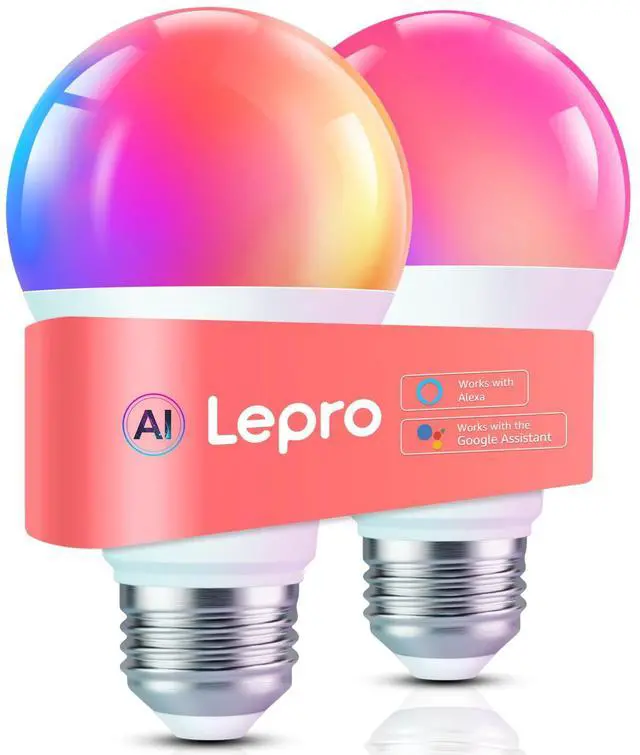



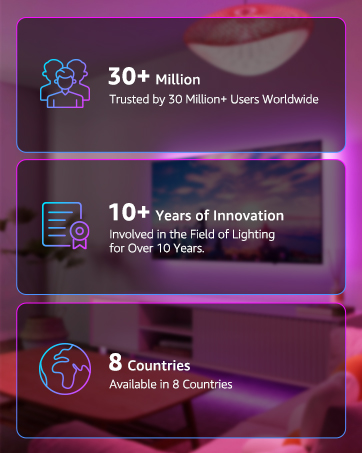
Since 2012, Lepro leads in LED lighting innovation, delighting 30+ million customers worldwide.
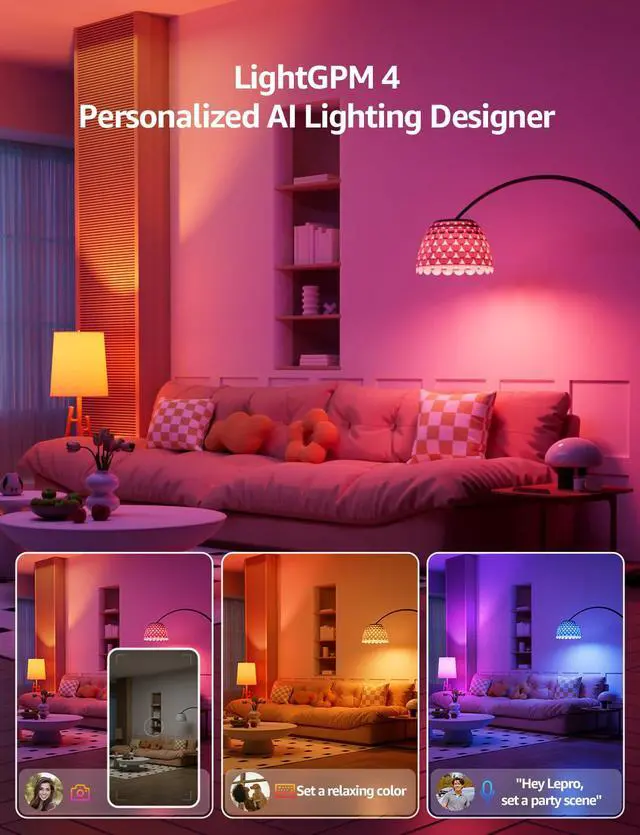
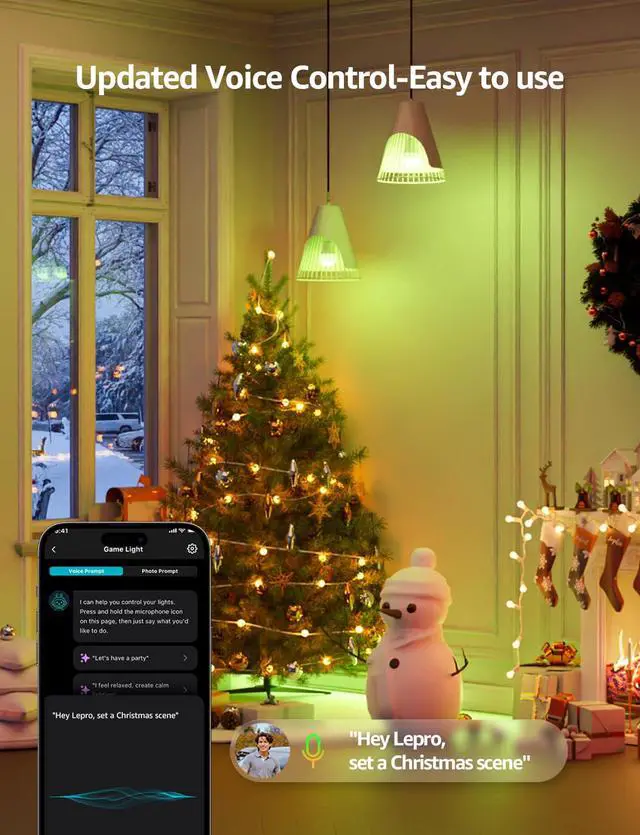
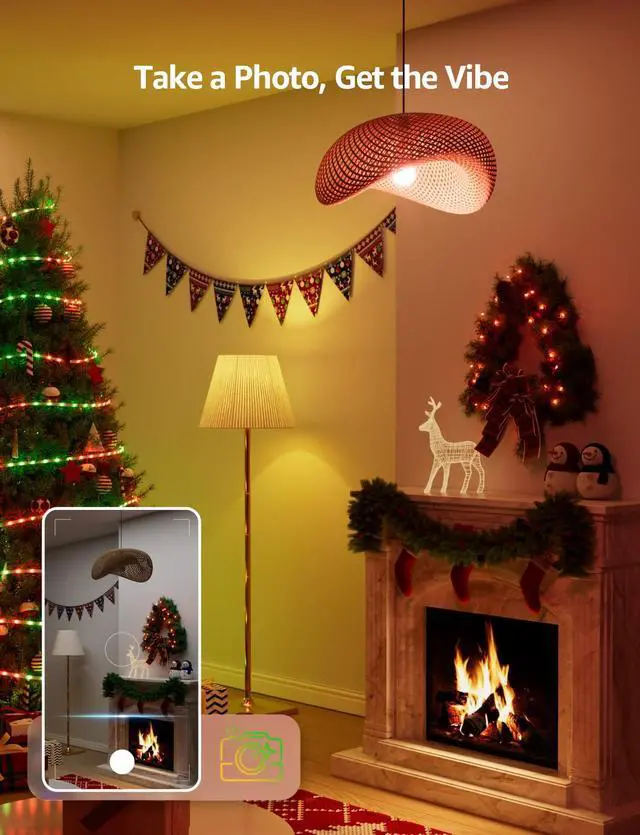
As AI lighting pioneer and leader since the 2020s, Lepro' AI generated lighting model LightGPM can generate lighting effects that adapt to human prompts, such as moods, emotions, commands and so on.
Beyond lighting, Lepro extends to smart home tech with products like intelligent cameras, speaker and so on.
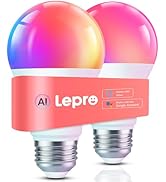
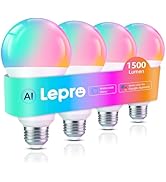
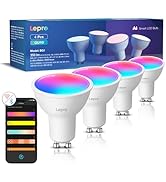
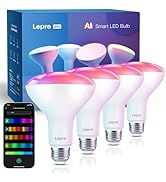
AI Bulbs
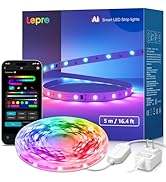
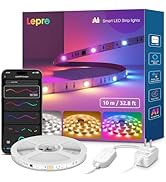
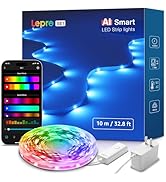
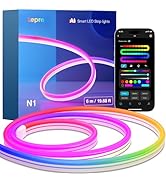
AI Strip Light & AI Neon Light
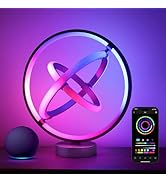
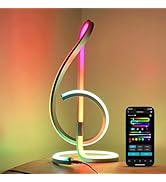
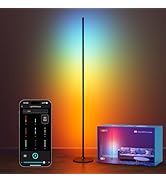
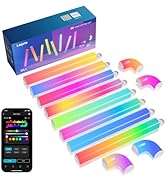
AI Table Lamps & Floor Lamp
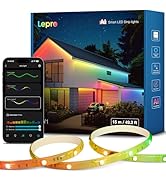
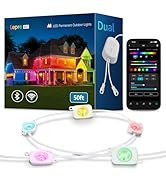
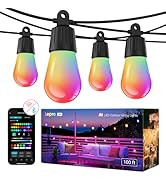
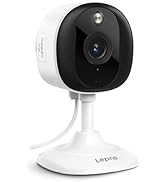
Outdoor Lights & Camera
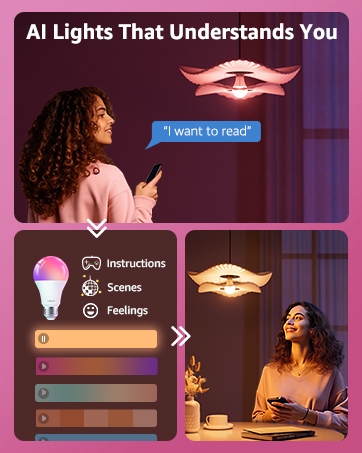
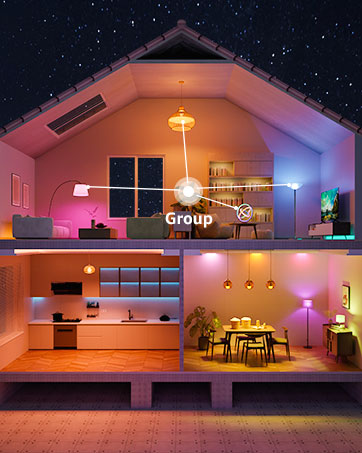


Edit LightGPM's lighting designs to match your preferences,without starting from scratch
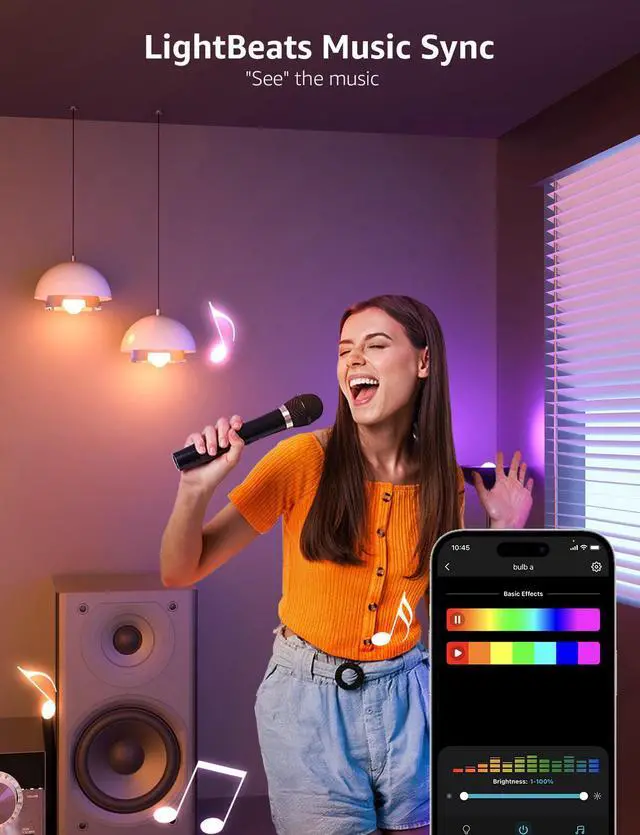
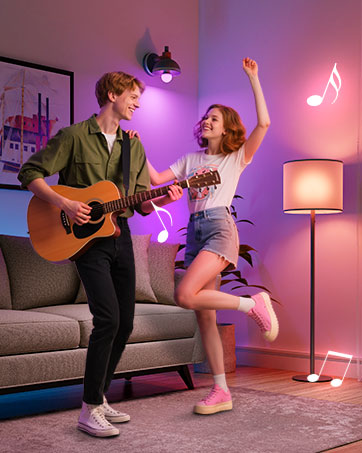
Lights flow with music beats
LightBeats enhances the user experience by blending auditory and visual rhythms.


Setup Guide
- Download the Lepro app and register your account.
- Please turn on your phone’s Bluetooth and WiFi.
- Please turn on the light switch to activate the bulb (it will flash blue).
- Add the bulb to your Lepro+ device, and then you can start your magical lighting experience!
Steps to Enable Alexa
Note:
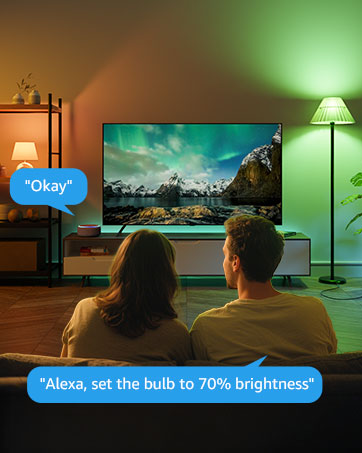
- Please ensure the bulb is connected to the Wi-Fi network before using Alexa to control it.
- After Account Linking, if your device is not found in Alexa, perform a 'discover devices' operation by simply stating "discover devices" using voice commands. Then Alexa will proactively refresh the devices associated with the skill.


FAQ


Since 2012, Lepro leads in LED lighting innovation, delighting 30+ million customers worldwide.
As AI lighting pioneer and leader since the 2020s, Lepro' AI generated lighting model LightGPM can generate lighting effects that adapt to human prompts, such as moods, emotions, commands and so on.
Beyond lighting, Lepro extends to smart home tech with products like intelligent cameras, speaker and so on.
AI Bulbs
AI Strip Light & AI Neon Light
AI Table Lamps & Floor Lamp
Outdoor Lights & Camera