




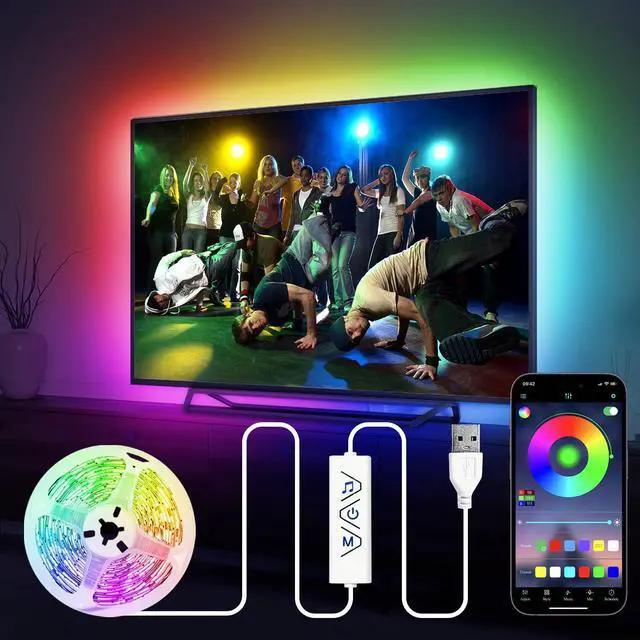
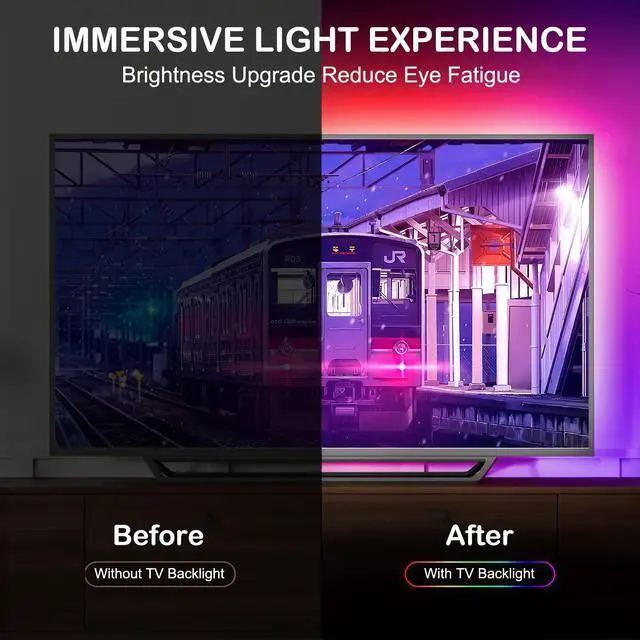
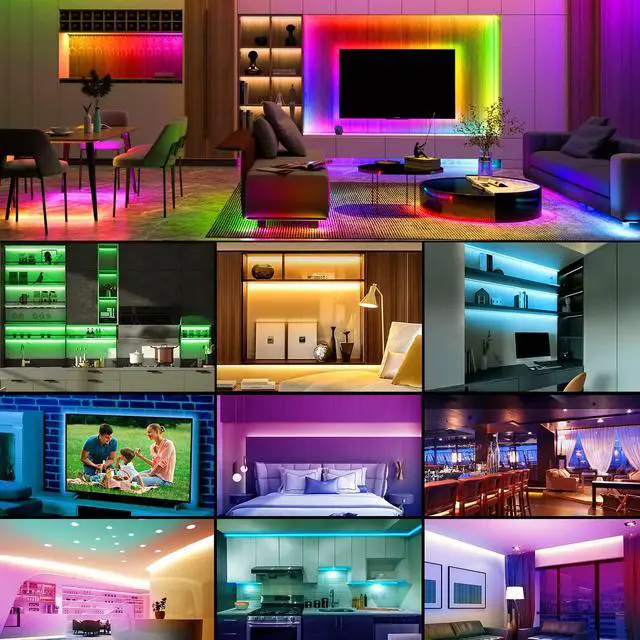


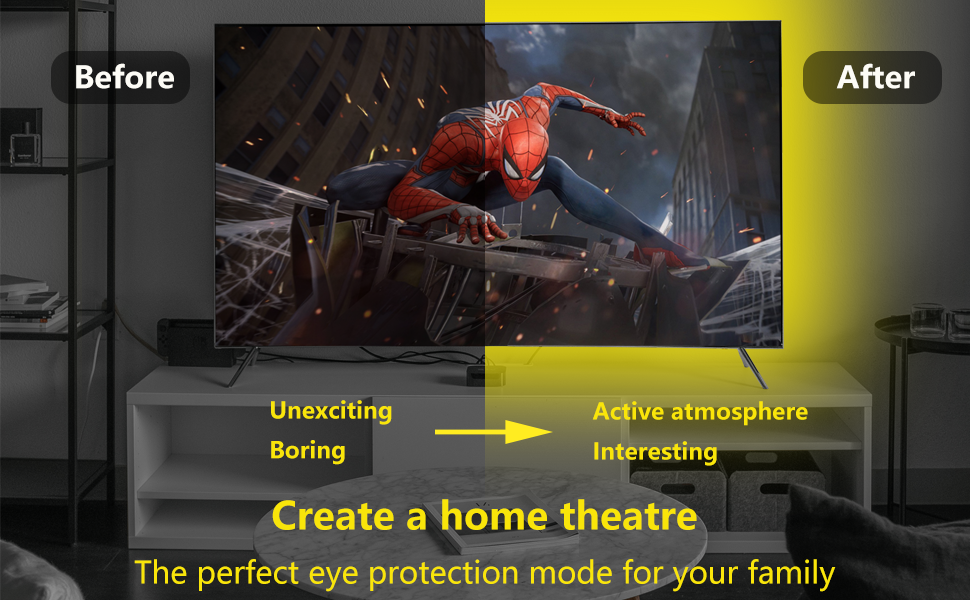
HOUHUI 13ft RGB LED Strip Lights for 32-75 inch TV Backlight, creating a home theater-like enjoyment for your family.
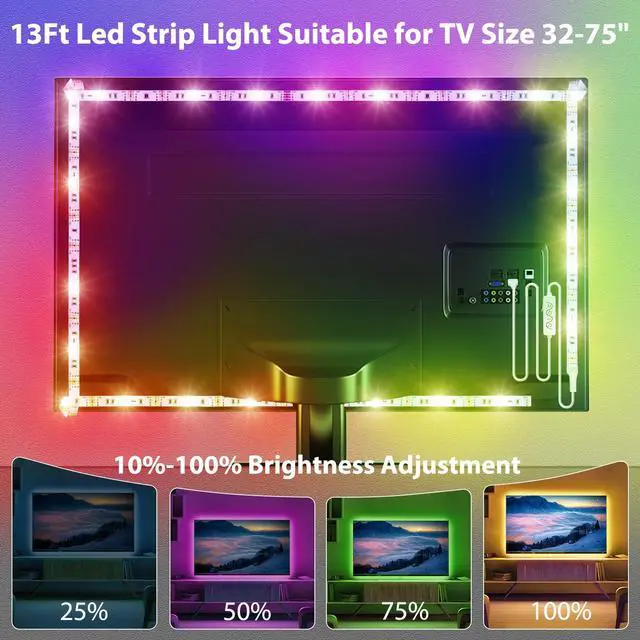
- 13Ft/4M - 13ft USB LED Strip Lights is designed for 32-75Inch TVs.
- RGB Colors - 16 million static colors and 28 dynamic modes to choose from, making TV pictures and movies more vivid.
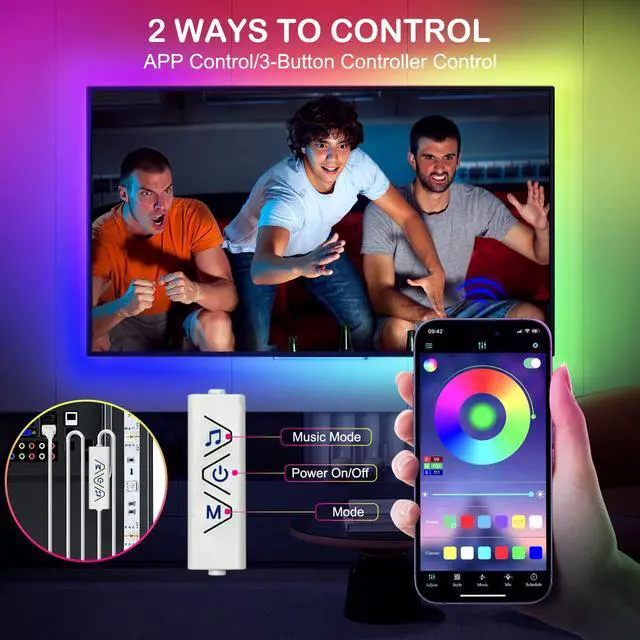
- Two Control Ways - "duoCo Strip" APP or 3-buttons controller.
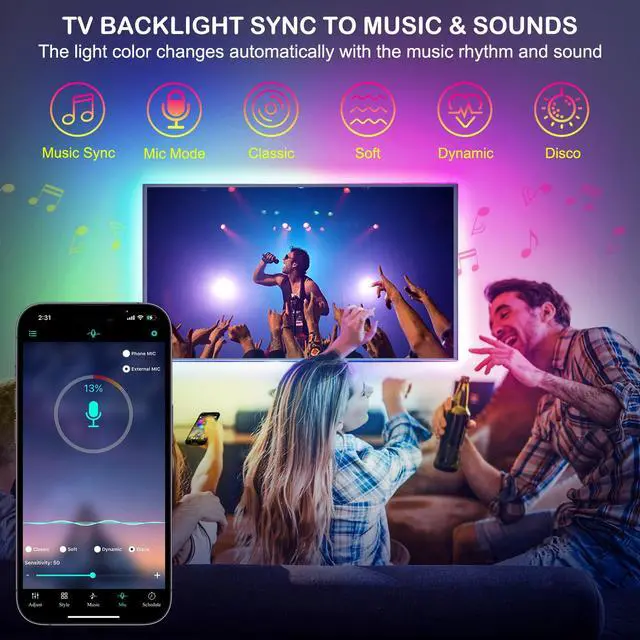
- Music Sync - Built-in sensitive microphone, led lights color will change with the the rhythm of the sound and music.
- Timer Settings - it can be set turn on or off at a specific time.
- 10%-100% Brightness Adjustment - easily adjust brightness through APP and 3-buttons controller.
- Memory Function - it keeps the last setting when it is turned on again.
- Easy to Install - with strong double-sided tape on the reverse, it can be easily secured in the mounting surface.
- USB Powered Design - plug and play.
- Safe to Use - working voltage is 5V USB, extremely low heat, touchable and safety for children.
- Multi Applications - TV backlight, monitor, PC screen, Accent lighting, Kitchen lighting, led under cabinet light, Mirror back lighting, desk lighting, shelf lights, etc.

App Control TV LED Backlight, no need to worry about the TV remote control interfering with the led light strip.
? How to connect the RGB led strip lights on the App?
- Step1: Please download “ duoCo Strip” or "Lotus Lantern" APP.
- Step2: Please make sure your phone is Bluetooth enabled.
- Step3: Then strip lights automatically connect to the APP.
? How do I add my own music to the app?
- If you are an Android user, you just need to download music on your phone, then open the app, and you will see the downloaded music automatically synced to the app.
- If you are an iOS user, you need to import your favorite music to the local music on your phone through iTunes on your computer.
- Step 1: Download iTunes on your computer, then select your favorite music and download it on the same computer.
- Step 2: Connect your phone to your computer and import all the music you downloaded in the first step to your phone via iTunes.
- Step 3: Open the app and you will see the downloaded music automatically synced to the app.
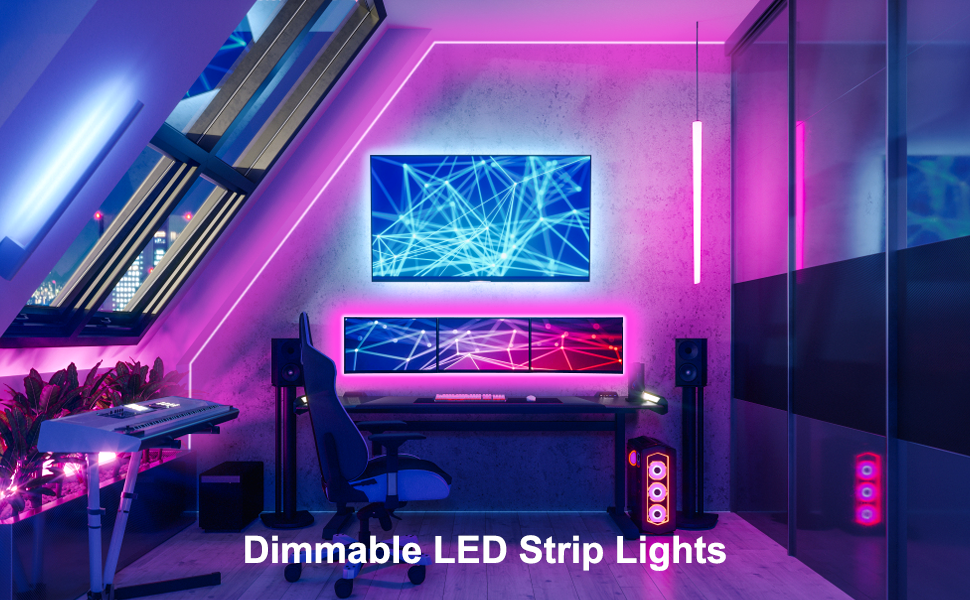
Dimmable RGB LED Lights Strip for TV/PC/Moniton Behind
? Specification:
- Length: 13ft/4m
- Width: 10mm
- LED Type: SMD 5050
- Color: RGB color
- Dimmable: Yes
- Two Control Ways: App and 3-buttons controller
- Working Voltage: USB 5V
- Non-Waterproof Design for indoor use
? Package List:
- 13ft rgb led strip lights with 3-button controller
? 5V USB Plug-in LED Strip Lights, Plug-and-Play.
- USB powered design, that will bring more convenience.
- Using 5V low voltage and very low heat generation, it can be touched and is safe for children.
- You can use it with the USB adapter, power bank, battery case, laptop, charger, audio device, tv, etc.

? Easy to Install
- Step 1: Test light strips before installation.
- Step 2: Clean the surface where you intend to affix the strip lights.
- Step 3: Peel off the double-sided adhesive tape.
- Step 4: Press and hold the light strip firmly against the surface.
- Step 5: Light up and set the led strip lights.
Diverse Applications
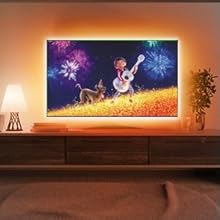
? TV LED Backlight
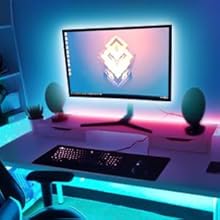
? Monitor Backlight

? LED Lights for Shelves

? Under Cabinet Lights

HOUHUI 13ft RGB LED Strip Lights for 32-75 inch TV Backlight, creating a home theater-like enjoyment for your family.
- 13Ft/4M - 13ft USB LED Strip Lights is designed for 32-75Inch TVs.
- RGB Colors - 16 million static colors and 28 dynamic modes to choose from, making TV pictures and movies more vivid.
- Two Control Ways - "duoCo Strip" APP or 3-buttons controller.
- Music Sync - Built-in sensitive microphone, led lights color will change with the the rhythm of the sound and music.
- Timer Settings - it can be set turn on or off at a specific time.
- 10%-100% Brightness Adjustment - easily adjust brightness through APP and 3-buttons controller.
- Memory Function - it keeps the last setting when it is turned on again.
- Easy to Install - with strong double-sided tape on the reverse, it can be easily secured in the mounting surface.
- USB Powered Design - plug and play.
- Safe to Use - working voltage is 5V USB, extremely low heat, touchable and safety for children.
- Multi Applications - TV backlight, monitor, PC screen, Accent lighting, Kitchen lighting, led under cabinet light, Mirror back lighting, desk lighting, shelf lights, etc.
App Control TV LED Backlight, no need to worry about the TV remote control interfering with the led light strip.
? How to connect the RGB led strip lights on the App?
- Step1: Please download “ duoCo Strip” or "Lotus Lantern" APP.
- Step2: Please make sure your phone is Bluetooth enabled.
- Step3: Then strip lights automatically connect to the APP.
? How do I add my own music to the app?
- If you are an Android user, you just need to download music on your phone, then open the app, and you will see the downloaded music automatically synced to the app.
- If you are an iOS user, you need to import your favorite music to the local music on your phone through iTunes on your computer.
- Step 1: Download iTunes on your computer, then select your favorite music and download it on the same computer.
- Step 2: Connect your phone to your computer and import all the music you downloaded in the first step to your phone via iTunes.
- Step 3: Open the app and you will see the downloaded music automatically synced to the app.
Dimmable RGB LED Lights Strip for TV/PC/Moniton Behind
? Specification:
- Length: 13ft/4m
- Width: 10mm
- LED Type: SMD 5050
- Color: RGB color
- Dimmable: Yes
- Two Control Ways: App and 3-buttons controller
- Working Voltage: USB 5V
- Non-Waterproof Design for indoor use
? Package List:
- 13ft rgb led strip lights with 3-button controller
? 5V USB Plug-in LED Strip Lights, Plug-and-Play.
- USB powered design, that will bring more convenience.
- Using 5V low voltage and very low heat generation, it can be touched and is safe for children.
- You can use it with the USB adapter, power bank, battery case, laptop, charger, audio device, tv, etc.
? Easy to Install
- Step 1: Test light strips before installation.
- Step 2: Clean the surface where you intend to affix the strip lights.
- Step 3: Peel off the double-sided adhesive tape.
- Step 4: Press and hold the light strip firmly against the surface.
- Step 5: Light up and set the led strip lights.
Diverse Applications
? TV LED Backlight
? Monitor Backlight
? LED Lights for Shelves
? Under Cabinet Lights