





aplus content video
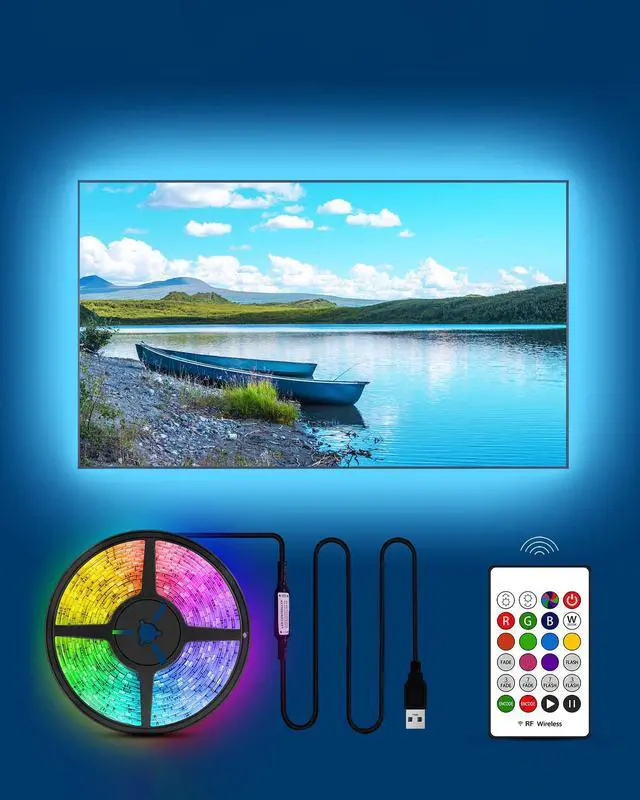
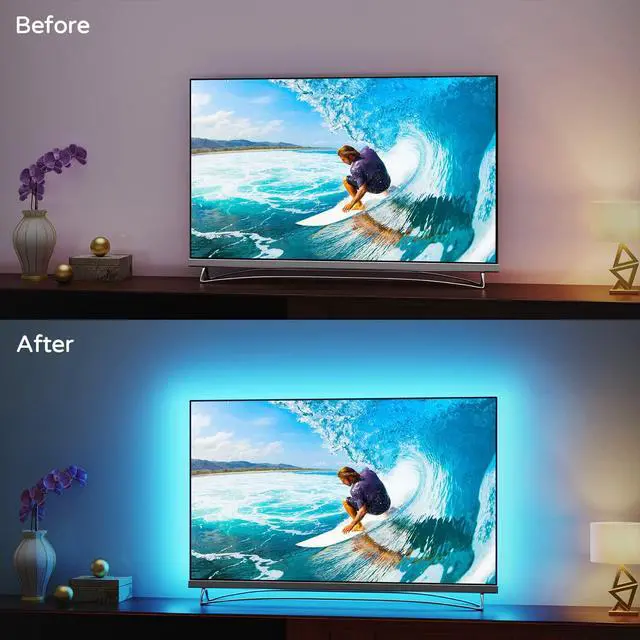
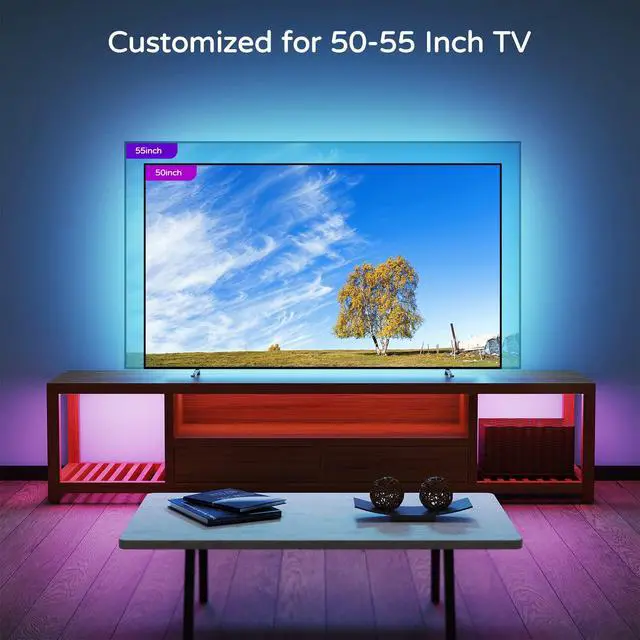
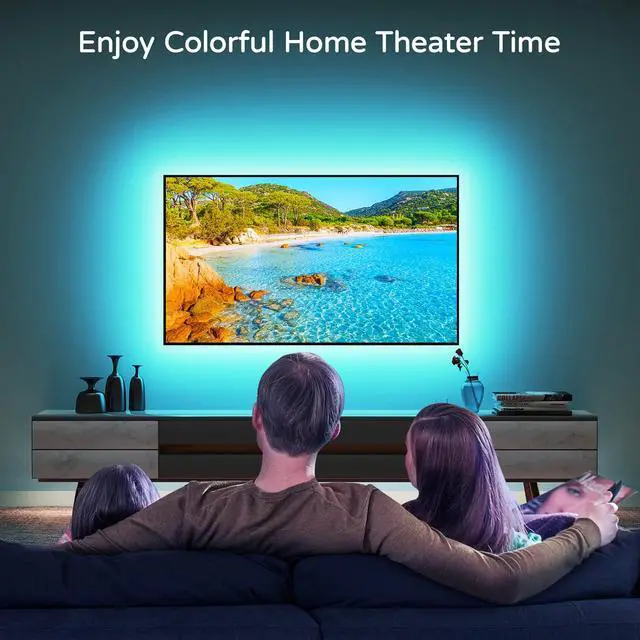
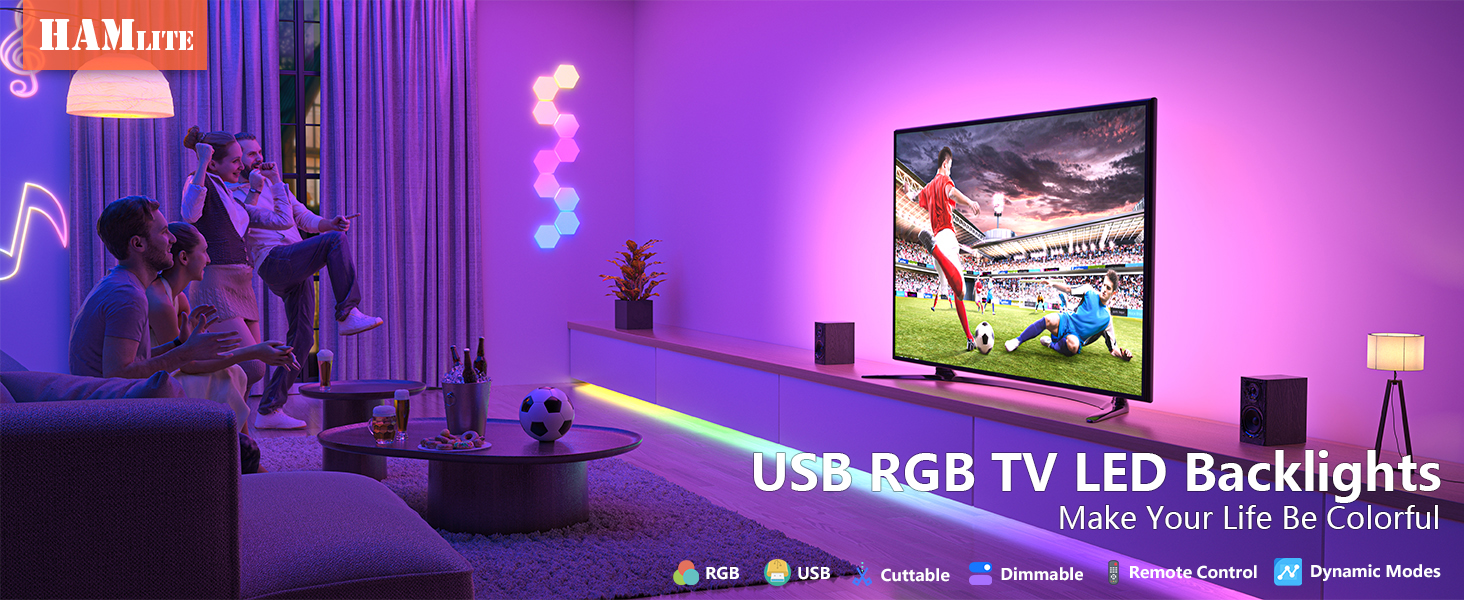
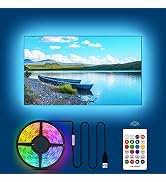
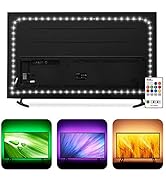
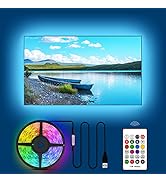
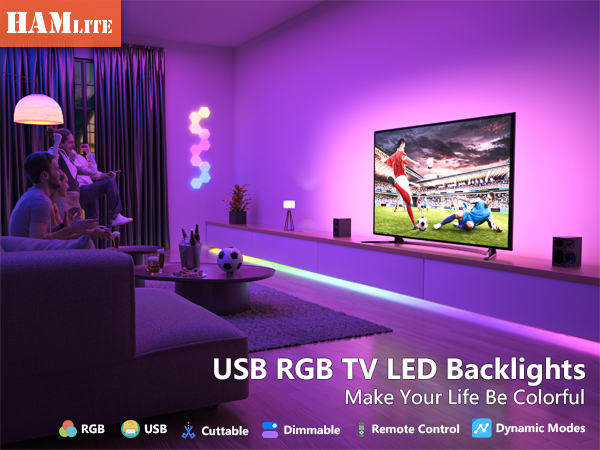
RGB TV Led Backlight provides multiple colors. Let the colors add the ambiance for your TV viewing, game playing and party time.
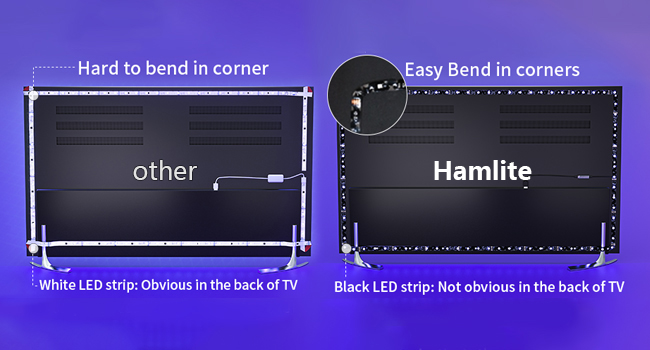
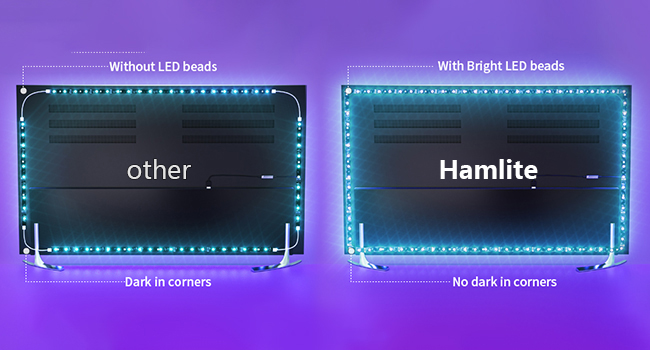
Comparision of other & HAMLITE TV led backlights
4 Easy Steps to Install
1. Test
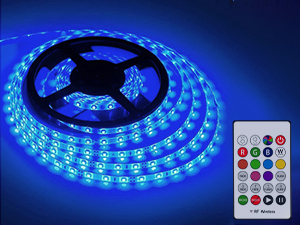
- Connect the TV backlight to phone bank.
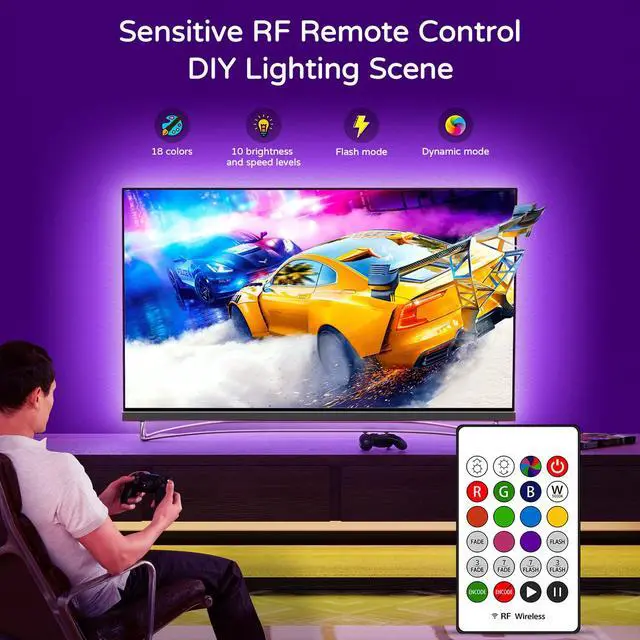
- Turn on the TV backlight & change colors via provided RF remote.
2. Clean & Dry
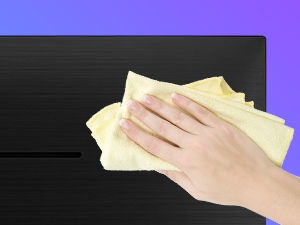
- Clean the back of TV and keep it dry for better adhension.
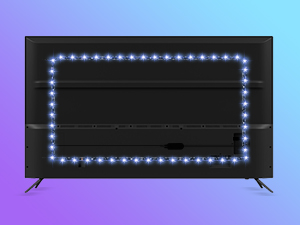
3. Plan the route & Attach
- Plan the installation route.
- Attach the led strip light
- Tip: Install the TV light 3-5 inches away from TV edgae to have better coverage.
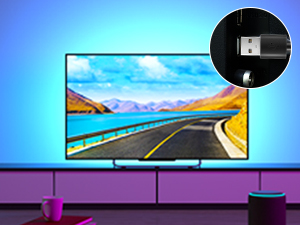
4. Plug & Enjoy
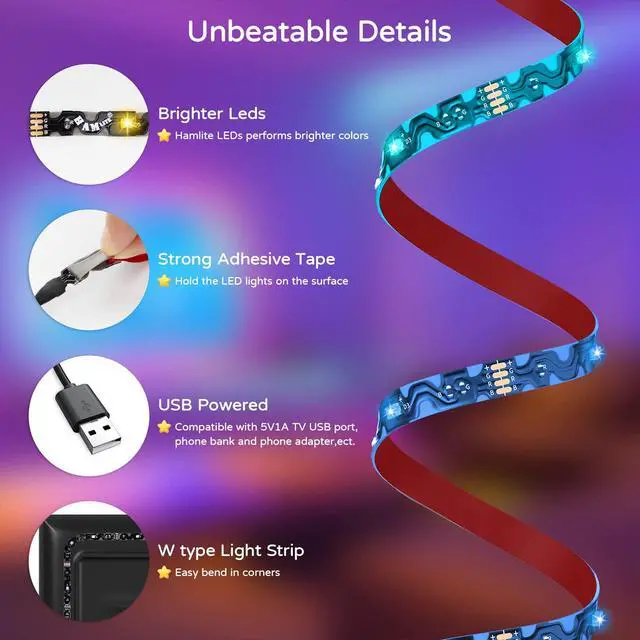
- Plug the led tv lights into TV USB port.
- Enjoy lights, Enjoy colors.

The TV backlight can't be lighted up?
1. 5V1A or higher TV USB power is required for the TV led lights working properly.
2. Connect the TV led lights to other USB powers to test that if it works well.
3. Turn on the led strip light manually via provided IR remote.
The TV led lights are not bright?
Please adjust the brightness level via the IR remote.
Any Cutting tips?
1. Plan what the length of led light strip needed to cover the TV better firstly.
2. Trim the TV backlight along the cutting line.
The TV bias lights turn on automatically after the TV is off?
1. There are still some residual current in some TV models after the TV is off. Once the TV backlight catching these current, it will turn on.
2. Please connect the TV backlight to phone bank or other USB adapter to avoid the problem.
How to pair the RF remote with TV led backlight to avoid signal interference?
-1, Unplug all TV lights you have.
-2, Plug the TV light, and long press "ENCODE" button as soon as the light strip plugged in.
-3,TV light flash once or twice, then paired.
More HAMLITE lighting solutions
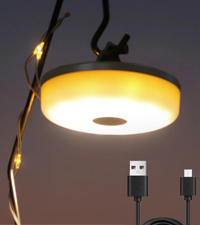 Camping String Light | 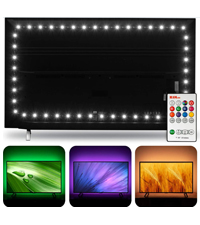 6500K White TV led lights | 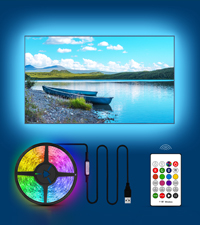 RGB led lights for tv | 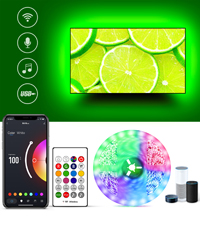 Smart WiFi TV Backlight | 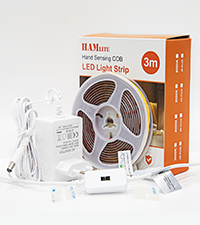 3M COB Led Strip | 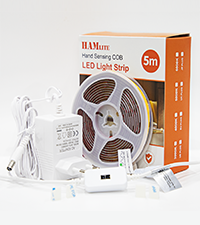 5M COB Led Strip | |
|---|---|---|---|---|---|---|
Customer Reviews | — | — | — | — | — | — |
Price | — | — | — | — | — | — |
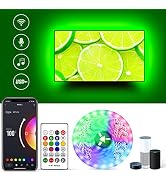
Sync to music | NO | NO | NO | YES | Hand wave activation | Hand wave activation |
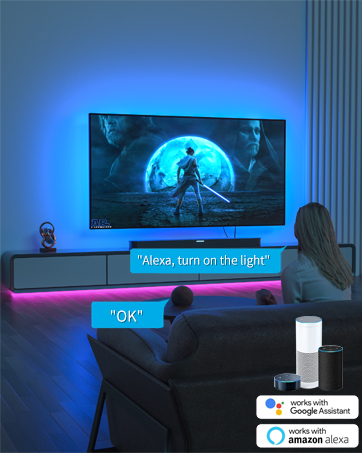
Work with Alexa | NO | NO | NO | YES | Ultra-Bright Uniform | Ultra-Bright Uniform |
Cuttable | NO | YES | YES | YES | Dimmable Light | Dimmable Light |
Power | Rechargeable | 5V1A USB powers | 5V1A USB powers | 5V1A USB powers | 24V adapter | 12V adapter |
Control ways | Button | RF remote | IR remote | Voice+app+remote+controller | Super Brights | Super Brights |
Colors | 2700K or 4000K white | RGB+6500K true white | RGB | RGB+6500K true white | 3000K warm white | 3000K warm white |
Size | 32.8 ft | 11.5ft/15ft/18ft | 8.2ft/11.5ft/15ft/18ft/21ft | 12.5ft/15ft/17.4ft/19.6ft | 16.4Ft | 9.8Ft |
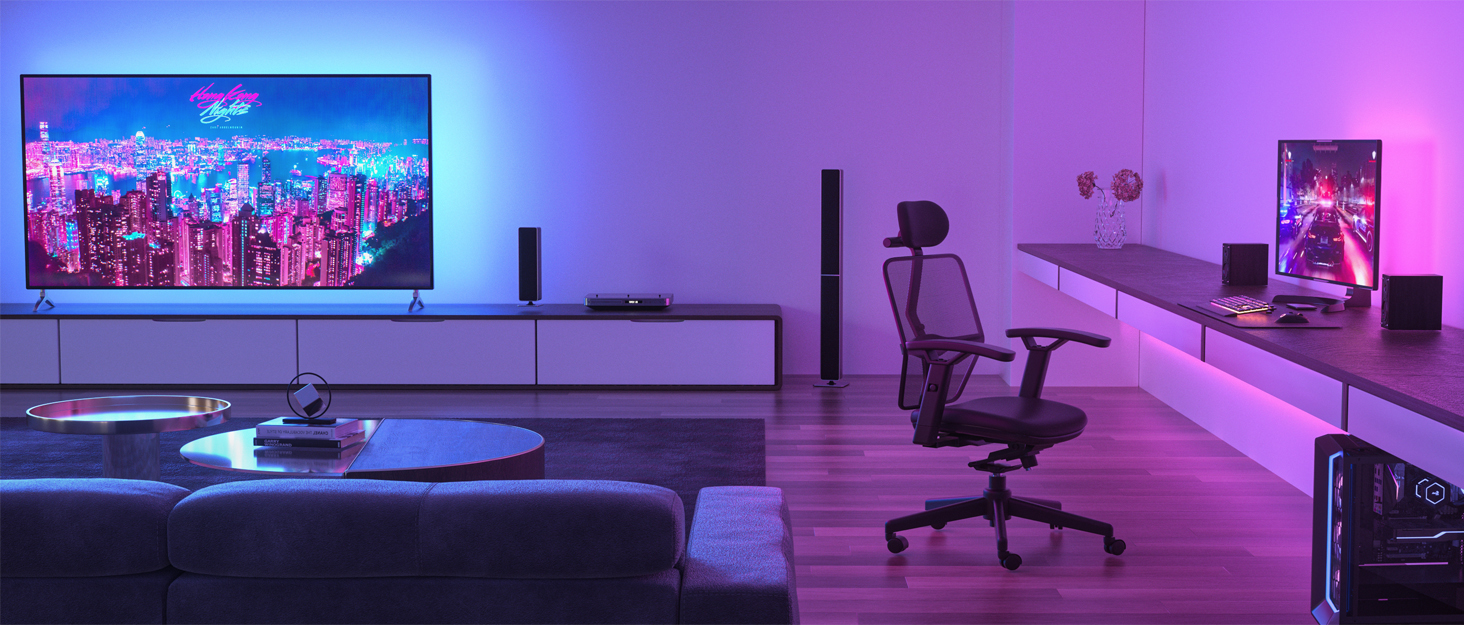

HAMLITE provides elegant & sophisticated led lighting solutions to decorate your TV, computer monitor, gaming room, bedroom, living room, etc.
Bring you a colorful home theater, wonderful gaming experience and create a unique atmosphere for the party, Christmas, New year & Halloween night.
Make your life brighter. HAMLITE LED lights are the choice of millions of worldwide customers.
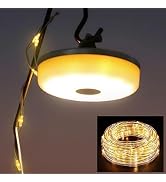
DIY Unique Lighting
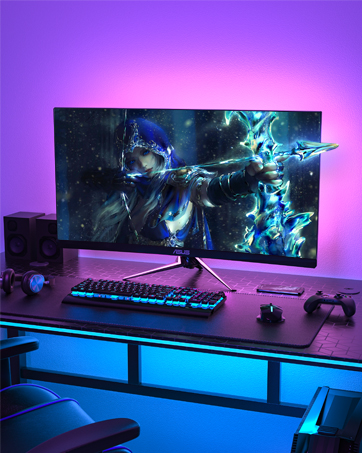
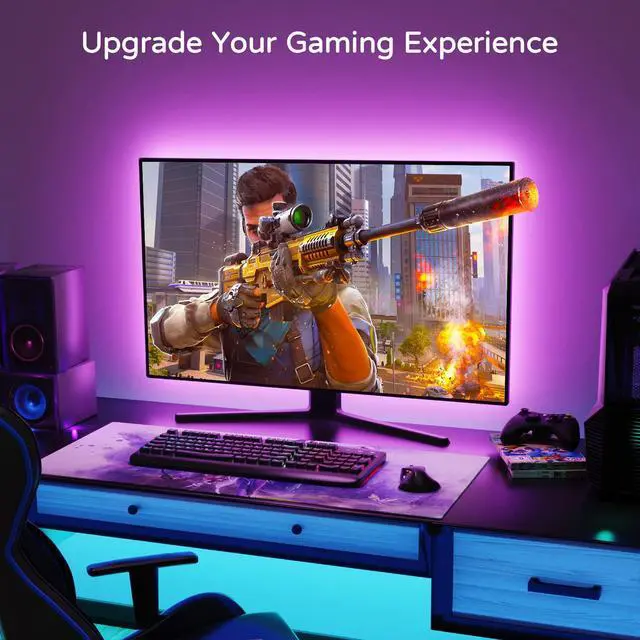
LED Light for Computer Monitor
- Perform colorful ambient lighting
- Enhance your game experience
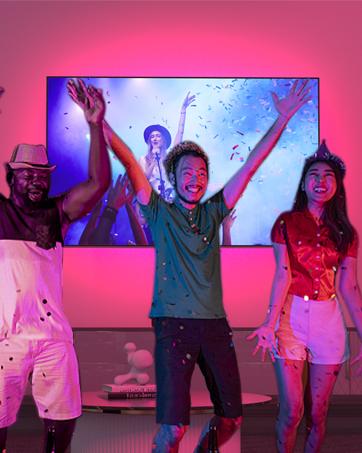
Dance to Music
- Color changing sync to the beat of music
- Add vivid colors to your party
HAMLITE provides elegant & sophisticated led lighting solutions to decorate your TV, computer monitor, gaming room, bedroom, living room, etc.
Bring you a colorful home theater, wonderful gaming experience and create a unique atmosphere for the party, Christmas, New year & Halloween night.
Make your life brighter. HAMLITE LED lights are the choice of millions of worldwide customers.
DIY Unique Lighting
LED Light for Computer Monitor
- Perform colorful ambient lighting
- Enhance your game experience
Dance to Music
- Color changing sync to the beat of music
- Add vivid colors to your party
aplus content video
RGB TV Led Backlight provides multiple colors. Let the colors add the ambiance for your TV viewing, game playing and party time.
Comparision of other & HAMLITE TV led backlights
4 Easy Steps to Install
1. Test
- Connect the TV backlight to phone bank.
- Turn on the TV backlight & change colors via provided RF remote.
2. Clean & Dry
- Clean the back of TV and keep it dry for better adhension.
3. Plan the route & Attach
- Plan the installation route.
- Attach the led strip light
- Tip: Install the TV light 3-5 inches away from TV edgae to have better coverage.
4. Plug & Enjoy
- Plug the led tv lights into TV USB port.
- Enjoy lights, Enjoy colors.

The TV backlight can't be lighted up?
1. 5V1A or higher TV USB power is required for the TV led lights working properly.
2. Connect the TV led lights to other USB powers to test that if it works well.
3. Turn on the led strip light manually via provided IR remote.
The TV led lights are not bright?
Please adjust the brightness level via the IR remote.
Any Cutting tips?
1. Plan what the length of led light strip needed to cover the TV better firstly.
2. Trim the TV backlight along the cutting line.
The TV bias lights turn on automatically after the TV is off?
1. There are still some residual current in some TV models after the TV is off. Once the TV backlight catching these current, it will turn on.
2. Please connect the TV backlight to phone bank or other USB adapter to avoid the problem.
How to pair the RF remote with TV led backlight to avoid signal interference?
-1, Unplug all TV lights you have.
-2, Plug the TV light, and long press "ENCODE" button as soon as the light strip plugged in.
-3,TV light flash once or twice, then paired.
More HAMLITE lighting solutions
Camping String Light | 6500K White TV led lights | RGB led lights for tv | Smart WiFi TV Backlight | 3M COB Led Strip | 5M COB Led Strip |
|---|---|---|---|---|---|
| Customer Reviews | |||||
| — | — | — | — | — | — |
| Price | |||||
| — | — | — | — | — | — |
| Sync to music | |||||
| NO | NO | NO | YES | Hand wave activation | Hand wave activation |
| Work with Alexa | |||||
| NO | NO | NO | YES | Ultra-Bright Uniform | Ultra-Bright Uniform |
| Cuttable | |||||
| NO | YES | YES | YES | Dimmable Light | Dimmable Light |
| Power | |||||
| Rechargeable | 5V1A USB powers | 5V1A USB powers | 5V1A USB powers | 24V adapter | 12V adapter |
| Control ways | |||||
| Button | RF remote | IR remote | Voice+app+remote+controller | Super Brights | Super Brights |
| Colors | |||||
| 2700K or 4000K white | RGB+6500K true white | RGB | RGB+6500K true white | 3000K warm white | 3000K warm white |
| Size | |||||
| 32.8 ft | 11.5ft/15ft/18ft | 8.2ft/11.5ft/15ft/18ft/21ft | 12.5ft/15ft/17.4ft/19.6ft | 16.4Ft | 9.8Ft |