

Your Browsing History
- Free 30-day Returns
$60.99
Ships from China.


Meet Your Seller

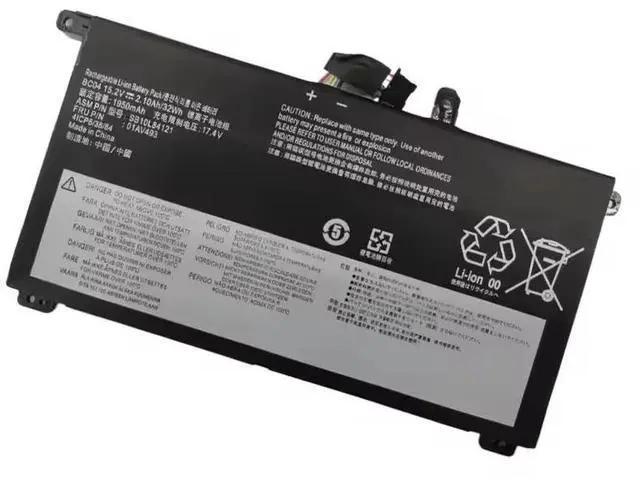
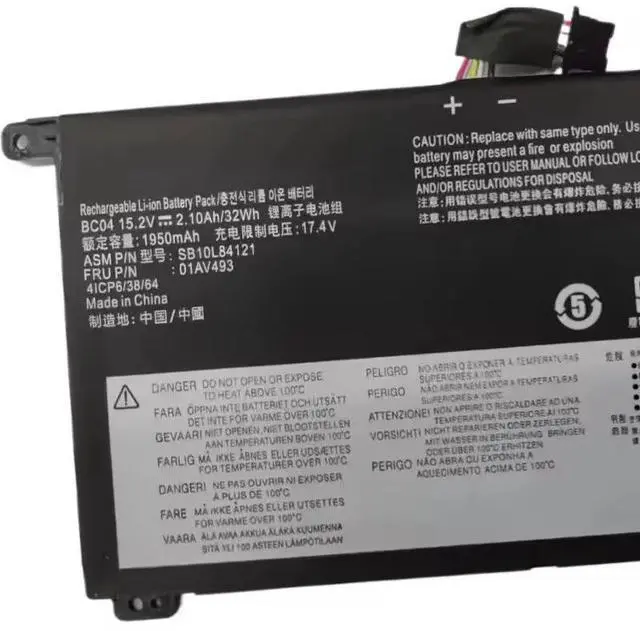


47Wh Laptop Battery L24M3P74 L24D3P77 L24C3P73 for Lenovo 300w Gen 5, 500w Gen 5, 100w Gen 5 2-in-1 | Replaces SB11M89916, 5B11M90115
- PERFECT FOR 2-IN-1 DEVICES: Specifically engineered for Lenovo 300w 2-in-1 Gen 5, 500w 2-in-1 Gen 5, and 100w Gen 5 series laptops. Please verify your original battery model before purchasing.
- DIRECT OEM REPLACEMENT: Replaces multiple Lenovo part numbers including: L24M3P74, SB11M89916, 5B11M90115, L24D3P77, L24C3P73.
- OPTIMIZED CAPACITY: Features a 47Wh / 4156mAh capacity in a compact 3-cell design, balancing performance and the sleek form factor of your 2-in-1 device.
- EASY INSTALL, BIG SAVINGS: Follow our clear guide for a straightforward DIY replacement, avoiding costly repair shop visits.
- CONFIDENCE GUARANTEED: Backed by a 30-day refund policy and a full 12-month warranty for a risk-free purchase.
+
+
Overview
Specs
Reviews

Any questions? Our AI mode will help you find out quickly.
Try me now
Revive Your Lenovo 2-in-1 Laptop's Portability!
Give your versatile Lenovo 2-in-1 the power it needs for all-day use. This brand new L24M3P74 replacement battery delivers 47Wh (4156mAh) of reliable energy at 11.31V, designed specifically for Lenovo's 300w, 500w, and 100w Gen 5 series. Enjoy extended productivity, creativity, and entertainment without being tied to an outlet. A simple, cost-effective upgrade for your convertible laptop.
Unplug Your Creativity and Productivity
Is your Lenovo convertible laptop constantly running out of battery, limiting its use as a true portable tablet or laptop? The L24M3P74 replacement battery is the solution. We've engineered this 3-cell Li-ion pack to restore the cord-free freedom that makes your 2-in-1 device so valuable. Get back to working, studying, or streaming anywhere with dependable, long-lasting power.
First, Confirm Your Compatibility (This is Crucial! )
To ensure a perfect fit, you MUST check the model number on your original battery by opening the laptop's bottom panel or checking your purchase documentation. This battery is designed for specific models.
This Battery is a Direct Replacement For These Part Numbers:
L24M3P74, SB11M89916, 5B11M90115, L24D3P77, SB11M89918, 5B11M90117, L24C3P73, SB11M89917, 5B11M90116.
Compatible Lenovo Laptop Series & Types:
Lenovo 300w 2-in-1 Gen 5 (Type 83LF, 83LG)
Lenovo 500w 2-in-1 Gen 5 (Type 83LH, 83LJ)
Lenovo 100w Gen 5 (Type 83LE, 83LD)
Technical
Battery Model: L24M3P74 (Compatible)
Battery Type: Lithium-Ion, 3-Cell
Voltage: 11.31V
Capacity: 47 Watt-hours (Wh) / 4156mAh
Color: Black
Condition: 100% Brand New
Package Includes: 1 x L24M3P74 Compatible Laptop Battery
Simple Step-by-Step Installation (General Guide):
Prepare Your Workspace: Power down the laptop, unplug the charger, and ground yourself to prevent static discharge.
Access the Battery: Carefully remove the bottom cover of your laptop by unscrewing all fasteners.
Remove the Old Battery: Locate the battery, disconnect its cable from the motherboard, and remove any screws securing it to the chassis.
Install the New Battery: Place the new L24M3P74 battery in the compartment, secure it, and firmly reconnect the cable to the motherboard.
Reassemble and Initialize: Replace the bottom cover, plug in the charger, and allow the battery to charge to 100% before first use.
For Optimal Performance & Safety:
Use the Official Charger: Always use the original Lenovo power adapter for safe and efficient charging.
Allow for Calibration: After installation, your operating system may need 2-3 full charge cycles to accurately display the remaining battery life.
Professional Help: If you are uncomfortable performing the installation yourself, seek assistance from a qualified technician.
Recycle Responsibly: Dispose of your old lithium-ion battery at a designated e-waste or battery recycling facility.
Warranty & Support:
Your satisfaction is our priority. This product is covered by a 12-month warranty against manufacturing defects. Our support team is ready to assist you with any questions about compatibility or installation.
Ready to Power Up Your 2-in-1?
Click Add to Cart to order your L24M3P74 Replacement Battery. Restore the versatility and portability you love about your Lenovo convertible laptop, and enjoy the freedom to work and play without limits.
Give your versatile Lenovo 2-in-1 the power it needs for all-day use. This brand new L24M3P74 replacement battery delivers 47Wh (4156mAh) of reliable energy at 11.31V, designed specifically for Lenovo's 300w, 500w, and 100w Gen 5 series. Enjoy extended productivity, creativity, and entertainment without being tied to an outlet. A simple, cost-effective upgrade for your convertible laptop.
Unplug Your Creativity and Productivity
Is your Lenovo convertible laptop constantly running out of battery, limiting its use as a true portable tablet or laptop? The L24M3P74 replacement battery is the solution. We've engineered this 3-cell Li-ion pack to restore the cord-free freedom that makes your 2-in-1 device so valuable. Get back to working, studying, or streaming anywhere with dependable, long-lasting power.
First, Confirm Your Compatibility (This is Crucial! )
To ensure a perfect fit, you MUST check the model number on your original battery by opening the laptop's bottom panel or checking your purchase documentation. This battery is designed for specific models.
This Battery is a Direct Replacement For These Part Numbers:
L24M3P74, SB11M89916, 5B11M90115, L24D3P77, SB11M89918, 5B11M90117, L24C3P73, SB11M89917, 5B11M90116.
Compatible Lenovo Laptop Series & Types:
Lenovo 300w 2-in-1 Gen 5 (Type 83LF, 83LG)
Lenovo 500w 2-in-1 Gen 5 (Type 83LH, 83LJ)
Lenovo 100w Gen 5 (Type 83LE, 83LD)
Technical
Specifications
:Battery Model: L24M3P74 (Compatible)
Battery Type: Lithium-Ion, 3-Cell
Voltage: 11.31V
Capacity: 47 Watt-hours (Wh) / 4156mAh
Color: Black
Condition: 100% Brand New
Package Includes: 1 x L24M3P74 Compatible Laptop Battery
Simple Step-by-Step Installation (General Guide):
Prepare Your Workspace: Power down the laptop, unplug the charger, and ground yourself to prevent static discharge.
Access the Battery: Carefully remove the bottom cover of your laptop by unscrewing all fasteners.
Remove the Old Battery: Locate the battery, disconnect its cable from the motherboard, and remove any screws securing it to the chassis.
Install the New Battery: Place the new L24M3P74 battery in the compartment, secure it, and firmly reconnect the cable to the motherboard.
Reassemble and Initialize: Replace the bottom cover, plug in the charger, and allow the battery to charge to 100% before first use.
For Optimal Performance & Safety:
Use the Official Charger: Always use the original Lenovo power adapter for safe and efficient charging.
Allow for Calibration: After installation, your operating system may need 2-3 full charge cycles to accurately display the remaining battery life.
Professional Help: If you are uncomfortable performing the installation yourself, seek assistance from a qualified technician.
Recycle Responsibly: Dispose of your old lithium-ion battery at a designated e-waste or battery recycling facility.
Warranty & Support:
Your satisfaction is our priority. This product is covered by a 12-month warranty against manufacturing defects. Our support team is ready to assist you with any questions about compatibility or installation.
Ready to Power Up Your 2-in-1?
Click Add to Cart to order your L24M3P74 Replacement Battery. Restore the versatility and portability you love about your Lenovo convertible laptop, and enjoy the freedom to work and play without limits.
Warranty & Returns
Warranty, Returns, And Additional Information
Warranty
- Please contact the Seller directly for warranty information. Warranty information may also be found on the Manufacturer's website.
- CONTACT
Return Policies
- Return for refund within: 30 days
- Return for replacement within: 30 days
- This item is covered by Ebuy limited Return Policy
Manufacturer Contact Info
- For a directory of all our manufacturers, please click below.
- Manufacturers Directory
LOADING...